






ERGONOMIC WIRELESS KEYBOARD
FROM JUST 39.95
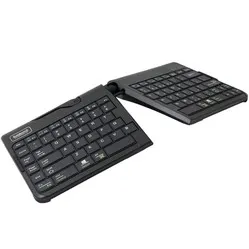
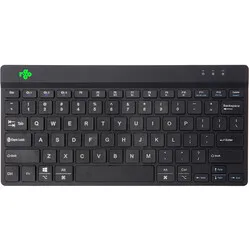
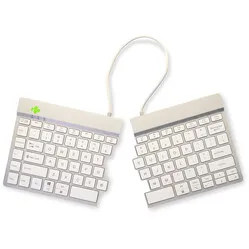
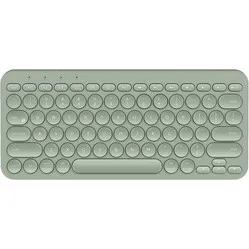
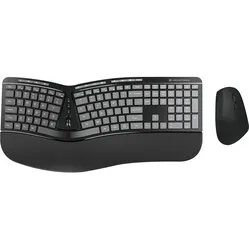
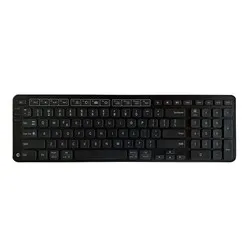
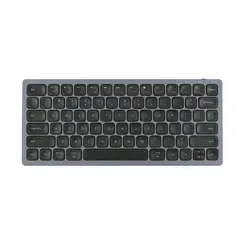
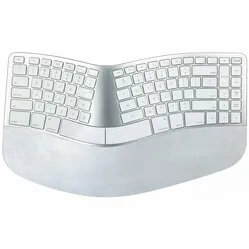
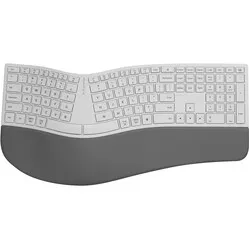
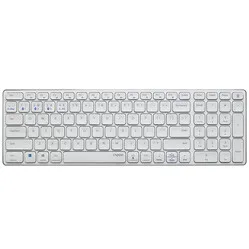
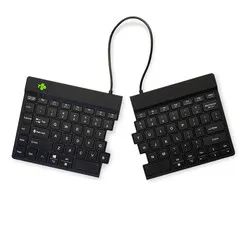
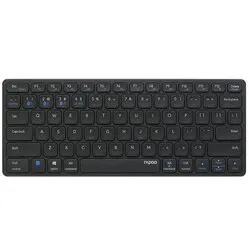
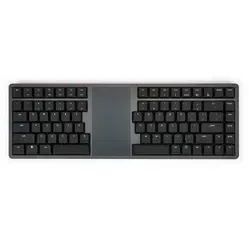
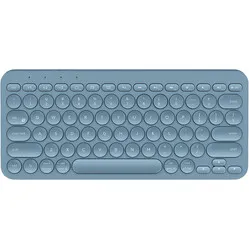
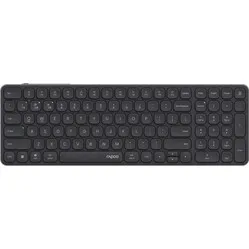
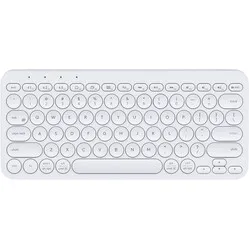
Reviews from our customers about their wireless keyboard
Choose the right connection | USB or Bluetooth
The wireless keyboards we offer can connect to your device via USB receiver, via Bluetooth, or via both. Each method has its own pros and cons. It's worth thinking about which suits you best before making a choice. Below you'll find a number of differences, advantages and disadvantages for each wireless connection method.
| Bluetooth | USB (2.4 GHz) | |
| Connection range | Bluetooth remains stable up to a distance of about 10 metres, which is more than enough for 99% of use cases. | Although a 2.4 GHz connection can reach a bit further, in practice you won't gain much from it. |
| Connection stability | Bluetooth actively switches between channels within the 2.4 GHz bandwidth to maintain a connection. This makes it more susceptible to interference. | A 2.4 GHz connection with a USB receiver uses a single channel, making it more stable. It only switches when a channel becomes unstable. |
| Power consumption | Bluetooth is kinder to your battery. | 2.4 GHz USB is a bit harder on your battery. |
| Multiple connections possible | A Bluetooth device can pair with multiple devices. Ideal if you want to switch between your phone, laptop and desktop, for example. | You need the keyboard's receiver to connect it. So if you want to switch between devices, you'll have to move the receiver to a different device. |
| Device compatibility | Any device with Bluetooth can connect to a Bluetooth keyboard — phones, tablets, laptops, you name it. | A 2.4 GHz USB receiver has to be plugged into a USB port on your device. This makes it less suitable for smaller devices without ports, such as phones, tablets, and some modern laptops. |
| Game ready! | As a gamer, you want your computer to respond to your keyboard (and mouse) as fast as possible. That's where the polling rate matters — and it's lower with a Bluetooth connection. | 2.4 GHz connections can achieve a polling rate of up to 1000 Hz, which is perfect for gamers. The keyboard sends data to your computer at high frequency, so it reacts quickly to your inputs. |
The variety of wireless keyboards
There are all kinds of reasons to choose a wireless keyboard. One of the most common is simply the absence of a cable cluttering up your desk. Another might be that you want to take it with you and a cable takes up too much space in your bag.
Once you've decided "I want a wireless keyboard", a few more choices follow. Think about the connection type — Bluetooth, USB, or both, as discussed above. Are you planning to take it everywhere? Then go for a compact model that fits in your bag. Also consider the battery situation. A rechargeable battery is extremely convenient, but does lose some capacity after a few years. Replaceable batteries need to be kept on hand, but deliver the same performance every time.
Bluetooth, USB receiver or both
Bluetooth
Which receiver?
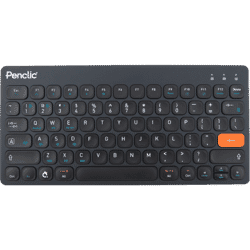
With a Bluetooth connection, you don't need a receiver to connect your wireless keyboard to a device. If your computer, laptop, phone or tablet has Bluetooth, you can connect directly. An added bonus is that many Bluetooth keyboards can pair with multiple devices at once — making it easy to switch between your laptop and phone, for example.
More and more modern laptops are being released with just one or no USB ports at all, making a Bluetooth keyboard or mouse the natural choice.
USB receiver
Always works
.png)
A USB receiver picks up the wireless signal from your keyboard and passes it on to your device. You do need to plug it into the device you're working on. The advantage is that your wireless device works straight away — no need to set up a connection in your computer's settings like you would with Bluetooth.
One significant downside is the risk of losing the receiver. Not every manufacturer can supply replacement receivers, which could render your wireless keyboard unusable if it goes missing.
Bluetooth and USB receiver
Suitable for everyone
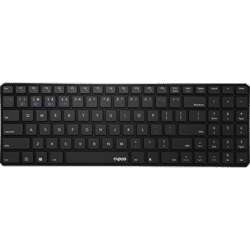
If both wireless connection methods have their own benefits, why not offer both on a single product?
Fortunately, that option exists! We carry a selection of keyboards that let you choose between a Bluetooth and USB receiver connection — meaning you can switch between up to 4 devices in total.
Compact & portable or Full-size & complete
Compact & portable
Wherever you go, it goes
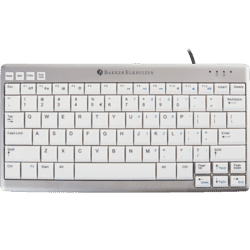
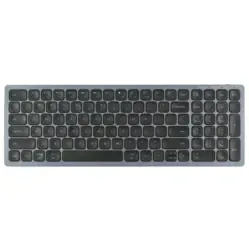
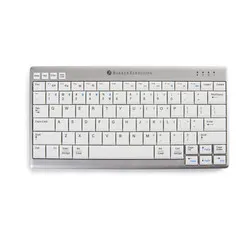
Looking for a wireless keyboard that's easy to take with you? Then you'll want a nice compact and slim model. Compact doesn't mean all the keys are crammed together — it simply means there's no numeric keypad. The arrow keys and function keys like Page Up and Page Down are also laid out differently to save space.
These changes result in a keyboard that's smaller, lighter, and more travel-friendly. For those who stay at their desk, it's also a great option — a compact wireless keyboard centres your posture and is gentler on your shoulders.
Full-size and complete
The bulky all-rounder
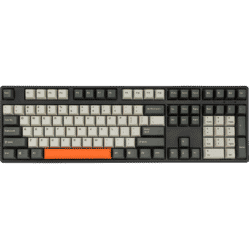
A full-size wireless keyboard can feel indispensable for certain tasks. While we're not fans of its footprint (your mouse ends up very far away), we completely understand the appeal. A numeric keypad right where it's always been means maximum productivity — the same goes for the extra function and arrow keys you can find blindfolded.
That makes this type of keyboard ideal for tasks in Excel or other applications where a lot of data needs to be entered manually. It's bigger and bulkier, but it rarely needs to go anywhere other than your desk.
Rechargeable battery or replaceable batteries
Rechargeable battery
Just plug it in!
.png)
If your keyboard is wireless, a battery comes with the territory. More and more manufacturers are equipping their latest products with integrated, rechargeable batteries — incredibly convenient, as you only need to plug in a cable to charge it.
Since the end of 2024, only USB-C connectors are permitted for charging, meaning you'll always have a compatible cable nearby to top up your keyboard.
Replaceable batteries
Fresh power on demand
.png?profile=diversiteit-cat)
AA or AAA batteries are becoming a rarity in the world of wireless keyboards. They're not ideal if your keyboard drains the last drop of power and you don't have a spare on hand — NOOO. That said, do bear in mind that a fresh battery delivers consistent performance every time, which can't always be said for a rechargeable battery that's 2–3 years old.
And if you drop the old batteries off at a recycling point, you can be sure they'll be reused to the fullest.