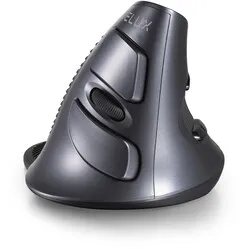
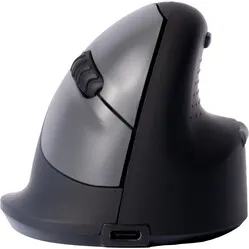
Which size fits your hand?
Measure your hand as shown in the image and choose your size using the table below:
| Size | Width | Length |
|---|
| Any hand size | suitable | suitable |
Pens on your screen
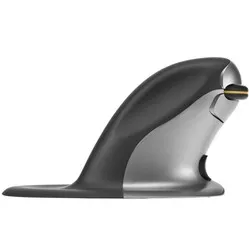
Behold, a pen as a computer mouse. Thanks to your intensive 'penning' during your school years, the Penclic will feel old and familiar. With this pen, you don't even have to lean over your work to check if anything useful comes from your movements. Just lean back, look ahead, and get writing.
Why the wireless Penclic 3 mouse?
Penclic uses a shape that is familiar to everyone: the pen. As a result, little to no acclimatisation is needed. The familiar pen grip ensures that your hand, wrist, and arm are in a natural position. A major advantage is that, thanks to its symmetrical design, the mouse can be operated with both hands. This allows you to distribute the workload and prevent complaints such as RSI.
The Penclic works the same as a traditional mouse. You move the cursor by moving it across the desk. Just like a pen, you can hold the mouse lightly. This reduces muscle tension.
There are 3 buttons on the mouse, excluding the DPI button on the underside of the mouse. The three settings available are 800, 1200, and 1600 DPI. Furthermore, a rechargeable battery and charger are included. When fully charged, the battery lasts for approximately one month with everyday use.
The Penclic is easy to connect. You just need to plug the wireless USB receiver into your laptop or computer, and you can start using it. The range is more than 5 metres. It works with Windows XP and newer, Mac OSX 10.1 and newer, and Linux.
This is what makes an ergonomic mouse so good
Ergonomic mice can do the same as traditional mice. However, they are specially designed to prevent and counteract complaints. This is achieved by choosing a design that forces the arm into a natural posture. Furthermore, clever features are often used to reduce tension in the hand. This way, you work more relaxed and prevent complaints.
Get the most out of it
The Penclic mouse feels familiar. Switching to this mouse is therefore as easy as changing your writing implements. Creative work on the computer, thanks to the pen shape of the mouse, is almost as smooth as on paper. The Penclic is therefore ideal for working in Photoshop, Illustrator, and CAD programmes.
Don't miss this either
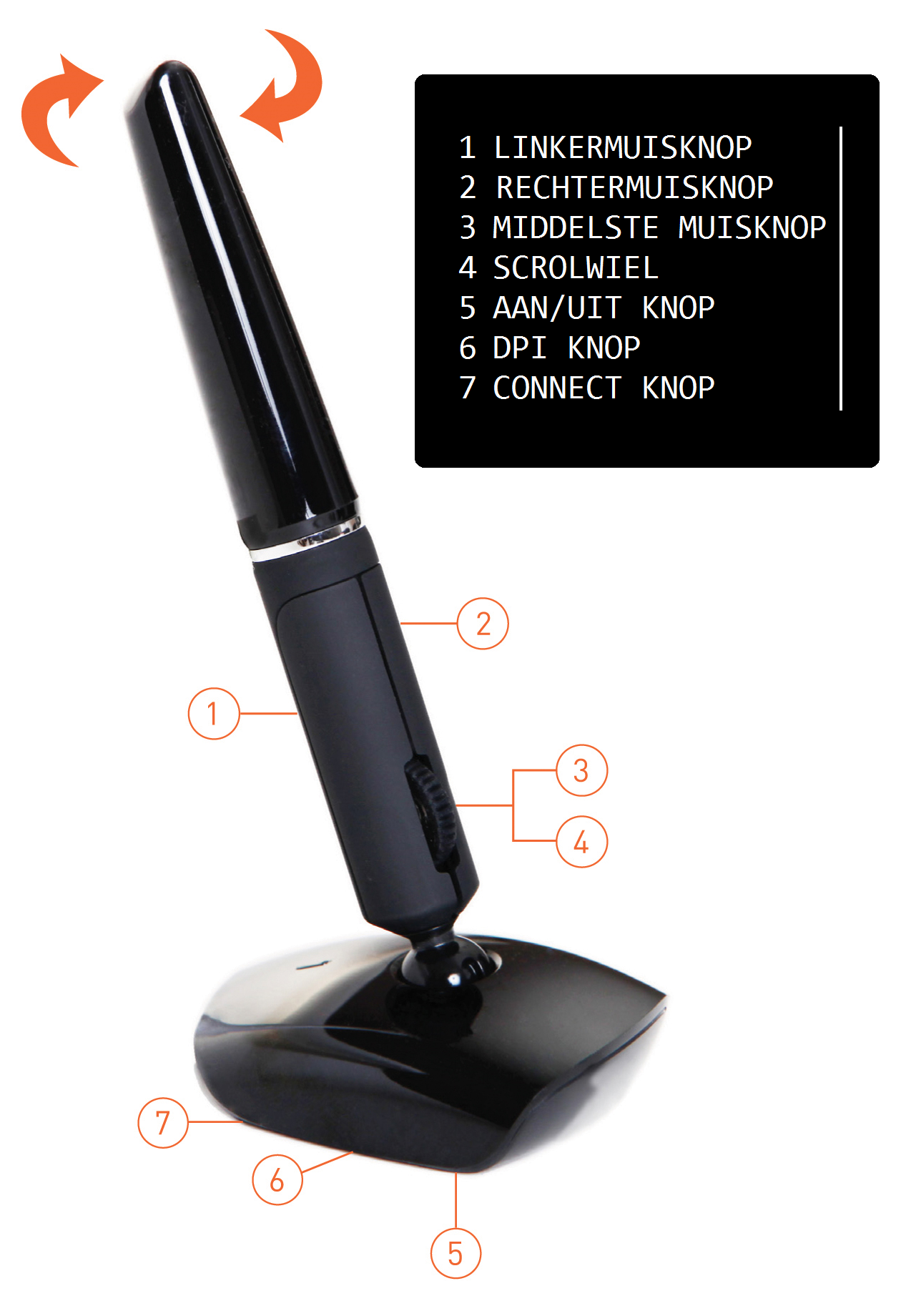
"How exactly do I operate the mouse?"
The mouse works the same as other mice. Just like with most mice, you need to move the Penclic across the desk to move the cursor.
"Can the Penclic also be operated with the left hand?"
Yes. The mouse is symmetrically designed so that it can be operated with both hands.
"Can I still exchange the mouse if I don't like it?"
Absolutely. At ergowerken, you can always return your purchase free of charge within 30 days. We will then see if there is a good alternative that you prefer to work with. It is also possible to get your purchase amount back.