







Stel hier je vraag over dit product
Penclic D3 ergonomic mouse wired


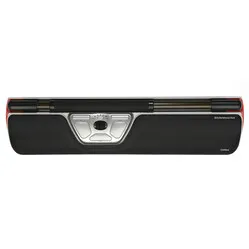
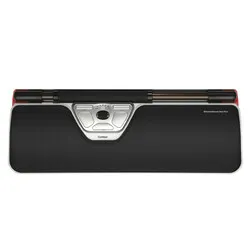
Product description of Penclic D3 ergonomic mouse wired
Penclic D3 wired ergonomic mouse
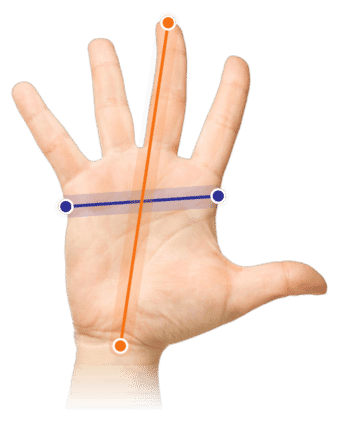
Which size fits your hand?
Measure your hand as shown in the image and choose your size using the table below:
| Size | Width | Length |
|---|---|---|
| Any hand size | suitable | suitable |
Description
The computer pen
First, answer this question for yourself: Which tool did you use most before the computer mouse took its place? Our answer is, in any case; the pen. So, think about it. A pen as a computer mouse. A computer pen, then. Genius, right?
Why the Penclic 3 mouse?
The pen shape was used for the design of the Penclic mouse for a good reason. It's a familiar posture, meaning adaptation is hardly, if at all, necessary. Furthermore, the Penclic places your arm in a natural position, reducing tension in the wrist, arm, and shoulder. This mouse, like a pen, can also be operated with both hands. This allows you to distribute the workload. You therefore work more relaxed and longer without discomfort.
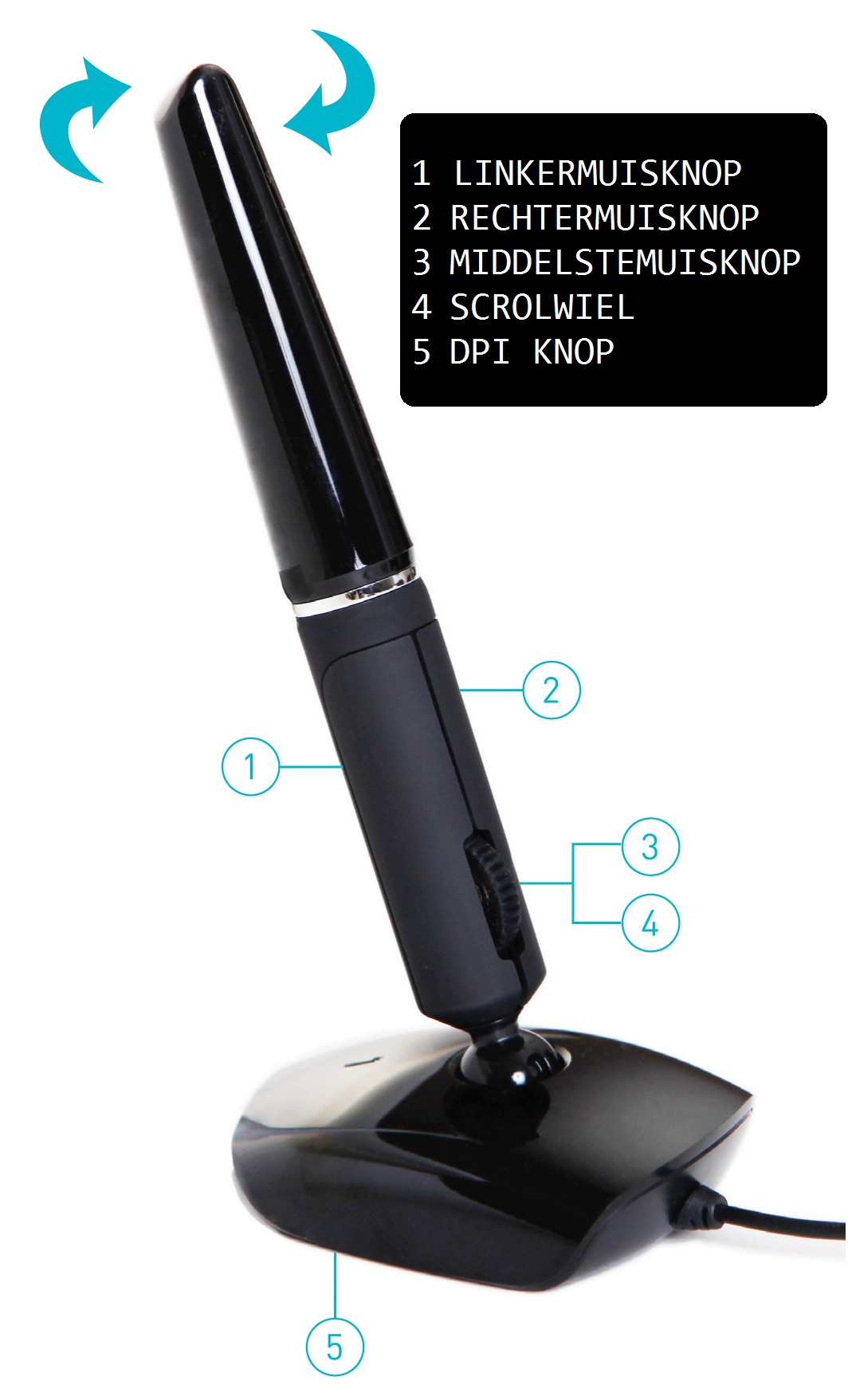
Usage is as you would expect. You move the cursor by moving the mouse across your desk. You don't need to grip or squeeze the mouse. You only need to hold it lightly. This avoids muscle tension.
The mouse has 3 buttons. The settings on the Penclic are 800, 1200, and 1600 DPI. The DPI can be easily changed with a button on the underside of the mouse. Connecting it is also very easy. It works plug and play. This means you only need to connect the mouse to the computer via a USB cable, and you can start immediately. The cable is 1.6 metres long, providing enough length to work freely.
The mouse works on Windows XP and newer, Mac OSX 10.1 and newer, and Linux.
This is what makes an ergonomic mouse so good
Traditional mice often cause complaints such as RSI. Ergonomic mice are designed to prevent and counteract these complaints. The mouse, with its shape, ensures a natural posture for the hand, wrist, and arm. This reduces muscle tension, allowing you to work longer without discomfort.
Get the most out of it
The Penclic mouse feels familiar. Switching to this mouse is therefore as easy as changing your writing tools. Creative work on the computer, thanks to the pen shape of the mouse, is almost as smooth as on paper. The Penclic is therefore ideal for working in Photoshop, Illustrator, and CAD programmes.
Don't miss this either
This product is good for
wrist - arm - shoulder
The ergonomic shape of the Penclic 3 mouse ensures a natural posture for the wrist, arm, and shoulder, reducing muscle tension.
Pros and Cons
- Familiar "pen grip"
- Works very accurately
- Can be used left- and right-handed
- Less suitable for 6+ hours of use
Brief specifications
| Warranty | 2 years |
| Ergonomic design | |
| Usage | Left- and right-handed |
| Number of buttons | 3 |
| Plug & play | Yes |
| view all specifications |
Product features
- Prevents RSI complaints
- Ergonomic design
- Symmetrical design
- Adjustable DPI for various tasks
What's in the box?
- Wired mouse
- Manual
- Technical specifications
- Protective case
Downloads
Frequently asked questions
Specifications
| Item number | ERGO-MI073 |
| Brand | Penclic |
| Warranty | 2 years |
| Type of guarantee | Ergowerken free warranty return service |
| Colour | Black |
| Ergonomic design | |
| Management | Optical |
| Left- or right-handed | Left- and right-handed |
| Hand length | Suitable for any hand size |
| Hand width | Suitable for any hand size |
| Operation | Buttons and scroll wheel |
| Included receiver | not applicable |
| Bluetooth | not applicable |
| USB port | |
| USB version | 2.0 |
| Number of buttons | 5 buttons and a scroll wheel |
| On/off button | not applicable |
| Adjustable buttons | |
| Scroll wheel | |
| Trackball | |
| Adjustable sensitivity | |
| Sensitivity | 800/1200/1600 dpi |
| Type of power supply | Wire, length 1.60m |
| Battery type | not applicable |
| Rechargeable | not applicable |
| Minimum system requirements | Mac OS X v10.5, Mac OS X v10.6, Mac OS X v10.7, Mac OS X v10.8, Mac OS X v10.9, Mac OS X v10.10, Mac OS X v10.11, Windows XP, Windows Vista, Windows 7, Windows 8, Windows 10 |
| Plug and play | |
| Dimensions length x width x height | 65 x 45 x 142 millimetres |
| Product weight | 61 grams with wire |