Stel hier je vraag over dit product
Minicute EZMouse2 wireless left-handed





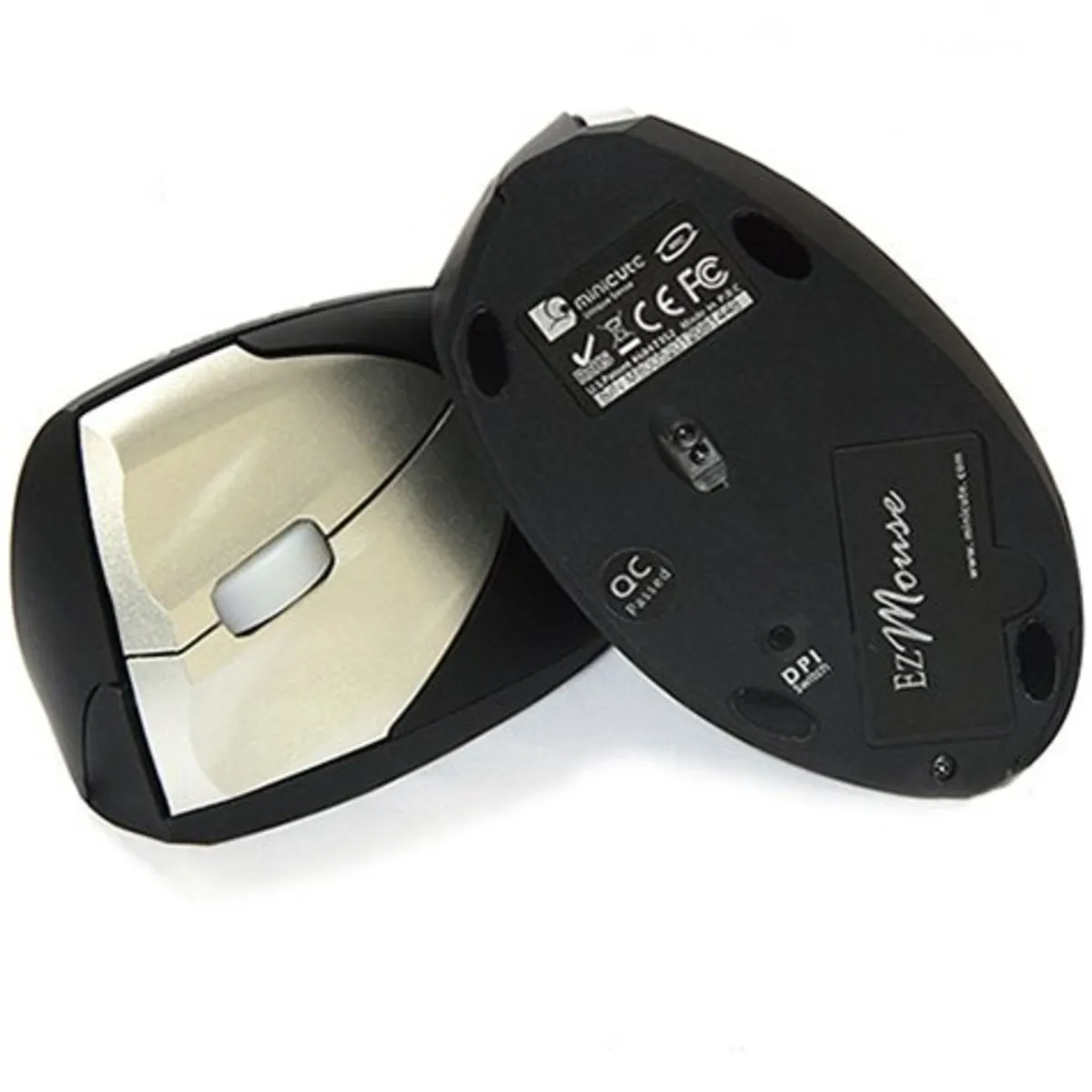


Product description of Minicute EZMouse2 wireless left-handed
Which size fits your hand?
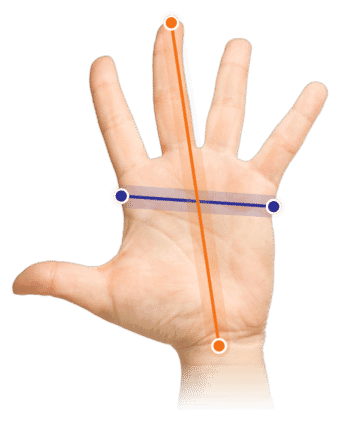
Measure your hand as shown in the image and choose your size using the table below:
| Size | Hand width | Hand length |
|---|---|---|
| One size | 70 - 87 mm | 160 - 210 mm |
An ode to the Minicute
A friend to your wrist
Its name isn't the only friendly thing about it. The Minicute also has a design that you won't easily fall out with. It takes good care of both your wrist and your fingers. It brings a certain relaxation that you may not have experienced for a long time.
Why the Minicute EZMouse2 wireless?
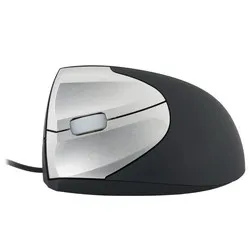
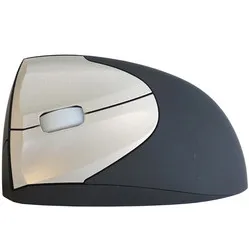
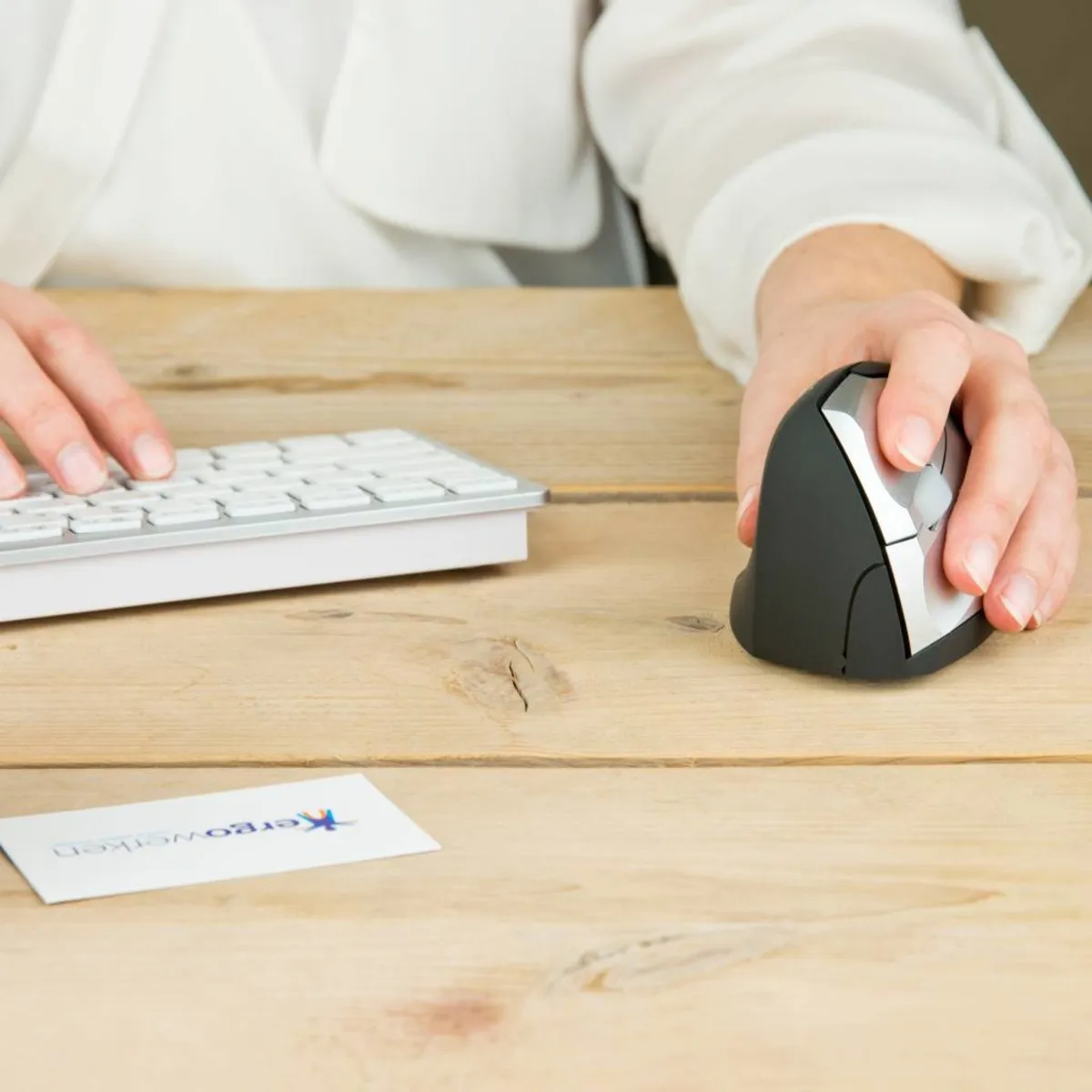
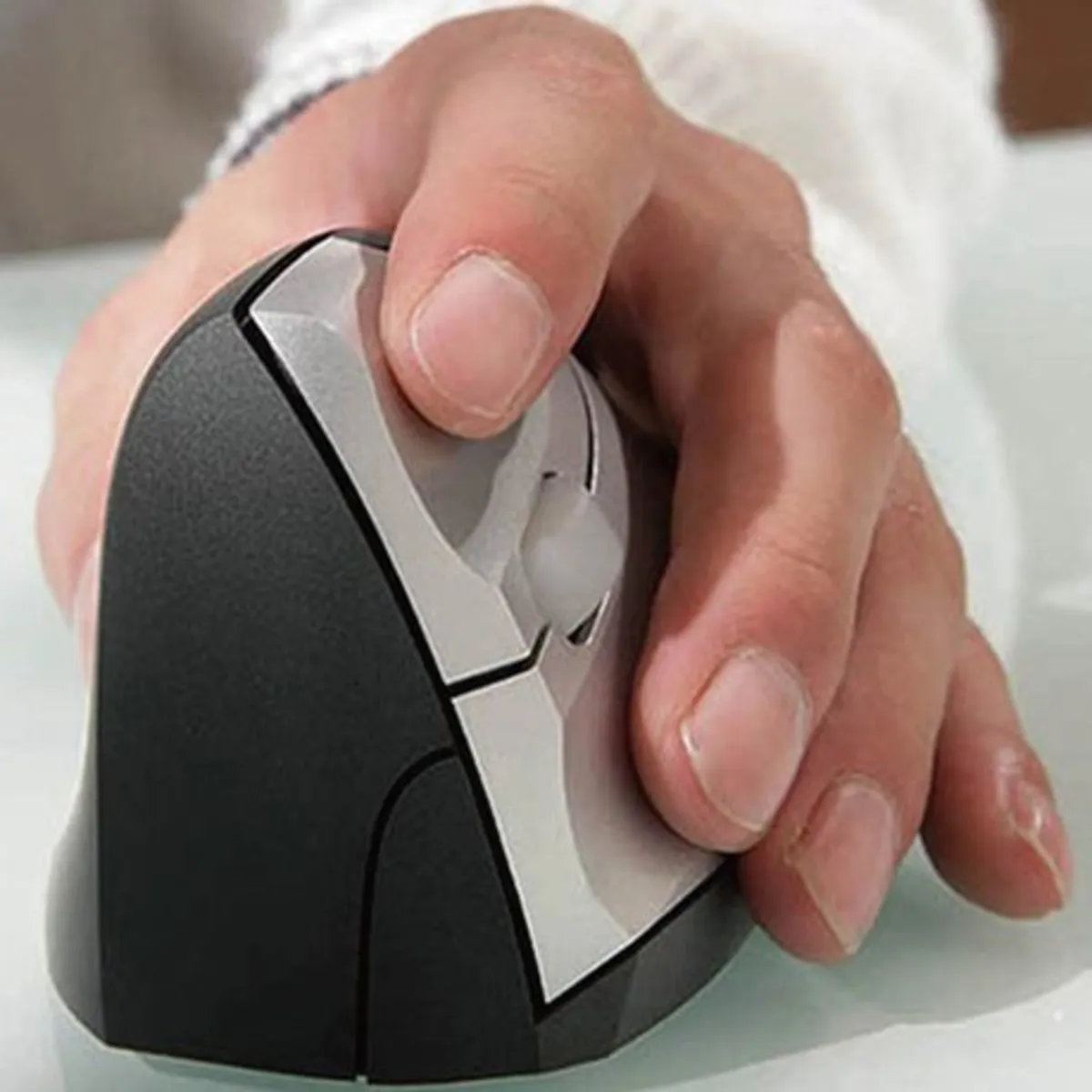
The Minicute mouse is a finely shaped mouse designed to provide relaxation for your fingers, wrist, and arm. Something traditional 'flat' mice cannot do. The vertical design of the mouse, also known as the 'handshake' design, places the hand, wrist, and arm in a more natural position.
The wireless Minicute has been designed with healthy working and the prevention of RSI complaints in mind. There is less pressure on the various muscles, allowing you to work more relaxed. Just let your arms hang by your sides, and you'll naturally see what their natural posture is.
Most of the Minicute mouse is made of rubber, which provides a good grip and feels comfortable during work. In addition to its standard buttons, it also features a 'backwards' button, allowing you to easily navigate back through different pages.
Because the Minicute is wireless, it moves freely across the desk. It gives you more freedom of movement and contributes to a comfortable working posture. You can connect the mouse to your laptop or PC using the 2.4 GHz USB dongle.
The wireless Minicute uses 2 AAA batteries. A set of new batteries will last approximately 3-4 months with normal working days. Make sure you always have a fresh set of batteries on hand. When the batteries start to run low, the scroll wheel will flash blue when in use. So you'll never truly be caught by surprise.
This is what makes an ergonomic mouse so good
The design of a traditional mouse causes your arm to twist. This way, your arm and fingers are under constant tension. An ergonomic mouse keeps your wrist off the desk, reducing pressure and stress on the nerve. This also helps prevent RSI complaints.
Get the most out of it
The wireless Minicute is a fine mouse with a sleek design. The use of rubber over almost the entire mouse provides a sense of control. Your hand won't slip, and the mouse works comfortably. Additionally, the material is wear-resistant and environmentally friendly.
The mouse is equipped with a backwards button, allowing you to easily browse through pages and documents. The other buttons have a small groove. This allows the fingers to rest naturally on the respective buttons. On the inside of the mouse, the thumb relaxes thanks to the special indentation. On top of the mouse, you'll find the semi-transparent scroll wheel, which feels pleasant and is antibacterial.
Don't miss this either
The wireless Minicute itself does not have an operating program to manage the buttons. Programs are available that do offer this support. You can find them here for Windows and Mac.
Pros and Cons
- Plug and play
- Backwards button
- Wireless
- No rechargeable battery
Brief specifications
| Warranty | 2 years |
| Ergonomic design | |
| Usage | Left-handed |
| Sensitivity | 400, 800 and 1600 DPI |
| Controls | Buttons and scroll wheel |
How happy will my body be with this?
| Hand | |
| Wrist | |
| Arm | |
| Shoulder |
Product features
- Thumb indentation
- Extra grip due to rubber use
- Left-handed wireless mouse
- Antibacterial coating on scroll wheel
- Prevents RSI complaints
- Batteries last 3-4 months
What's in the box?
- 1 x Left-handed wireless mouse
- 2 x AAA batteries
- 1 x Nano USB receiver
Frequently asked questions
Specifications
| Item number | ERGO-MI015WI |
| Brand | Minicute |
| Warranty | 2 years |
| Type of guarantee | Ergowerken free warranty return service |
| Colour | Black with silver buttons |
| Ergonomic design | |
| Management | Optical |
| Left- or right-handed | Left-handed |
| Hand length | 160 to 210 mm, measured from the top of the middle finger to the edge of the wrist |
| Hand width | 70 to 87 mm, measured on the palm, 1 cm below the four fingers |
| Operation | Buttons and scroll wheel |
| Included receiver | Yes, 2.4 GHz nano receiver |
| Bluetooth | not applicable |
| USB port | |
| USB version | 2.0/3.0 |
| Number of buttons | 4 buttons |
| On/off button | |
| Adjustable buttons | |
| Scroll wheel | |
| Trackball | |
| Adjustable sensitivity | |
| Sensitivity | 400/800/1600 dpi |
| Type of power supply | Battery |
| Battery type | AAA battery |
| Rechargeable | |
| Minimum system requirements | Mac OS X v10.5, Mac OS X v10.6, Mac OS X v10.7, Mac OS X v10.8, Mac OS X v10.9, Mac OS X v10.10, Mac OS X v10.11, Windows XP, Windows Vista, Windows 7, Windows 8, Windows 10 |
| Plug and play | |
| Dimensions length x width x height | 120 x 70 x 65 millimetres |
| Product weight | 120 grams |
Reviews Minicute EZMouse2 wireless left-handed
Customers who write a review enter a prize draw for a voucher. We pick one winner and publish all reviews, including critical ones.