Offerte aanvragen
Jouw offerte op maat, binnen 24 uur in je mailbox. Voor als je interesse hebt in aantallen. Of goedkeuring nodig hebt voor je bestelling.

Je vraagt een offerte aan voor:
Stel hier je vraag over dit product
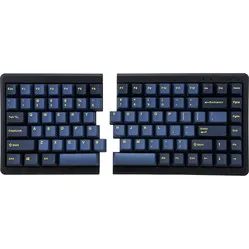
Mistel MD600 Barocco Black (Cherry MX Brown) split keyboard

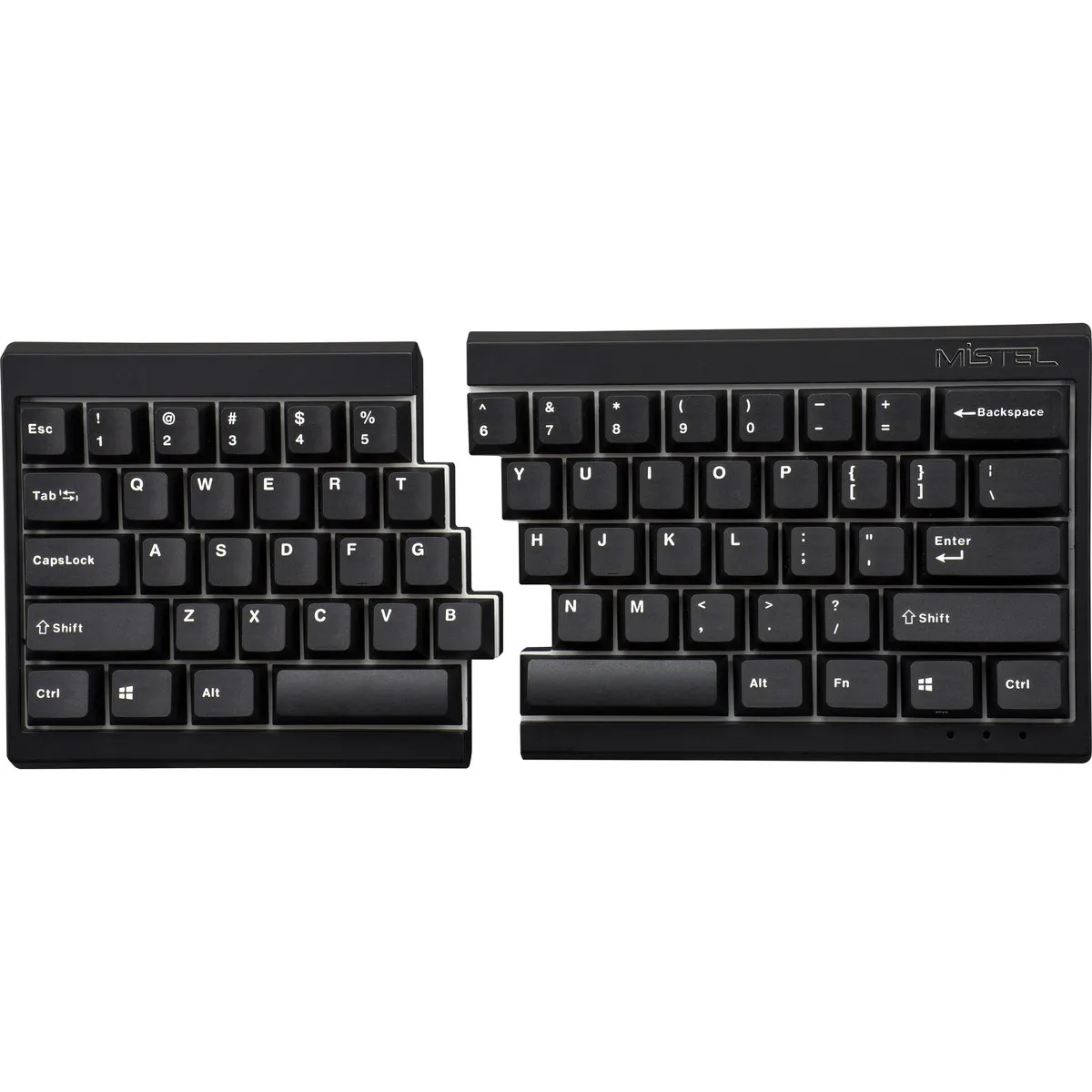
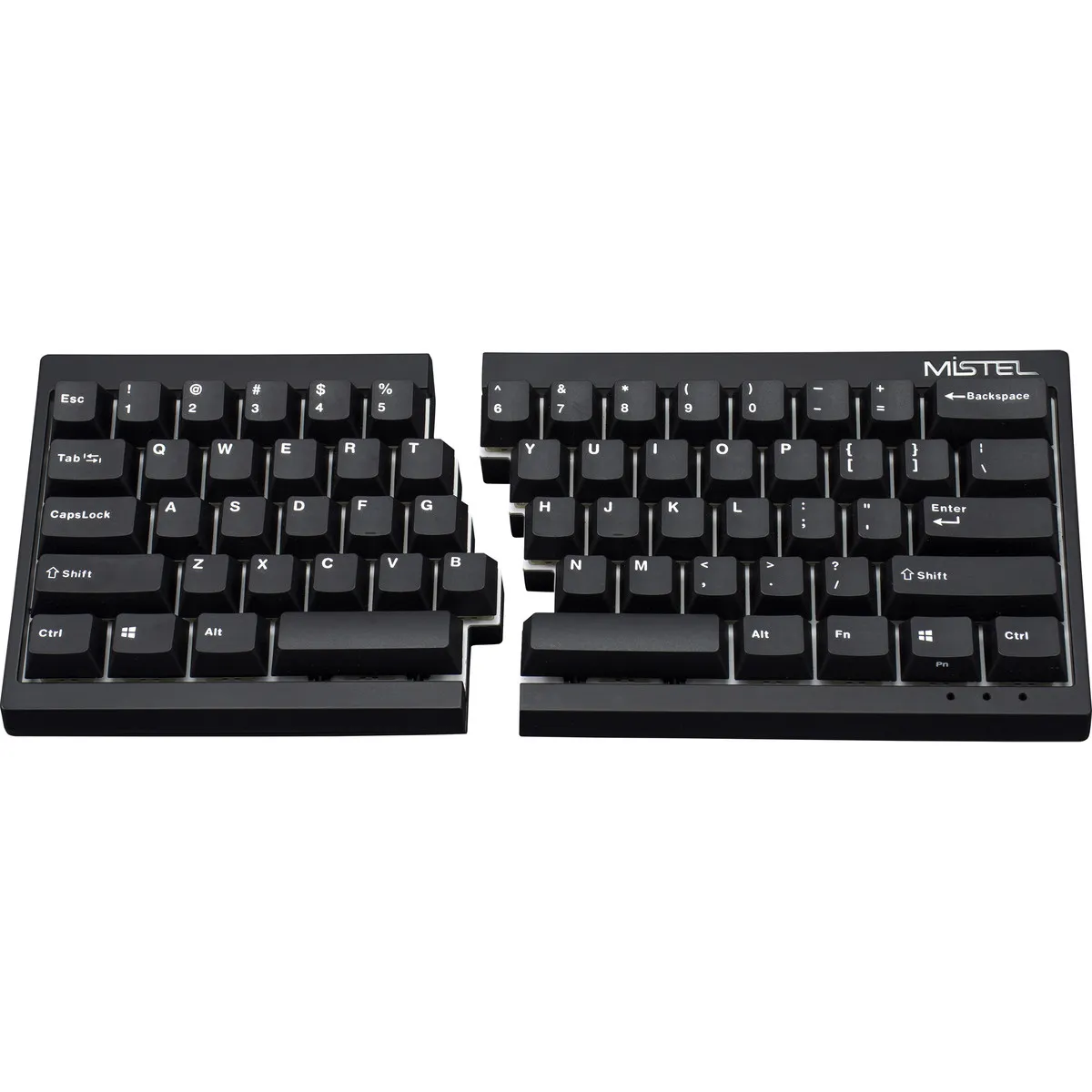
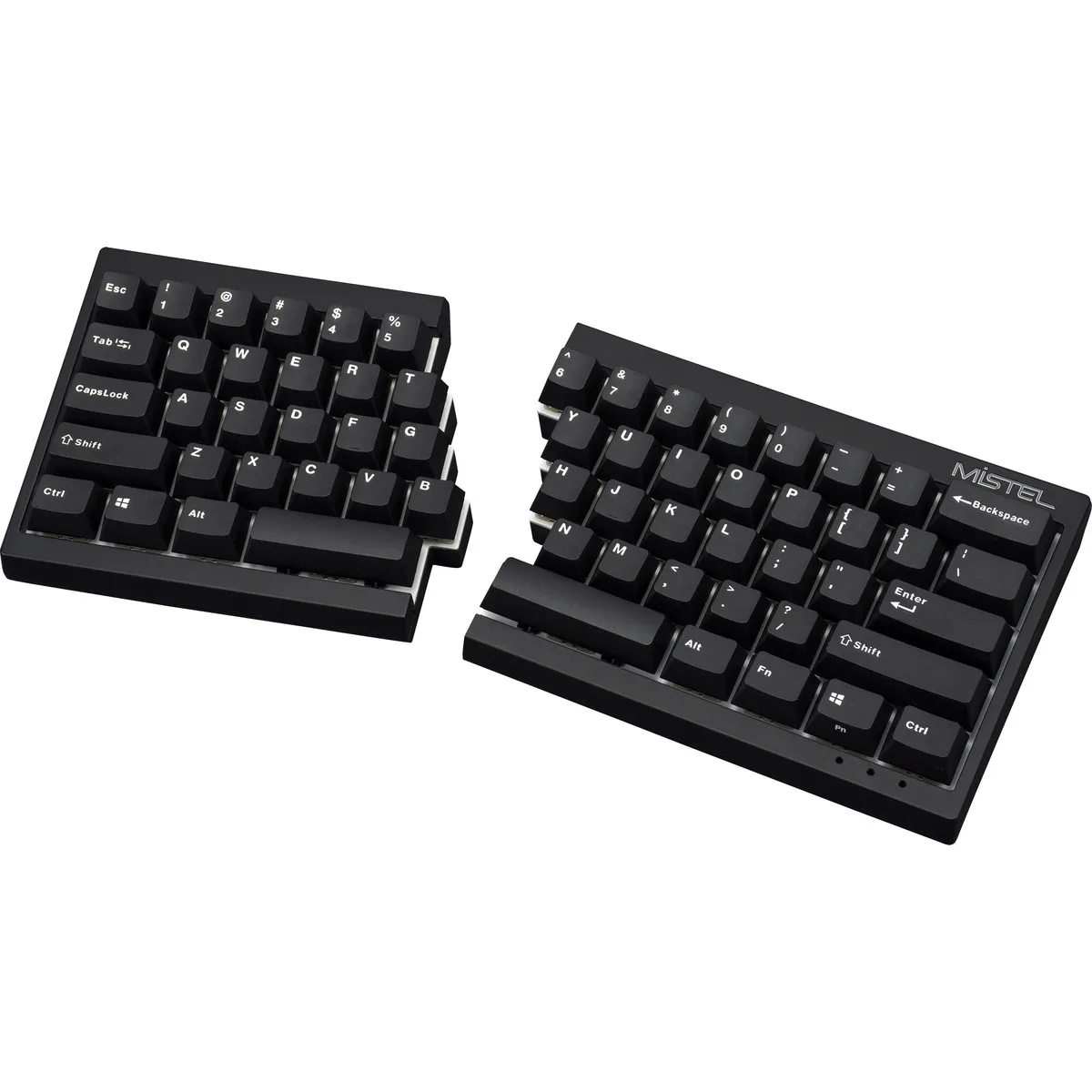
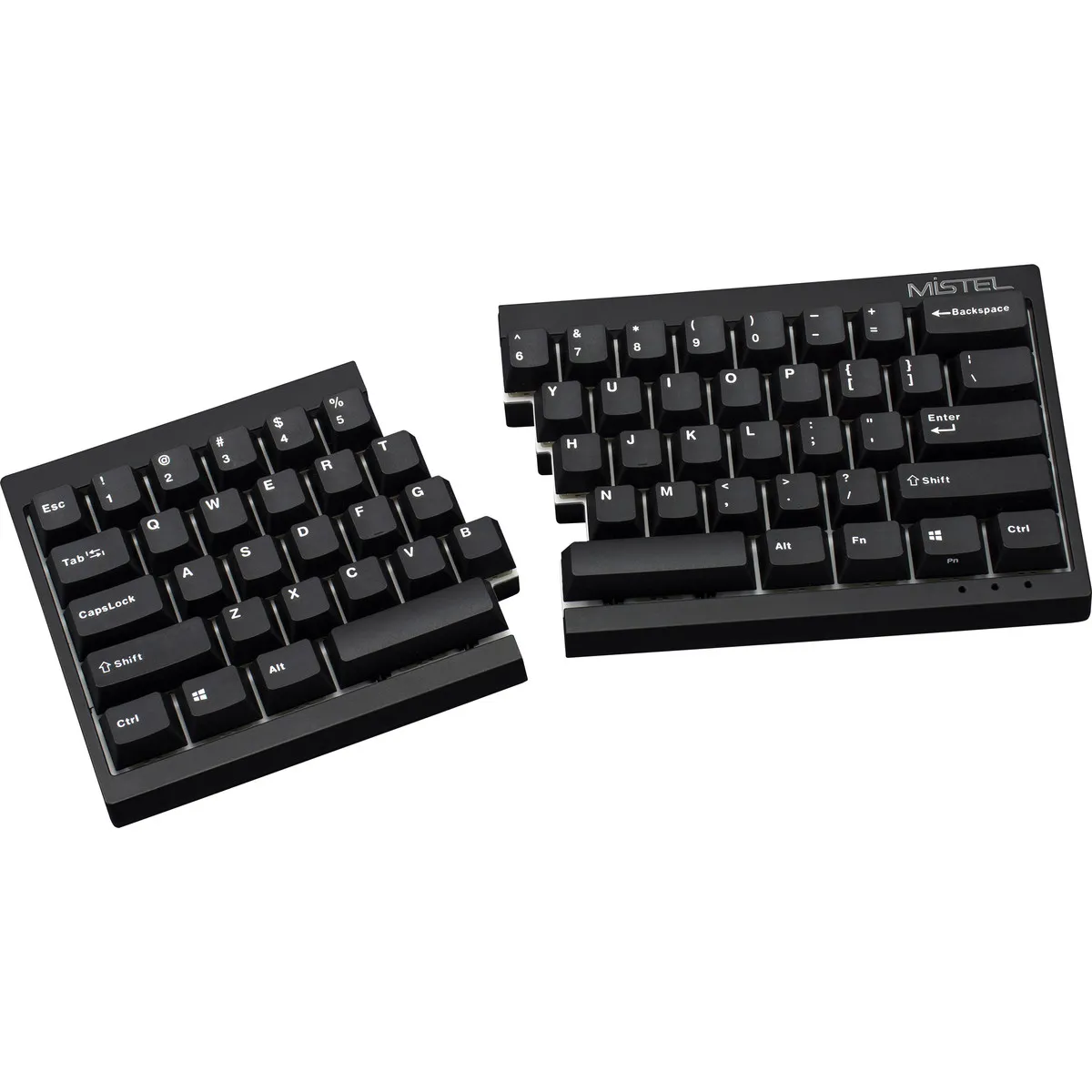
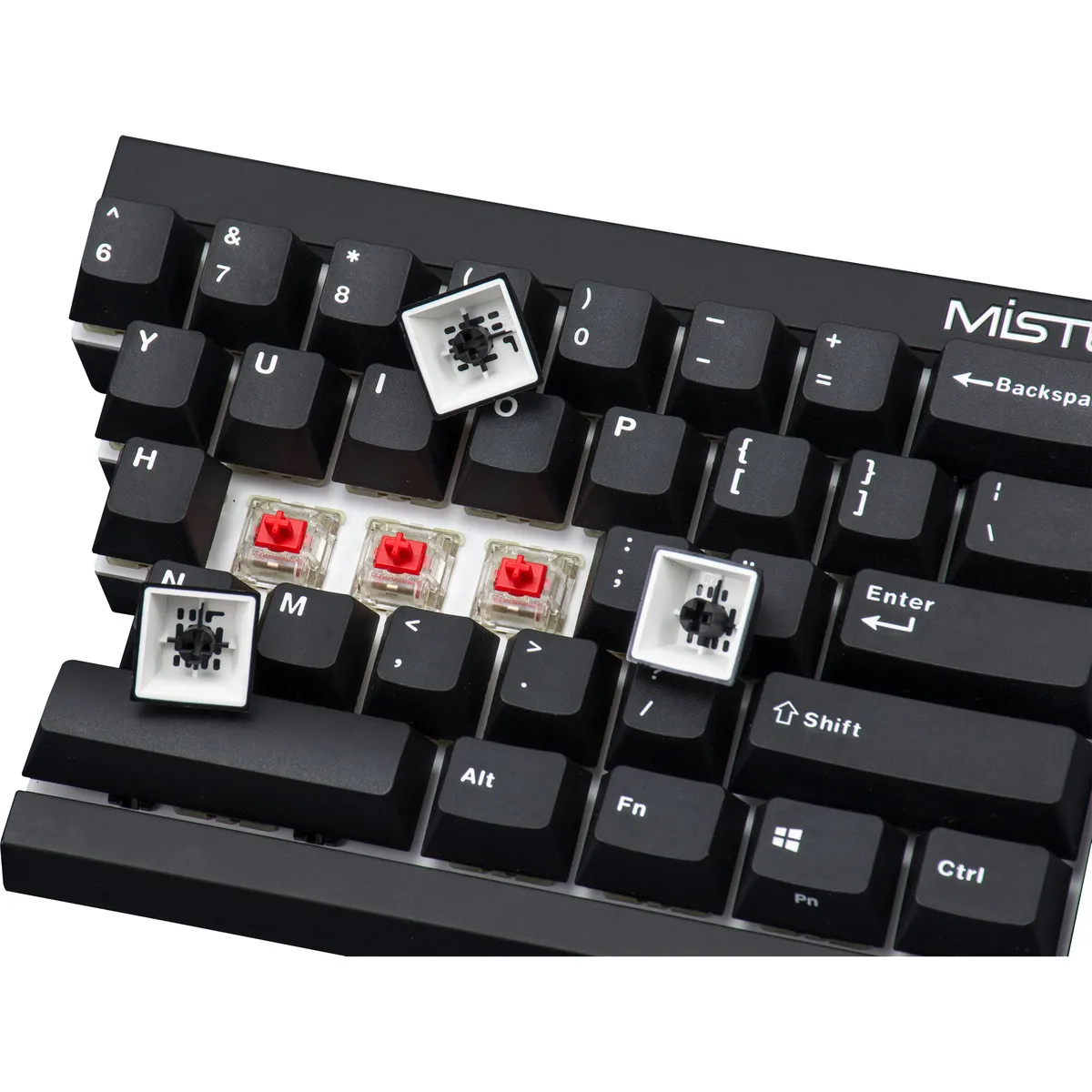
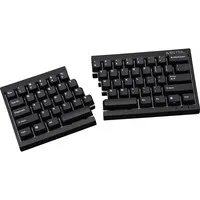
Beschrijving Mistel MD600 Barocco Black (Cherry MX Brown) split keyboard
Is this keyboard right for me?

| Width | 295 mm |
| Depth | 125 mm |
| Height | 20-29 (45) mm |
| Version | Windows |
| Key layout | QWERTY (ANSI US int.) |
| Key type | Mechanical (Cherry MX Brown) |
| Connection | Wired (USB) |
An ode to the Mistel Barocco MD600
"I pity the fool!"
The Mistel Barocco is a true powerhouse; it doesn't wear gold chains and isn't bothered by a long flight. What it does do is allow you to work ergonomically at your PC. Various layouts, programmable keys, and a quality finish ensure you can always work comfortably.
Why the Mistel Barocco MD600 split mechanical keyboard?
You don't often see 60% keyboards in the world of ergonomics. Especially not split ones. A 60% keyboard is a full keyboard from which 40% of the size has been removed. For example, there is no separate numeric keypad, and the arrow keys have also been removed.
It's not that you have to miss these keys, as they are integrated as secondary functions. You can easily access these functions using the Fn key. For example, the arrow keys are located under the 'i/j/k/l' keys.
Why a split keyboard?
A split keyboard allows you to keep your hands in line with your wrists. This means you no longer have to bend your wrists, reducing the strain on the muscles in your wrist and arm.
Split keyboards are often compact, meaning without a numeric keypad. This allows you to keep your arms within shoulder-width while typing and mousing, which reduces strain on your shoulder muscles.
Mechanical pleasure
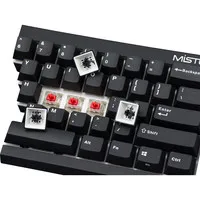
The Mistel Keyboard is equipped with Cherry MX Brown mechanical keys. Other colour switches are also available but are not kept in stock as standard. The Brown switch is also the best ergonomic choice. In terms of actuation force, at 45 grams, it is the lightest of the different variants.
It is also the quietest key in the Cherry range, making it suitable for office environments. A mechanical keyboard registers the keystroke even before you fully press the key. This allows you to work comfortably even with painful fingers.
For the demanding user
Thanks to its extensive functionalities, the Mistel MD600 keyboard is suitable for various tasks.
- Programming
- Graphic design
- Regular typing
- Gaming
If you frequently work with arrow keys and numbers, it might be less suitable.
Don't miss this either!
Endless possibilities
The Mistel Barocco MD600 keyboard is packed with features; you can adjust the layout from QWERTY to DVORAK and even COLEMAK. If you don't like a certain button in its standard location, you can program it elsewhere. You don't need special software for this, but keep the manual handy. It explains well how to program it and gives you an overview of the possibilities.
For example, you can optimise your workflow by reprogramming one of the spacebars as an Fn key. This allows you to quickly operate the secondary functions of the keyboard.
It's also useful to know that the keyboard is equipped with 3 layers. This means you can program different layouts for each layer. For example, consider a layout that is optimal for your main tasks and another layout for when you want to perform simple typing or even a special layout for a specific game.
How happy will my body be with this?
- Shoulders
- Hand
- Wrist
- Arm
Pros and cons
- Split design
- Mechanical switch
- Good for wrist, hand, and shoulders
- No arrow keys
Brief specifications
| Warranty | 2 years |
| Ergonomic design | |
| Weight | 670 grams |
| Plug & Play | |
| Colour | Black |
| view all specifications |
Product features
- Effective against RSI complaints
- QWERTY (US Layout)
- Cherry MX Brown switch
- Mechanical keyboard
- Dual shot keycaps
- Front height: 20 mm
- Rear height without feet: 29 mm
- Rear height with feet: 45 mm
- Keyboard width: 295 mm
What's in the box?
- Left side of keyboard
- Right side of keyboard
- Connection cable (USB -> USB Mini)
- Connecting cable (USB micro -> USB micro)
- Keycap puller
- Spare button and rubber feet
- Manual
Frequently asked questions
Productbundels
Specificaties
| Item number | ERGO-MD600BR |
| Manufacturer's item number | MD600 |
| Brand | Mistletoe |
| Warranty | 2 years |
| Type of guarantee | The Ergowerken free return guarantee service |
| Colour | Black |
| Keyboard type | Split keyboard |
| Ergonomic design | Yes |
| Keyboard layout | QWERTY (ANSI US int.) |
| Connection | Wired USB |
| Bluetooth | No |
| USB version | 2.0 |
| Type of keys | Mechanical |
| Numeric keypad | No |
| Shortcut keys | Yes |
| Programmable buttons | Yes |
| Trackball/touchpad | No |
| Type of power supply | Wired |
| Battery type | Not applicable |
| Rechargeable | Not applicable |
| Minimum system requirements | Windows XP and above |
| Plug and play | Yes |
| Dimensions length x width x height | Left side: 125 x 142 x 20–29 mm | Right side: 125 x 176 x 20–29 mm | Together: 125 x 295 x 20–29 mm |
| Product weight | Left half: 374 grams | Right half: 296 grams |
Reviews Mistel MD600 Barocco Black (Cherry MX Brown) split keyboard