Offerte aanvragen
Jouw offerte op maat, binnen 24 uur in je mailbox. Voor als je interesse hebt in aantallen. Of goedkeuring nodig hebt voor je bestelling.

Je vraagt een offerte aan voor:
Stel hier je vraag over dit product
Penclic R2 ergonomic mouse wireless


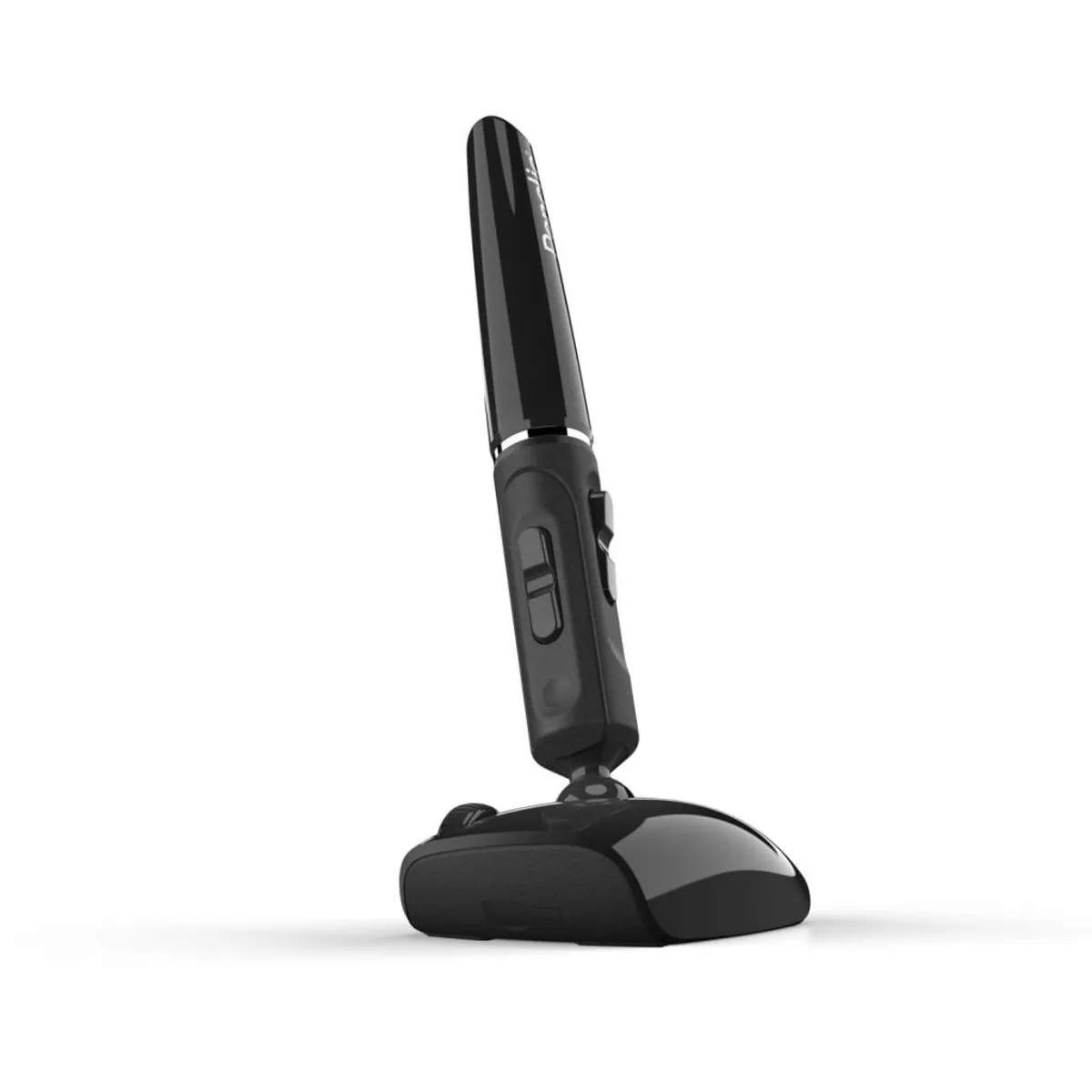
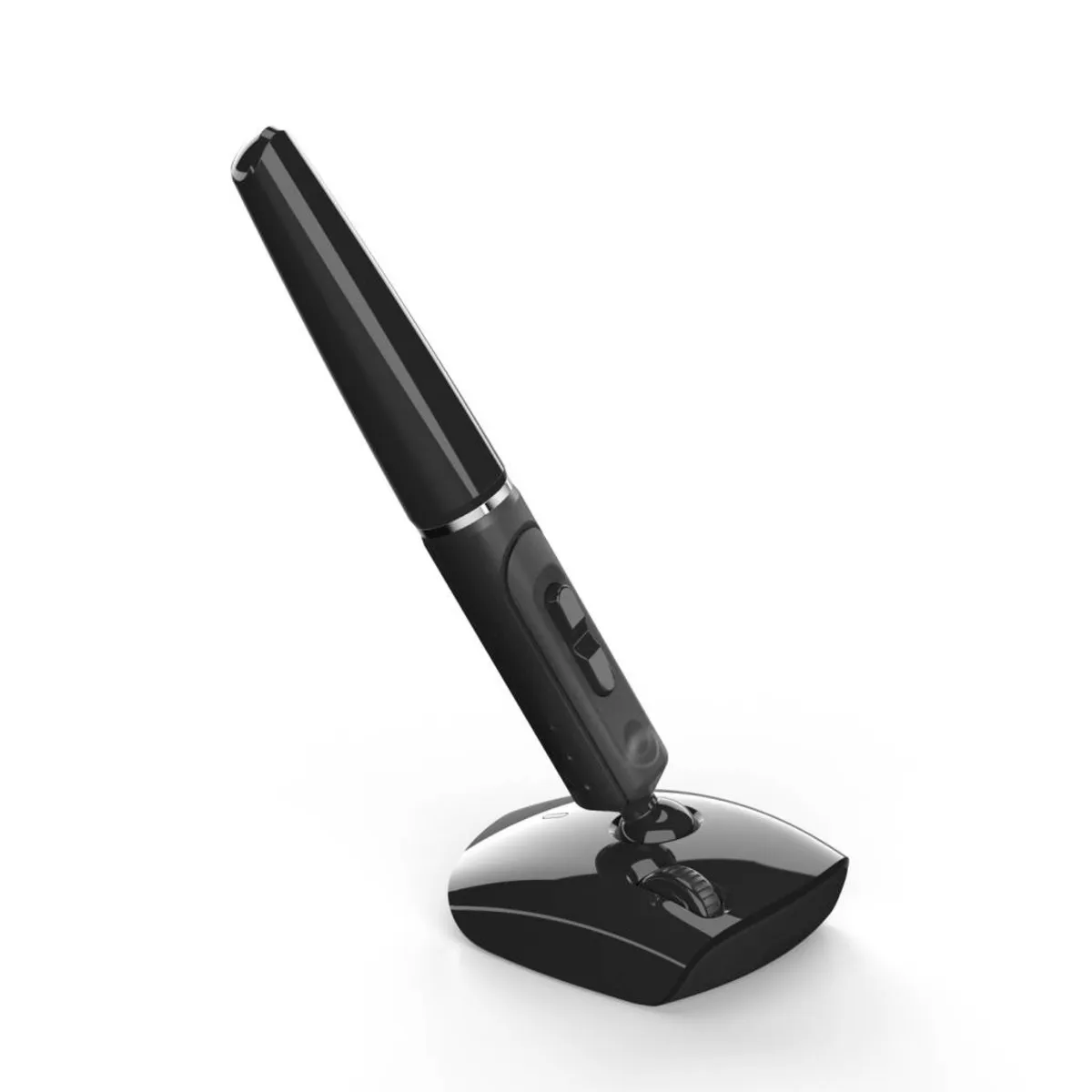
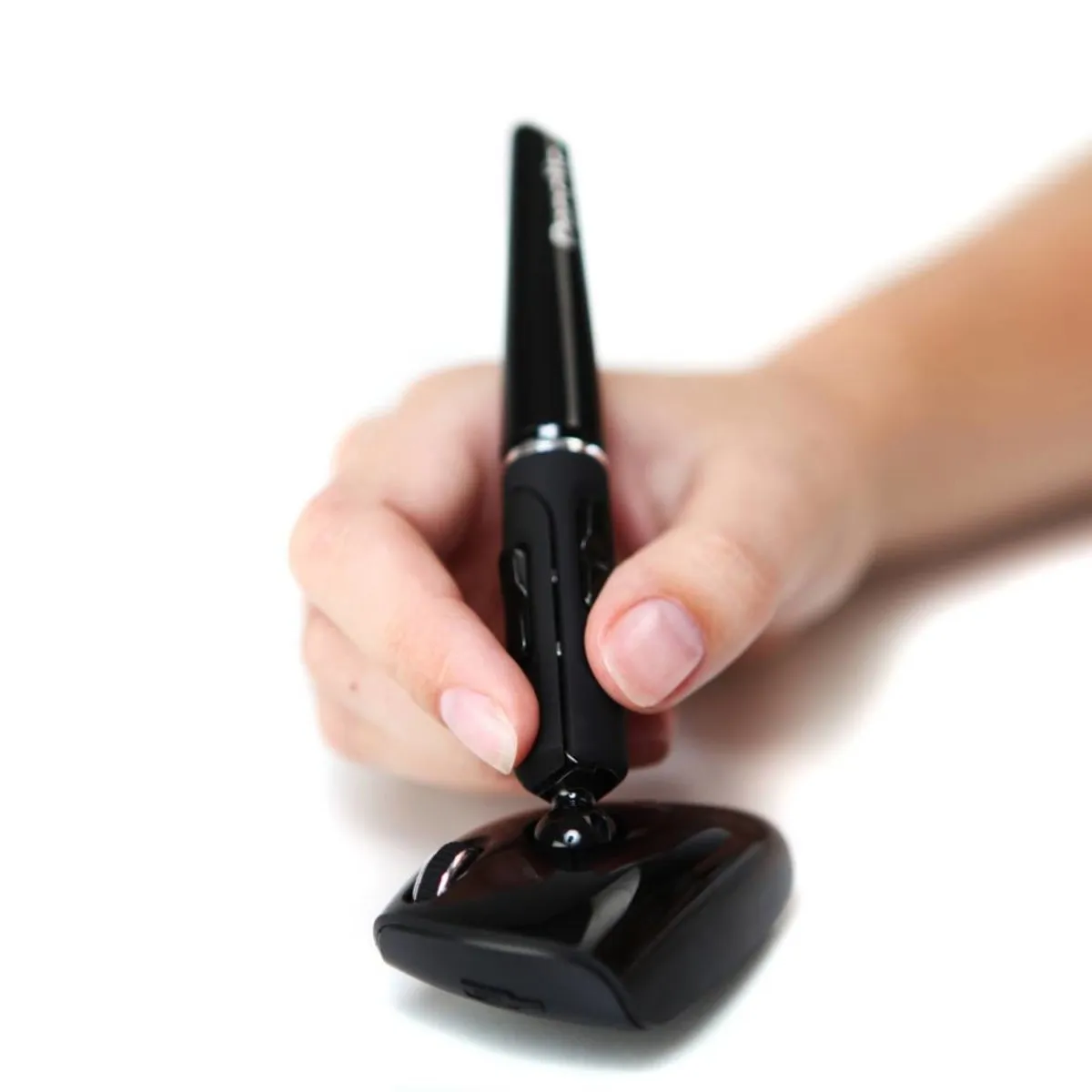
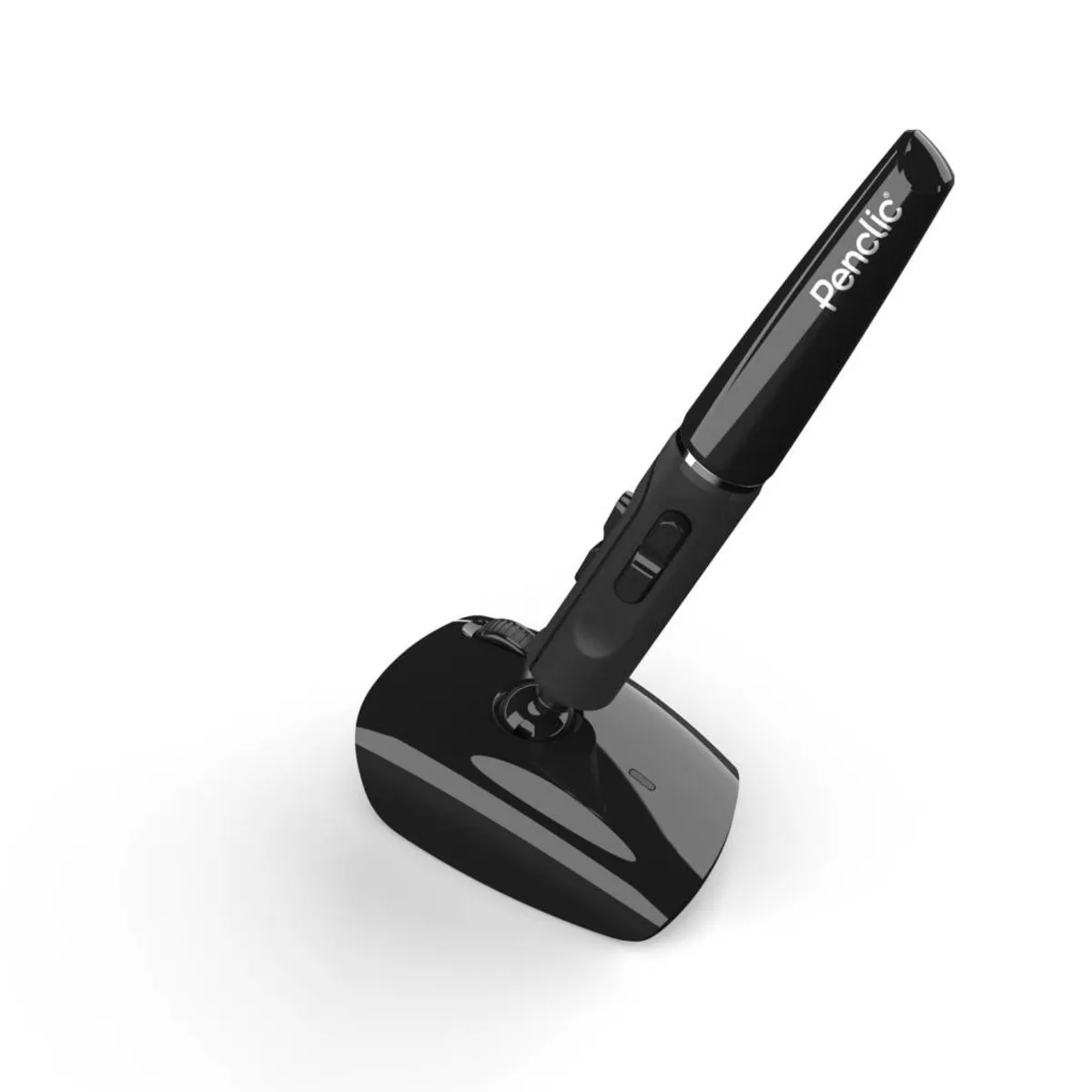


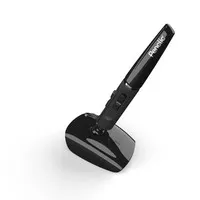

Beschrijving Penclic R2 ergonomic mouse wireless
Penclic R2 wireless ergonomic mouse
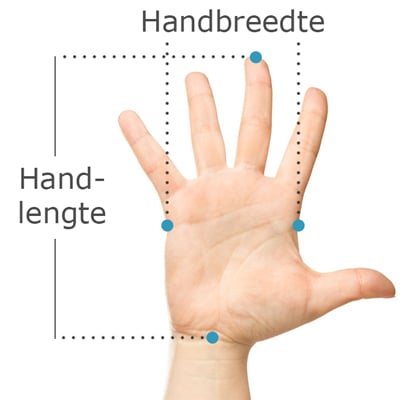
Does this mouse fit my hand?
Do you want to find the ideal mouse? Be sure to measure your hand. The following image clarifies how to measure your hand. This mouse is suitable for hands with the following dimensions:
Suitable for every hand size
Description
Old and familiar
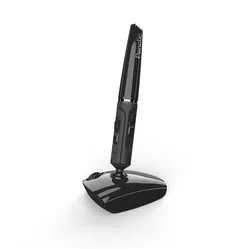
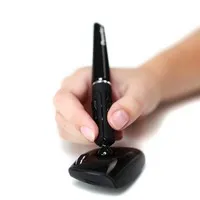
You learn to write at an early age. The shape and use of a pen are therefore self-evident for everyone. Penclic has incorporated precisely that advantage into its mouse. You don't have to get used to it, you know how it works. Put it down, connect it, and you can get started.
Why the Penclic 2 mouse?
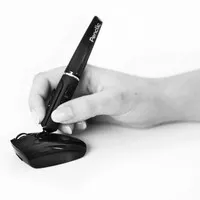
During the development of the Penclic mouse, one of humanity's most used and trusted tools was taken as a starting point: the pen. Precisely because of its familiar design, it works intuitively, easily, and comfortably. You have a good grip, and the hand and arm are in their natural posture. This prevents complaints.
The reasoning behind choosing the pen shape is as simple as it is brilliant. A large part of the human brain controls fine motor movements. This makes working with a pen so easy and comfortable for us. The pen shape for a mouse is a logical consequence of this.
An advantage of the Penclic mouse is its fine grip, which makes it pleasant to work with. Just like with a traditional mouse, you control the cursor by dragging it across the desk. The mouse requires a light grip, which reduces muscle tension in the arm.
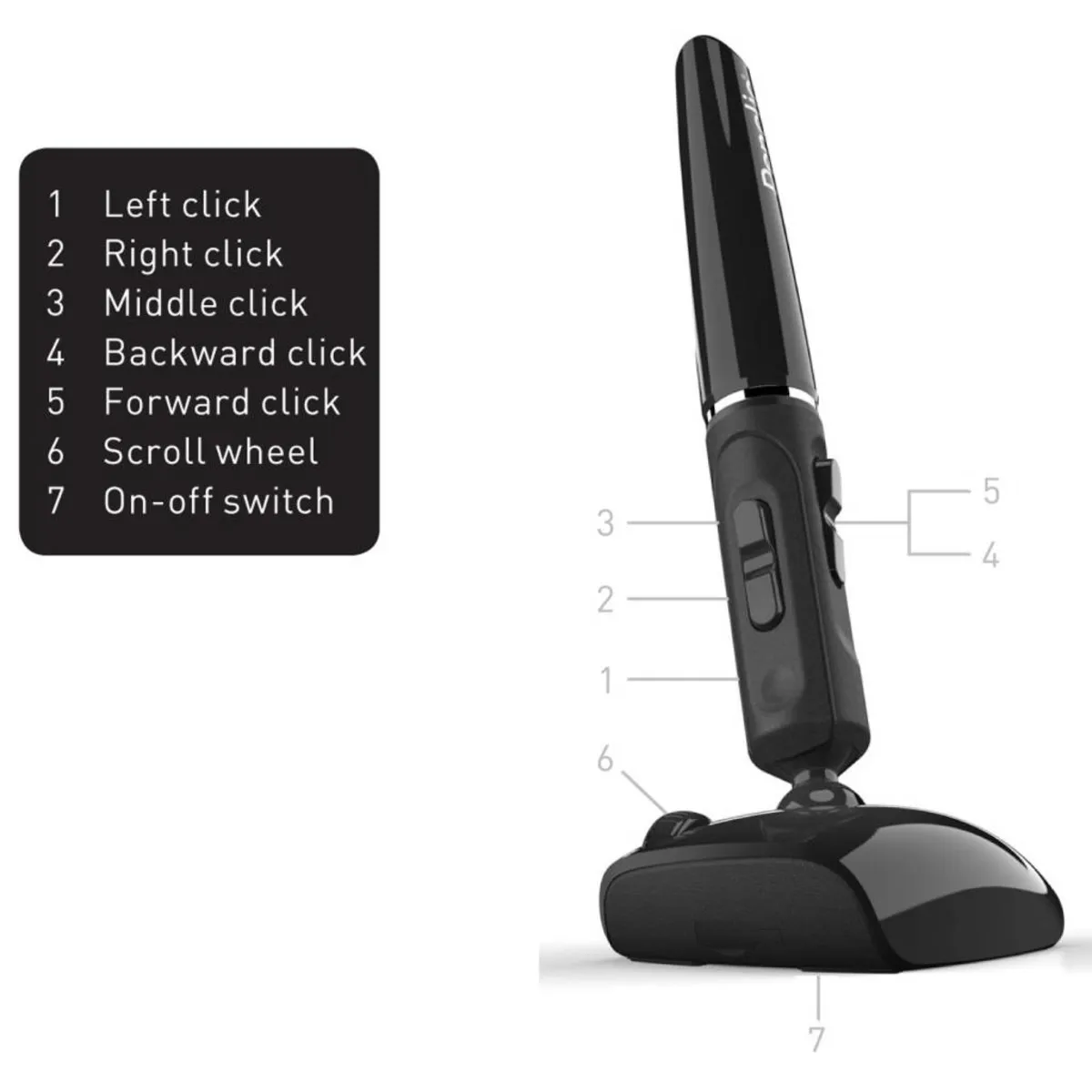
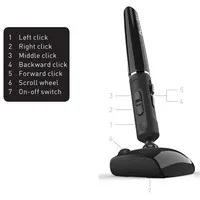
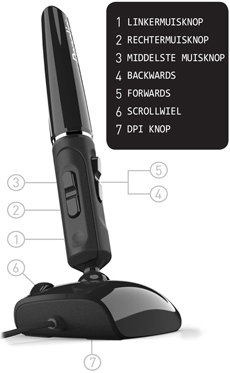
The wireless Penclic has all the buttons you would expect: left and right mouse buttons, the forward/backward button, and a middle mouse button. Furthermore, it is equipped with a scroll wheel, and there is a button under the mouse to turn it on and off. The mouse sensitivity can be set to 800, 1200, 1600, or 2400 DPI. You can do this by pressing the left and right mouse buttons simultaneously for 3 seconds.
The Penclic works Plug&Play, meaning you only need to insert its wireless USB receiver into your laptop or computer to get started. It has a range of more than 5 metres. The mouse works on almost all operating systems. Windows XP and newer, Mac OSX 10.1 and newer, and Linux. The wireless Penclic comes with 1 rechargeable AAA battery. This can be charged in the Penclic via a USB cable.
This is what makes an ergonomic mouse so good
The ergonomic mouse was brought to life when it became clear that the traditional mouse caused complaints for many people. The design is tilted, forcing your wrist into a natural posture. This relaxes the muscles in the wrist, arm, and shoulder, preventing and counteracting complaints such as RSI.
Get the most out of it
The Penclic mouse feels the same as a traditional pen. This makes switching to this mouse as easy as using a new pen. The difference is that you now follow your movements on the screen instead of on paper.
The pen shape of the mouse works wonderfully accurately. Thanks to this mouse, being creative digitally is almost as smooth as on paper. Working in Photoshop, Illustrator, and CAD programmes is perfectly suited for the Penclic.
Don't miss this either
This product is good for
wrist - arm - shoulder
The shape of the Penclic 2 forces the arm into a natural posture. The design ensures relaxation in the wrist, arm, and shoulder.
Pros and Cons
- Familiar "pen grip"
- Works very accurately
- For right-handed use only
Brief specifications
| Warranty | 2 years |
| Ergonomic design | |
| Usage | Right-handed |
| Number of buttons | 6 |
| Plug & play | Yes |
| view all specifications |
Product features
- Prevents RSI complaints
- Ergonomic design
- More buttons for extra functionality
- Adjustable DPI
What's in the box?
- Right-handed wireless mouse
- Wireless micro USB receiver
- Rechargeable AAA battery
- USB charging cable
- Manual
- Technical specifications
- Protective case
Downloads
Specificaties
| Item number | ERGO-MI063WL |
| Brand | PenClic |
| Warranty | 2 years |
| Type of guarantee | Ergowerken free warranty return service |
| Colour | Black |
| Ergonomic design | Yes |
| Management | Optical |
| Left- or right-handed | Right-handed |
| Hand length | Suitable for any hand size |
| Hand width | Suitable for any hand size |
| Operation | Buttons and scroll wheel |
| Included receiver | Yes, 2.4 GHz nano receiver |
| Bluetooth | not applicable |
| USB port | Yes |
| USB version | 2.0/3.0 |
| Number of buttons | 6 |
| On/off button | Yes |
| Adjustable buttons | not applicable |
| Scroll wheel | Yes |
| Trackball | not applicable |
| Adjustable sensitivity | Yes |
| Sensitivity | 800–1200–1600–2400 dpi |
| Type of power supply | Battery |
| Battery type | AAA 1.2V NiMH rechargeable battery |
| Rechargeable | Yes |
| Minimum system requirements | Mac OS X v10.5, Mac OS X v10.6, Mac OS X v10.7, Mac OS X v10.8, Mac OS X v10.9, Mac OS X v10.10, Mac OS X v10.11, Windows XP, Windows Vista, Windows 7, Windows 8, Windows 10 |
| Plug and play | Yes |
| Dimensions length x width x height | 130 mm high and the base measures 44 x 20 mm |
| Product weight | 41 grams |
Reviews Penclic R2 ergonomic mouse wireless