
Fijn toetsenbordje
"Ik gebruik hem samen met de 950. Heel fijn omdat de 950 lekker smal is en ik toch een nummeriek toetsenbord beschikbaar heb."

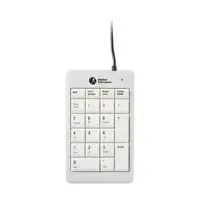

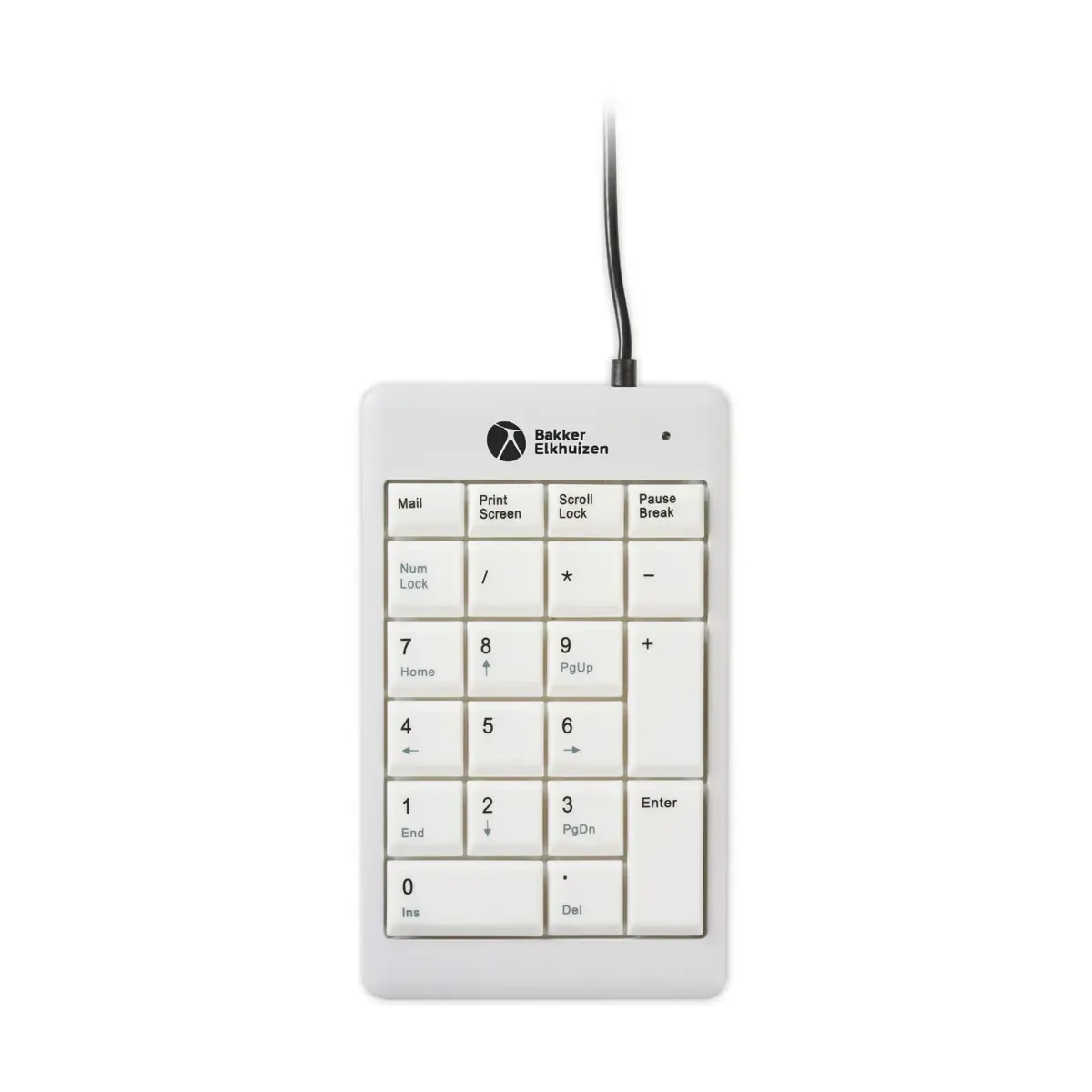
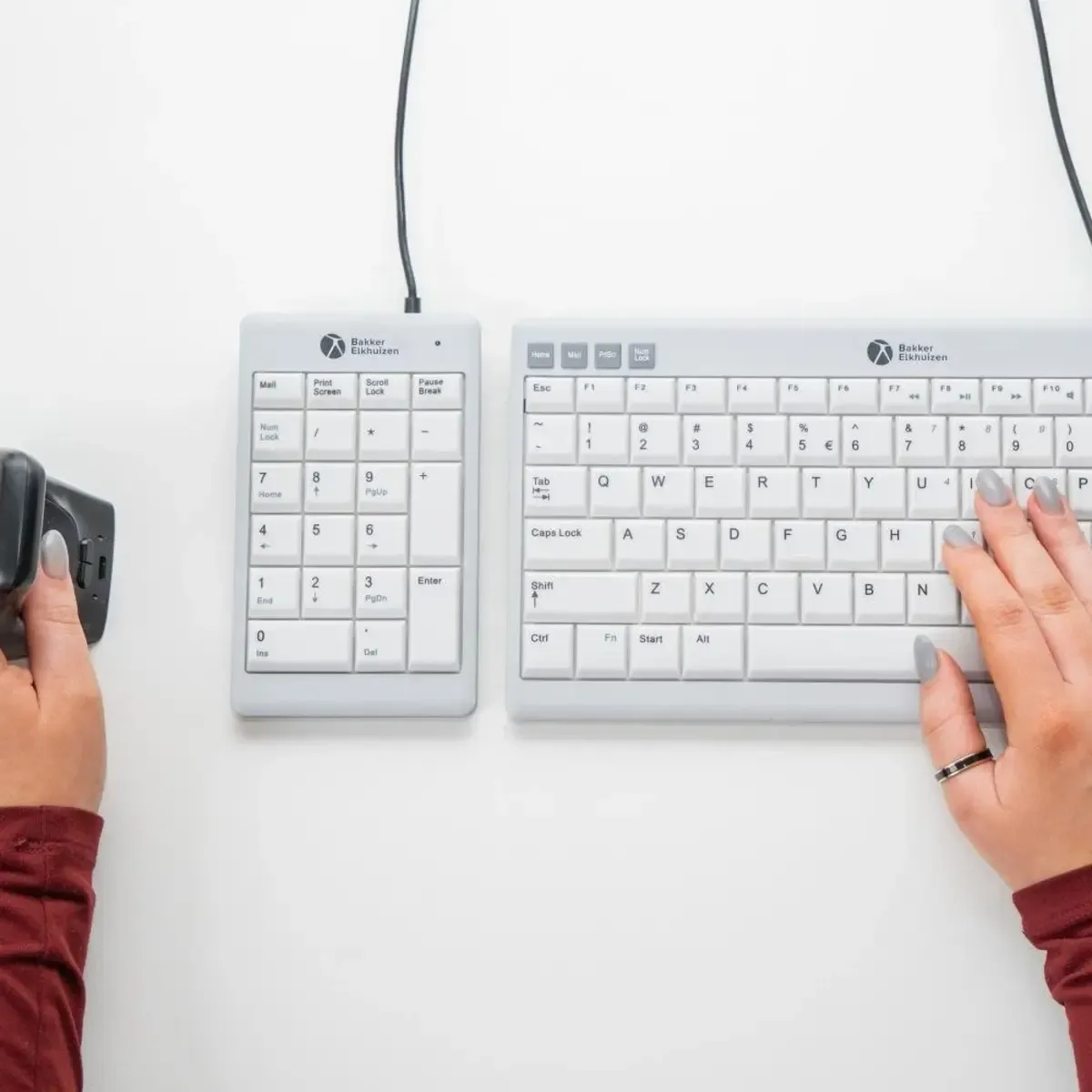
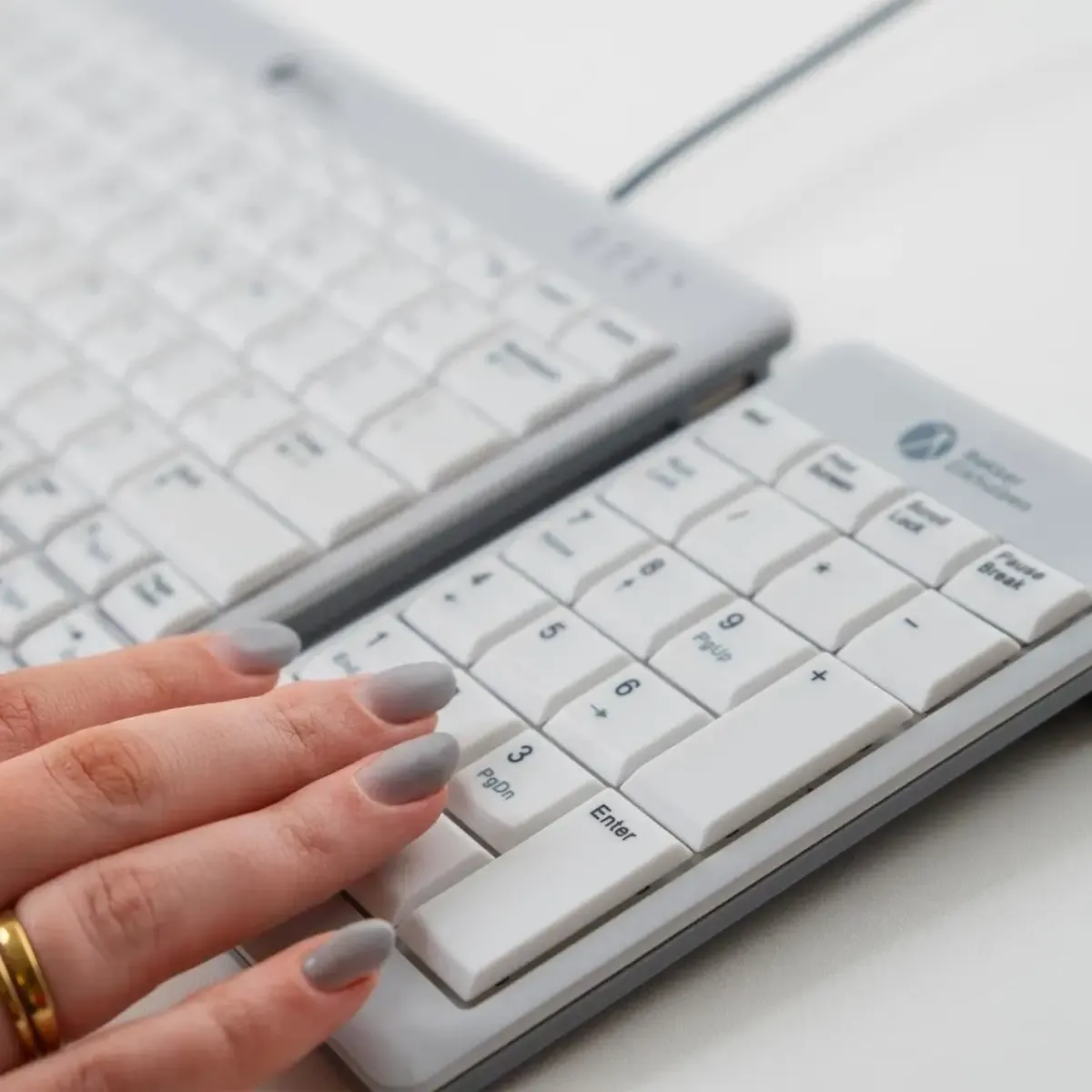
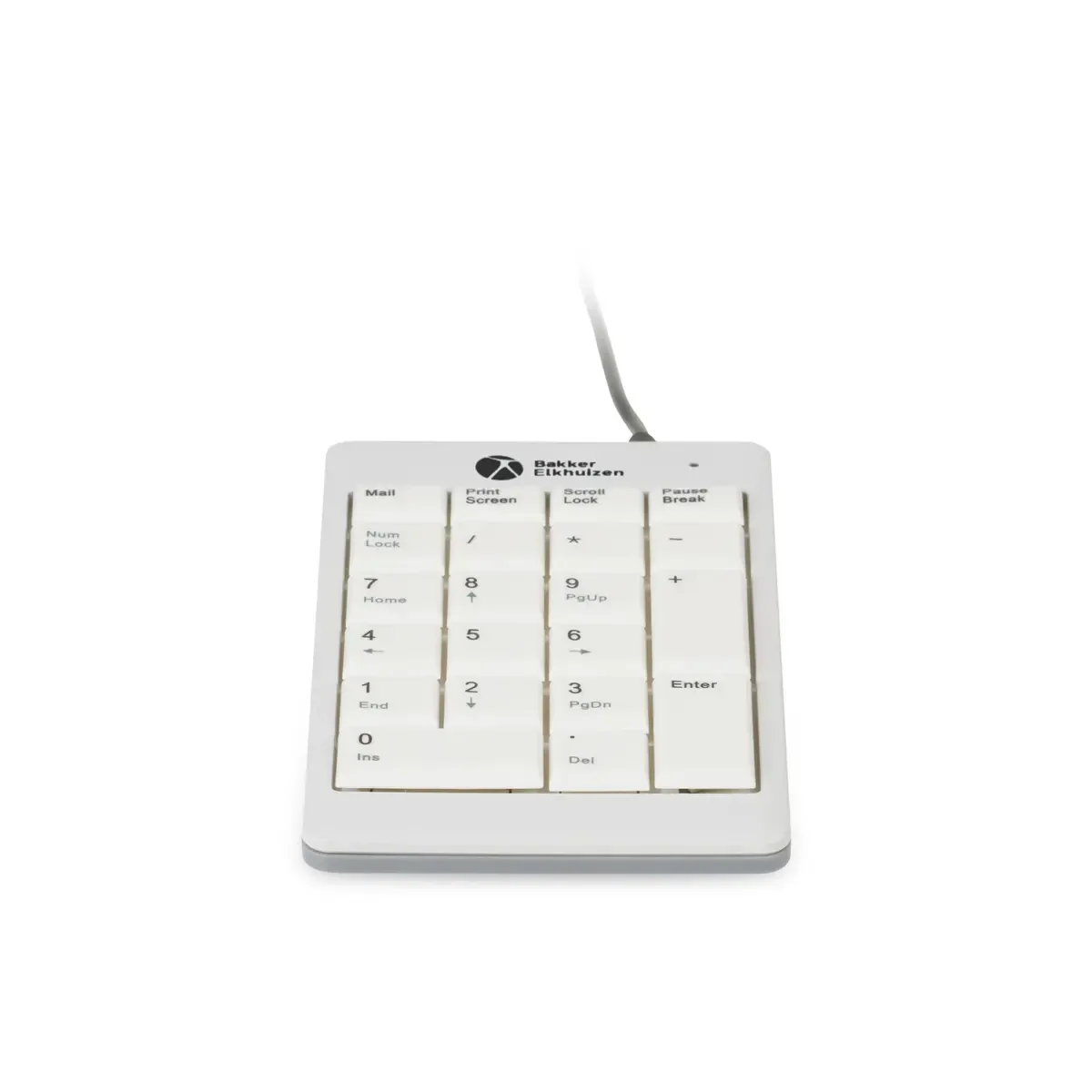
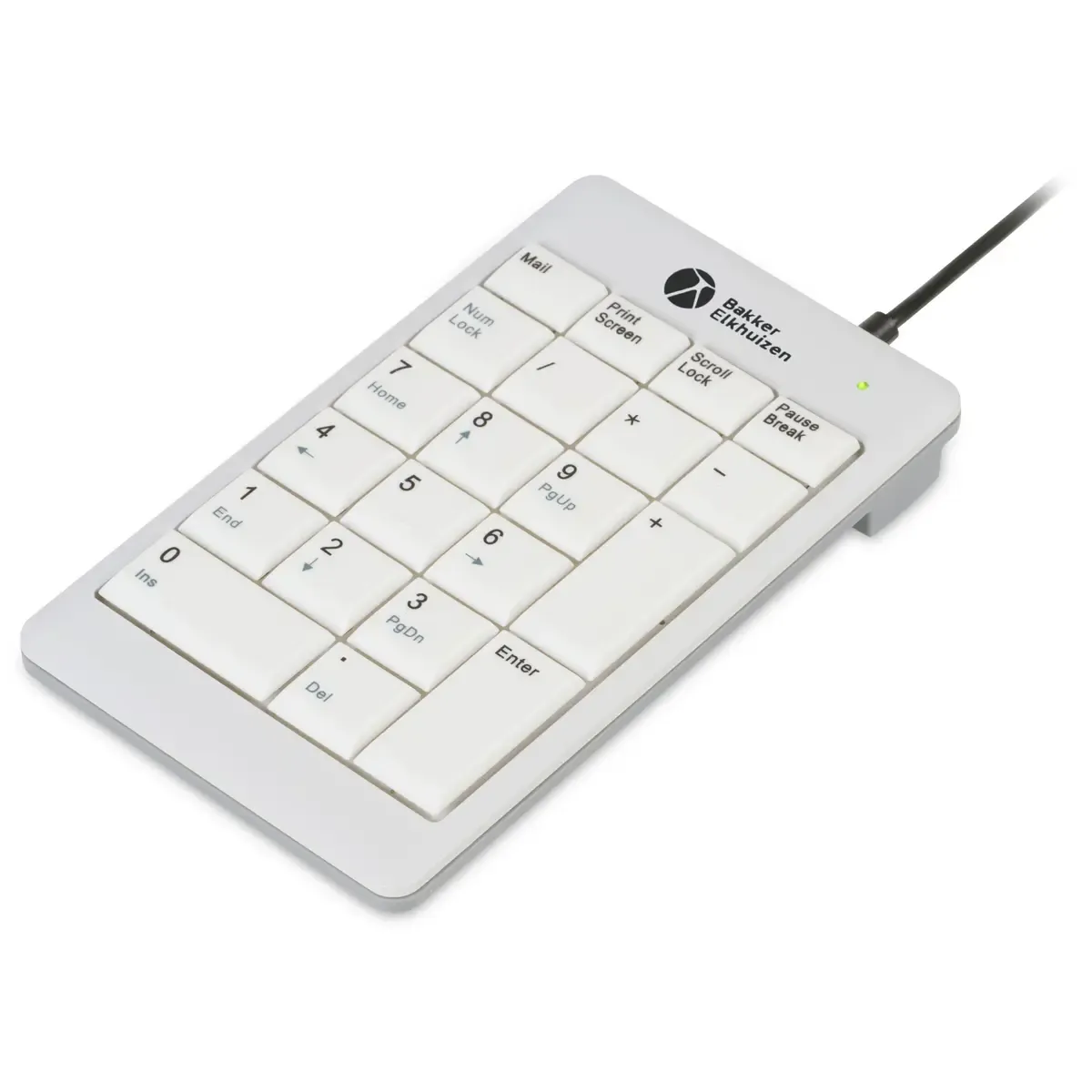
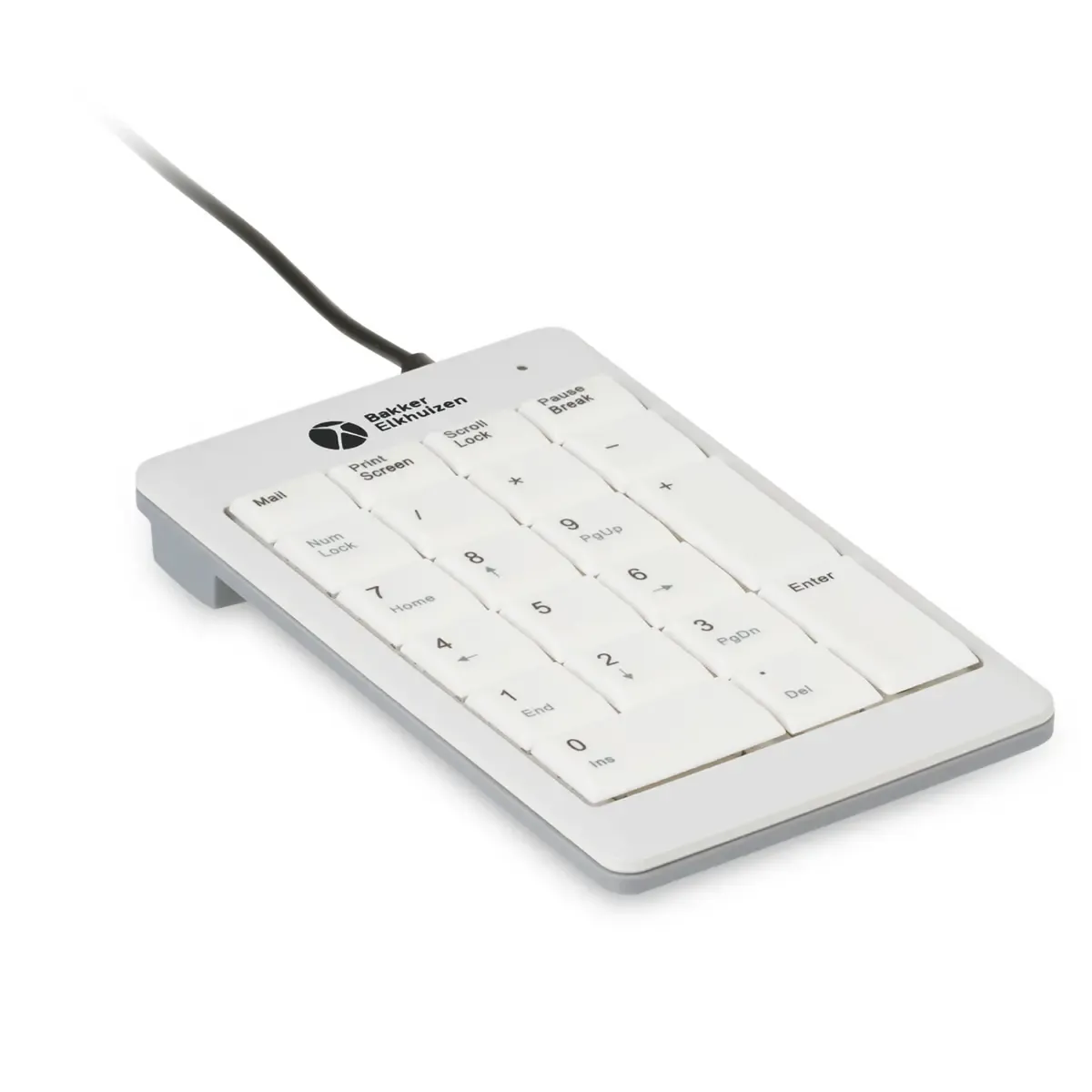
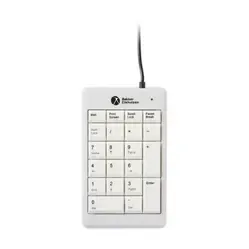
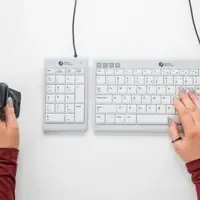
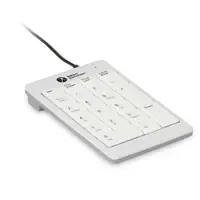
This is a separate numeric keypad (numpad) that you can place to the left or right of your compact keyboard. This keeps your mouse closer and allows you to easily switch sides when you need to crunch a lot of numbers.
| Connection | USB (plug & play) |
| Key mechanism | Scissor mechanism |
| Dimensions (l x w x h) | 87 x 146 x 19 mm |
| Weight | 134 g |
| Cable length | 1.5 metres |
Some days you're human. Other days you're a calculator with feelings. And precisely on those days, you don't want your right arm to go on a world tour to reach your mouse because a fixed numpad is stuck to your keyboard. The UltraBoard 955 V2 Numeric is that compact sidekick: place it down, crunch numbers, then slide it away again.
The UltraBoard 955 V2 Numeric is designed as an addition to a compact keyboard when you regularly need to enter large quantities of numbers. You can use it with either your left or right hand, allowing you to distribute the load and maintain comfort, even if your day mainly consists of tables.
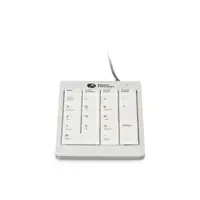
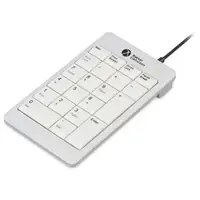
BakkerElkhuizen has opted for a matte, light-coloured set of keys with dark letters here, to limit reflections and improve readability. The scissor mechanism keeps typing quiet and light. The keys are concave (fine 'cups' for your fingertips) and the distance between the keys is 19 mm according to DIN EN ISO.
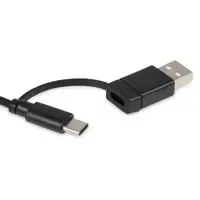
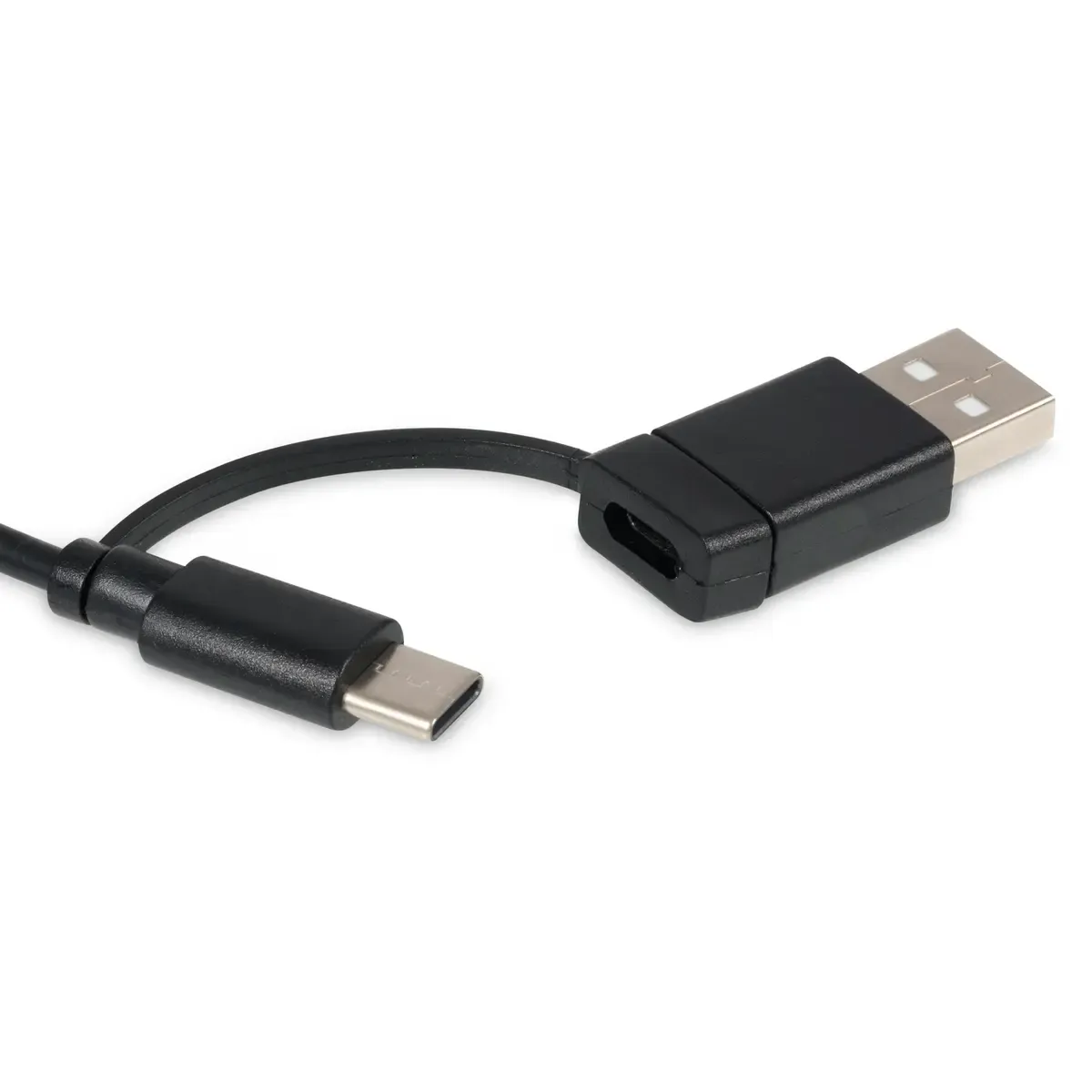
Connect it to a USB port on your computer or keyboard, and you can start immediately. A green indicator light illuminates in the top right when it's ready for use. If the light is off, you can reactivate it with NumLock + Fn.
The advantage lies in freedom: you place the numeric section to the left or right of your compact keyboard. If you put it away when you don't need it, you minimise the reach distance to your mouse. This reduces strain on your forearm and shoulder, and it also simply makes working more comfortable.
Are you using a compact setup? Try placing the numpad on the left if your mouse is on the right. Or vice versa. The goal is simple: mouse close by, shoulders relaxed, forearm in line. Switching sides is allowed.
| Connection | USB (plug & play) |
| Cable length | 1.5 metres |
| Dimensions (l x w x h) | 87 x 146 x 19 mm |
| Weight | 134 g |
| Key distance | 19 mm (DIN EN ISO) |
| Hotkeys | Mail, Print Screen, Scroll Lock, Pause Break |
| Compatibility | Windows & macOS |
| Shoulders | |
| Arm | |
| Wrist | |
| Hand |
| Item number | ERGO-BEU955 |
| Manufacturer's item number | BNEU955V2 |
| Brand | BakkerElkhuizen |
| Warranty | 5 years (after product registration) |
| Type of guarantee | The Ergowerken free return guarantee service |
| Colour | Dark/light grey |
| Keyboard type | Numeric keypad |
| Connection | Wired, cable length 1.5 metres |
| Bluetooth | |
| USB port | |
| USB version | USB-C |
| Number of keys | 21 |
| Type of keys | Scissor mechanism |
| Minimum system requirements | Windows, MacOS |
| Type of power supply | Wired |
| Plug and play | |
| Dimensions length x width x height | 146 x 87 x 19 millimetres |
| Product weight | 134 grams |
Customers who write a review enter a prize draw for a voucher. We pick one winner and publish all reviews, including critical ones.