Stel hier je vraag over dit product
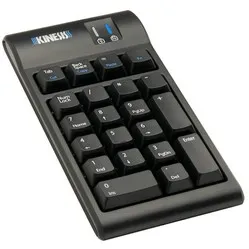
Kinesis Freestyle2 Numeric Keypad


Product description of Kinesis Freestyle2 Numeric Keypad
An ode to the Kinesis Freestyle2 Keypad
A numeric keypad that makes your desk flexible again
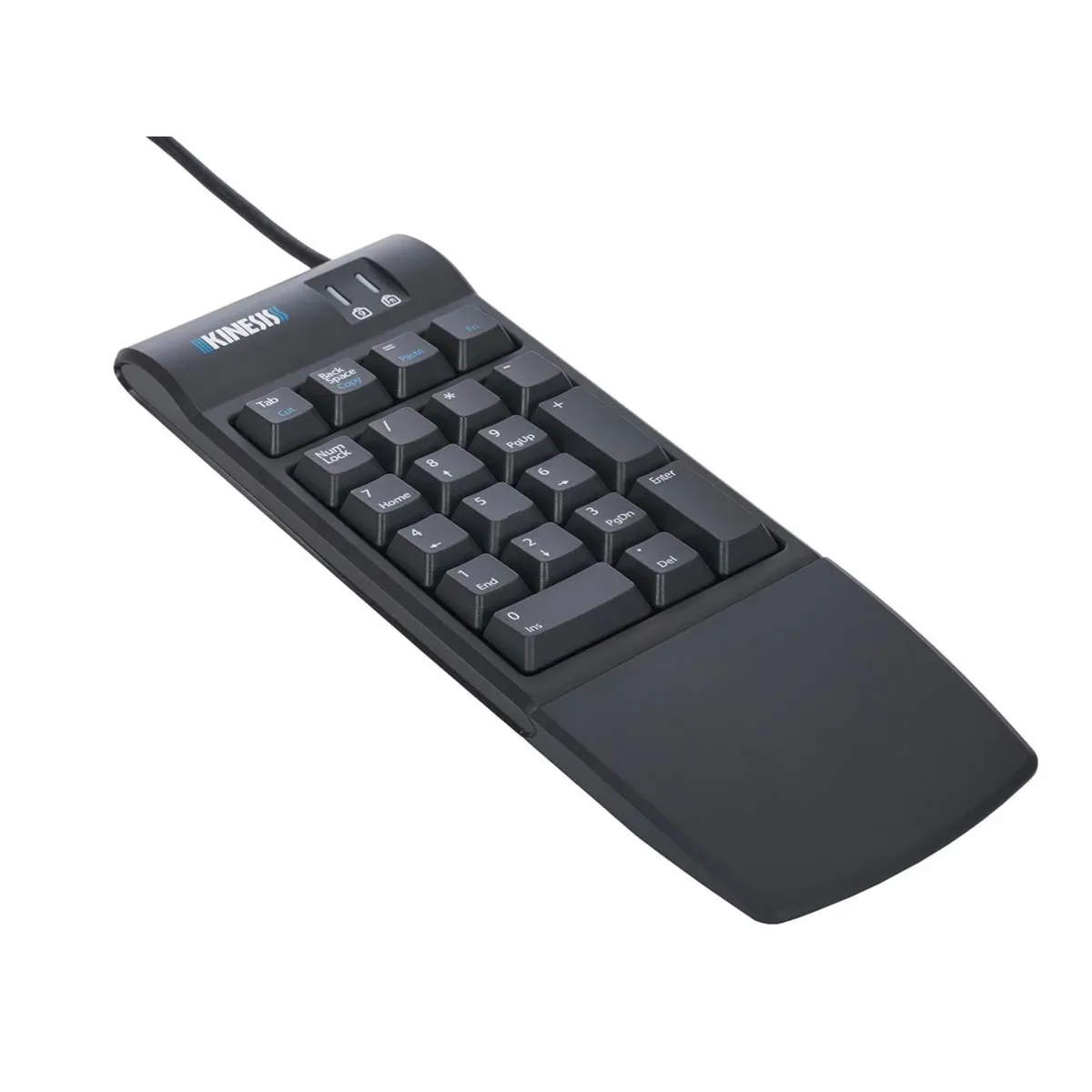
Do you work with numbers a lot, but don't want to be tied to a large keyboard? Then a separate numeric keypad is simply handy. The Kinesis Freestyle2 Keypad gives you a full numeric keypad, but as a standalone unit.
You can place it wherever you like: to the right of your keyboard, to the left, or even in between. This keeps your workspace tidy and allows you to keep your mouse closer.
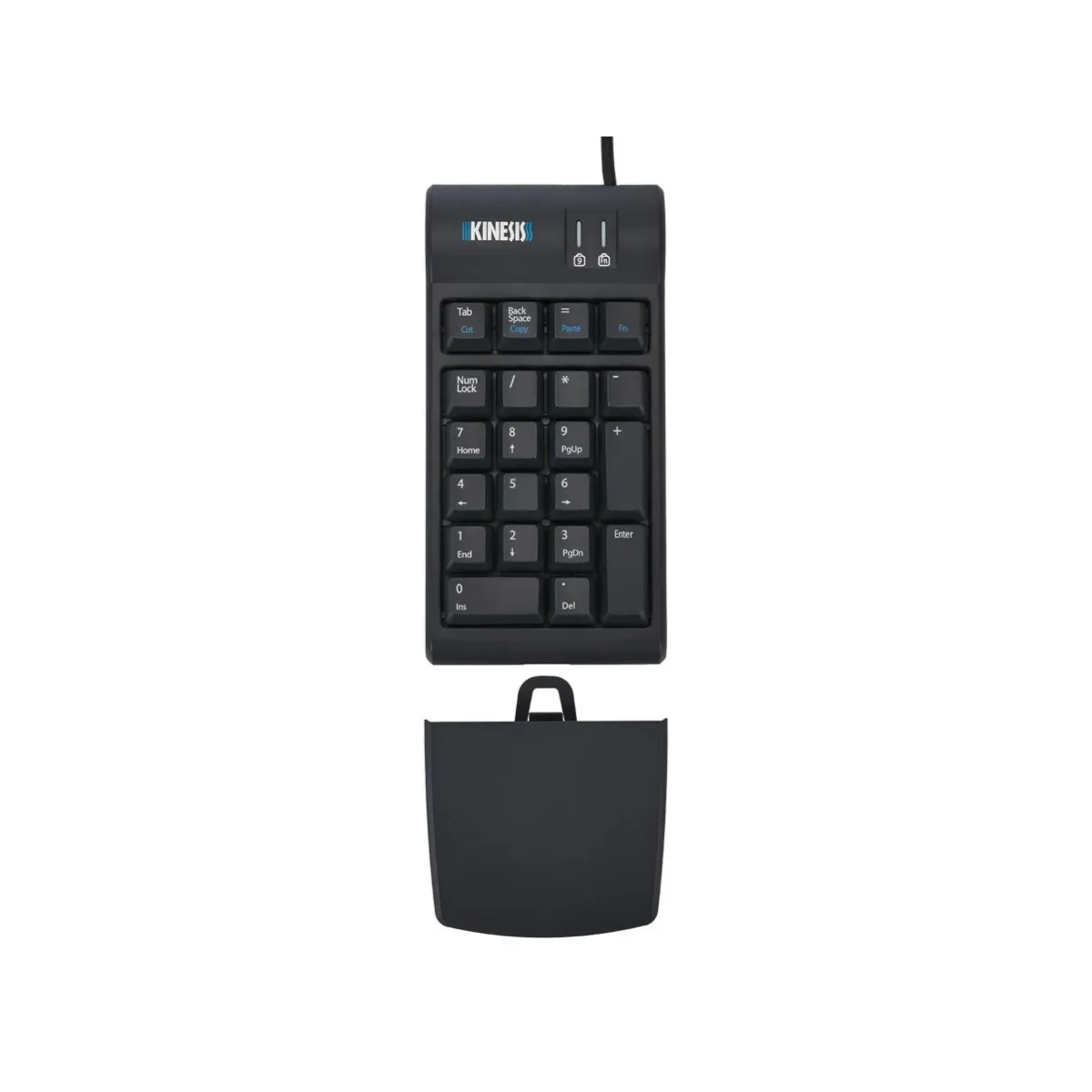
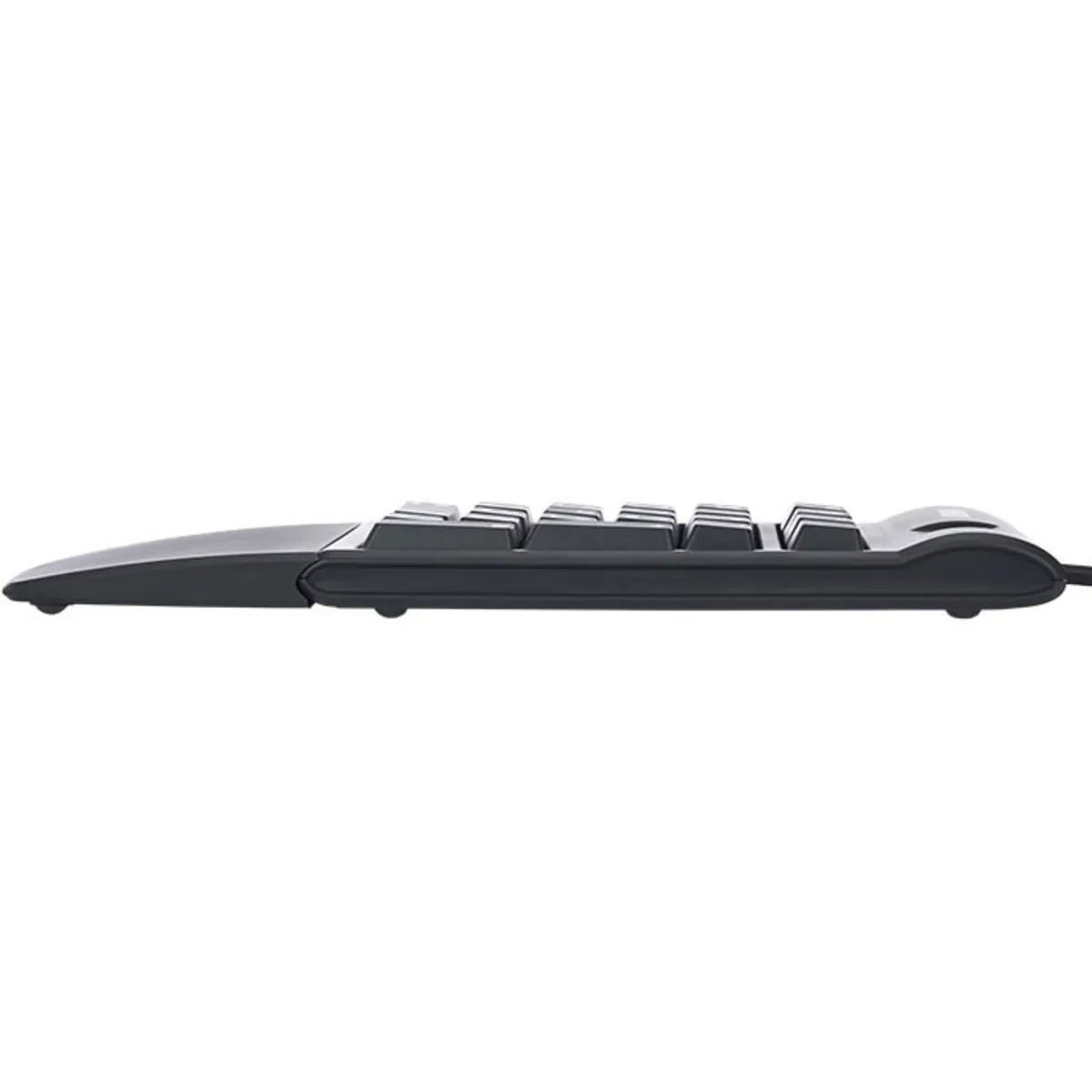
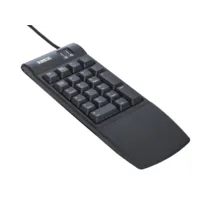
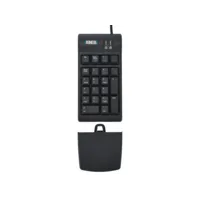
The keys type lightly and quietly thanks to the low-force membrane switches. And with the detachable palm rest, you give your wrist some extra rest during data entry.
Nice and simple: connect via USB and you can start.
Why the Kinesis Freestyle2 Keypad?
For anyone who wants to enter numbers quickly, without a bulky keyboard
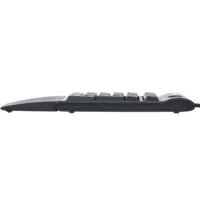
This keypad is designed for 10-key work: lots of numbers, lots of repetition, and a pleasant feel under your fingers. You get a separate numpad that perfectly matches the height and key feel of the Kinesis Freestyle2 keyboards.
It's handy that you can easily move the keypad. If you're not using it, you can slide it aside. And if you work with a compact or tenkeyless keyboard, you still have the speed of a numeric keypad.
At the top are extra functions often used for input and editing. Think Tab, Backspace, and the = sign. With the Fn key, you can also enable hotkeys for cutting, copying, and pasting.
What makes the Kinesis Freestyle2 Keypad so good?
The combination of a low profile, light key press, and the detachable palm rest makes this a great keypad for longer sessions. And because it works driverless, you don't need to set anything up to get started.
Get the most out of your Kinesis Freestyle2 Keypad
How to use it in practice
Connect the keypad to a free USB port (preferably while your computer is already on). Your system will recognise it automatically, so you don't need to install any drivers.
Fn: extra functions without software
Tab, Backspace, and = work by default. With the Fn key, you activate an extra layer for hotkeys such as cut, copy, and paste. The Fn LED shows when this layer is active. You can leave Fn on if you prefer.
Also not to be missed
Combines well with compact working
Do you use a tenkeyless keyboard, laptop, or a narrow (split) keyboard? Then this is exactly the kind of accessory that completes your workspace, without adding extra width to your desk.
A quick measure
Where do you place it?
Because this keypad sits loosely on your desk, you can decide where it works best for you. Do you often use the mouse? Then it might be nice to place the keypad a little further away, so your mouse stays closer to your body.
If you work a lot with numbers, you can easily place it next to your keyboard. This gives you quick access to the numeric keypad without immediately widening your desk.
If you use the palm rest, make sure your wrist stays straight while typing. That usually feels much more comfortable right away.
Pros and Cons
- Great if you often enter numbers
- Great if you want to keep your mouse closer
- Great if you want to type lightly and quietly
- Great if you want to work plug-and-play
- Less ideal if you specifically want wireless
Brief Specifications
In short: The Kinesis Freestyle2 Keypad is a separate numeric keypad for 10-key work. Important: low-force membrane keys, USB plug-and-play.
| Operating Systems | Windows / Mac / Linux / Android |
| Keys | Membrane (rubber dome) |
| Key Actuation Force | Light (approx. 35g to activate) |
| Key Travel | 3.9 mm (how far the key presses down) |
| Cable Length | 183 cm |
How happy will my body be with this?
In short: this keypad mainly helps your hand. Important: separate placement on your desk, detachable palm rest.</
Specifications
| Item number | ERGO-NP003BK |
| Manufacturer's item number | AC800HPB |
| Brand | Kinesis |
| Warranty | 2 years |
| Type of guarantee | Ergowerken free warranty return service |
| Colour | Black |
| Keyboard type | Numeric keypad |
| Bluetooth | not applicable |
| USB port | |
| USB version | 2.0 |
| Number of keys | 21 |
| Type of keys | Low-Force membrane keys |
| Minimum system requirements | Windows XP, Windows Vista, Windows 7, Windows 8, Windows 10 |
| Type of power supply | Wire |
| Battery type | not applicable |
| Rechargeable | |
| Plug and play | |
| Dimensions length x width x height | 180 x 89 x 19 millimetres |
| Product weight | 227 grams |
Reviews Kinesis Freestyle2 Numeric Keypad
Customers who write a review enter a prize draw for a voucher. We pick one winner and publish all reviews, including critical ones.