Stel hier je vraag over dit product
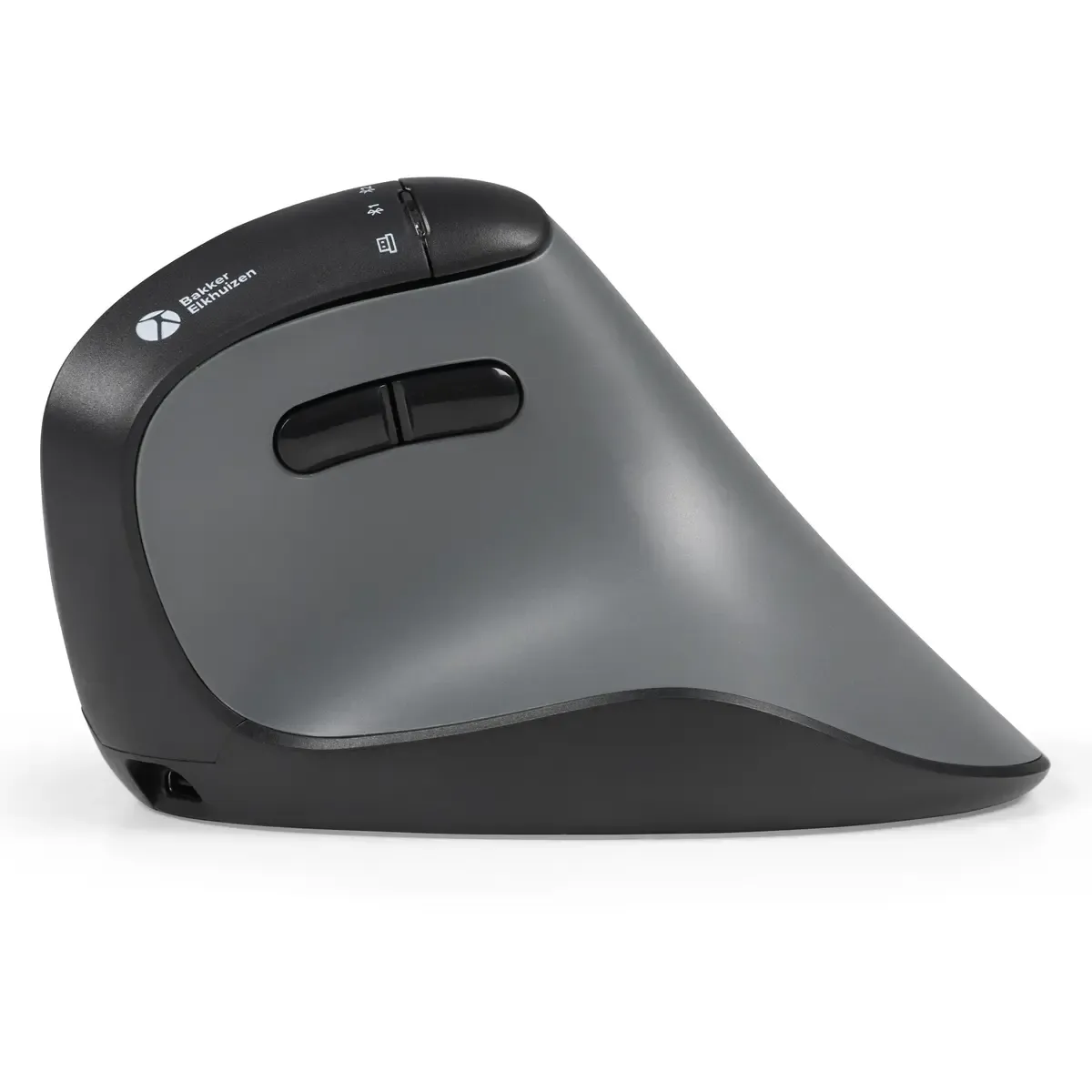
BakkerElkhuizen FastForward Pro vertical mouse

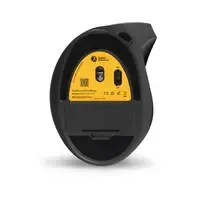
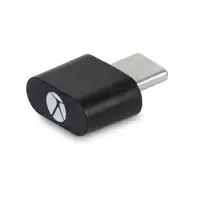
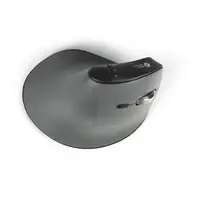
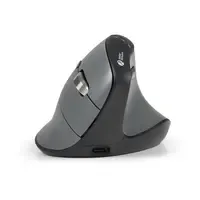
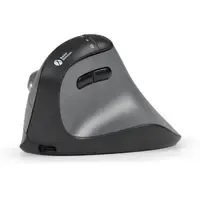
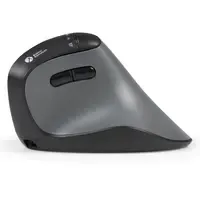
Product description of BakkerElkhuizen FastForward Pro vertical mouse
Which size fits your hand?
Measure your hand as shown in the image and choose your size using the table below:
| Size | Hand width | Hand length |
|---|---|---|
| One size | < 90 mm | < 200 mm |

An ode to the BakkerElkhuizen FastForward Pro
For those who want to progress, without complaints
Most mice make your hand work. The FastForward Pro lets your hand rest. This is not a brave designer mouse that primarily wants to be beautiful. This is a well-thought-out ergonomic tool for people who spend hours behind their screen every day. For those who don't want nagging wrists or stiff forearms. Just work, smoothly and relaxed.
Why the FastForward Pro?
Vertical grip, natural posture
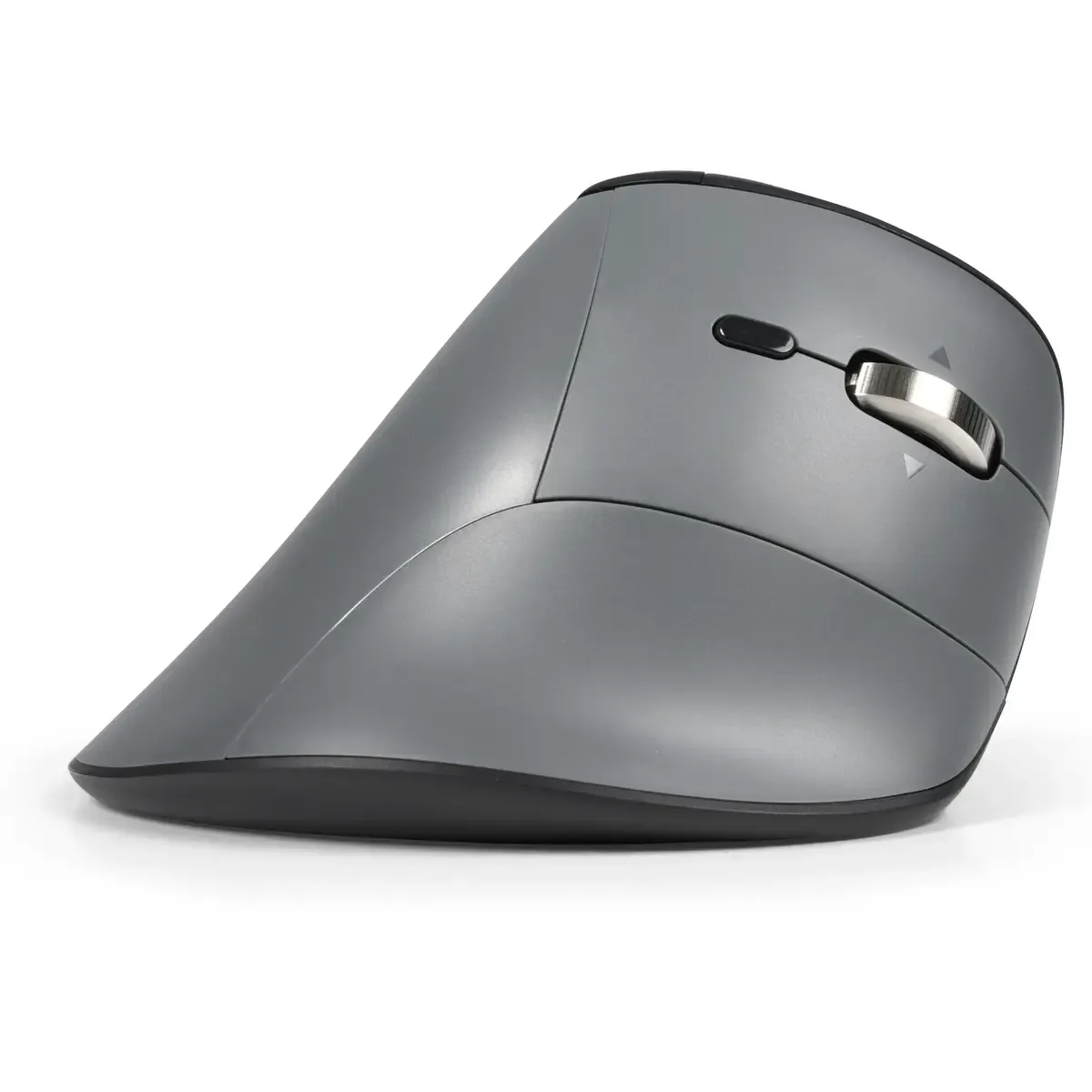
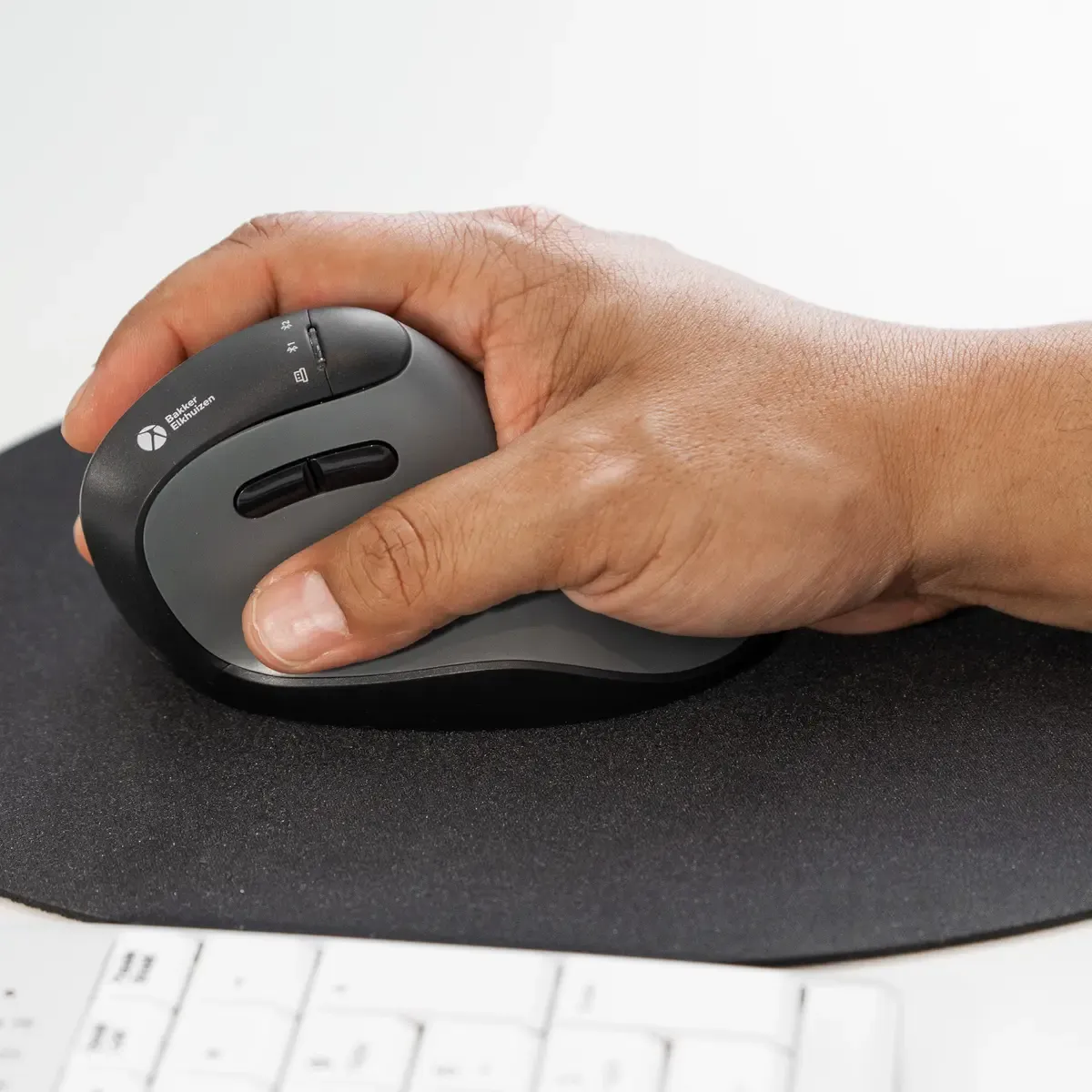
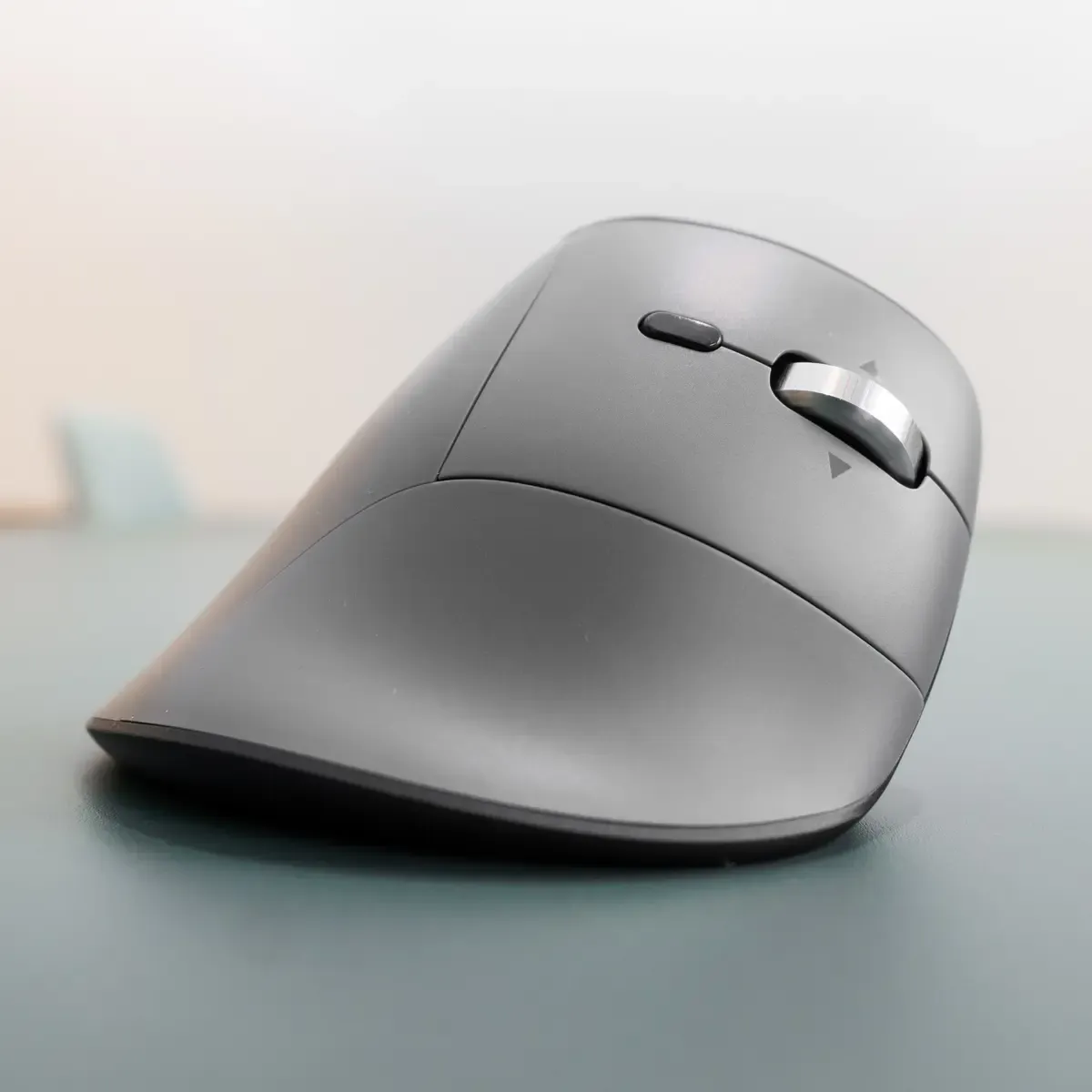
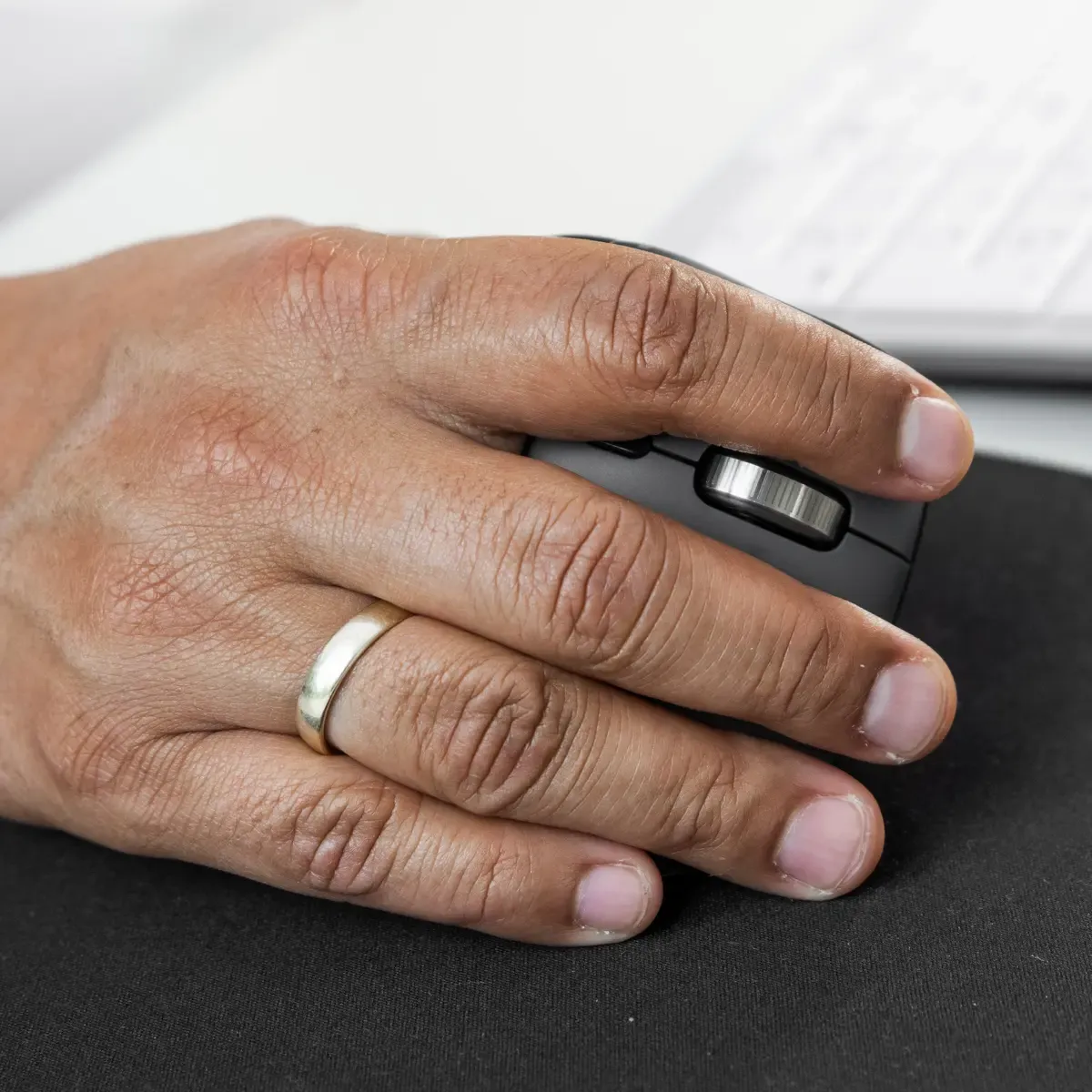
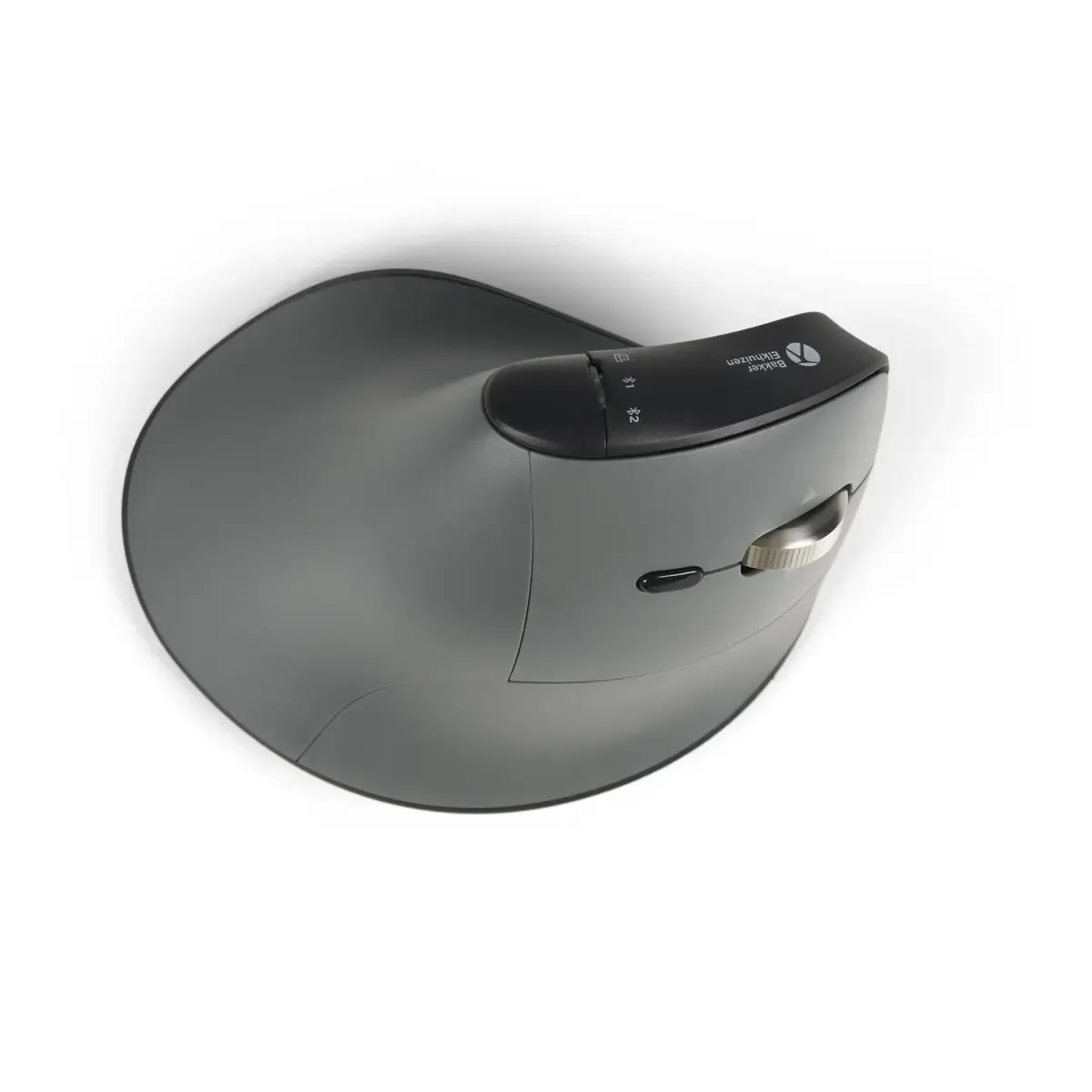
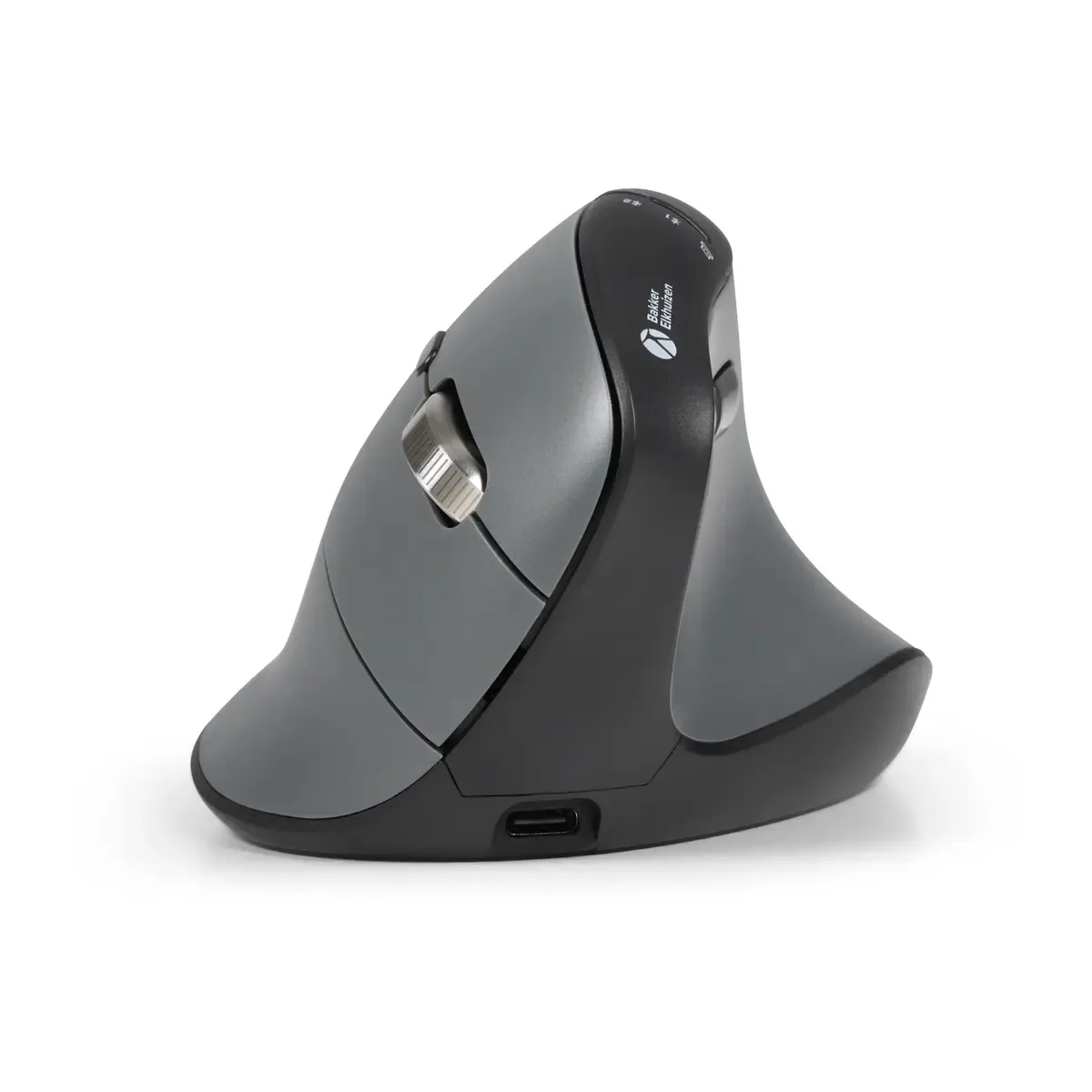
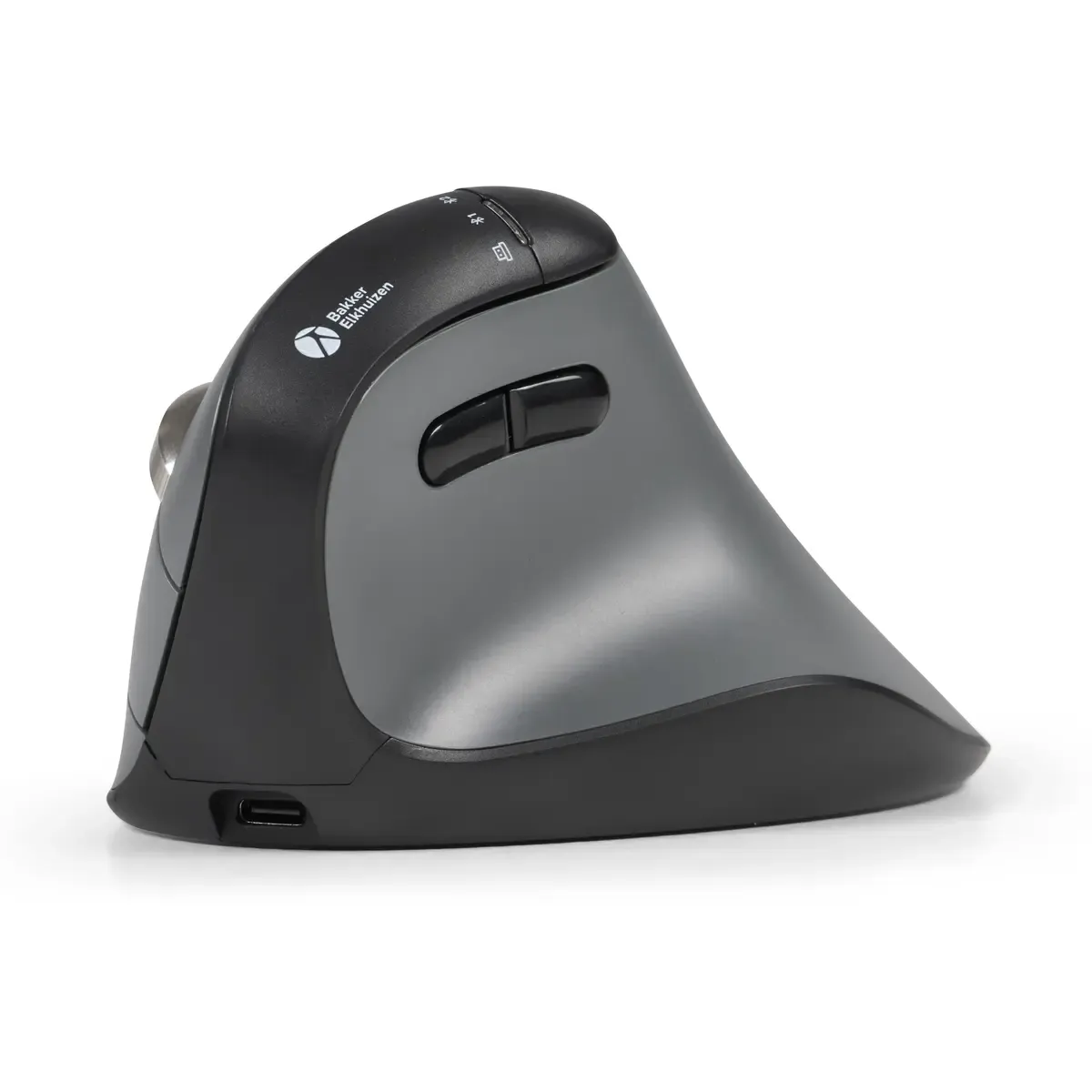
The FastForward Pro has a vertical design. This places your hand in a more neutral position, as if you are shaking someone's hand. This reduces rotation in your forearm and lowers muscle tension. You will especially notice the difference during prolonged computer work.
Adjustable to your pace
With adjustable DPI settings, you can easily adjust the cursor speed. If you work precisely in spreadsheets or graphic design, you choose precision. If you mainly scroll through documents and emails, you set it a bit faster. The mouse moves with you, not the other way around.
What makes this ergonomic mouse so good?
Hyperscroll
This mouse is unique due to its fantastic scroll wheel. If you need to scroll through a long page, just give it a flick and the wheel will continue by itself until you say, STOP! If you want to scroll a short section, it provides fine feedback, allowing you to be precise.
Comfortable posture
The combination of vertical positioning, comfortable grip, and smart button layout ensures that you grip less and build up less tension. The thumb and scroll buttons are logically placed, so you don't have to search or force them. This is a mouse that makes your workday lighter, without you having to actively think about it.
Get the most out of your FastForward Pro
Give yourself some time
If you're switching from a traditional mouse, it takes some getting used to. That's normal. Give yourself a few days to adjust. Your muscles will learn a new, better posture. After that, you usually won't want to go back.
Combine with a good keyboard
An ergonomic mouse works best in combination with a compact or split keyboard. This keeps your arms closer to your body and maintains low shoulder strain.
Difference between the FastForward standard and Pro version
The Pro does this just a bit smarter
The basic principle is the same: an ergonomic mouse with a relaxed posture. The 'Pro' part lies in its convenience. The FastForward Pro supports horizontal scrolling via the tilt wheel. This is ideal for wide Excel sheets, large timelines, or dashboards where you would otherwise constantly be dragging.
Additionally, the Pro makes switching between devices easier. This is useful if you, for example, alternate between a laptop and a docking setup, or if you work in multiple workplaces. Less hassle, faster progress.
Don't miss this either
Conscious working is progressive working
A good sitting posture, the right office chair, and sufficient breaks remain important. The FastForward Pro is a strong link in the overall setup, but ergonomics works best when everything aligns.
Pros and cons
- Vertical, natural hand position
- Hyperscroll
- Horizontal scrolling
- Adjustable DPI settings
- Extra buttons for efficient working
- Suitable for prolonged use
- Less suitable for really large hands
Brief specifications
| Mouse type | Vertical ergonomic mouse |
| Adjustable DPI | |
| Connection | Wired and wireless via USB and Bluetooth |
| Suitable for | Right-handed use |
| Colour | Dark grey/black |
How happy will my body be with this?
| Wrist | |
| Forearm | |
| Hand | |
| Shoulder |
Product features
- Vertical ergonomic shape
- Multiple DPI settings
- Extra function keys
- Comfortable grip
- Designed for intensive daily use
- Hyperscroll function
- Horizontal scrolling
- Easy switching between devices
What's in the box?
- BakkerElkhuizen FastForward Pro mouse
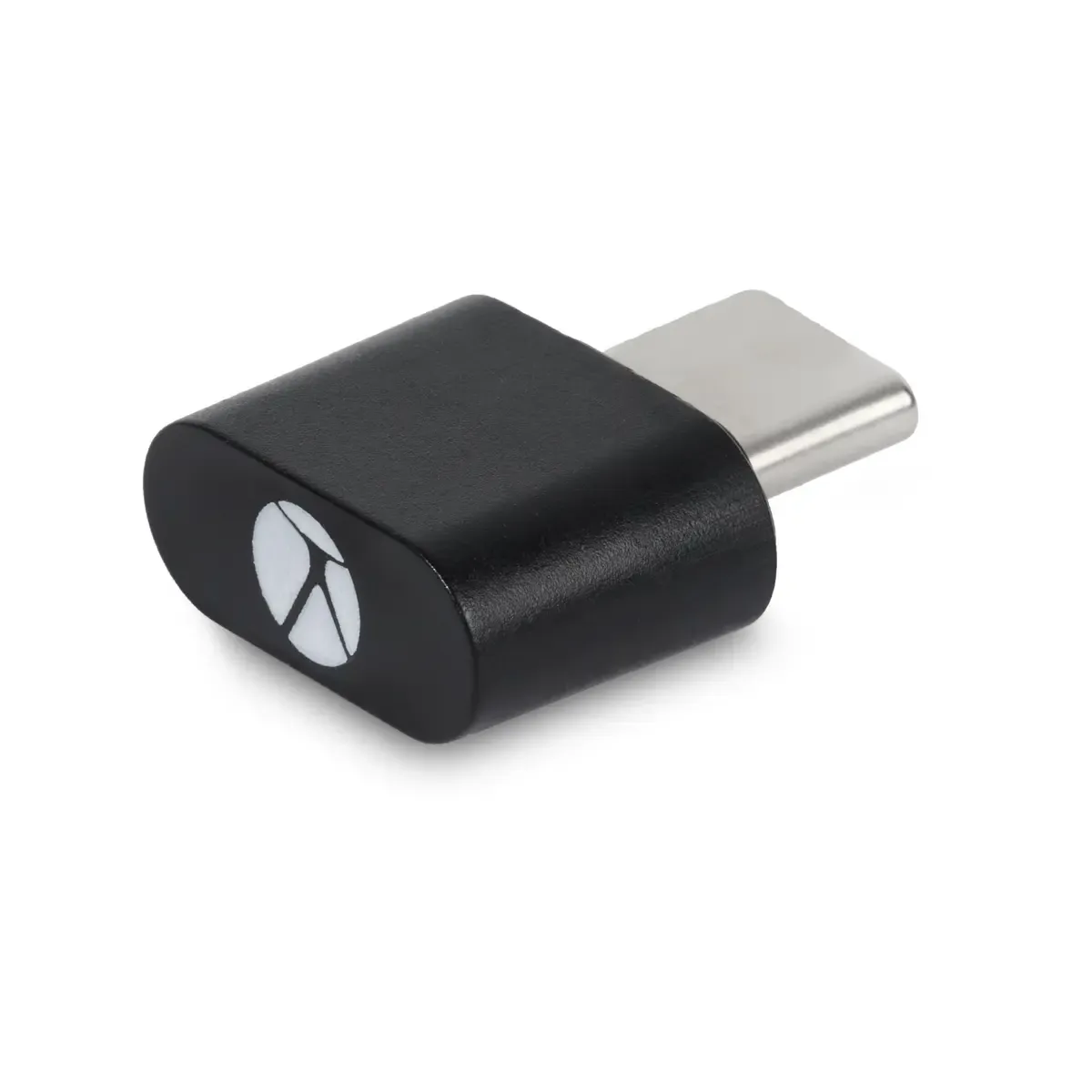
- USB-C dongle
- Charging cable
- Manual
Frequently asked questions
Specifications
| Item number | ERGO-BNEFF3MVM-PRO |
| Manufacturer's item number | BNEFFP3MVM |
| Brand | BakkerElkhuizen |
| Warranty | 5 years (after product registration) |
| Type of guarantee | The Ergowerken free return guarantee service |
| Colour | Dark grey, Black |
| Ergonomic design | |
| Management | Optical sensor |
| Left- or right-handed | Right-handed |
| Hand length | < 200 millimetres |
| Hand width | < 90 millimetres |
| Operation | Buttons and scroll wheel |
| Connection | Wired and wireless via USB-C and Bluetooth |
| Included receiver | |
| Bluetooth | |
| USB port | USB-C |
| Number of buttons | 8 |
| On/off button | |
| Adjustable buttons | |
| Scroll wheel | |
| Adjustable sensitivity | |
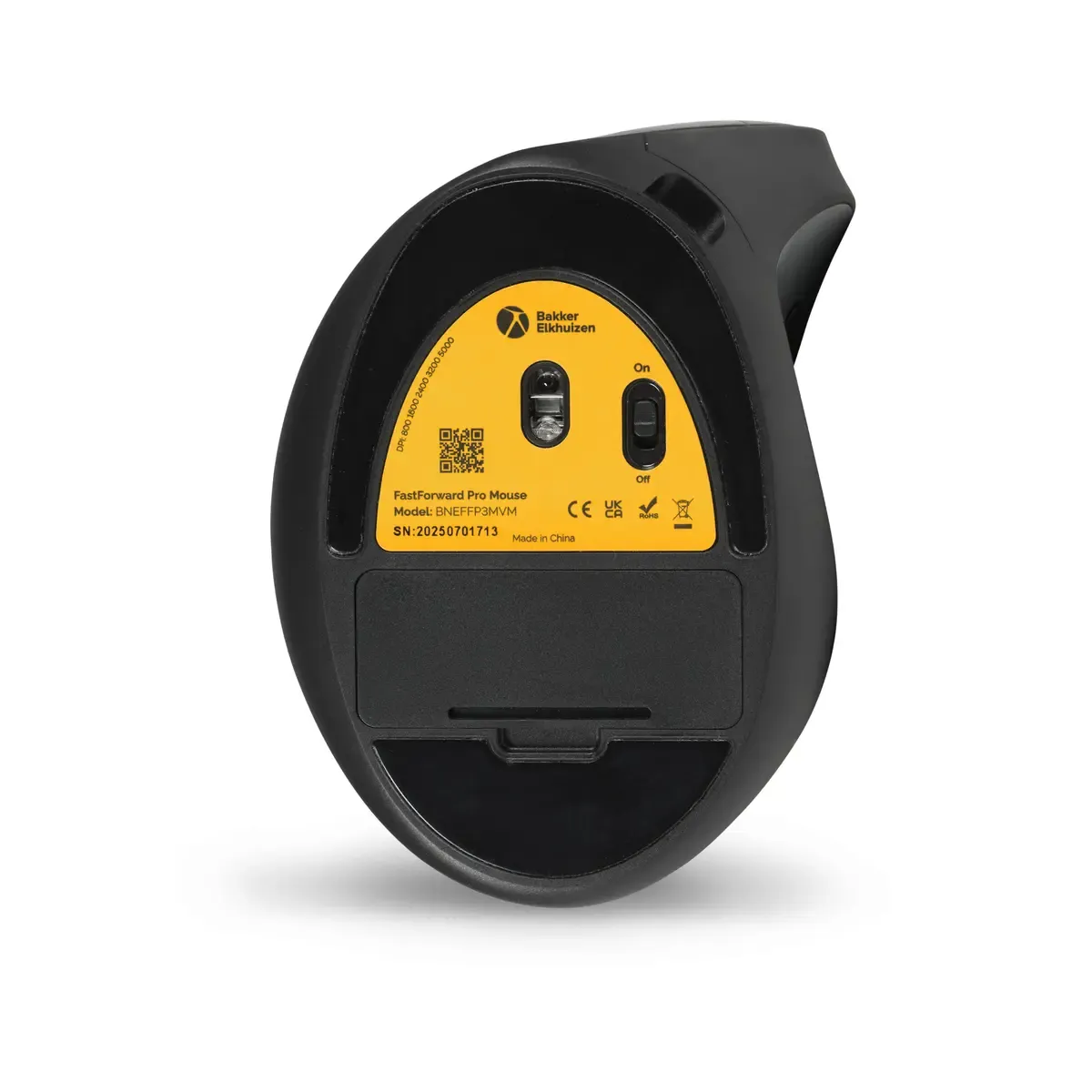
| Sensitivity | 1000/1600/2400/3200/5000 |
| Type of power supply | Battery |
| Battery type | Li-on polymer |
| Rechargeable | |
| Minimum system requirements | Windows, Mac OS |
| Plug and play | |
| Dimensions length x width x height | 110 x 85 x 70 millimetres |
| Product weight | 129 grams |
Reviews BakkerElkhuizen FastForward Pro vertical mouse
Customers who write a review enter a prize draw for a voucher. We pick one winner and publish all reviews, including critical ones.