







Stel hier je vraag over dit product
Keychron C2 wired 104-key mechanical keyboard for Windows & Mac


Product description of Keychron C2 wired 104-key mechanical keyboard for Windows & Mac
Is this keyboard right for me?
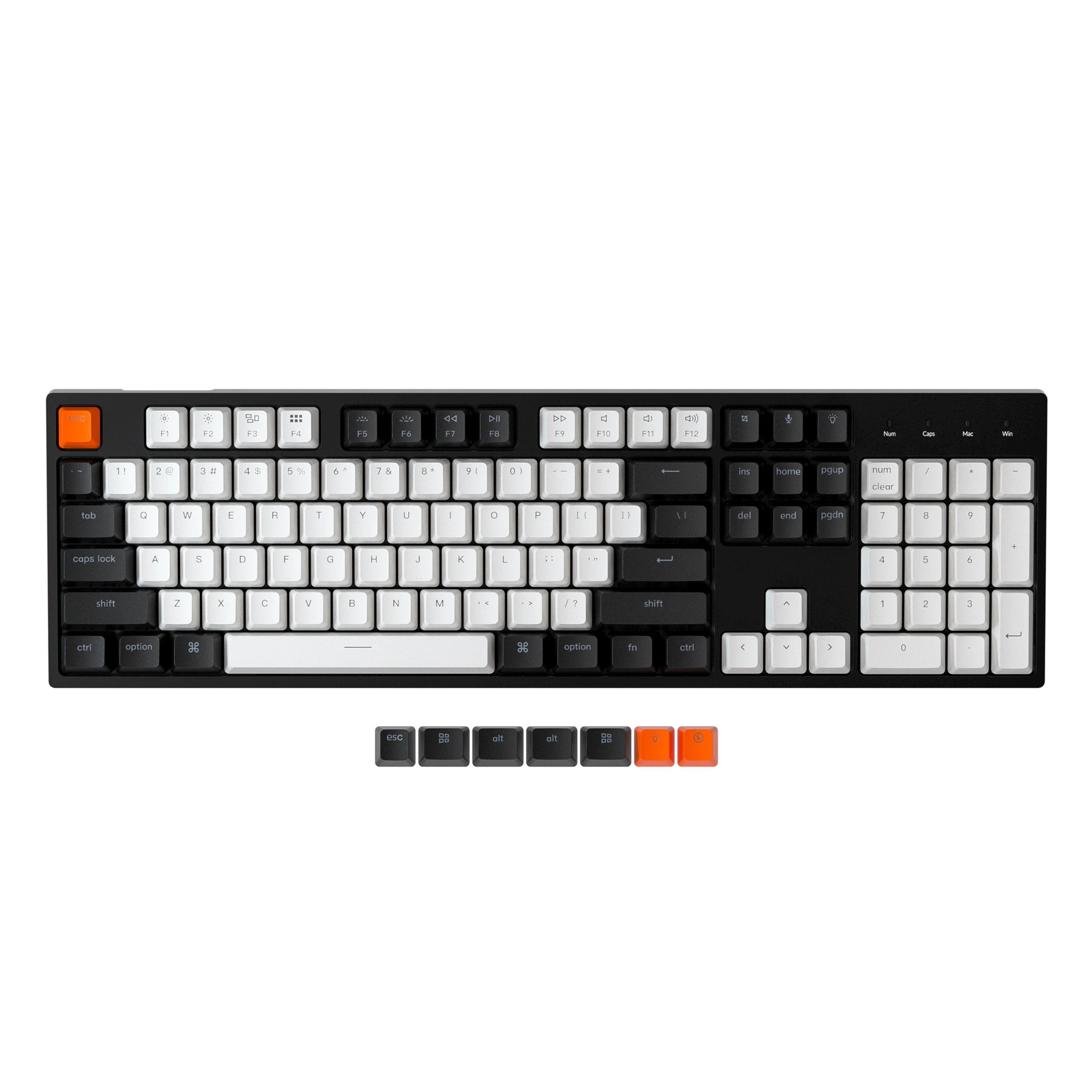
| Width | 435.6 mm |
| Depth | 130 mm |
| Height | Front: 30 - Back: 40 mm |
| Compatibility | Windows and Mac |
| Key layout | QWERTY (ANSI US int.) |
| Switch type | Keychron or Gateron mechanical keys |
| Connection | USB-C |
| Switches | Keychron or Gateron See which variants |
| you will find an overview of all Keychron keyboards here |
Take a seat
Normally we use this bit of text to write something fun and light-hearted about a product. But this time I want to use it to make sure you start reading with a cup of coffee or tea to hand, because there is quite a lot to tell about the C2. Sitting comfortably? A biscuit on the side, perhaps? Let's go!
Why the Keychron C2 keyboard?
The Keychron C2 gives you all the keys and functions you are used to from a traditional keyboard, but in a more extensive package. This means the keyboard has a numeric section, and that it has shortcuts that can be used by pressing key combinations.
You have the choice of fixed or swappable Keychron and Gateron keys. The keys are easy to swap with the included keycap puller. The layout of this keyboard is ideal if both typing and data entry are among your main tasks. The keyboard works Plug & Play via a USB-C cable.
Matching C2 wrist rest
Keychron has designed a wrist rest made of American walnut wood especially for the C2. The wrist rest has 4 anti-slip points that keep it firmly in place.
Thanks to the support, your wrists and hands are at the right height to use the keyboard. This optimises relaxation and can help prevent injuries. At the top right of the page you can add the wrist rest to your order. You can read more about the wrist rest here.
PLEASE NOTE: Keychron's wrist rests are natural products and therefore never identical. The product you receive may differ from the photo.
Gateron switch puller
The Gateron switch puller is the ultimate addition to your hot-swappable keyboard. Our hot-swappable keyboards already come with a keycap and switch puller as standard. But this switch puller is easier to use.
You place the Gateron switch puller over the switch and press down until you hear a click. Now you can easily pull the switch out. With a press of the button on the top, the puller releases the switch. You can read more about the Gateron switch puller here.
Extra switches
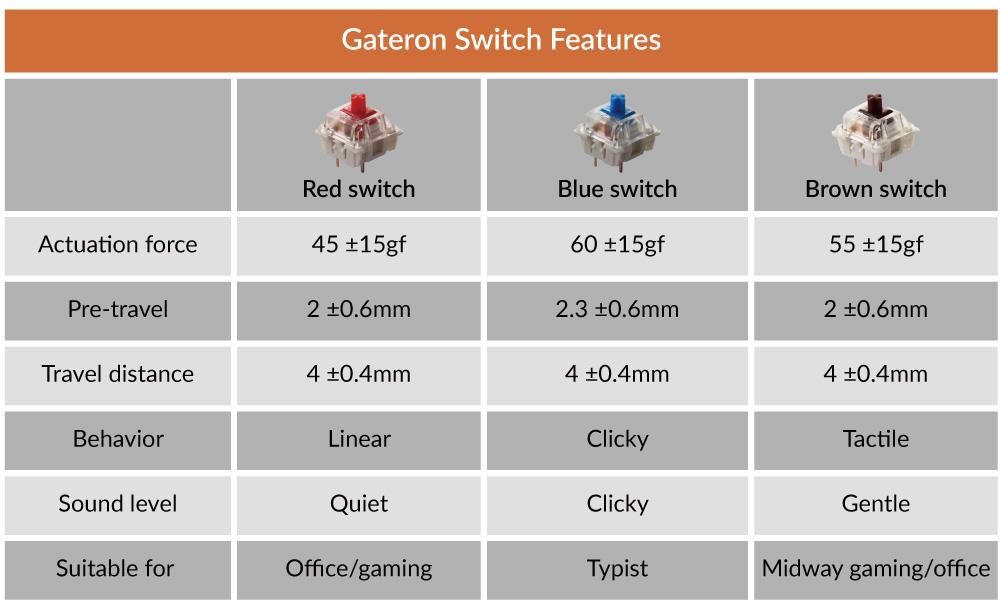
Would you rather adjust the switches entirely yourself? You can! You can order the Gateron switches separately so you can customise the keyboard completely to your liking. Below you will find an overview of the properties of all the different switches. View the switches here.
What makes an ergonomic keyboard so good?
Anyone who does a lot of work on the computer knows that this can put a strain on your wrists, shoulders, back and neck. A good keyboard can help you with this. The Keychron C2, for example, has plenty of shortcuts. This means you can keep your hands on the keyboard as much as possible. The keys are also extra easy to press. All of this is intended to minimise strain on muscles, which can help prevent or reduce injuries.
Get the most out of this product
Here you choose not only the keyboard but also the type of keys it is fitted with. You can choose from Red and Brown Keychron mechanical keys, or Red and Brown Gateron mechanical keys. Here you will find an overview of the Keychron switches and here you will find an overview of the different Gateron switches.
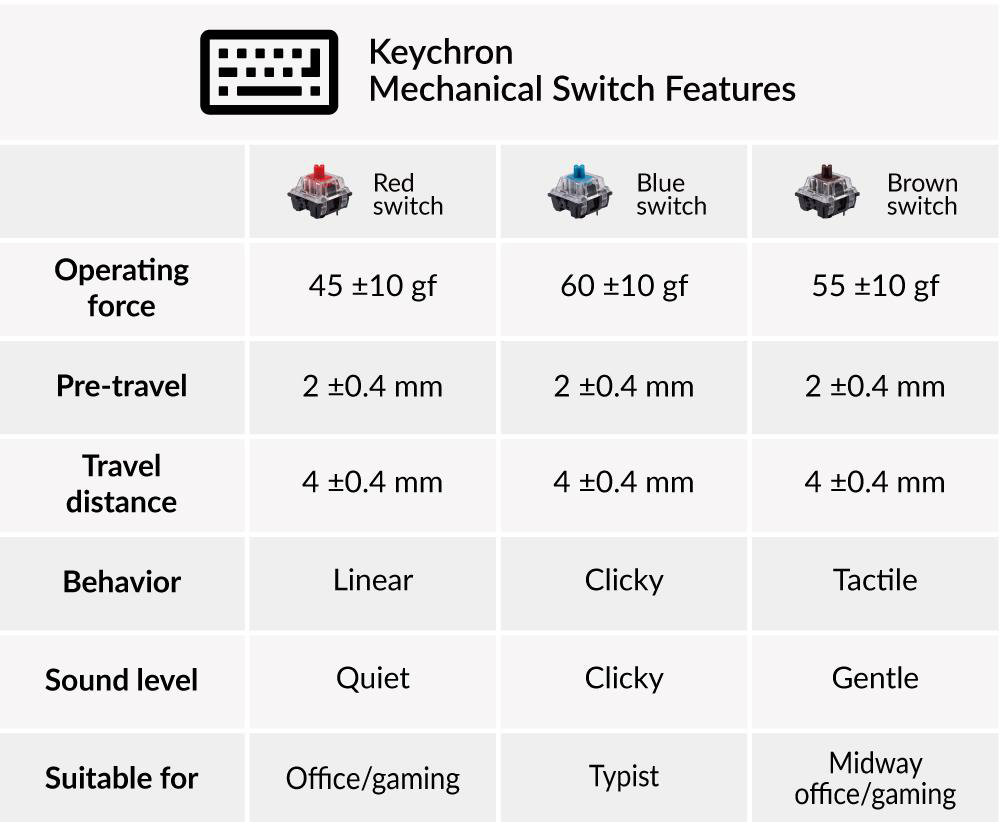
Would you rather customise the board completely? You can! Because you can also choose the Hot-Swappable Gateron switches. This means you can remove and replace the keys very easily. Almost all MX-type mechanical keys work on this board (Gateron, Cherry, Kailh, etc.).
You should not miss this either
The keyboard features backlighting, which makes the keys easy to see in poorly lit rooms. You have the choice of white and RGB lighting. The RGB version has 18 different modes. You can also choose a model without backlighting.
The C2 can easily be raised a little higher by folding out two feet at the back. But for ergonomic reasons we advise against this. The C2 is suitable for both Windows & Mac. With a slider switch on the side you can easily switch between the operating systems. System-related keys are supplied and you can easily swap them yourself.
Pros and cons
- Shortcuts
- High quality
- Optional backlighting
- Many options
- Quite wide
Brief specifications
| Warranty | 1 year |
| Colour | Black/white |
| Layout | 104-keys |
| Ergonomic design | |
| Plug & Play |
How happy will my body be with this?
| Hand | |
| Shoulder | |
| Wrist | |
| Arm |
Product features
- Ergonomic design
- Mechanical keys
- Optionally with backlighting
- 104-keys version
- Numpad included
- Keychron red or brown switch
- Gateron red or brown switch
- Cable length 120 cm
- 12 multimedia keys
- Plastic frame
- For Windows, Mac, Android and iOS
- USB-C cable connection
What's in the box?
- 1 x QWERTY keyboard
- 1 x USB-C cable
- 1 x user manual
- 1 x keycap puller
- 6 x Windows keycaps
C2 RGB Backlight
Frequently asked questions
Gateron Switches
 | 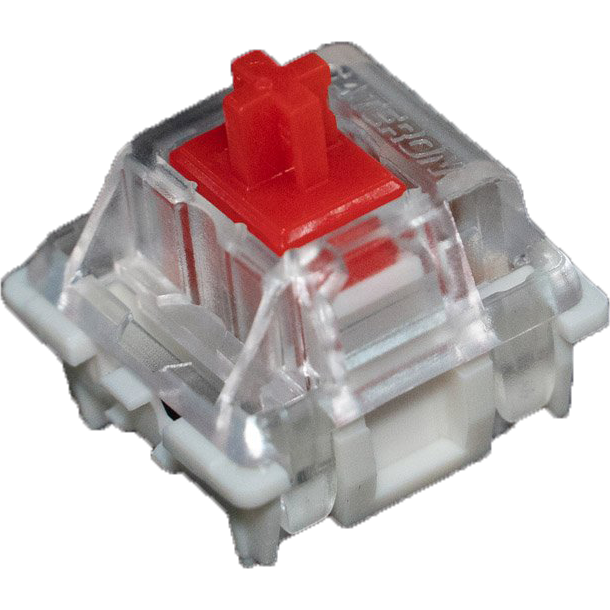 | 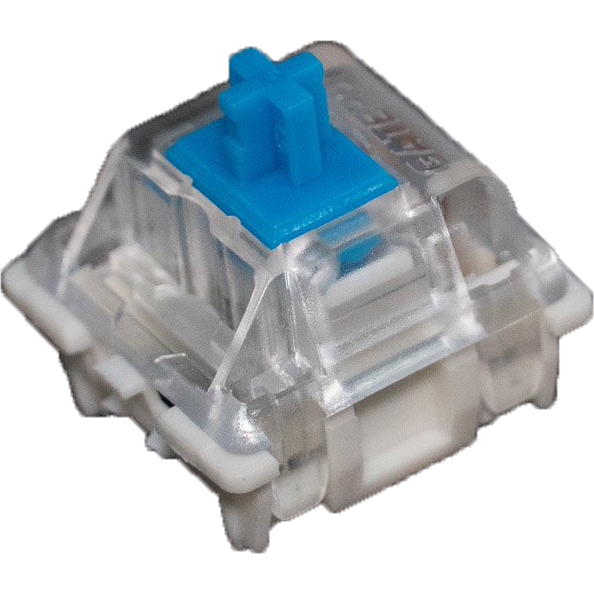 | 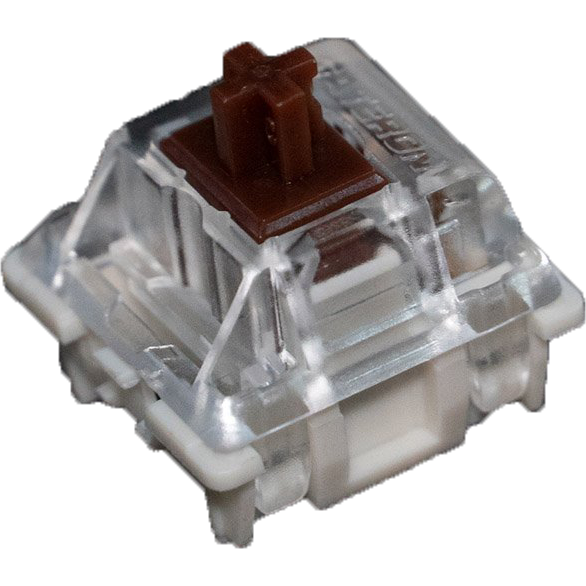 | 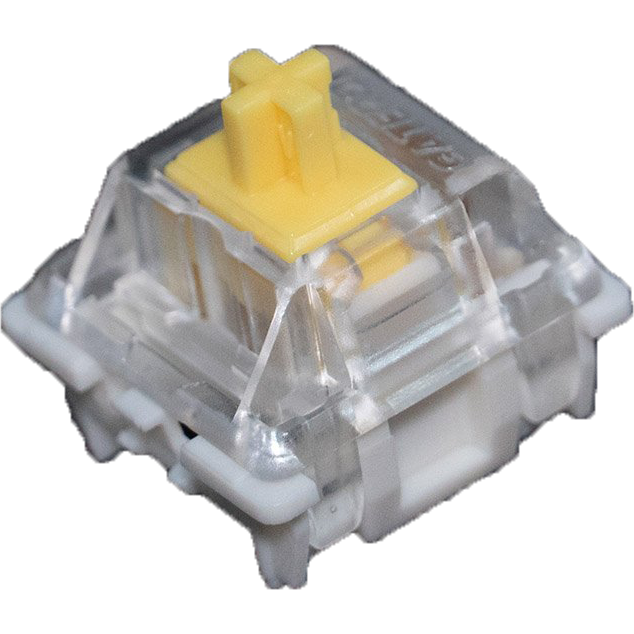 | 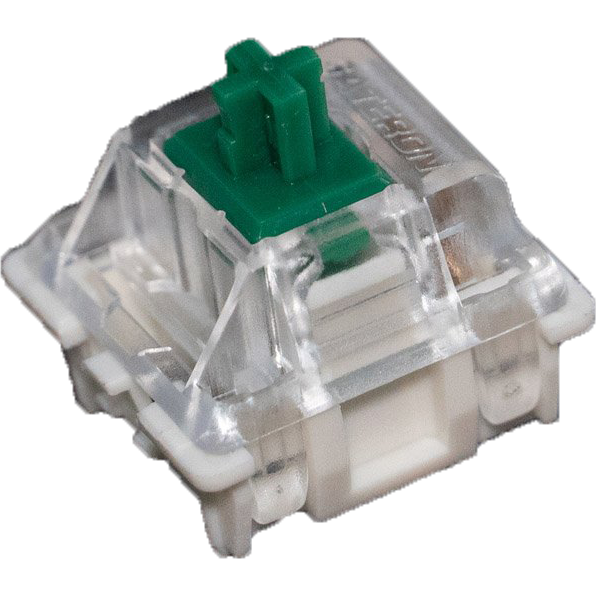 | 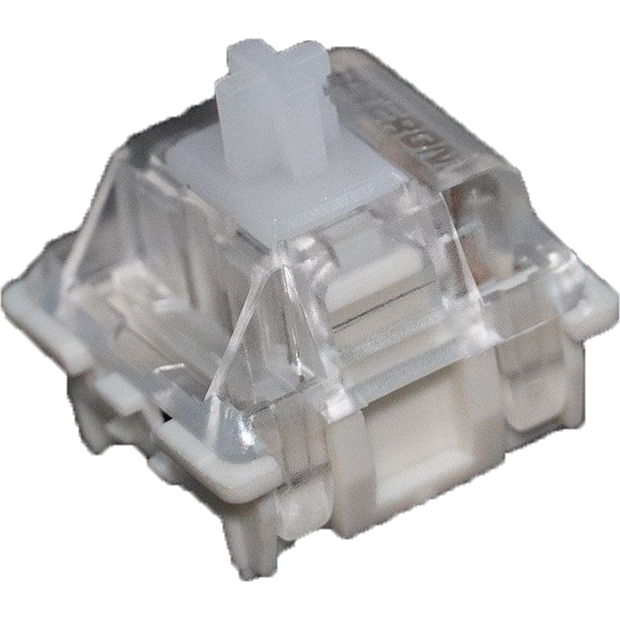 | 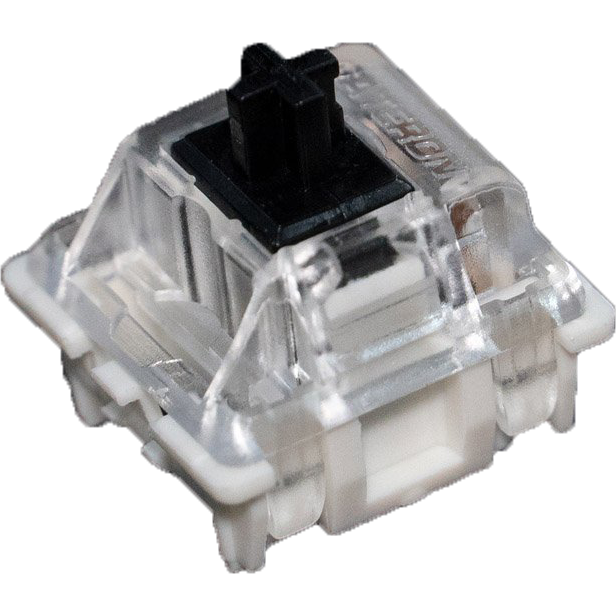 |
| Colour: | Red | Blue | Brown | Yellow | Green | White | Black |
| Type: | Linear | Clicky | Tactile | Linear | Clicky | Linear | Linear |
| Force (g): | 45 | 60 | 55 | 50 | 80 | 35 | 60 |
| Actuation point (mm): | 2 | 2.3 | 2 | 2 | 2 | 2 | 2 |
| Max. travel (mm): | 4 | 4 | 4 | 4 | 4 | 4 | 4 |
| Lifespan (clicks): | 50 million | 50 million | 50 million | 50 million | 50 million | 50 million | 50 million |
| Sound level: | |||||||
| Ideal for: | Office & gaming | Typing | All-round | All-round | Typing | Office & gaming | Office & gaming |
Keychron Switches
 | 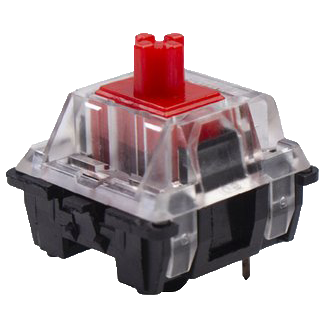 | 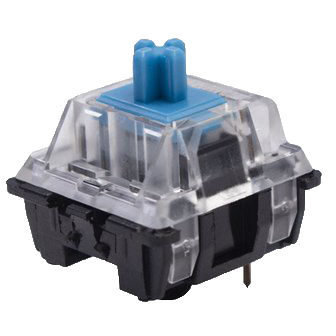 | 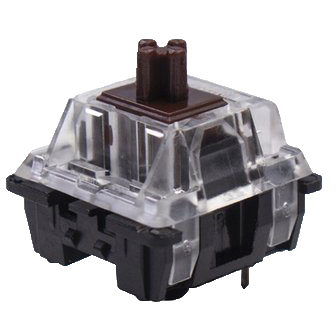 |
| Colour: | Red | Blue | Brown |
| Type: | Linear | Clicky | Tactile |
| Force (g): | 45 | 60 | 55 |
| Actuation point (mm): | 2 | 2 | 2 |
| Max. travel (mm): | 4 | 4 | 4 |
| Lifespan (clicks): | 50 million | 50 million | 50 million |
| Sound: |
Specifications
| Item number | ERGO-KCC2A3/ERGO-KCC2B3 |
| Manufacturer's item number | C2: A3 / B3 |
| Brand | Keychron |
| Warranty | 1 year |
| Type of guarantee | The Ergowerken free return guarantee service |
| Colour | Black/White |
| Keyboard type | 104-key |
| Ergonomic design | |
| Keyboard layout | QWERTY (ANSI US int.) |
| Connection | USB-C cable |
| Bluetooth | |
| USB version | 2.0/3.0 |
| Type of keys | Keychron Optical and Gateron mechanical keys |
| Numeric keypad | |
| Shortcut keys | |
| Programmable buttons | |
| Trackball/touchpad | |
| Type of power supply | Wired |
| Battery type | Not applicable |
| Rechargeable | |
| Minimum system requirements | Mac OS X v10.5, Mac OS X v10.6, Mac OS X v10.7, Mac OS X v10.8, Mac OS X v10.9, Mac OS X v10.10, Mac OS X v10.11, Windows XP, Windows Vista, Windows 7, Windows 8, Windows 10 |
| Plug and play | |
| Dimensions length x width x height | 435.6 x 130 x 40 millimetres |
| Product weight | 829 grams |
Reviews Keychron C2 wired 104-key mechanical keyboard for Windows & Mac
Customers who write a review enter a prize draw for a voucher. We pick one winner and publish all reviews, including critical ones.