Stel hier je vraag over dit product
Kinesis Advantage2 ergonomic QWERTZ keyboard black


Product description of Kinesis Advantage2 ergonomic QWERTZ keyboard black
Is this keyboard right for me?
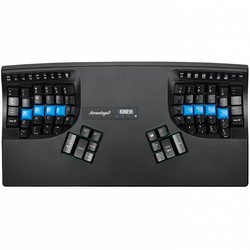
| Width | 419 mm |
| Depth | 232 mm |
| Height | 73 mm |
| Compatibility | PC and Mac |
| Key layout | QWERTZ |
| Switch type | Cherry MX Brown tactile mechanical switches |
| Connection | Wired (USB) |
An ode to the Kinesis Advantage2 QWERTZ
Takes some getting used to, then you often won't want to go back
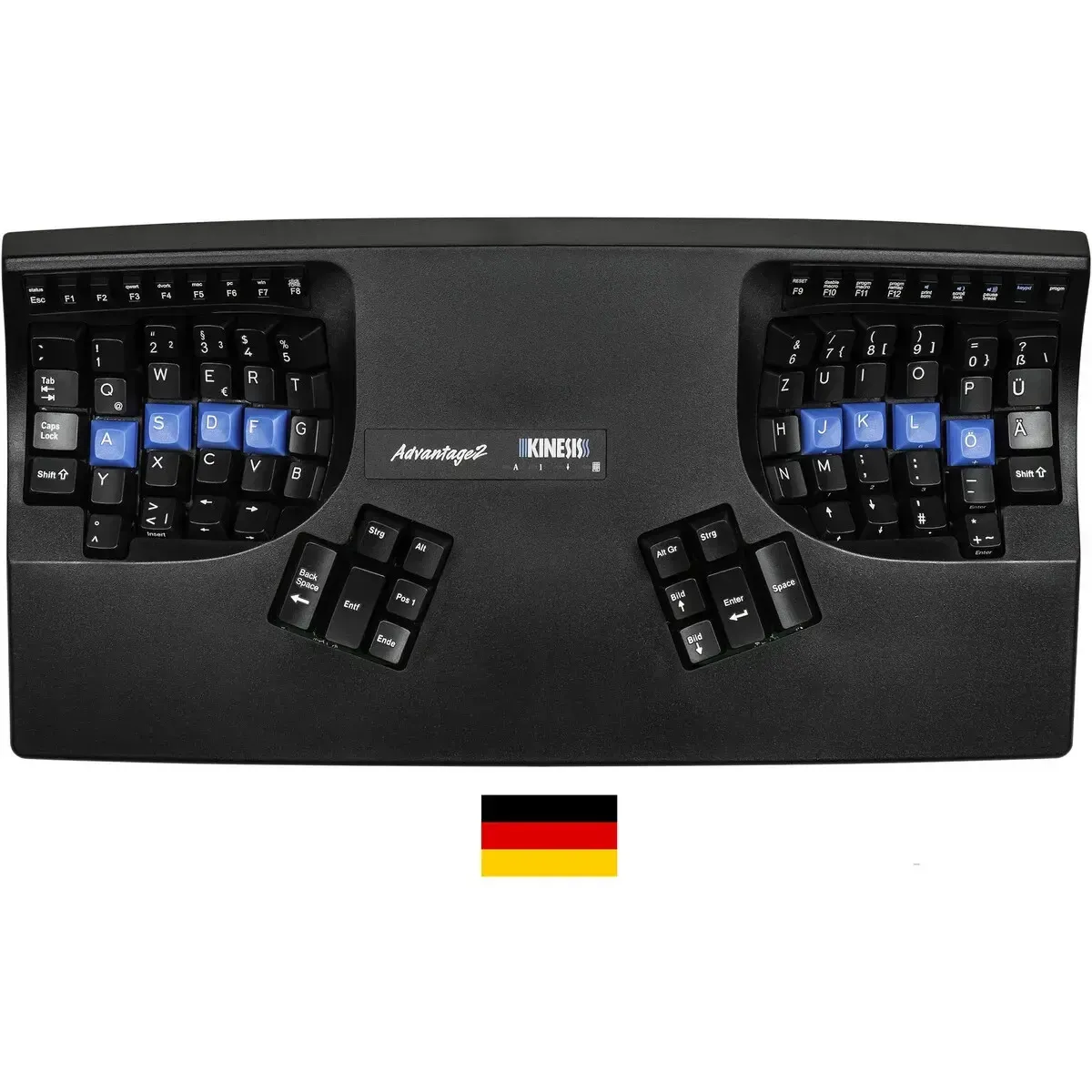
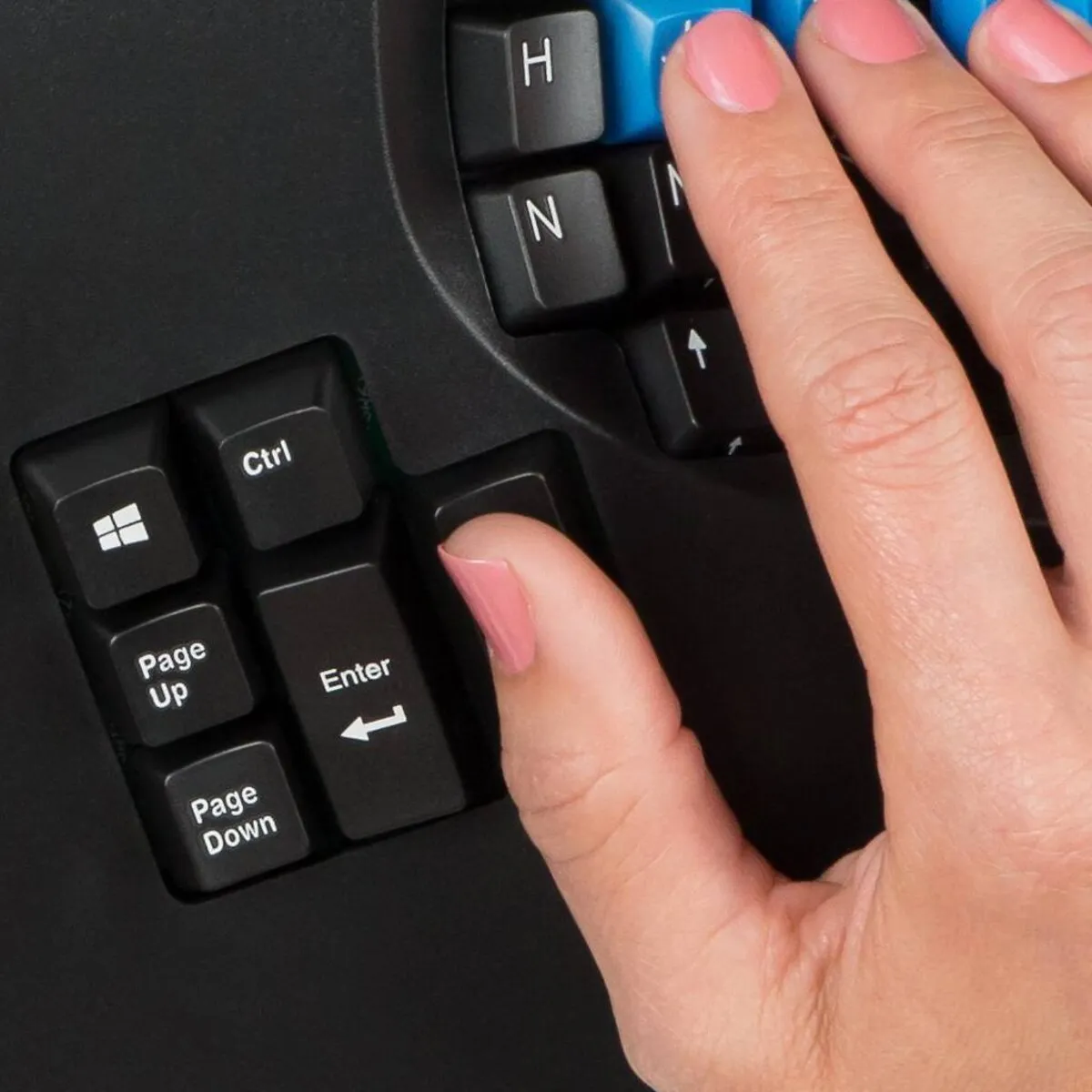
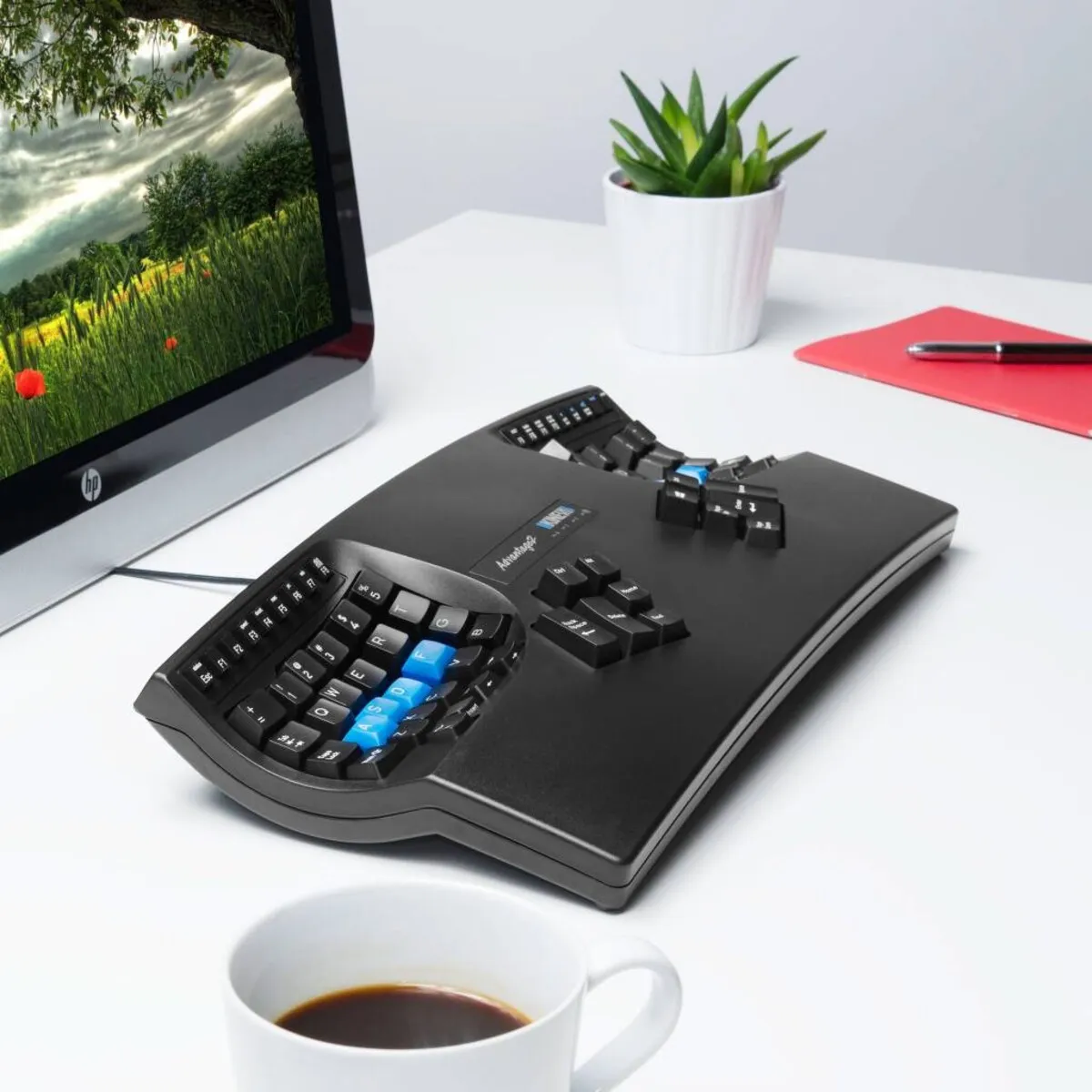
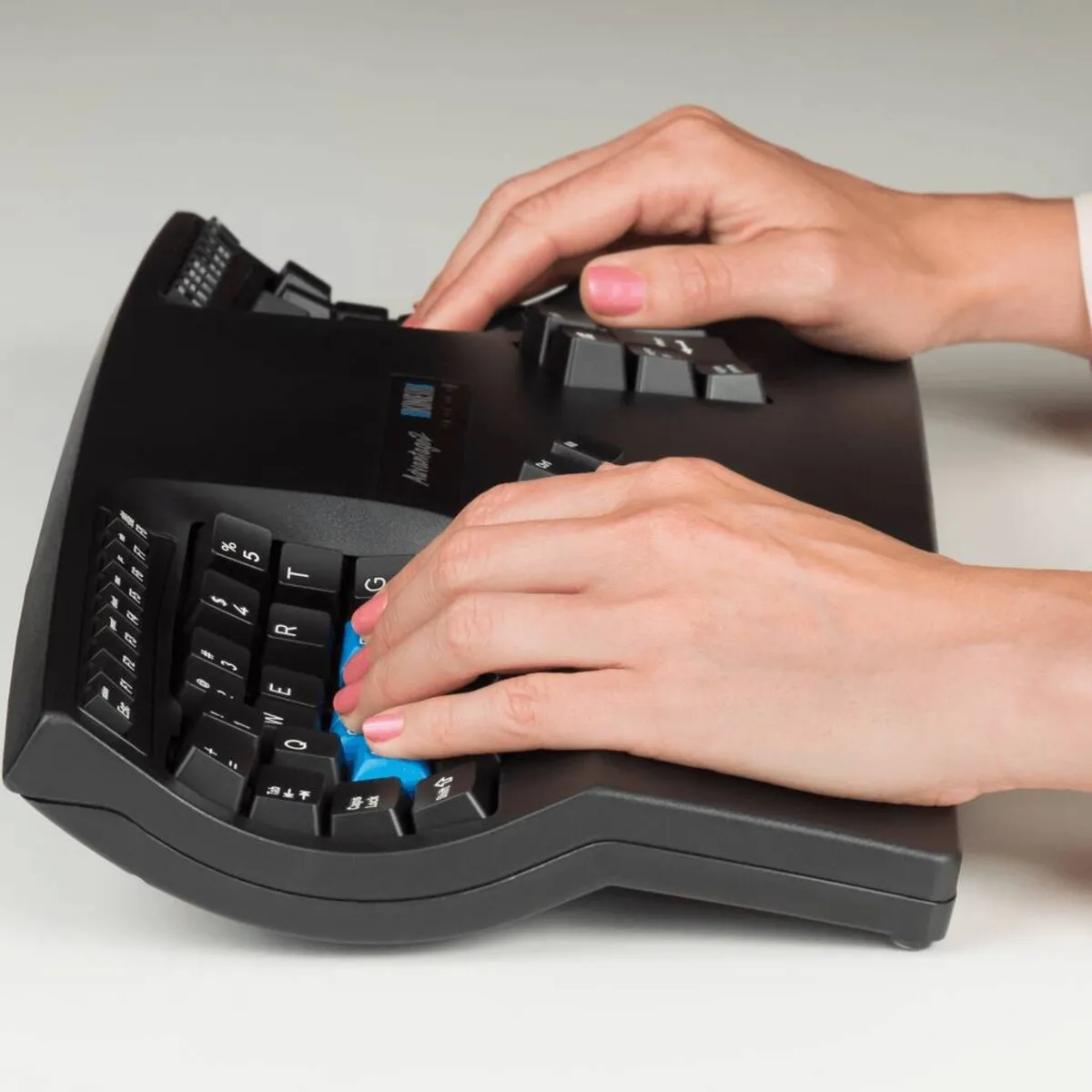
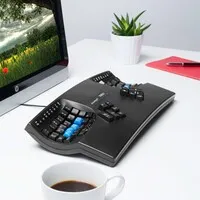
The Kinesis Advantage2 isn't a keyboard you just casually put down and type on without thinking. It's truly a different beast. The keys are set in two wells, many important keys have been moved to the thumbs, and the overall shape almost naturally guides your hands into a more relaxed posture. That feels a bit strange at first. Perfectly normal.
But give yourself some time and you'll quickly understand why this particular model has such a loyal user base. Your fingers don't have to reach as far, your wrists rest more relaxed and your shoulders stay calmer. Quite simple, really: less searching for comfort, more simply working.
Why the Kinesis Advantage2 QWERTZ?
For those who type a lot and want to feel less tension
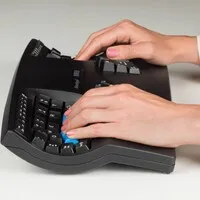
The Advantage2 has been developed from years of experience with ergonomic keyboards. Its design is there to make prolonged typing more comfortable. Thanks to the split, contoured shape, your arms are more at shoulder width and your wrists stay in a more natural position. The included palm rests help absorb extra tension, and frequently used keys are placed under the thumbs, so the little finger doesn't have to work as hard.
This version has a QWERTZ layout, as is common in Germany, Austria and Switzerland. Useful if you work with it daily or simply don't want to constantly switch between different keyboard layouts.
Mechanical switches and hassle-free programming
The Kinesis Advantage2 is equipped with Cherry MX Brown tactile mechanical switches. These give a subtle, tactile actuation point, so you notice better when a key has registered. This means you're less likely to press unnecessarily deep. For many people, this makes typing a little calmer.
You can also reprogram keys via Kinesis' SmartSet system. That's built directly into the keyboard itself, along with its internal memory. So you don't need to install separate software to adjust settings, layouts or macros.
Explanation of use
Allow yourself the learning curve
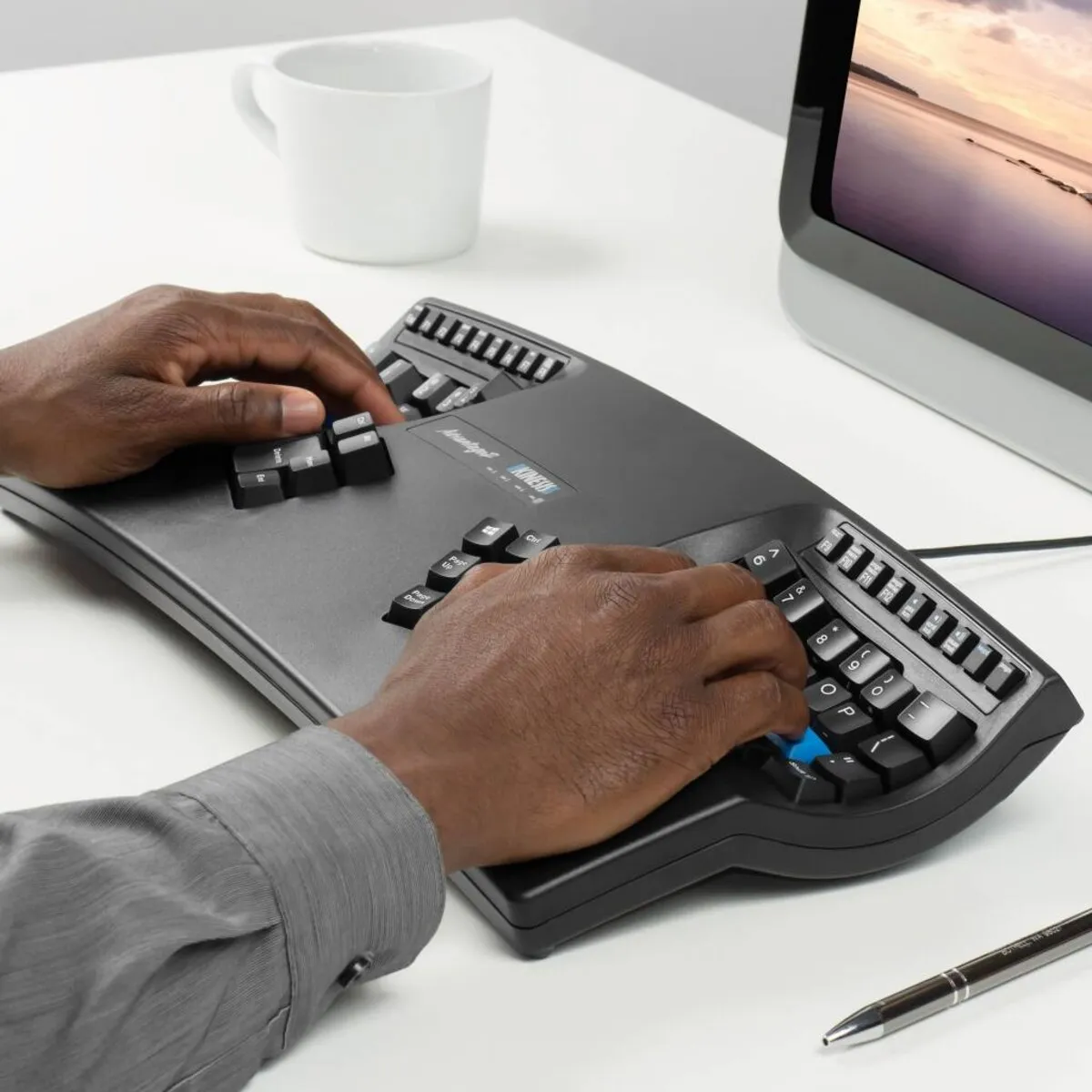
This keyboard types differently from a standard model. Especially the placement of keys like backspace, enter and space requires some attention at first. The contoured shape also means your fingers make different movements than you're used to. You might grumble about it for the first few days. That's part of it.
If you work with it seriously for a few weeks, it usually becomes more logical by itself. Precisely because the keys are closer to your fingers and your thumbs take over more work, typing often feels calmer and more efficient afterwards. Useful if you spend hours at your keyboard.
Ergonomic benefits
Those who work a lot on the computer often first notice tension in their wrists, hands, shoulders or forearms. The Kinesis Advantage2 helps reduce this strain by letting your hands work separately and your fingers reach less far. You can also place your mouse closer to the keyboard, as your posture becomes more compact and logical.
The combination of the split shape, the contoured layout, the thumb keys and the light mechanical actuation makes this keyboard particularly interesting if you type a lot and are more conscious of your working posture.
Also not to be missed + A quick measure
Fortunately, measuring doesn't have to be complicated here
The Advantage2 is not a compact keyboard. With a width of 419 mm and a depth of 232 mm, it clearly takes up space on your desk. So make sure you have enough room and that your mouse still fits comfortably next to the keyboard.
SmartSet App and newer alternatives
If you prefer a visual approach when adjusting keys or macros, you can use the SmartSet App. This lets you view and modify keyboard layouts and settings a little more clearly.
If you're also curious about the newer models in this line, there are also the Advantage360 and Advantage360 Pro.
Pros and cons
- Great if you type a lot and want your hands to work more calmly
- Great if you want to program keys and macros yourself
- Great if you work with a QWERTZ layout
- Less ideal if you want to switch quickly without an adjustment period
In short: the Kinesis Advantage2 QWERTZ is an ergonomic keyboard for those who type a lot. Important: QWERTZ layout, Cherry MX Brown mechanical switches.
Brief specifications
| Warranty | 3 years |
| Product weight | 997 grams |
| Plug & Play | |
| Ergonomic design | |
| Cable length | 190 cm |
Key figures: 419 mm wide, 232 mm deep, 73 mm high, 997 grams, cable length 190 cm.
View specifications >In short: this keyboard mainly helps with a more relaxed posture for wrists, hands and shoulders.
How happy will my body be with this?
| Wrist | |
| Hand | |
| Shoulder | |
| Arm |
Score overview: Wrist 5/5, Hand 4/5, Shoulder 4/5, Arm 3/5.
Product features
- Ergonomic design
- Split contoured key layout
- QWERTZ layout
- Separate thumb keys
- Integrated numeric section
- Included palm rests
- Works with PC and Mac
- Wired USB connection
- Cherry MX Brown tactile mechanical switches
- Cherry ML low-force mechanical function keys
- With SmartSet Programming Engine
- Keys programmable without separate software
- Switch between QWERTY and Dvorak
What's in the box?
- 1 x Kinesis Advantage2 keyboard
- 1 x Self-adhesive palm pads
- 1 x Keycap puller
- 1 x Quick Start Guide
- 4 x extra keycaps: (2) command, (1) alt/option and (1) Alt
Frequently asked questions
Specifications
| Item number | ERGO-KIADVB |
| Manufacturer's item number | KB600-DE |
| Brand | Kinesis |
| Warranty | 3 years |
| Type of guarantee | Ergowerken free warranty return service |
| Colour | Black |
| Keyboard type | Compact |
| Ergonomic design | |
| Keyboard layout | QWERTZ (DE) |
| Bluetooth | |
| USB version | 2.0 |
| Type of keys | Cherry MX Brown tactile mechanical, Cherry ML low-force function keys |
| Numeric keypad | Integrated |
| Shortcut keys | |
| Programmable buttons | |
| Trackball/touchpad | |
| Type of power supply | Thread |
| Battery type | not applicable |
| Rechargeable | not applicable |
| Minimum system requirements | Windows, Linux, Mac OsX, |
| Plug and play | |
| Dimensions length x width x height | 419 x 232 x 73 mm |
| Product weight | 997 gram |
Reviews Kinesis Advantage2 ergonomic QWERTZ keyboard black
Customers who write a review enter a prize draw for a voucher. We pick one winner and publish all reviews, including critical ones.