Stel hier je vraag over dit product
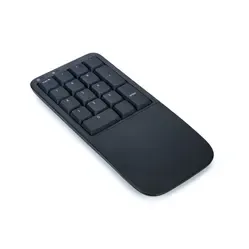
Kinesis numpad with low-profile mechanical keys for PC and Mac




Product description of Kinesis numpad with low-profile mechanical keys for PC and Mac
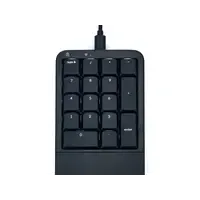
An ode to the Kinesis Mechanical Keypad LP
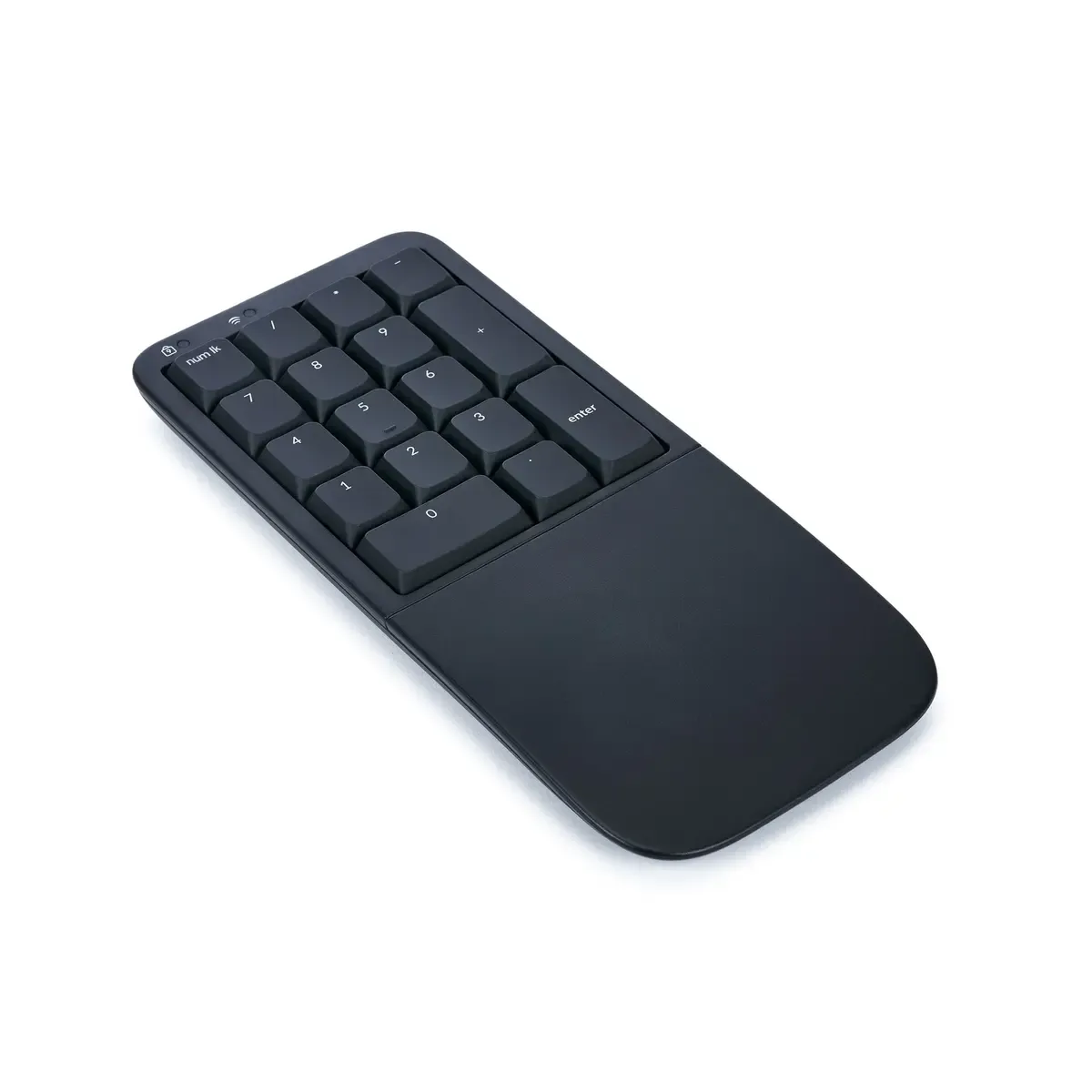
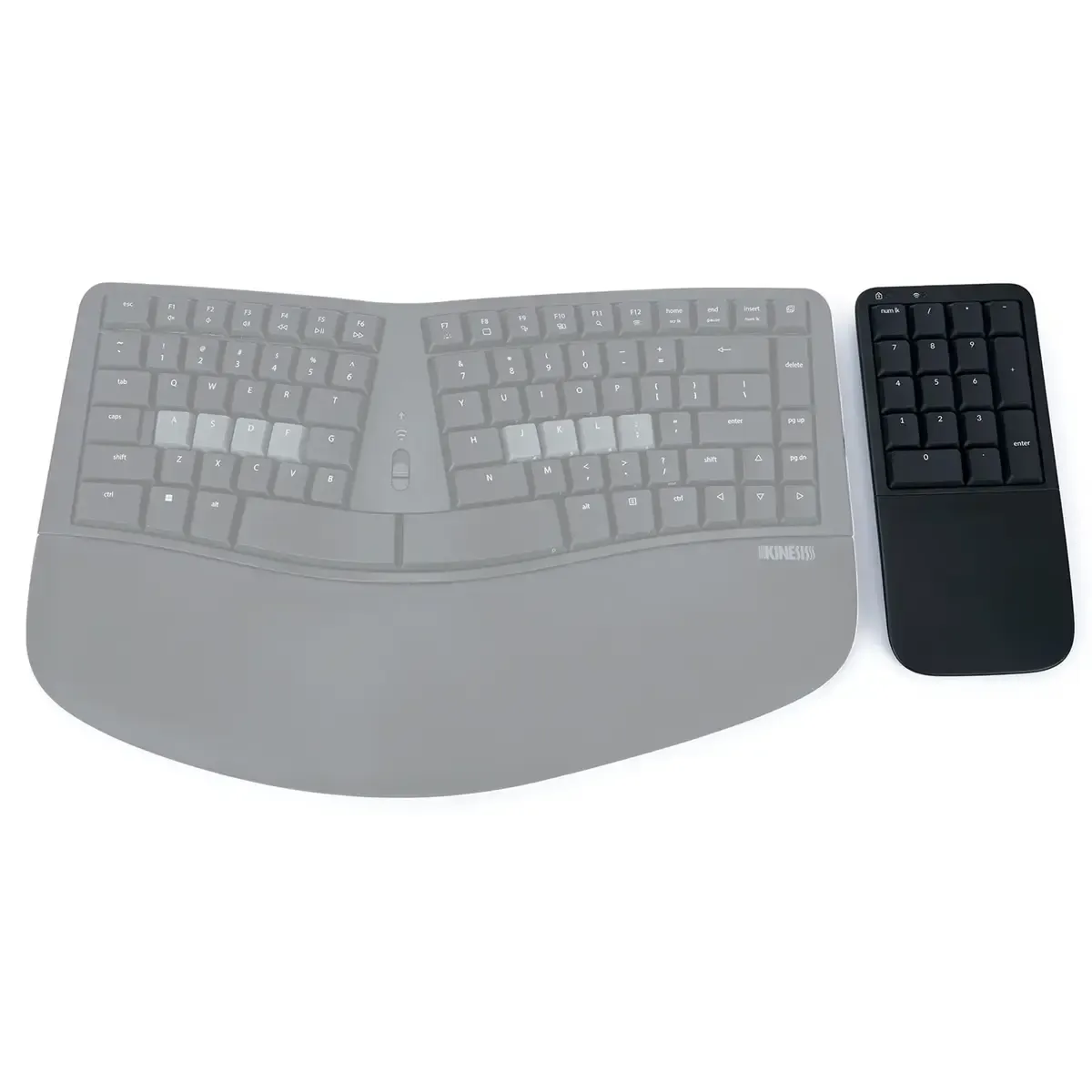
For those who think a numpad is an afterthought: think again. The Kinesis Mechanical Keypad LP is not a boring calculator block, but a smart, silent powerhouse. Compact, mechanical and wireless, this is the calculating marvel that quietly settles into your workspace. Whether you place it on the left or right, it brings calm to your setup and your shoulders. Without fuss, with precision.
Why this numpad?
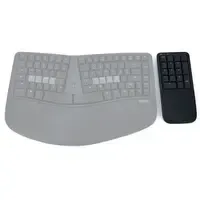
If you work a lot with numbers or hotkeys, a separate numpad is not an unnecessary luxury. Especially not if you have a compact keyboard. The KP150 gives you the freedom to place it wherever you need it. Thanks to the wireless Bluetooth connection (or simply via USB-C), you can connect it however you like. The integrated palm rest supports your wrist in a natural, straight posture. And with the programmable keys, you can turn it into your personal shortcut palace. Macros, media, extra functions: you decide.
How do you use it?
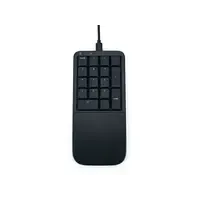
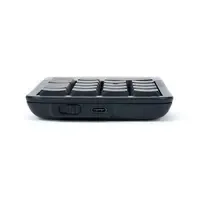
Connecting is simple: choose wireless via Bluetooth or use the included USB cable. You can switch between three devices via the profile switch: one USB and two wireless profiles. An LED clearly indicates which mode is active. The keypad uses standard drivers, so it works directly with Windows, macOS and Linux without additional software.
The keys are fully programmable via the Kinesis Clique web-app, without installation. And via the Num Lock + key combinations, you can, among other things, adjust the backlight, reset the wireless connection or activate programming mode.
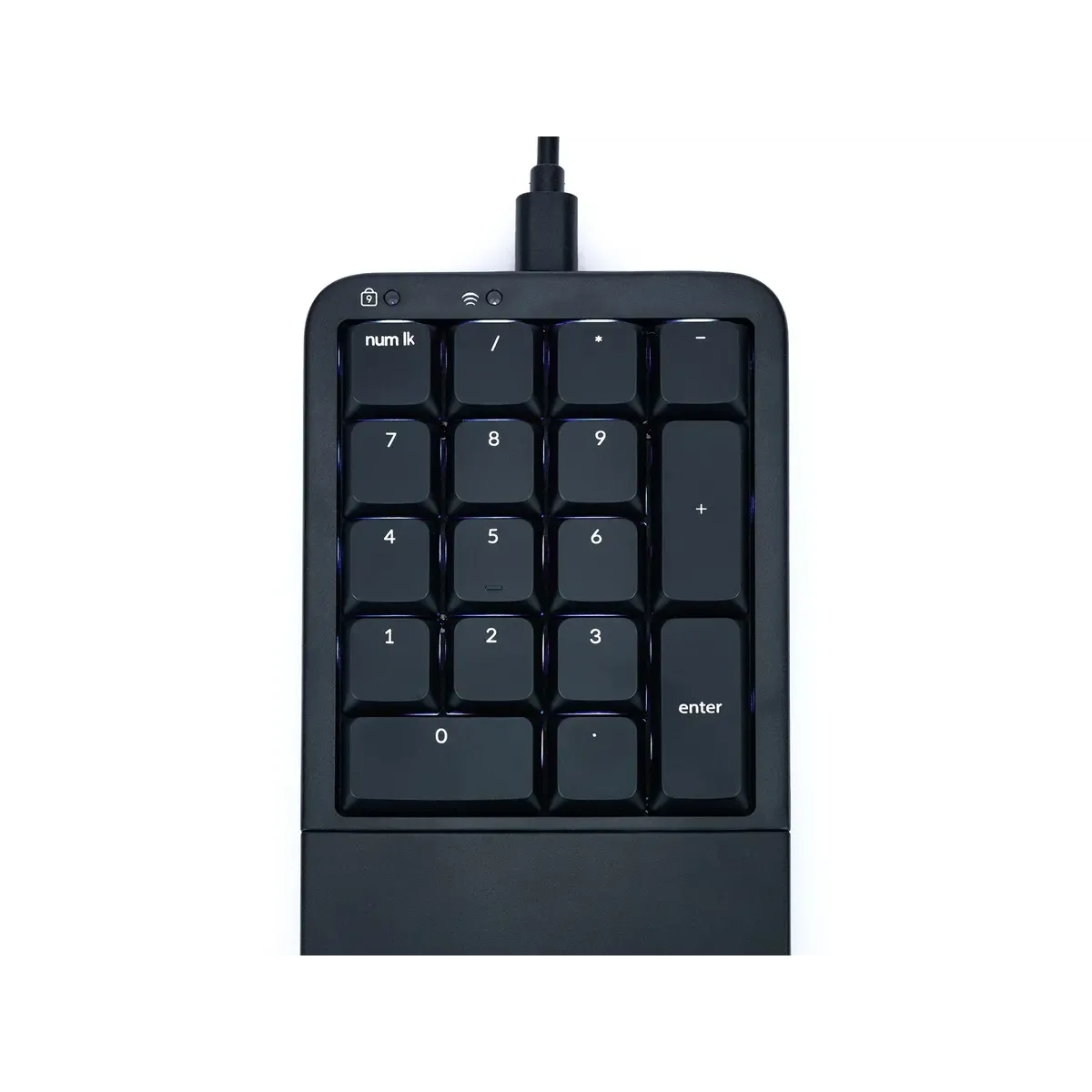
The white backlight only works in USB mode and is adjustable in brightness. In wireless mode, the keypad automatically switches to sleep mode after 30 seconds of inactivity to save battery.
Ergonomic benefits
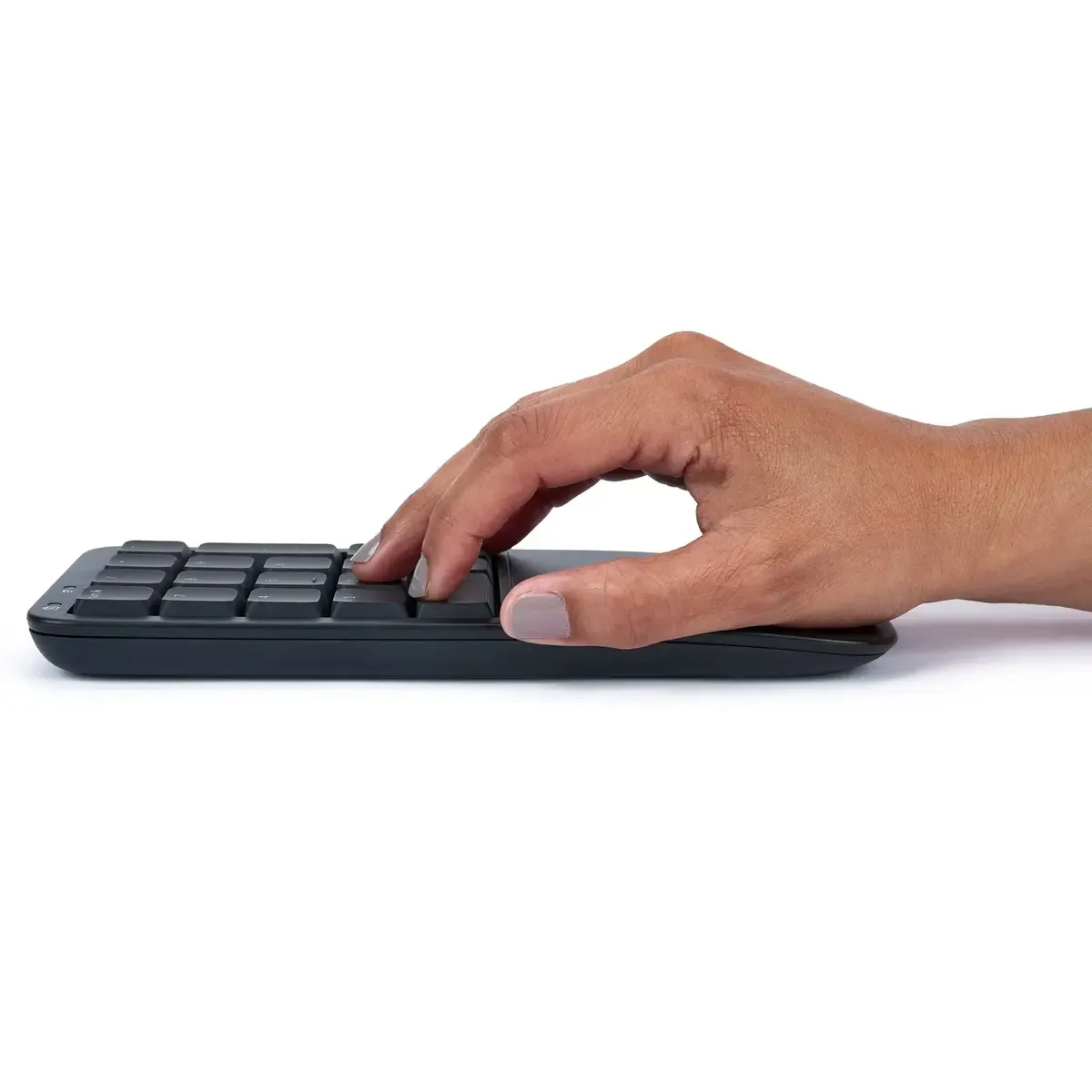
Because you can position it separately, you reduce the reach to your mouse. That reduces tension on your shoulder. The integrated wrist rest keeps your wrist in a neutral position and provides comfort during prolonged use. And because you can program the keys yourself, you can bring functions closer. Less mouse work, more comfort.
Also not to be missed
The KP150 is small, but perfectly formed. Just measure: it is approx. 9 cm wide, approx. 20 cm long and less than 2 cm high. So it easily fits next to your keyboard or laptop. Tip: if you use it wirelessly, opt for rechargeable batteries for even less waste.
In terms of design, it perfectly matches the Kinesis Mwave.
Pros and Cons
- Compact and can be placed separately next to any keyboard
- Mechanical and quiet: low-profile Gateron switches
- Works both wirelessly and via USB
- Fully programmable via web-app
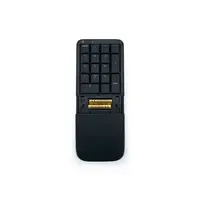
- Integrated palm rest for neutral wrist posture
- LED status indicator and profile switch
- Backlight only works in USB mode
- Sleep mode during inactivity can be confusing when used wirelessly
Brief specifications
| Layout | Standard 10-key / 17 keys |
| Switch type | Gateron low-profile (linear, 45g) |
| Connectivity | Bluetooth 5.1 + USB-C |
| Profiles | 1x USB, 2x Bluetooth |
| Backlight | White LED, USB use only |
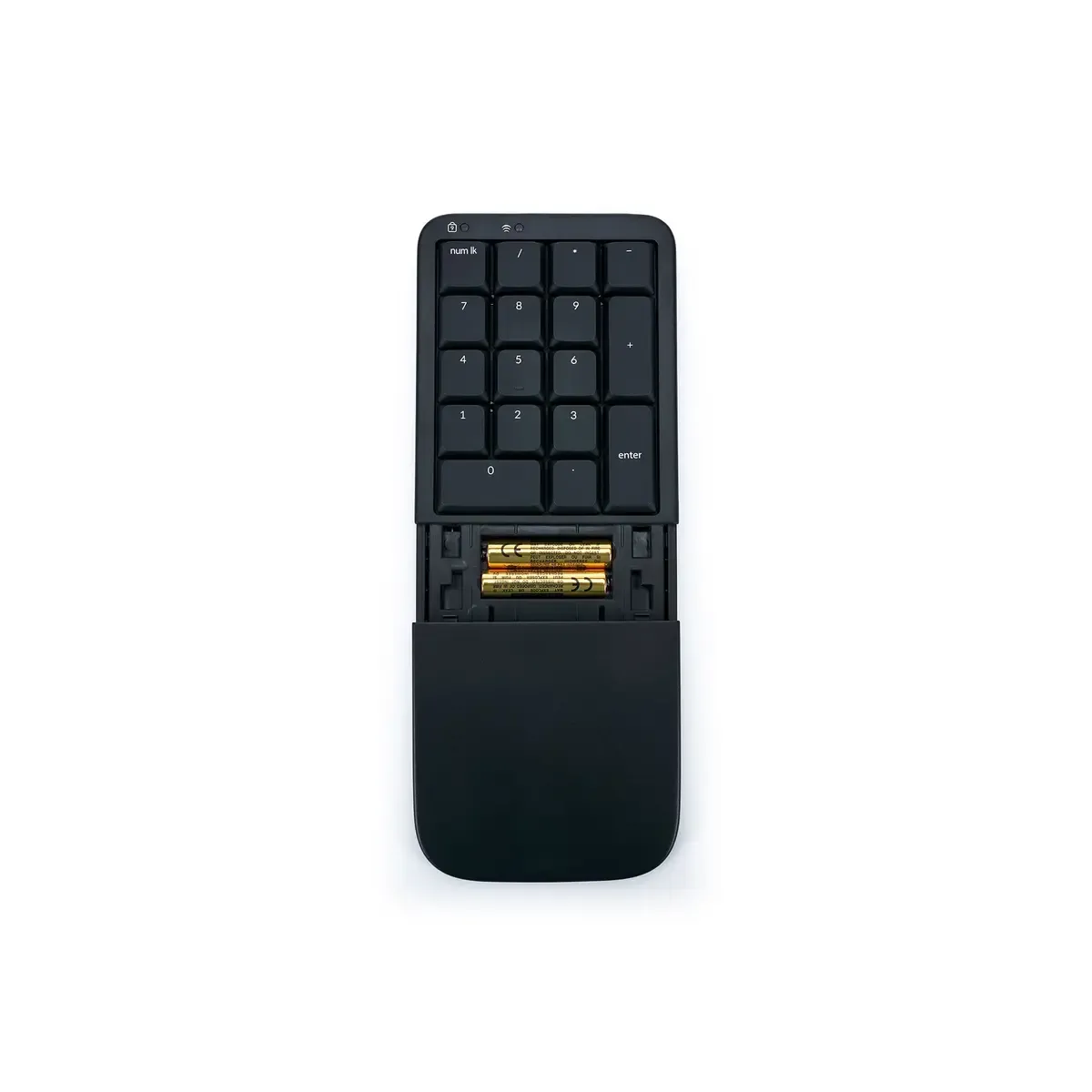
| Power supply | 2x AAA or USB |
| Dimensions | approx. 9 × 20 × 2 cm |
How happy will my body be with this?
| Hand | |
| Arm | |
| Wrist | |
| Shoulder |
Product features
- Standard 10-key layout (17 keys)
- Low-profile mechanical switches
- Bluetooth + USB-C connection
- Fully programmable (Kinesis Clique)
- Integrated palm rest
- LED status indicator for profile and connection
- Special Num Lock key combinations
- Backlight with USB use
- Operates on 2 AAA batteries (included)
- Sleep mode for battery saving
What's in the box?
- 1x Kinesis KP150 keypad
- 1x USB-C to USB-A cable
- 2x AAA battery
- 1x Quickstart guide
Frequently Asked Questions
Reviews Kinesis numpad with low-profile mechanical keys for PC and Mac
Customers who write a review enter a prize draw for a voucher. We pick one winner and publish all reviews, including critical ones.