Stel hier je vraag over dit product
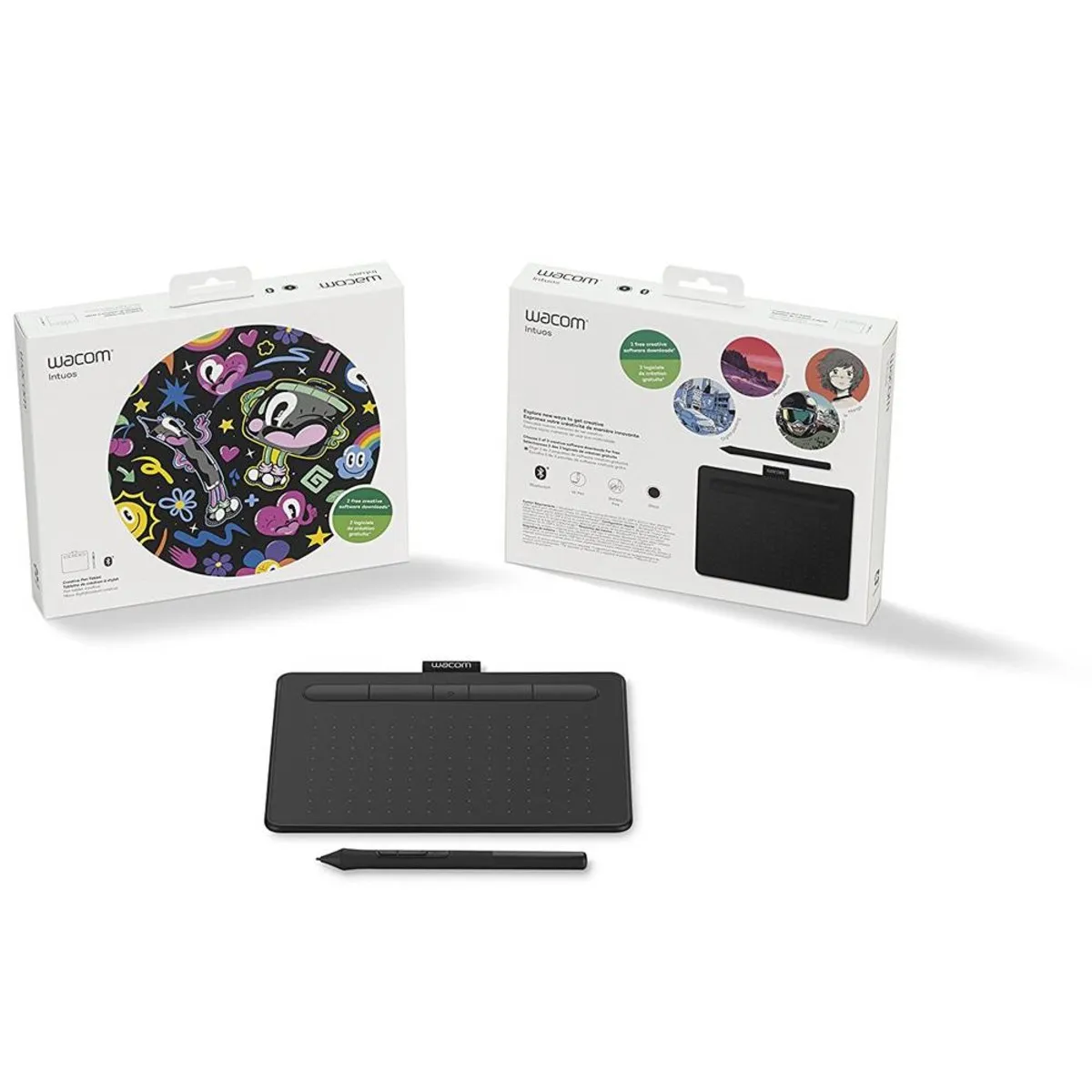
Wacom Intuos S Bluetooth drawing tablet black


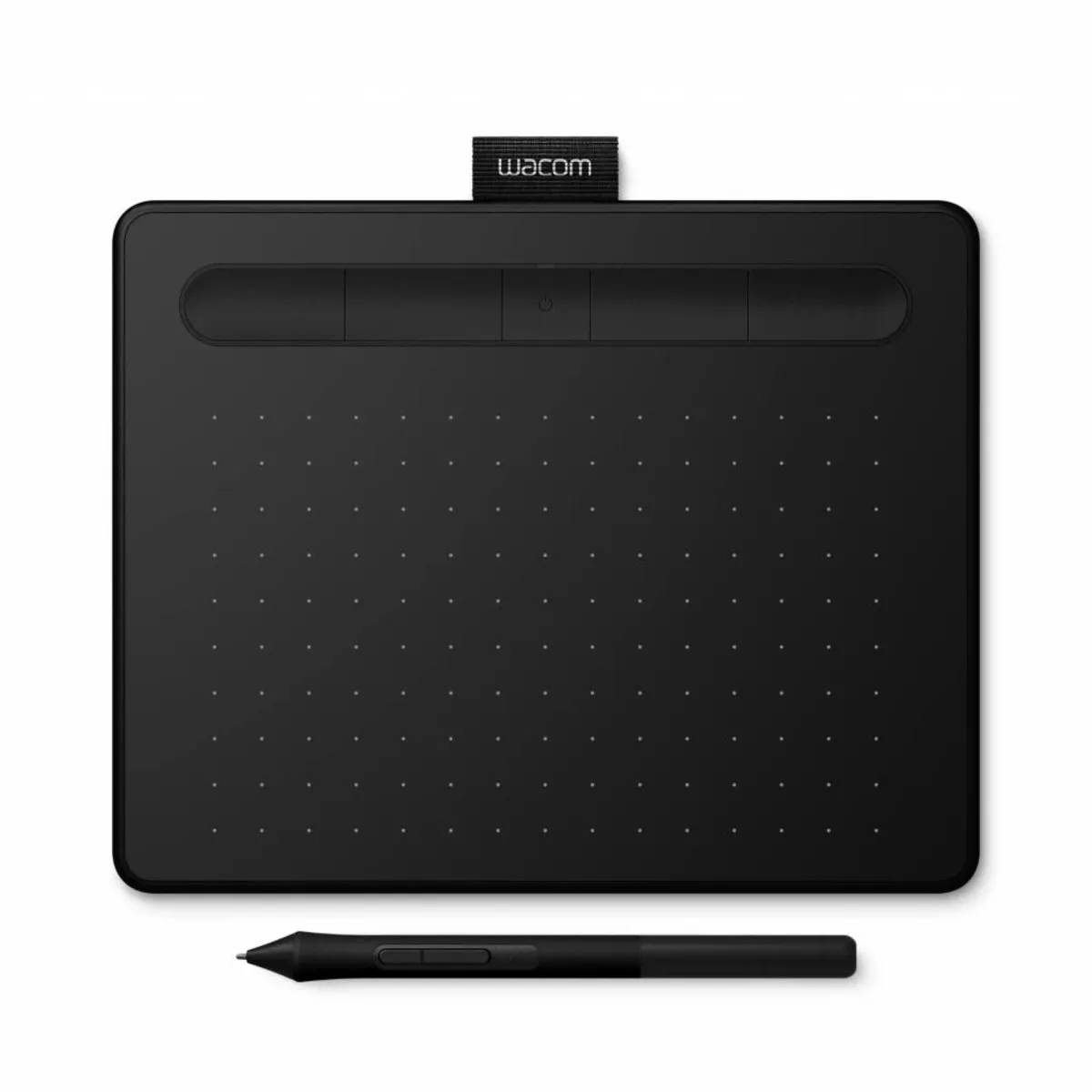
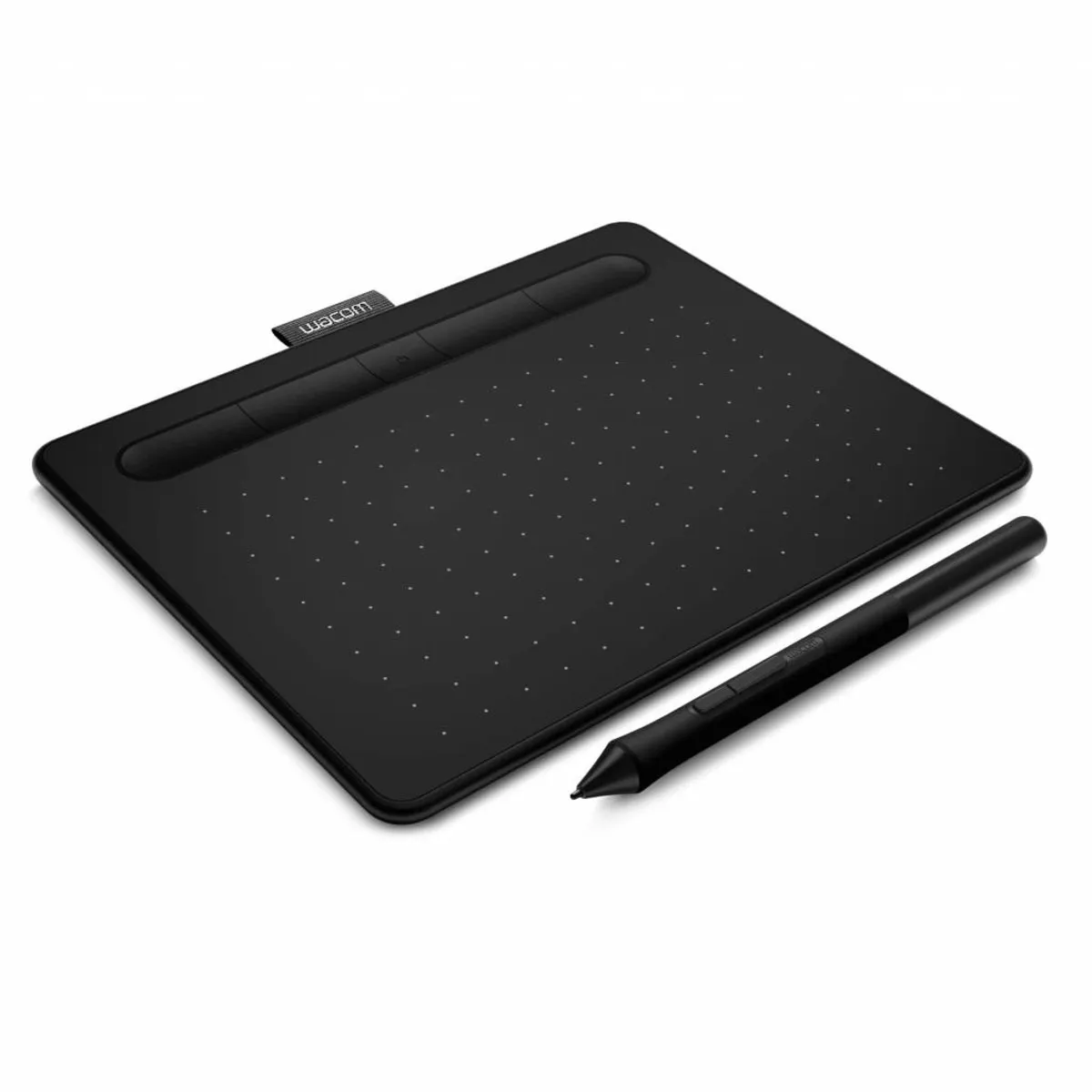

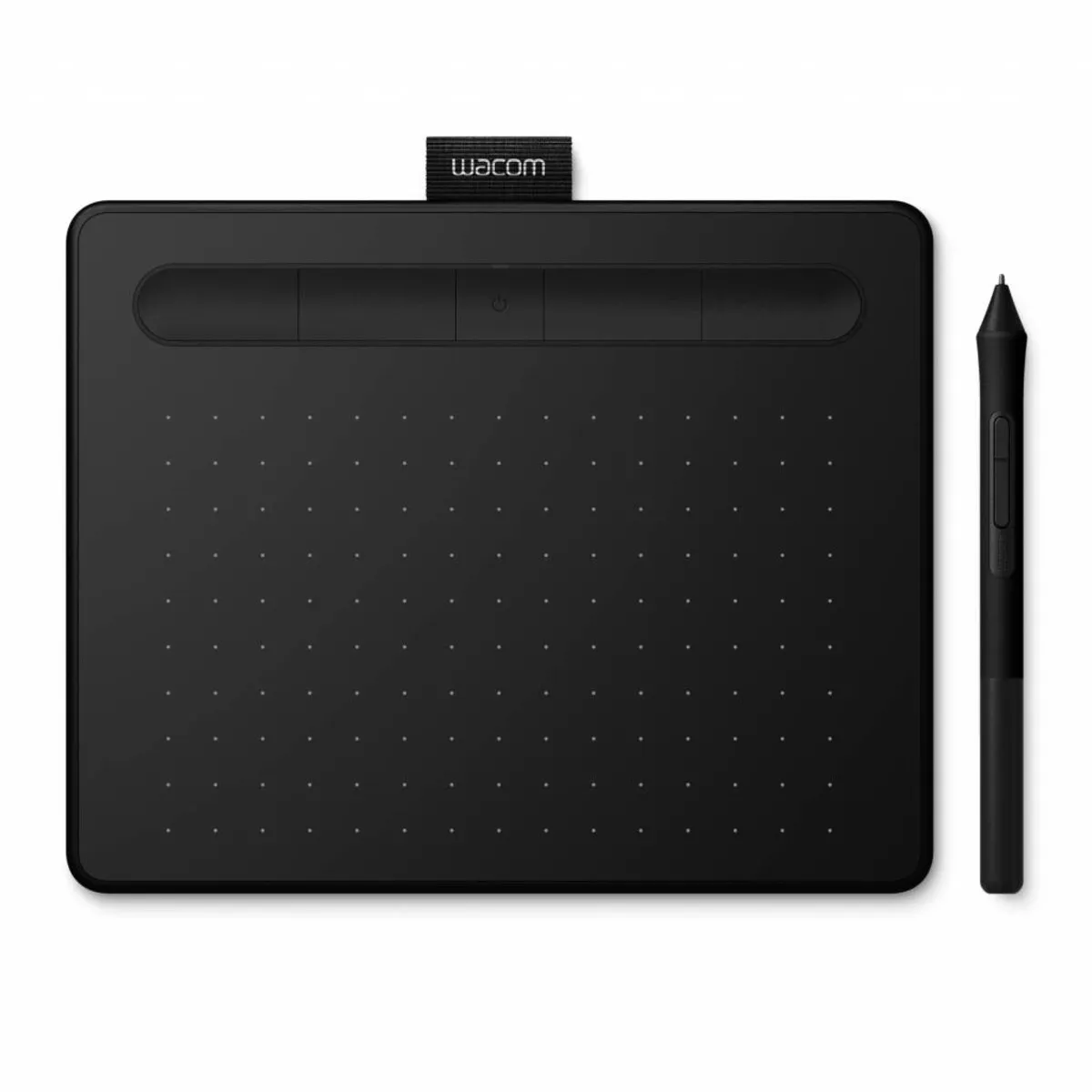


Product description of Wacom Intuos S Bluetooth drawing tablet black
Wacom Intuos CTL-4100WL Bluetooth drawing tablet - black
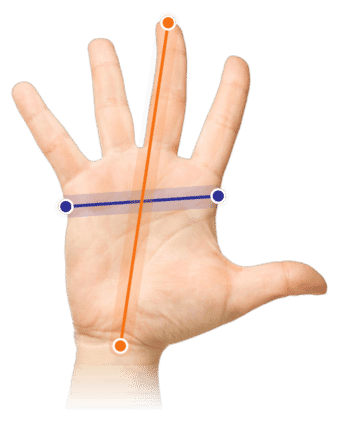
Which size fits your hand?
Measure your hand as shown in the image and choose your size using the table below:
| Size | Width | Length |
|---|---|---|
| Any hand size | suitable | suitable |
Description
Why the Wacom Intuos CTL-4100WL drawing tablet?
The Intuos S (CTL-4100WL) is the latest drawing tablet in the Wacom family. The Wacom CTL-4100WL replaces the smaller Intuos versions (art, comic, and photo). The drawing tablet features a new and sleeker design. Of course, more than just the aesthetics have changed.
With a drawing tablet like the Wacom Intuos, you control your computer's cursor with a movement of the pen. Besides allowing you to work much more accurately and perform drawing tasks more easily, it also offers benefits for your posture.
What does a drawing tablet mean for your posture?
By controlling the cursor with a pen, you adopt a healthier hand posture. The Intuos S Bluetooth drawing tablet can be operated with both your left and right hand. Place it directly in front of your body, within shoulder width, and the Intuos S drawing tablet lets you give the muscles in your wrist, arm, and shoulder a little more rest.
What's new?
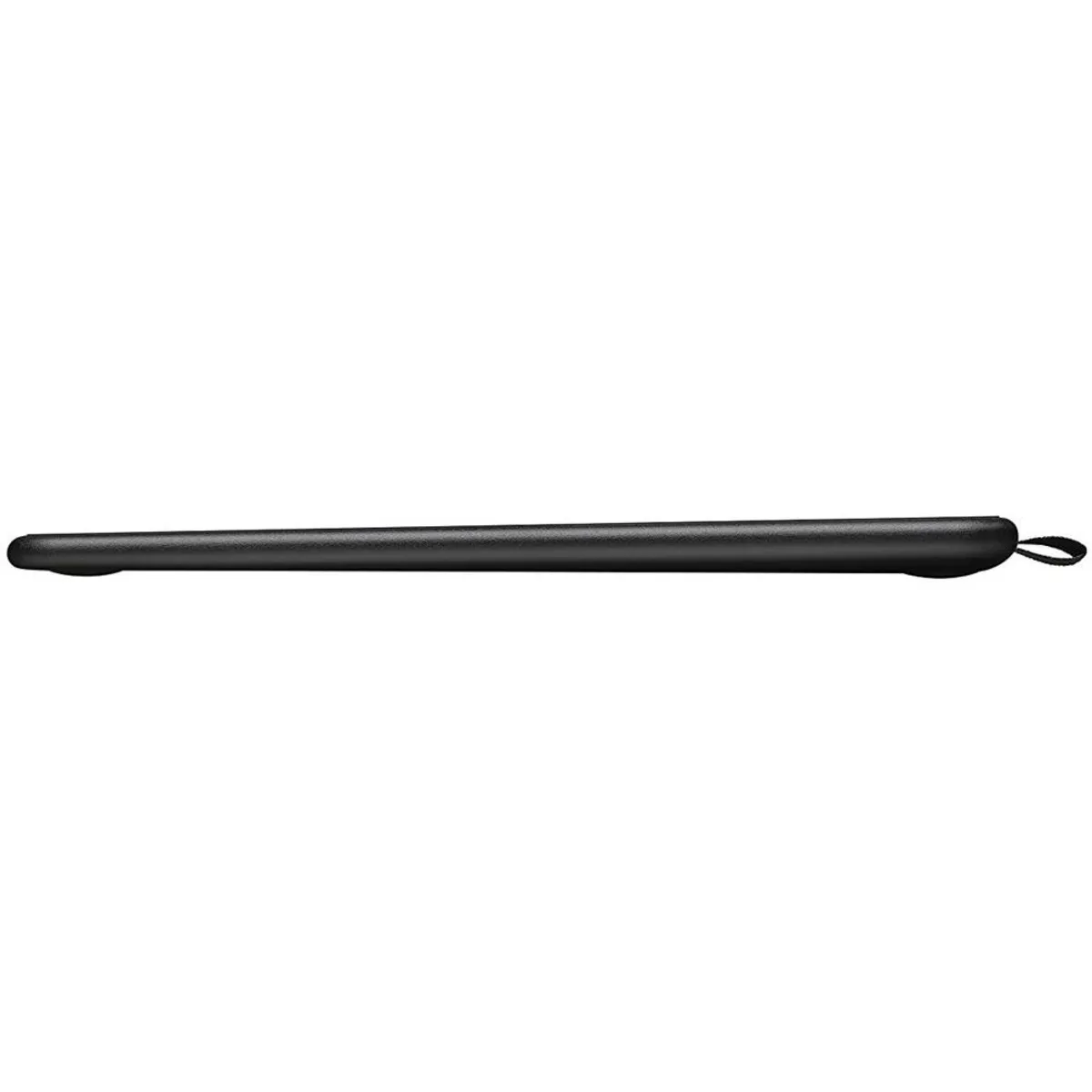
The dimensions have changed little. At 200 x 160 x 8 mm, the Wacom Intuos S has even become somewhat more compact. The gain is mainly in the placement of the buttons, as the active area has remained the same at 152 x 95 mm.
The resolution is unchanged: 2540 LPI (lines per inch) provides an accurate drawing surface. The pressure sensitivity has doubled to 4096 pressure levels for an even more realistic drawing experience.
This is thanks to the new Wacom Pen 4K, which of course stands for the pressure sensitivity. As you would expect from all Wacom products, this pen also works without batteries. The Wacom Intuos S comes with 3 extra standard nibs (pen tips). These are no longer located in the underside of the drawing tablet but in the pen. This makes them much easier to reach. The end of the pen serves as a nib removal tool.
It is also no longer necessary to purchase a separate wireless kit. The Intuos CTL-4100WL comes with the ability to connect wirelessly via Bluetooth as standard. With the integrated Li-ion battery, you can go up to 15 hours without charging. Is it empty? Then 3.5 hours on the charger makes it ready for another round!
Software package
The Wacom Intuos S Bluetooth drawing tablet comes with useful software. You can choose which software is relevant for you. From Corel® Painter® Essentials™ 6 and Corel® Aftershot™ 3, and Clip Studio Paint Pro, you can pick 2 software packages. You can obtain the software by creating a Wacom account and registering your drawing tablet.
Don't miss this either
The Wacom Intuos S Bluetooth (CTL-4100WL) drawing tablet is equipped with 4 ExpressKeys™. You can program these using the Wacom driver software. Frequently used functions, such as cut and paste, can now be carried out at the touch of a button. More complex functions can also be assigned to the extra buttons. The extra buttons also serve as a handy pen tray.
Do 4 buttons feel like too few? That is no problem at all. You can easily call up a Radial Menu, which holds many more functions and shortcuts. You can also fully customise this using the driver.
Incidentally, the driver is not only for customising the extra buttons. Among other things, you can also adjust the sensitivity, the tablet's aspect ratio relative to the screen, and the pressure sensitivity with it.
Travel companion
The drawing tablet is particularly suitable for travelling between different workplaces. It weighs 230 grams and comes with a detachable 150 cm USB connection cable. The Wacom tag at the top serves as a holder for your pen and ensures you don't lose the pen while travelling.
This product is good for
wrist - arm - shoulder
The more natural posture a pen tablet offers relieves the wrist, arm, and shoulder. You can also easily divide the load between your left and right arm.
Pros and cons
- Natural posture thanks to pen
- High precision
- Extra buttons on drawing tablet
- Extensive driver
- Wireless via Bluetooth
- No multi-touch support
Brief specifications
| Warranty | 2 years |
| Ergonomic design | |
| Use | Right- and left-handed |
| Number of buttons | 6 |
| Plug & play | No, driver is required |
| Multi-touch | |
| view all specifications |
Product features
- More natural posture thanks to pen
- Right- and left-handed use
- 4 extra buttons on the drawing tablet
- 4096 pressure levels
- Wireless use via Bluetooth
- Extensive driver
- Programmable buttons
- Adjustable sensitivity
What's in the box?
- Black Intuos CTL-4100WL drawing tablet
- Intuos Pen 4K
- 150cm USB connection cable
- Quick start guide
- 3 spare nibs (pen tips)
Frequently asked questions
Specifications
| Item number | ERGO-WACICPBK |
| Manufacturer's item number | CTL-4100WLK |
| Brand | Wacom |
| Warranty | 2 years |
| Type of guarantee | The Ergowerken free return guarantee service |
| Colour | Black |
| Ergonomic design | |
| Management | Pen and touch |
| Left- or right-handed | Can be used by both left- and right-handed people |
| Hand length | Suitable for any arm length |
| Hand width | Suitable for any hand size |
| Connection | Wired via USB and wireless via Bluetooth |
| USB port | Yes, with a 150 cm long cable |
| USB version | 2.0 and above |
| Number of buttons | 4 ExpressKeys™ |
| Adjustable buttons | Yes, using the Wacom driver |
| Scroll wheel | |
| Adjustable sensitivity | Yes, using the Wacom driver |
| Resolution | 2540 LPI |
| Pressure sensitivity | 4096 pressure levels |
| Reading speed | 133 pps |
| Control surface dimensions | 152 x 95 millimetres |
| Dimensions length x width x height | 160 x 200 x 8 millimetres |
| Product weight | Tablet: 250 grams, Pen: 11.2 grams |
| Minimum system requirements | Windows 7 and above or Mac OSX 10.11 and above |
Reviews Wacom Intuos S Bluetooth drawing tablet black
Customers who write a review enter a prize draw for a voucher. We pick one winner and publish all reviews, including critical ones.