An ode to the Mistel Barocco MD770 RGB
So pleased with the arrow keys
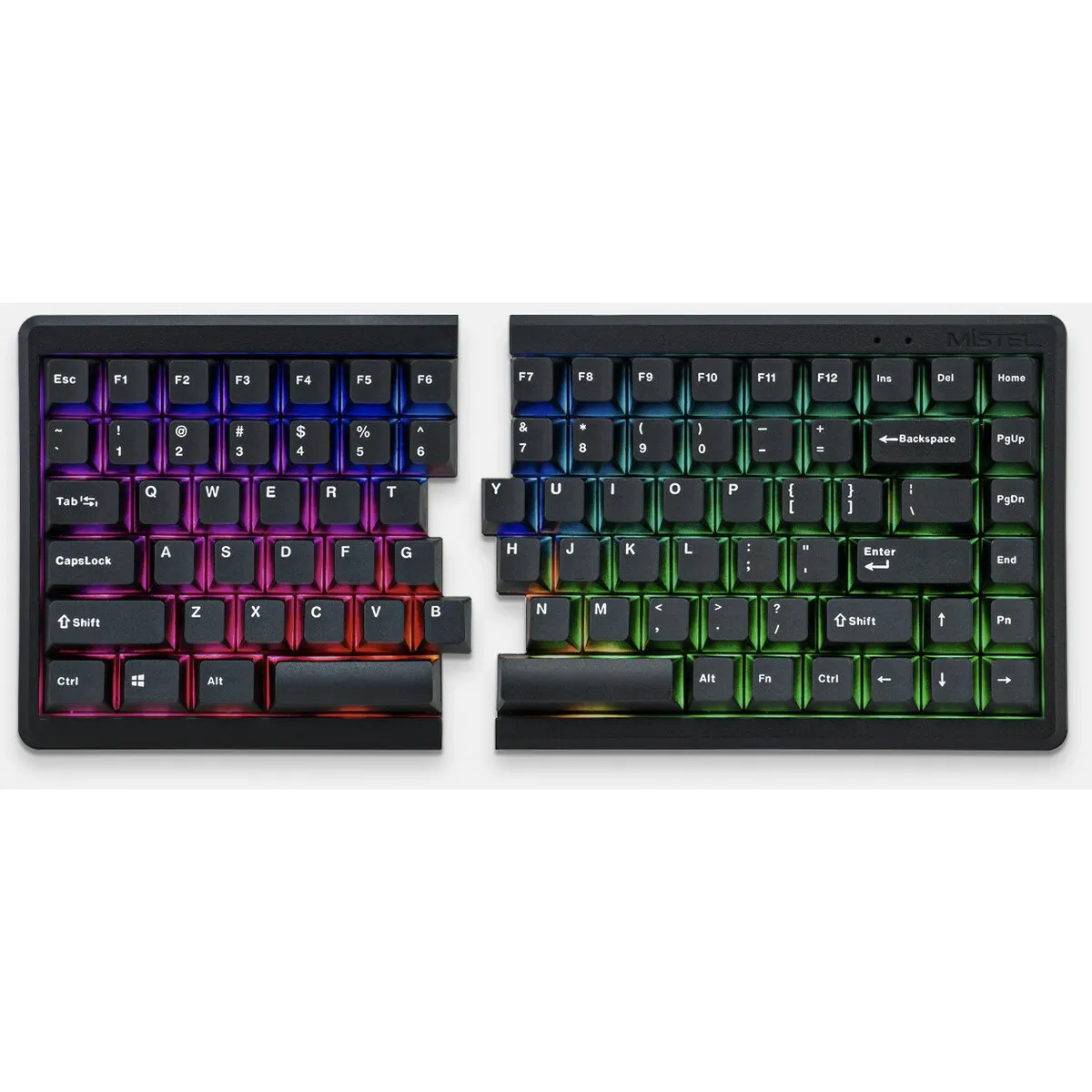
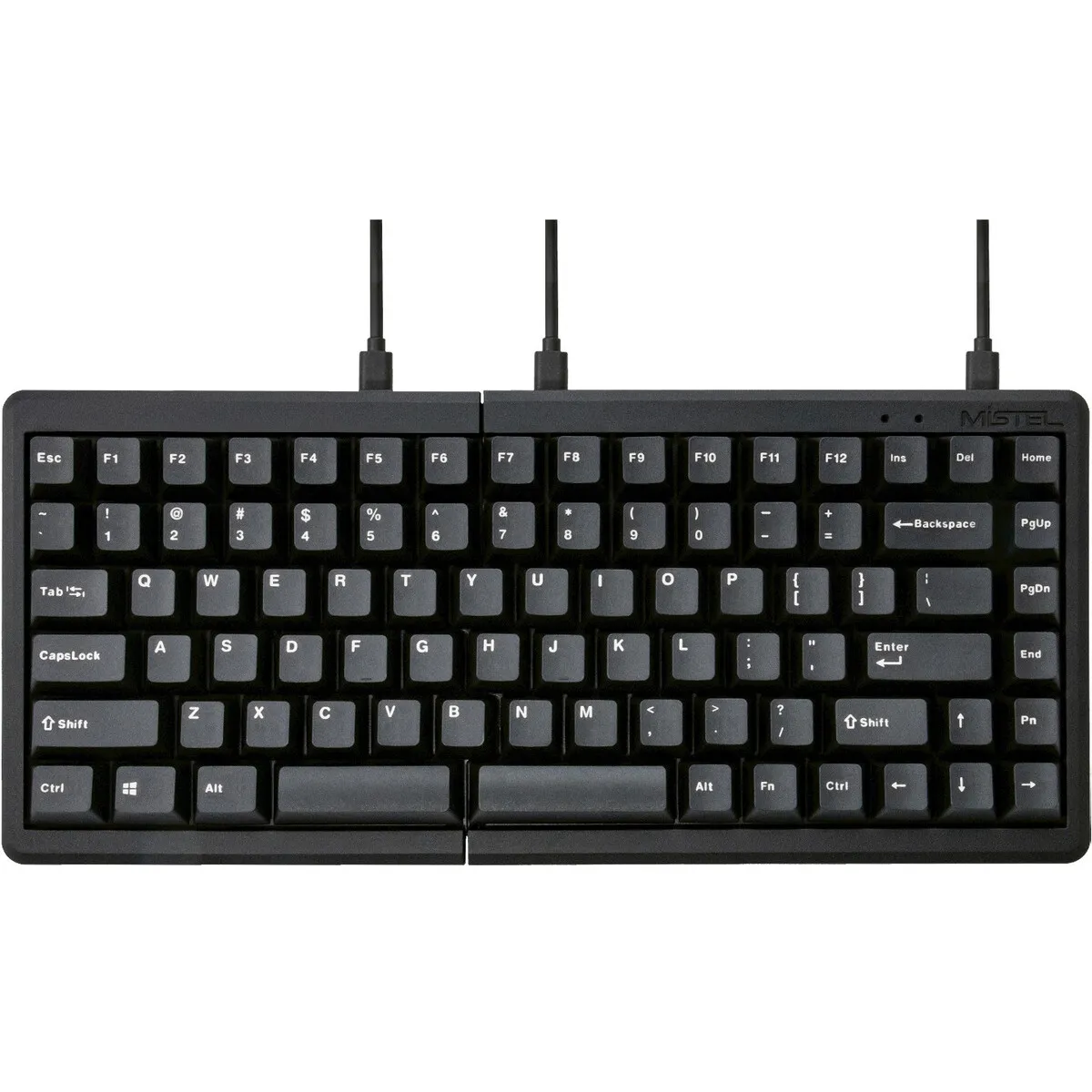
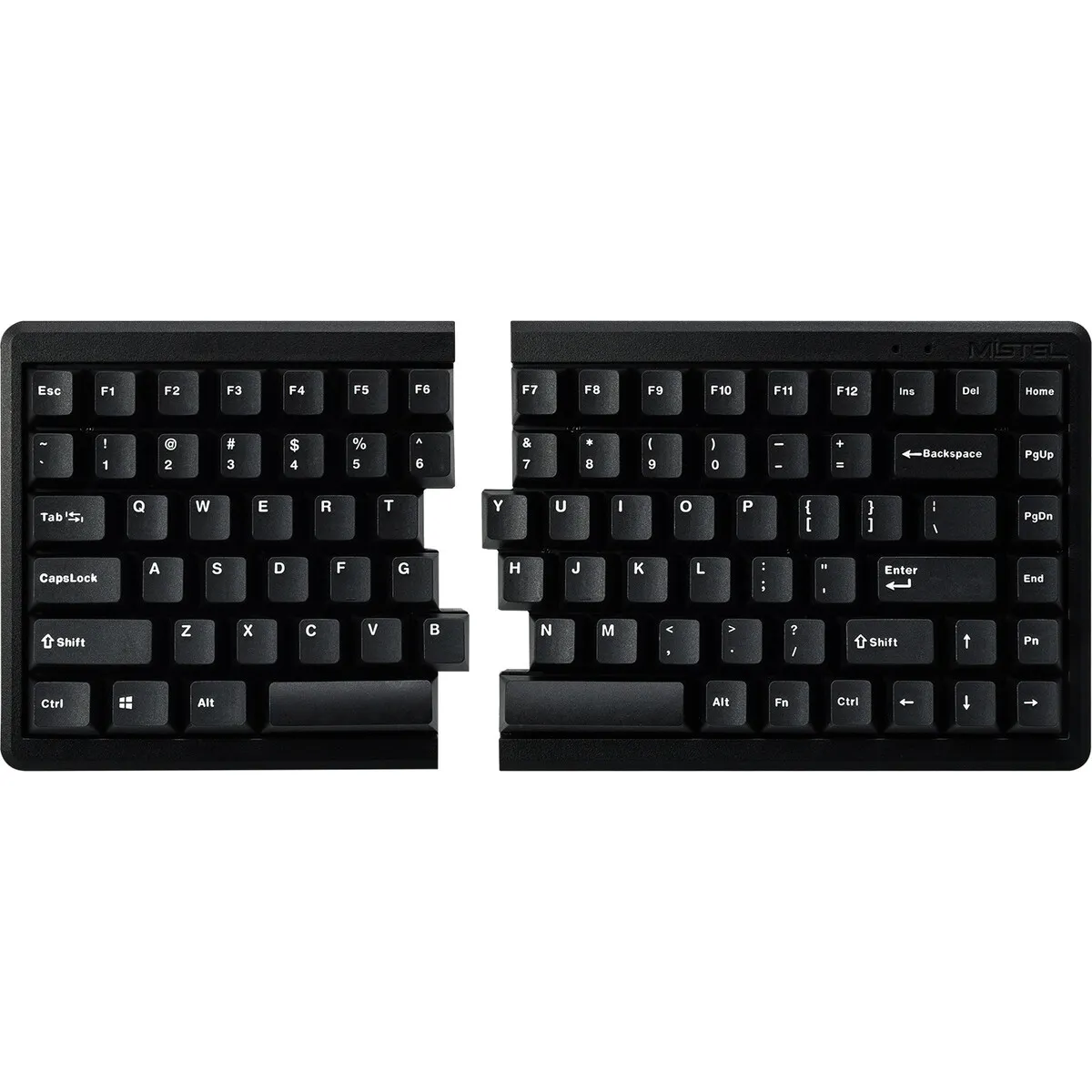
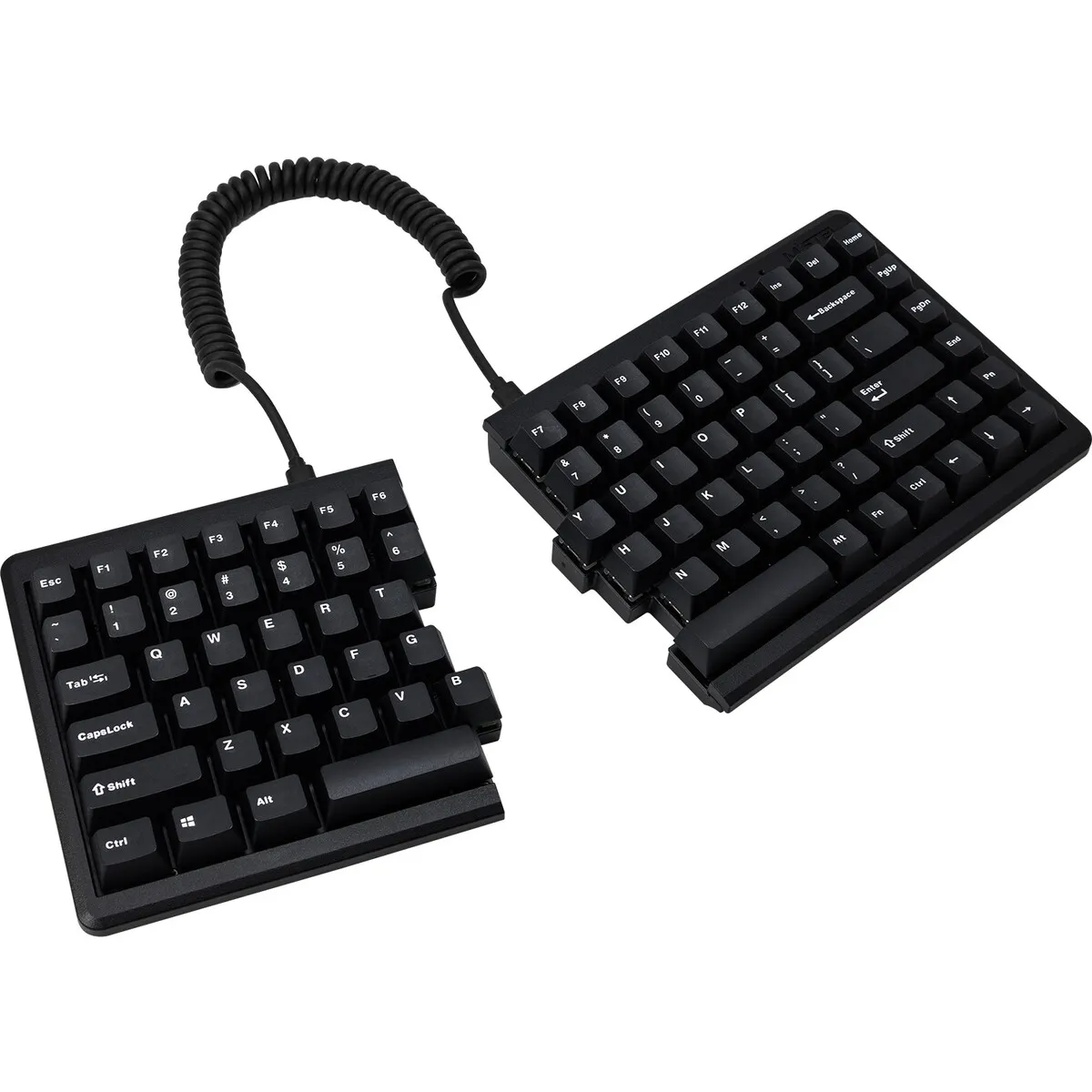
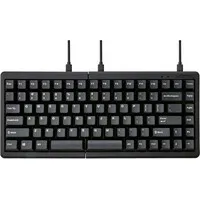
Arrow keys, those wonderfully handy arrow keys. We talked about them with the MD600, we kept pestering Mistel about them, and finally we got them. Bottom right, exactly where you want them. What a delight.
Why the Mistel Barocco MD770?
Mechanical simply types better
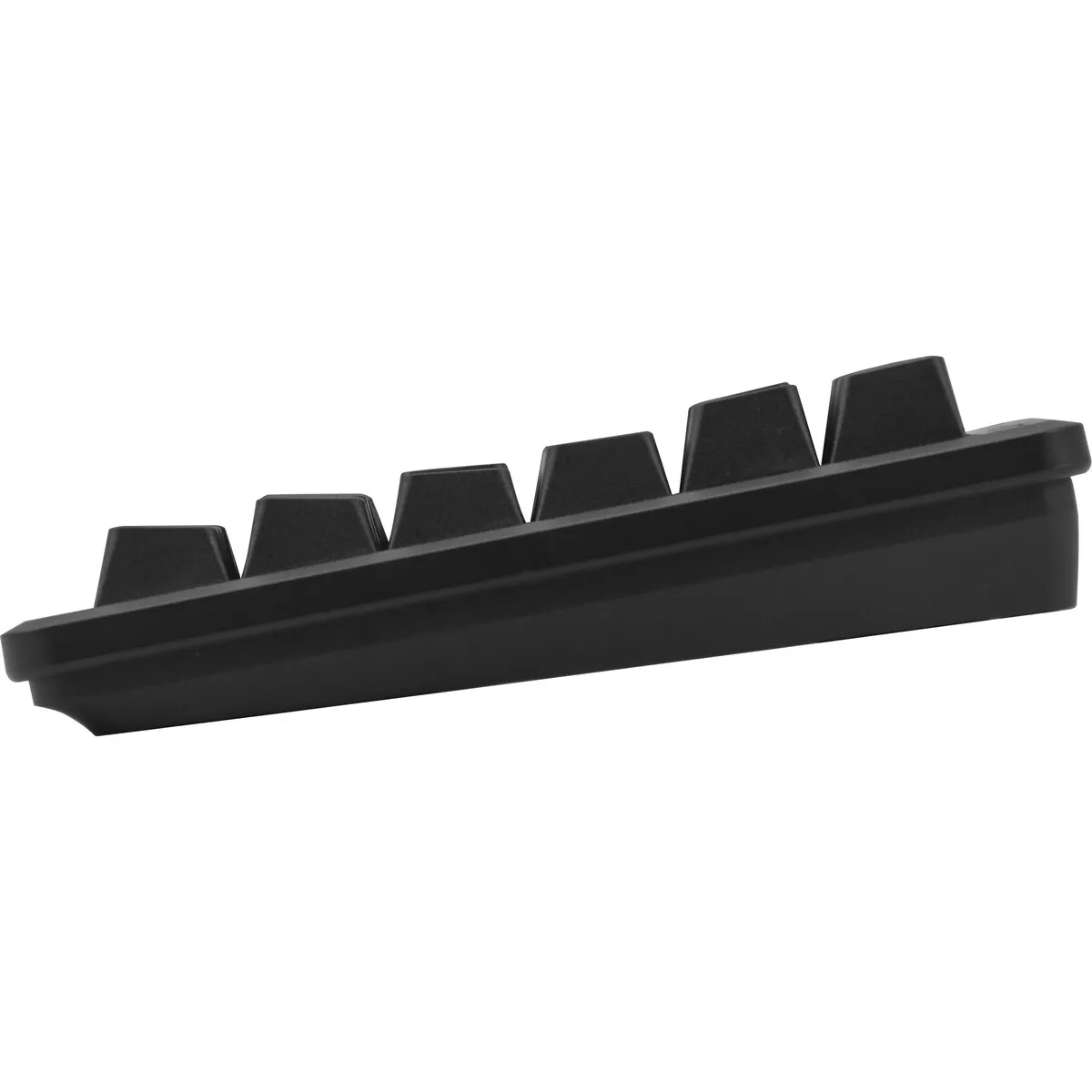
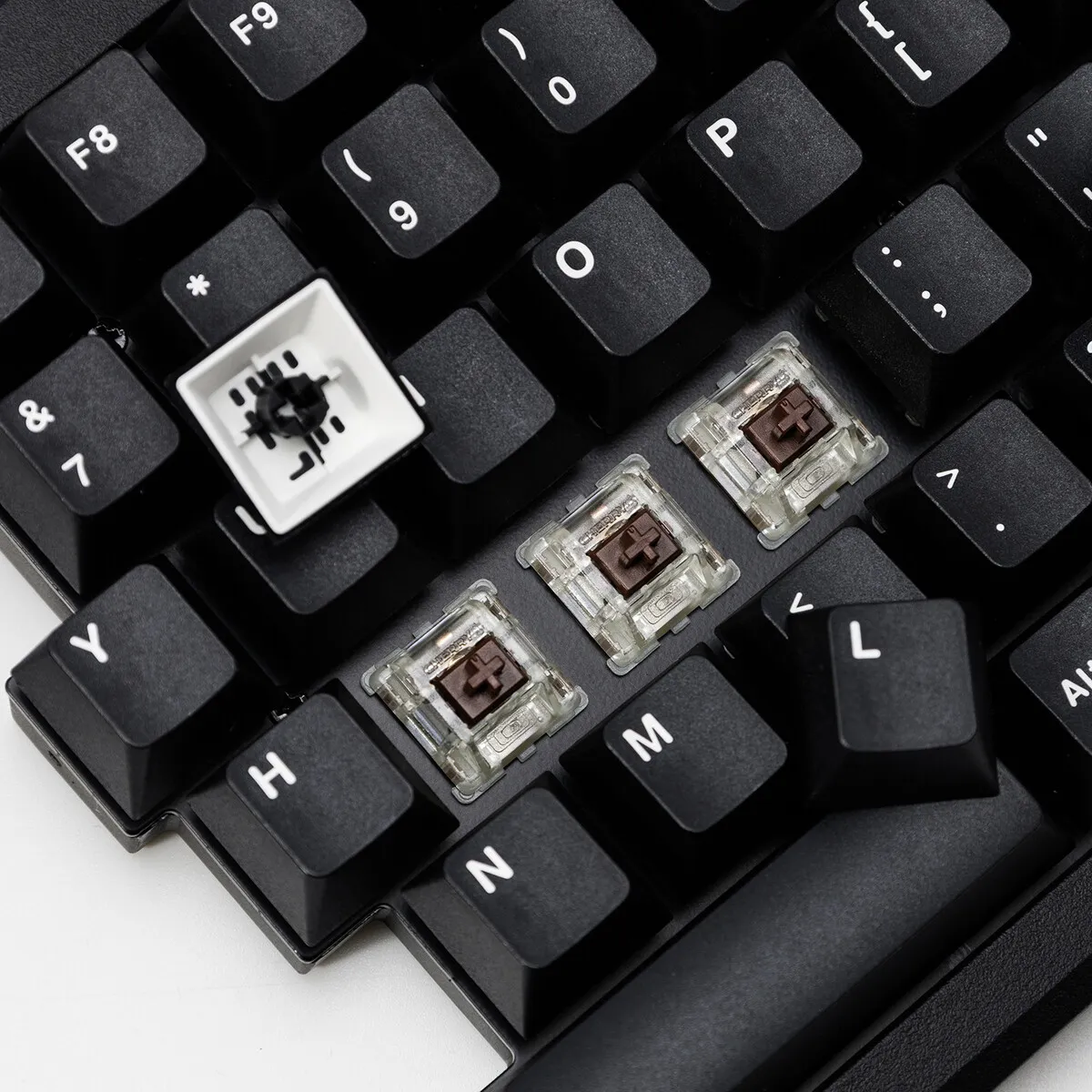
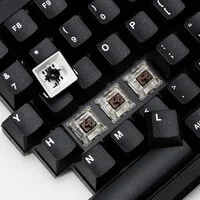
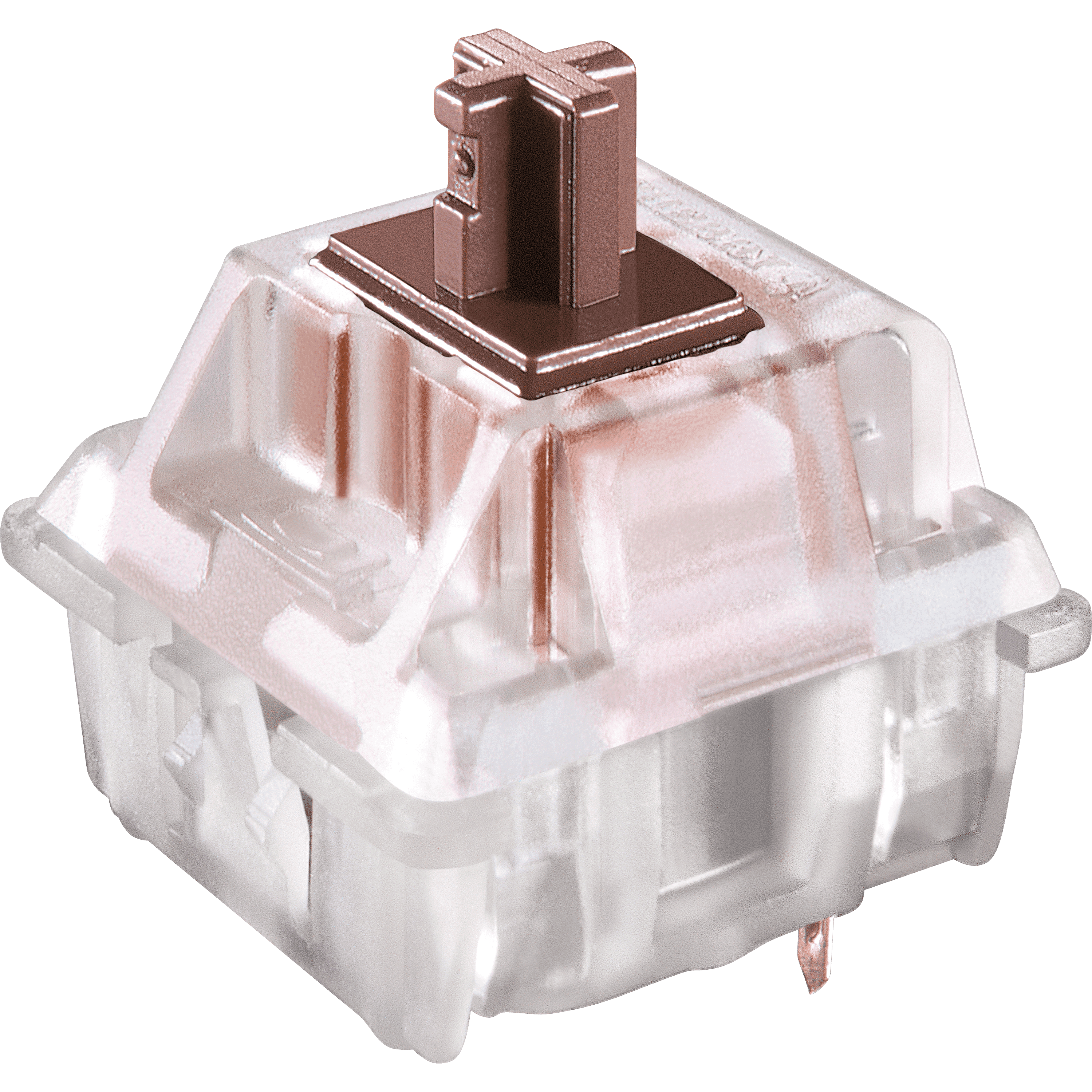
The MD770 is a mechanical keyboard with Cherry MX Brown switches. A mechanical keyboard registers a keystroke before you press the key all the way down. Your fingers therefore need to apply less force, which types more comfortably during long working days.
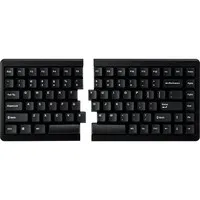
Compact 75% keyboard
This 75% layout from Mistel was one that had long been awaited. After the popular 60% model (MD600), the demand for arrow keys was high. With a width of 334.5 mm the MD770 stays compact, yet a good deal more suitable for office work.
Split design for a relaxed posture
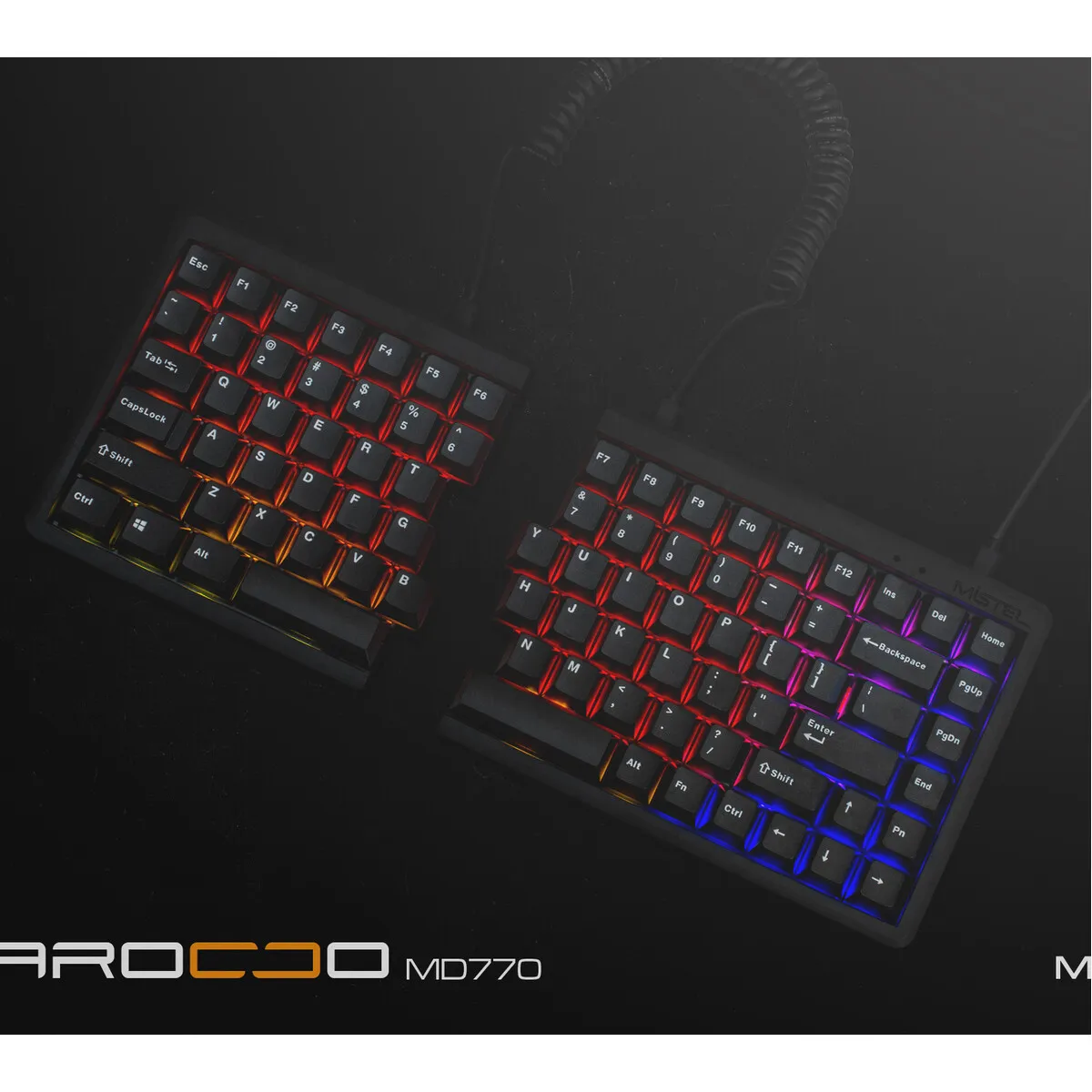
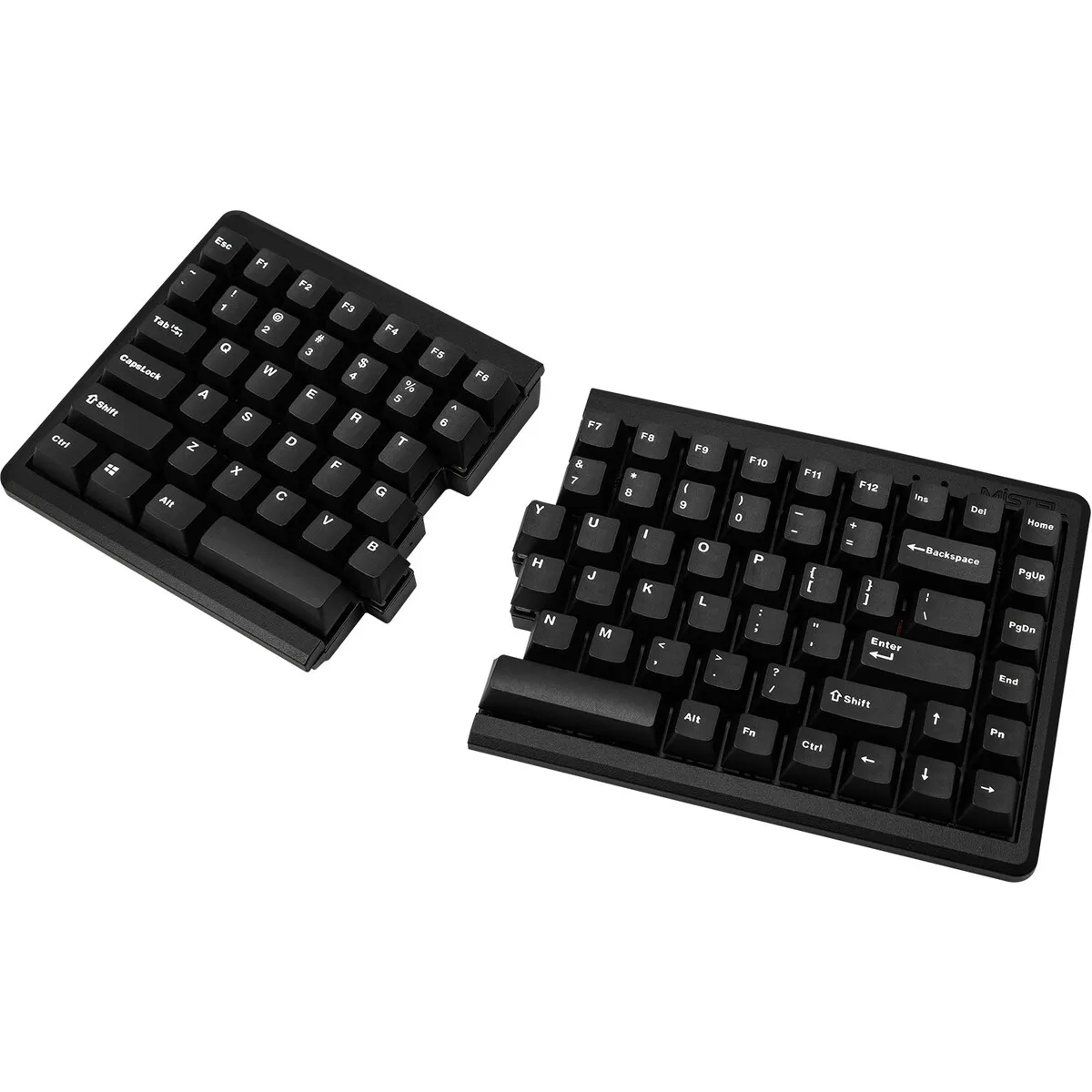
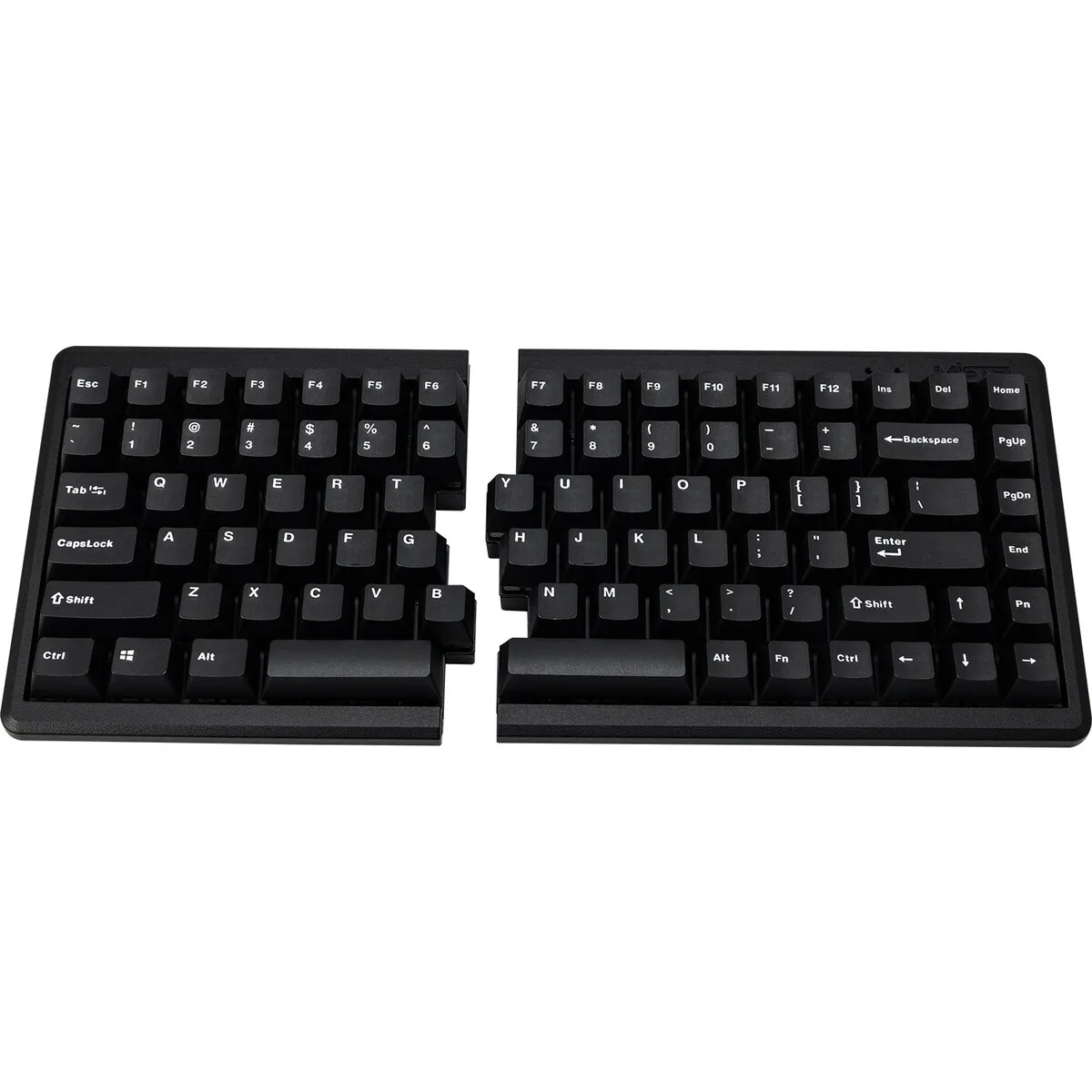
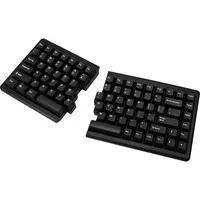
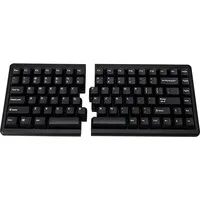
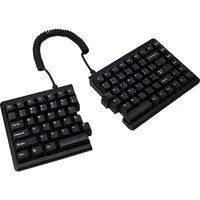
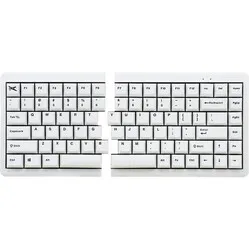
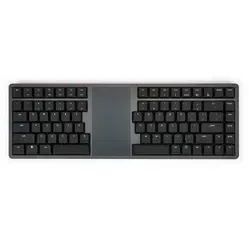
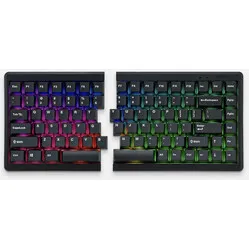
The board consists of two separate halves that you can place freely. The 38 cm coiled cable stretches to well over 60 cm. This lets you position the halves exactly so that your hands line up better with your forearms. This has an immediate relaxing effect on shoulders, arms and wrists.
You can even place a notepad or a separate numpad in between.
RGB lighting
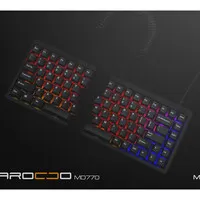
The RGB version of the MD770 has ten pre-programmed lighting modes. 'Reactive' is a fun mode: the light follows the key you pressed last. You can set the brightness and speed, or switch off the lighting entirely.
Double shot keycaps
The keycaps are made of two layers of plastic moulded into each other. The lettering therefore does not wear off, because it is not a print but part of the keycap itself.
For the demanding user
- Programming
- Graphic design
- Regular typing
- Gaming
Get the most out of your MD770
Small and large adjustments
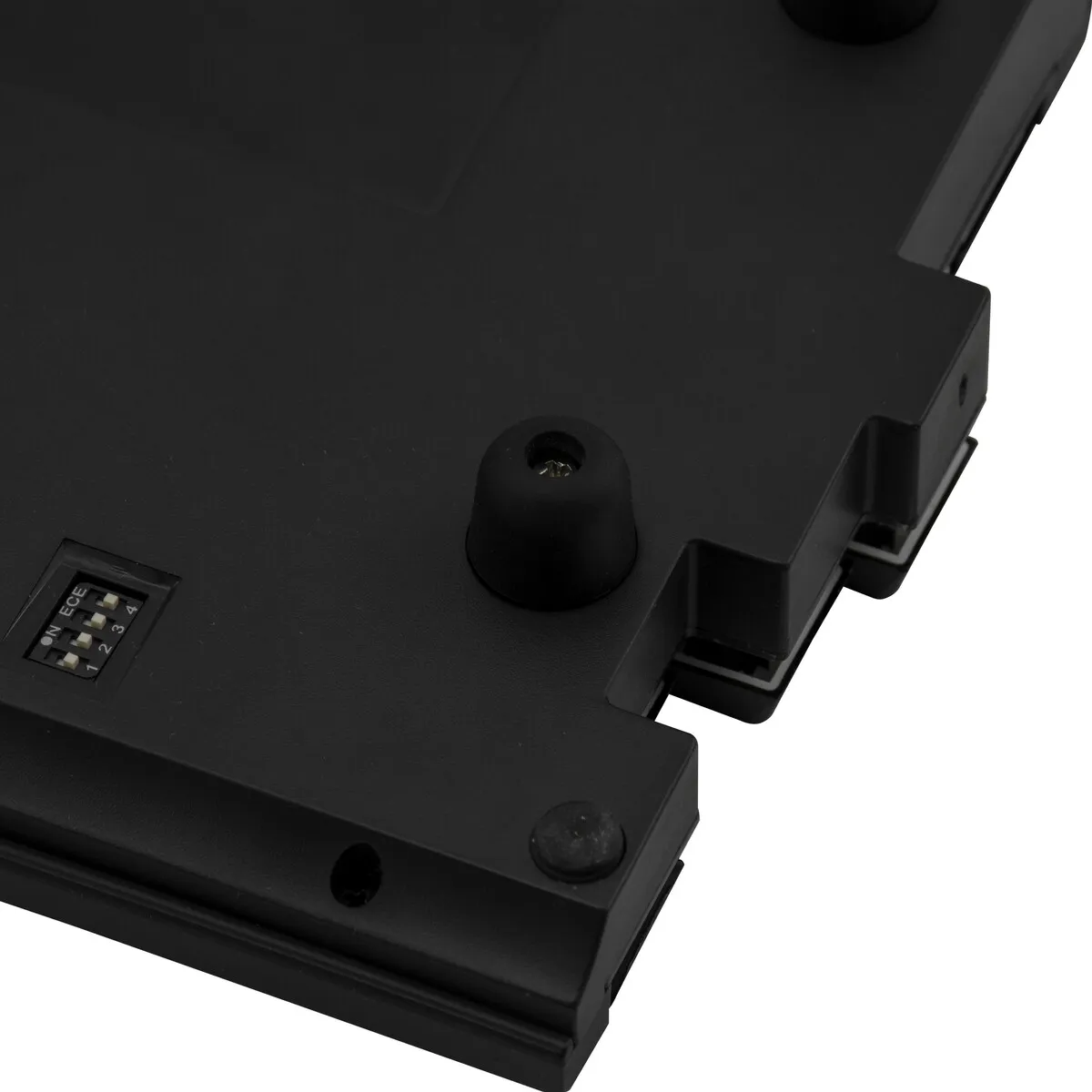
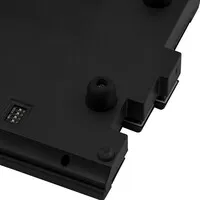
On the underside there are four dip switches with which you can adjust the keyboard:
- Windows → Mac layout
- Capslock ↔ left CTRL
- Left Windows ↔ left ALT
- Capslock ↔ FN
You can also switch between QWERTY, Colemak and Dvorak without any software. In the three extra layers you can move functions around or set up macros. Think of an Office layer with, for example, cut and paste under the number row. The settings are stored in the internal memory.
Don't miss this either
Suitable for Mac
With dip switch 1 you switch the layout over to Mac. A shame, though: no Mac keycaps are included.
Better for your body
Thanks to the separate halves you can keep your shoulders, arms and wrists much straighter than with a standard keyboard.
Room for accessories
Between the two halves you can easily fit a tablet holder, a notepad or a separate numpad.