| Width | 345 mm |
| Depth | 137 mm |
| Height | 30 mm |
| Programmable | 32-bit Master MCU + 8M Onboard Storage |
| Compatibility | Windows & Mac |
| Key layout | QWERTY (ANSI US int.) |
| Connection | Wired (USB-C) |
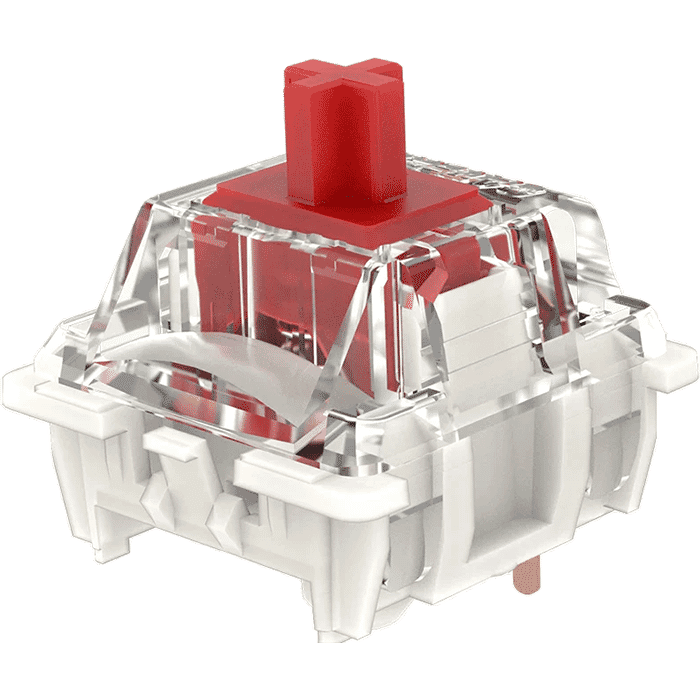
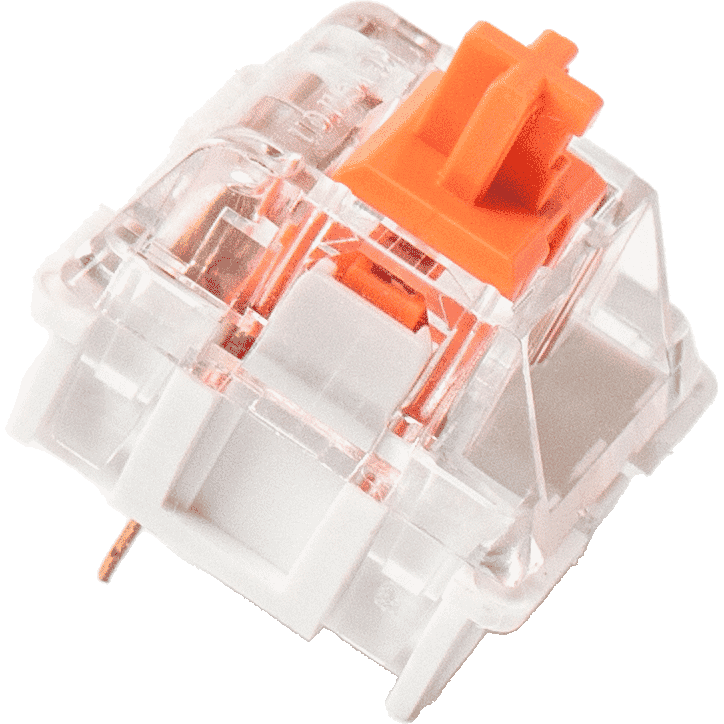
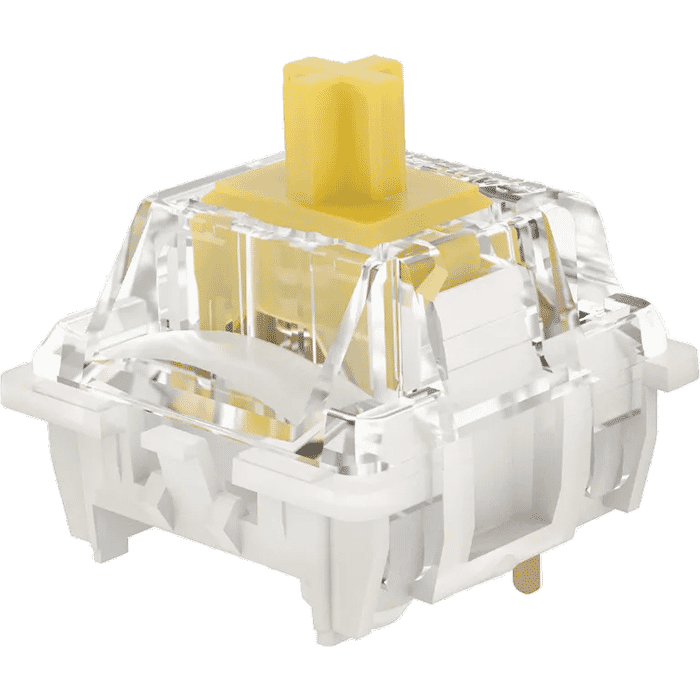
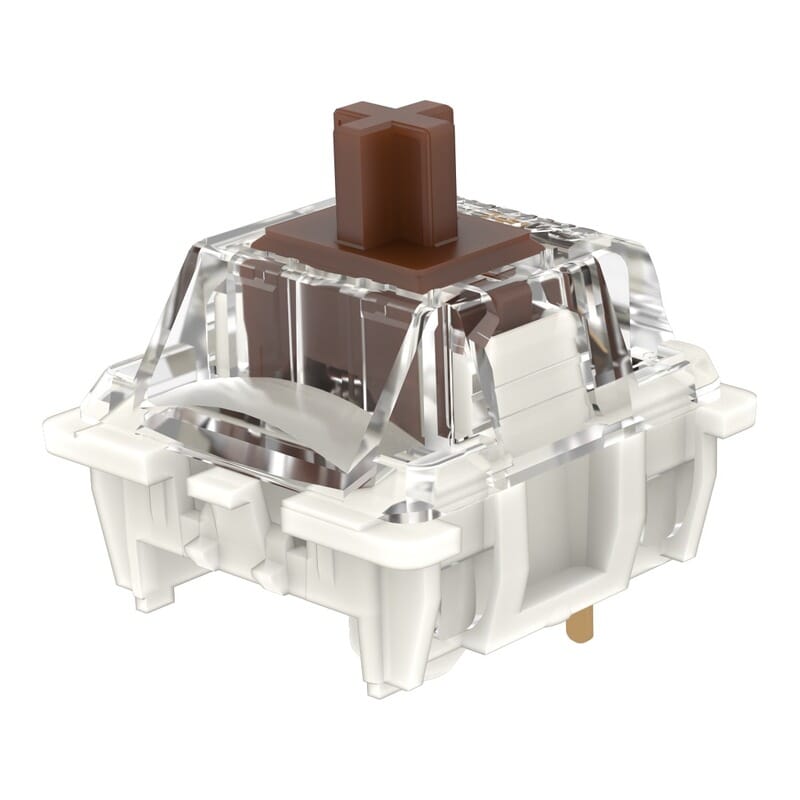
| Switches | Gateron G Pro 3.0 or Silent switch |
The hunt for the (Dark) Knight
"This is the keyboard people deserve and need. So we'll hunt it down, because everyone wants it. It's a silent guardian, a watchful protector... It's a Dark Knight!". Thank you Christopher Nolan, we couldn't have said it better ourselves.
Functionality
The Knight's frame is made of aluminium, making it a sturdy unit. Gateron's G Pro 3.0 switches type lightly, react quickly and last a long time (100 million clicks). Currently, only the brown switches are available. Furthermore, you can remove the keycaps and switches with the included tools. The keys are also programmable, so you can fully customise the keyboard to your liking.
Compact size
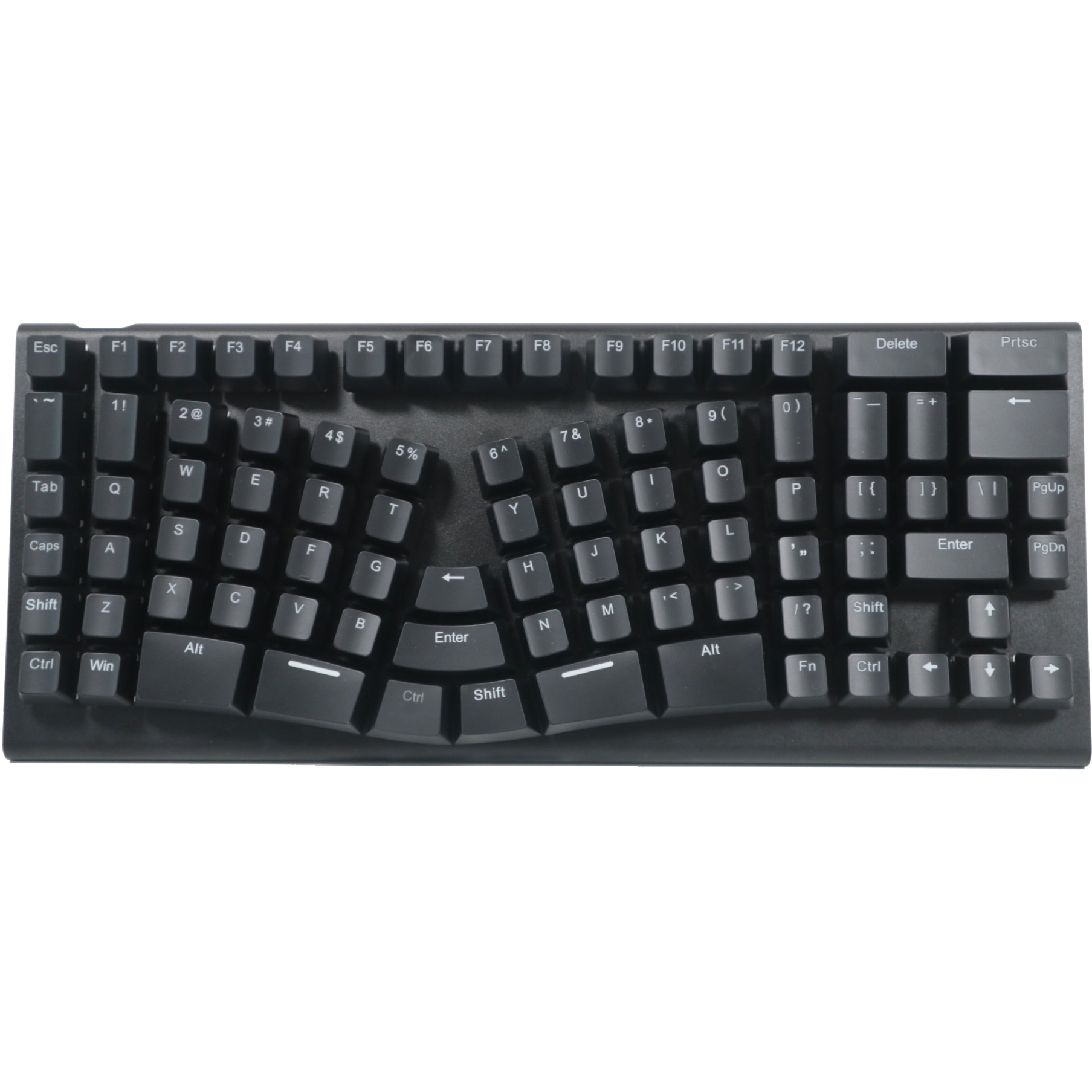
The X-Bows has a compact size. The popular 75% layout has all the keys you need, but omits the numeric keypad for ergonomic reasons. This allows you to keep the mouse closer to your body and within shoulder width, which benefits relaxation in the shoulder and arm.
Split design
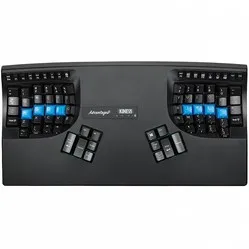
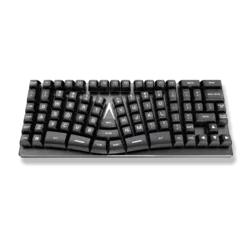
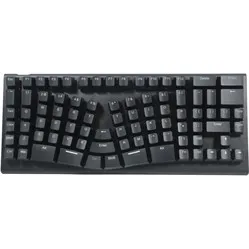
Furthermore, the Knight is designed as a split keyboard, but is held together by extra keys. These frequently used keys in the middle can now be operated with your thumb or index finger. This relieves the weaker little finger. The keys flex with your fingers for optimal relaxation.
Matching X-Bows wrist rest
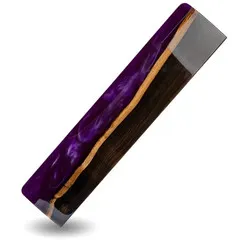
X-Bows has developed a wrist rest specifically for its keyboards. This perfectly matches the keyboards and positions your wrists at the correct height for using the keyboard. This benefits relaxation in the fingers, hand, wrists, and arm.
You can add the wrist rest to your order at the top right of the page. You can read more about the X-Bows wrist rest here.
Anyone who spends a lot of time at the computer knows that this can be strenuous for your wrists, shoulders, back, and neck. A good keyboard can help with this. The X-Bows Knight keyboard, for example, has a compact and split design. The keys are easy to press and react quickly. All of this is to minimise muscle tension, thereby preventing or reducing injuries.
With the No-Key-Rollover (NKRO) programmable driver, you can also add macros. This allows you to make entire sentences appear with a simple key combination. The keyboard also features backlighting, with a choice of 16.8 million (!) different settings.
The Knight's keys are ortholinear. This means that the keys are arranged directly above each other instead of the usual "staggered" layout. The ergonomic reasoning is that it's easier for your fingers to move straight up and down rather than diagonally. It will take some getting used to, but it's worth it!
Furthermore, two magnetic rubber caps are included. These can be attached to the bottom of the keyboard to raise the back slightly. However, we advise against this for ergonomic reasons.
"What features does the LED backlighting have?"
With the software, this can be fully configured to your wishes: what colour, when the LEDs light up, animations. Almost anything is possible.
"The layout looks quite unusual, is it easy to get used to?"
For ergonomic reasons, this keyboard has a so-called column layout. In the long run, this is more comfortable for your fingers, but you do need to get used to it. Assume that you will need a few weeks to adapt to the new layout.
"Is this keyboard suitable for Mac OS?"
The keyboard has a Windows layout, but it is possible to customise it with the software. The keyboard also works perfectly fine on a Mac. When the drivers for Mac OS X are released, you will also be able to configure the RGB backlighting.