| Width | 345 mm |
| Depth | 137 mm |
| Height | 30 mm |
| Programmable | 32-bit Master MCU + 8M Onboard Storage |
| Compatibility | Windows |
| Key layout | QWERTY (ANSI US int.) |
| Switch type | Gateron G Pro 3.0 and silent mechanical switches |
| Connection | Wired (USB-C) |
Bullseye!
A bullseye with the X-Bows. After getting used to it for a while, this board types faster than Robin Hood shoots.
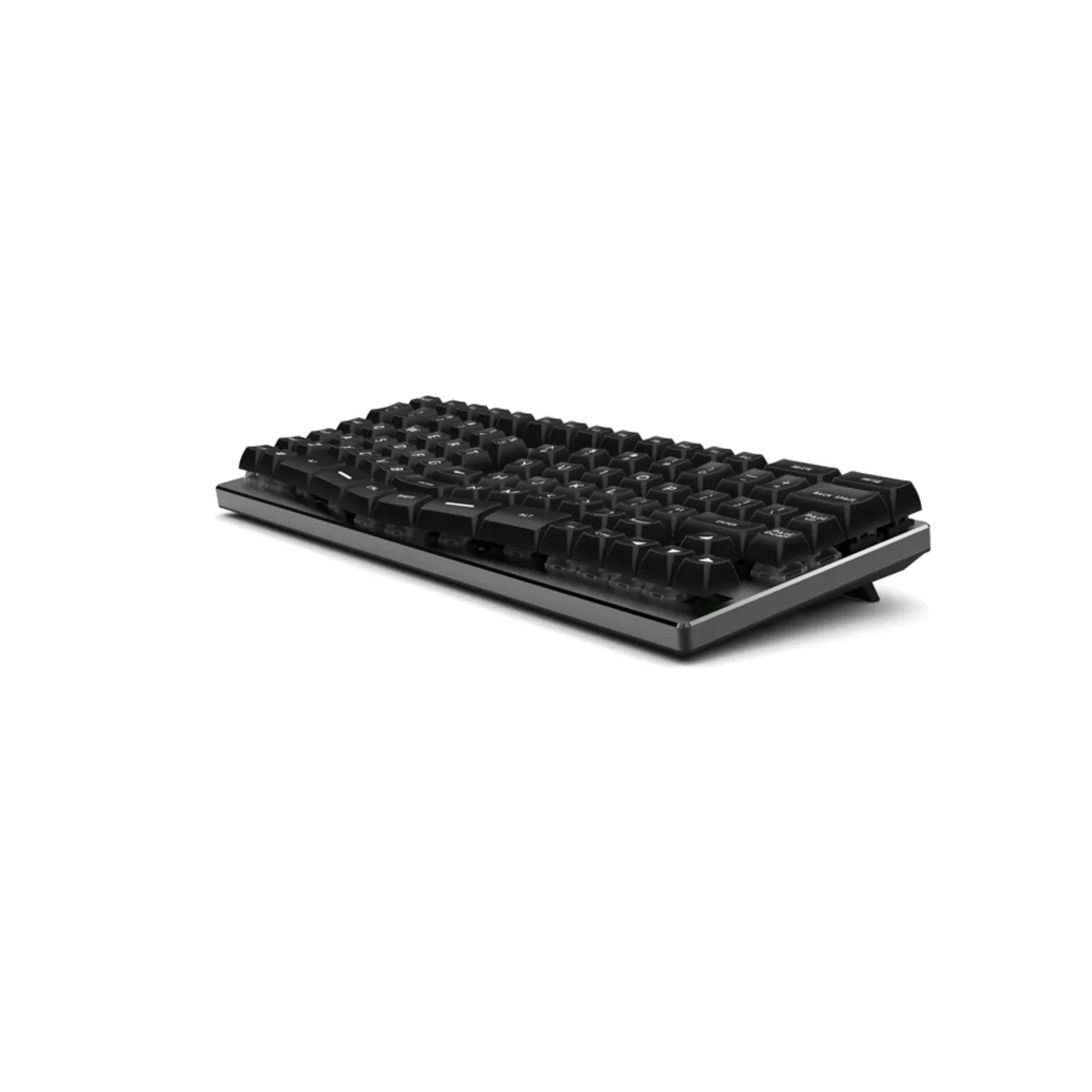
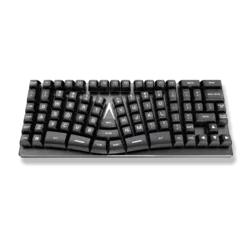
This is the kind of keyboard you won't come across easily. It's split, mechanical, ortholinear, LED RGB backlit, programmable. In short, it's the X-Bows.
This 75% keyboard has everything you need; it's an ideal compromise between the functionality of a full keyboard and the even more compact keyboards that often lose functions or hide them under the Fn keys.
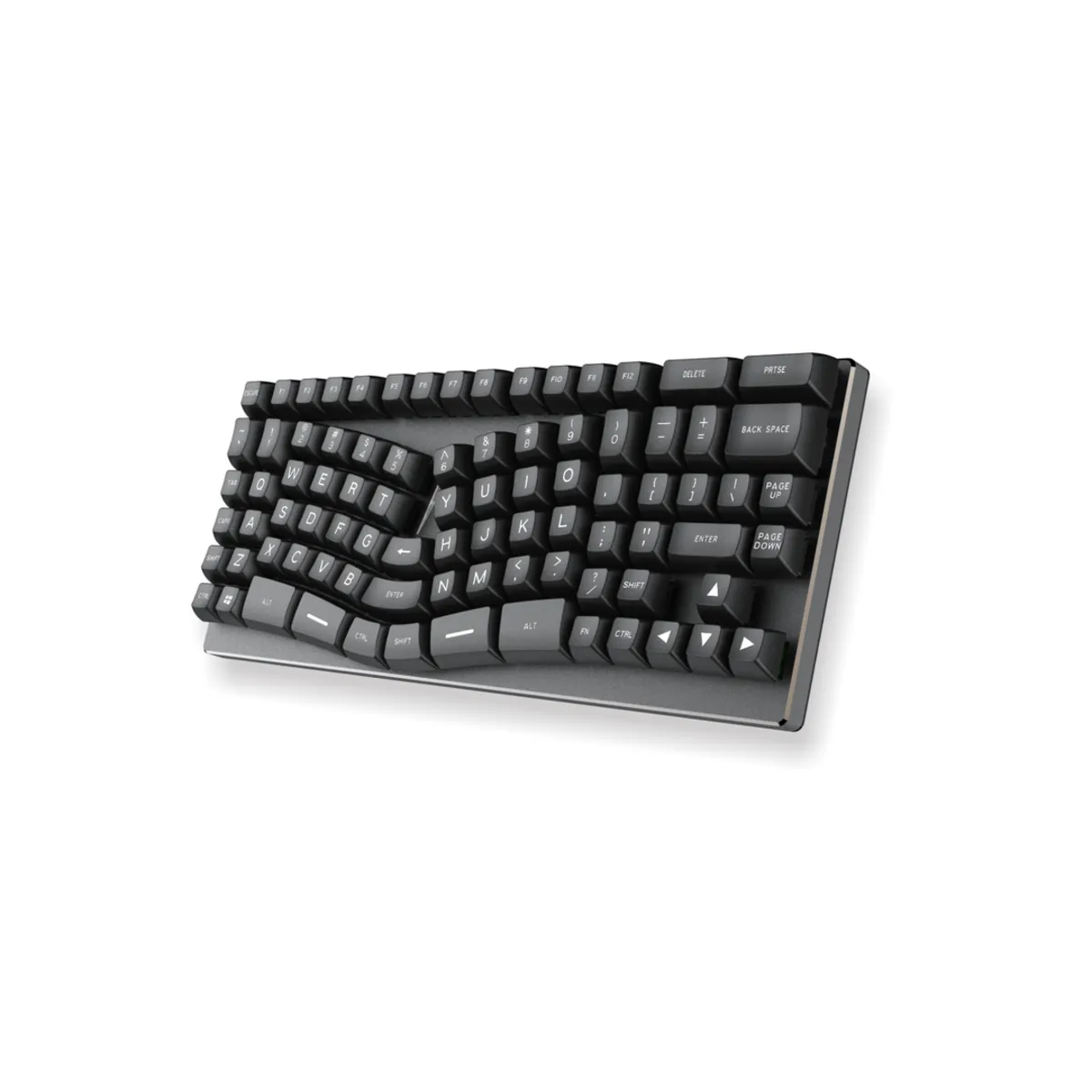
X-Bows has left out the numeric section to make the board more compact; the arrow keys, page up and page down are all still present.
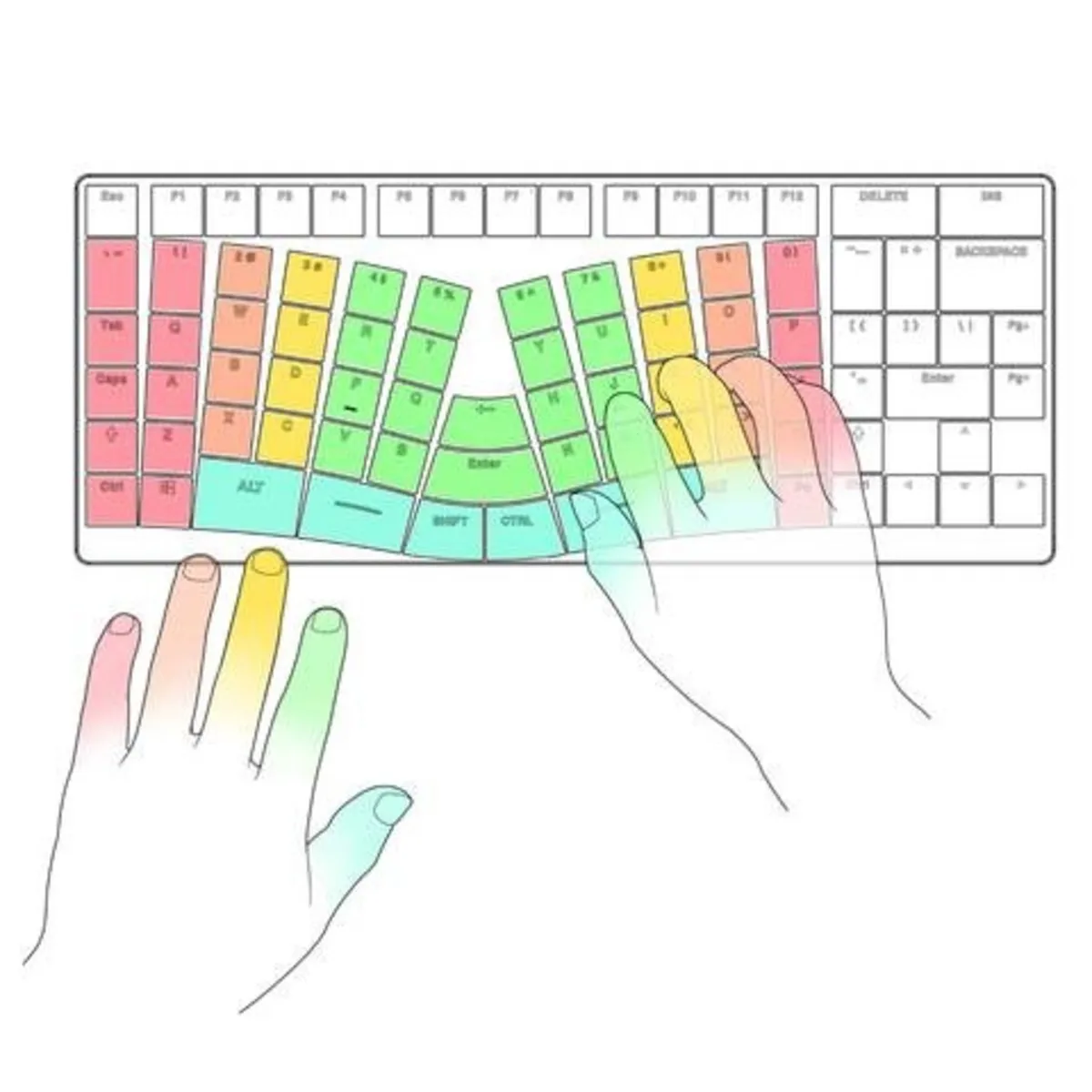
The keyboard clearly has a split layout, yet X-Bows has chosen not to physically saw it in two. Instead, they have placed extra keys, including the Backspace, Control, Enter and Shift keys. This way you can relieve those little fingers by hitting these keys with your index fingers or thumbs. You don't often come across keyboards that take ergonomics to such a level in the development of a product.
The split layout ensures that your wrists and forearms can stay in a more natural posture, instead of your wrists having to make a sharp bend to type with two hands.
Ortholinear, a fancy word to say that the keys are not staggered like bricks in a 'running bond' the way they are on a conventional keyboard. With an ortholinear layout, the keys are positioned directly above each other in columns. From an ergonomic point of view a smart move, as your fingers naturally move much more easily straight up and down than diagonally up and down. The fact that the keyboard has a linear layout also means you will need a fair few hours of practice to get used to this keyboard.
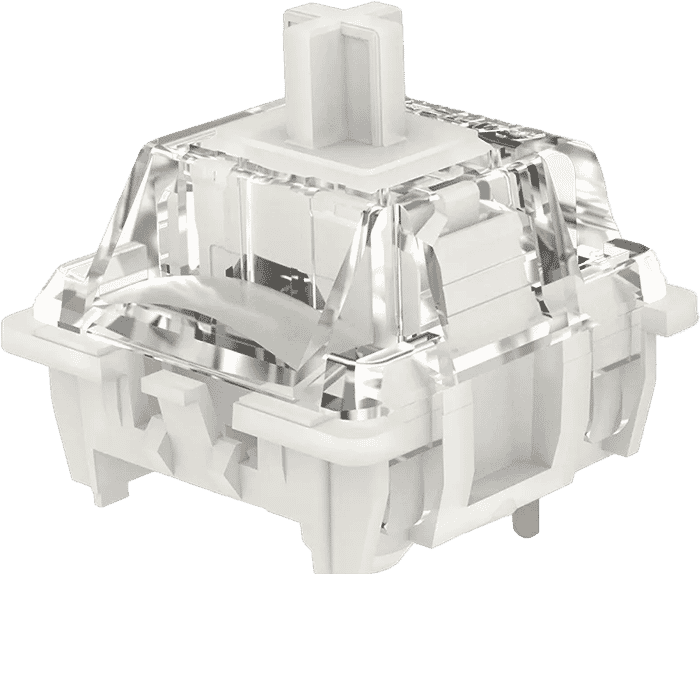
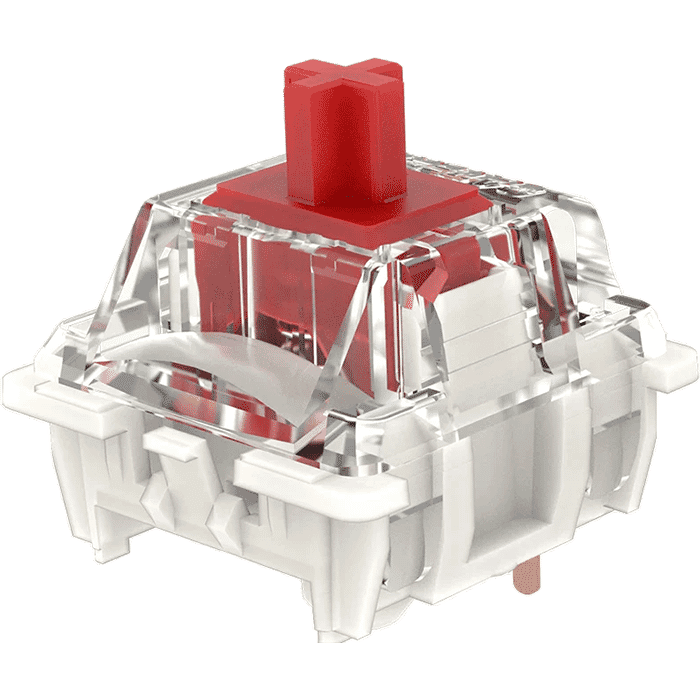
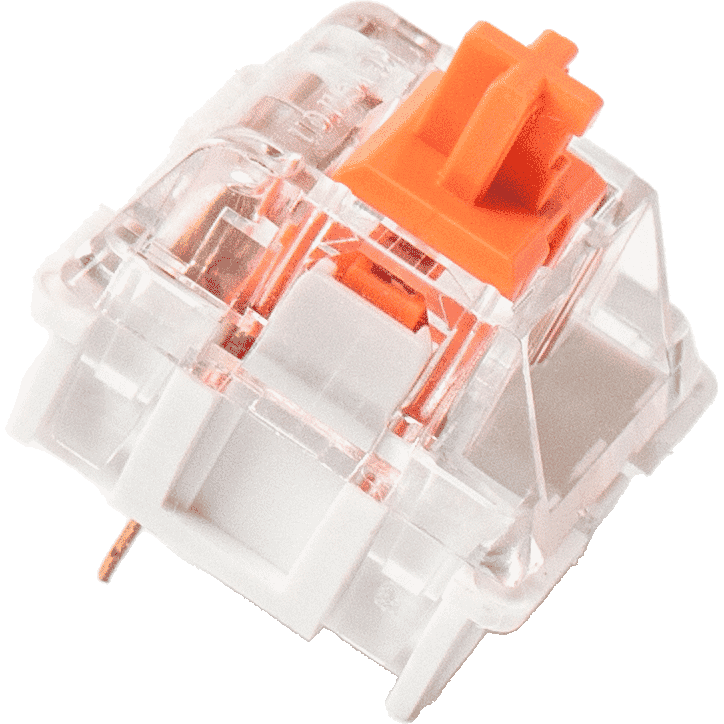
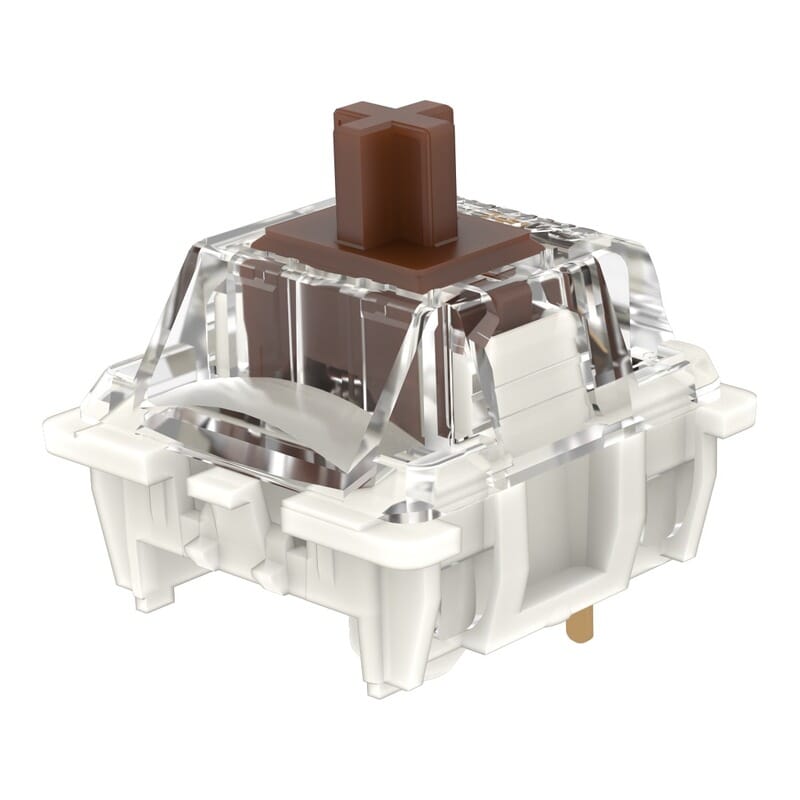
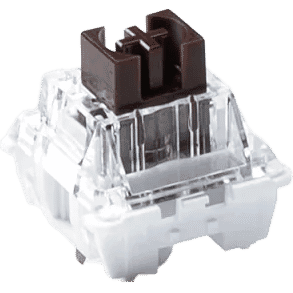
Have you ever typed on a mechanical keyboard? The pros swear by them. The feeling a mechanical keyboard gives is hard to match. The X-Bows is currently available with the Gateron G Pro 3.0 and silent switches. The Brown switches are suitable for both gaming and office work. The Red switch is, thanks to its lighter actuation, more suitable for gaming. The Silent variants are the same but with reduced noise during use.
This keyboard is also for you if you prefer other switches. You can swap the switches yourself. The keyboard is so-called 'hot-swappable'. In other words, with the included tool you can remove the switches and click any other MX-style switch into the keyboard.
This keyboard exudes quality, from the soft-feeling braided USB connection cable to the keycaps that are manufactured in the highest-quality way. The case is made of aluminium, which provides some extra weight so that even the most aggressive typists won't push this keyboard out of place. It also won't simply bend the way a plastic keyboard can.
The Gateron switches have been tested up to 50 million keystrokes, NKRO. That is, No Key Rollover, so that even the fastest typists are not hindered by a keyboard that cannot register multiple keystrokes at the same time.
Pimp-my-keyboard...
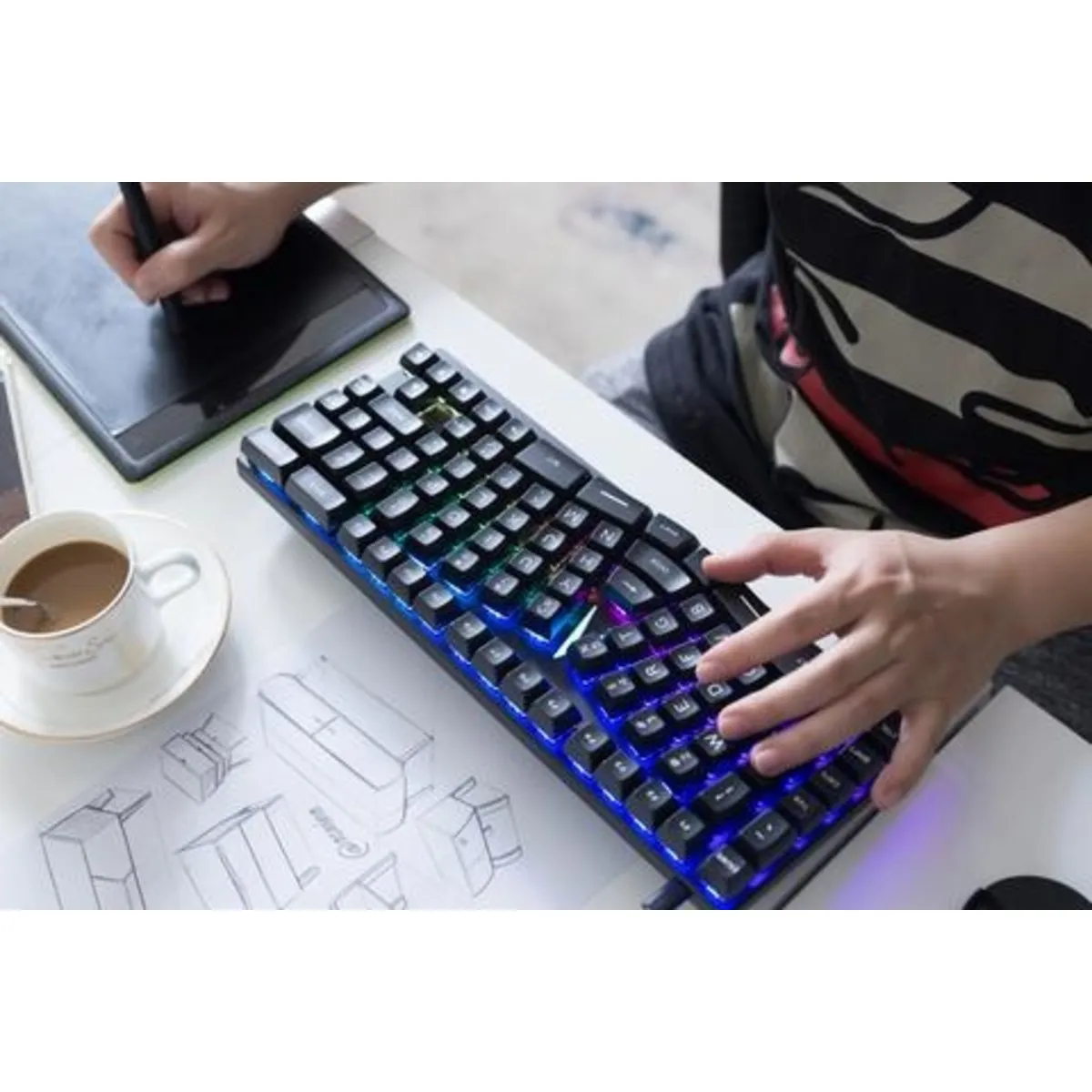
With the driver you can personalise the lighting to perfection.
No colour or effect is too crazy, it's all in there. Of course it doesn't have to be; the RGB lighting can simply be turned off. But for the enthusiasts among us, this keyboard is fully customisable. To make the lighting really stand out, so-called Double-Shot technology has been used to manufacture the keycaps. This ensures that the legends (the letters) never fade. That's because they are not printed, but a different colour of plastic has been fused with the rest of the key. In addition, a transparent plastic has been used so the lighting shines beautifully through the letters, great for those late-night typing sessions.
Using the driver you can programme all the keys (except the Fn key) however you like. This can be done for all 4 layers. Swapping keys, programming macros, the X-Bows can do it all. The 4 layers let you easily switch between, for example, your Qwerty, Dvorak or your Photoshop macros. The X-Bows gives your productivity a nice boost.
On-board memory
Your settings are stored on the keyboard's memory. So even on the go you are assured of your favourite settings, regardless of which computer you connect your X-Bows to.
Also read about how we experienced this keyboard in our long-term test.
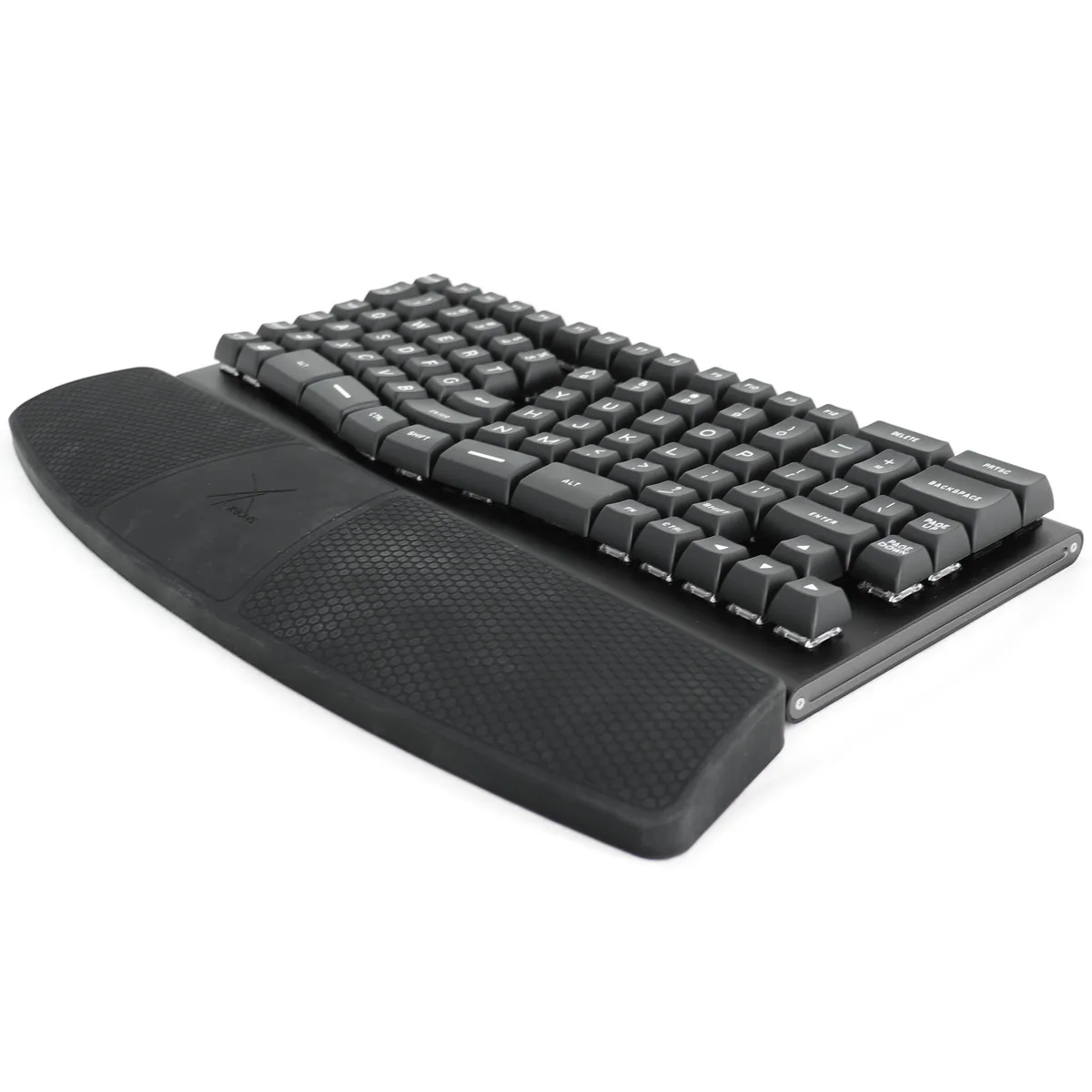
Matching X-Bows wrist rest
X-Bows has developed a wrist rest specifically for its keyboards. It connects perfectly to the keyboards and sets your wrists at the right height to use the keyboard. This benefits relaxation in the fingers, hand, wrists and arm.
You can add the wrist rest to your order at the top right of the page. You can read more about the X-Bows wrist rest here.