Stel hier je vraag over dit product
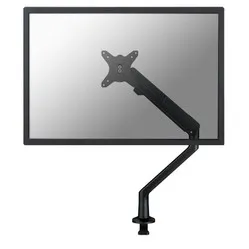
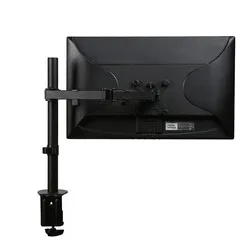
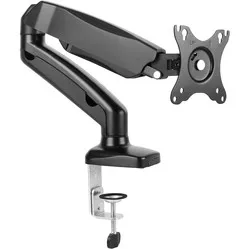
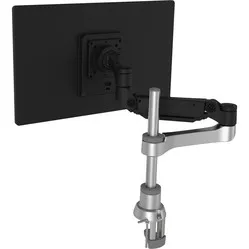
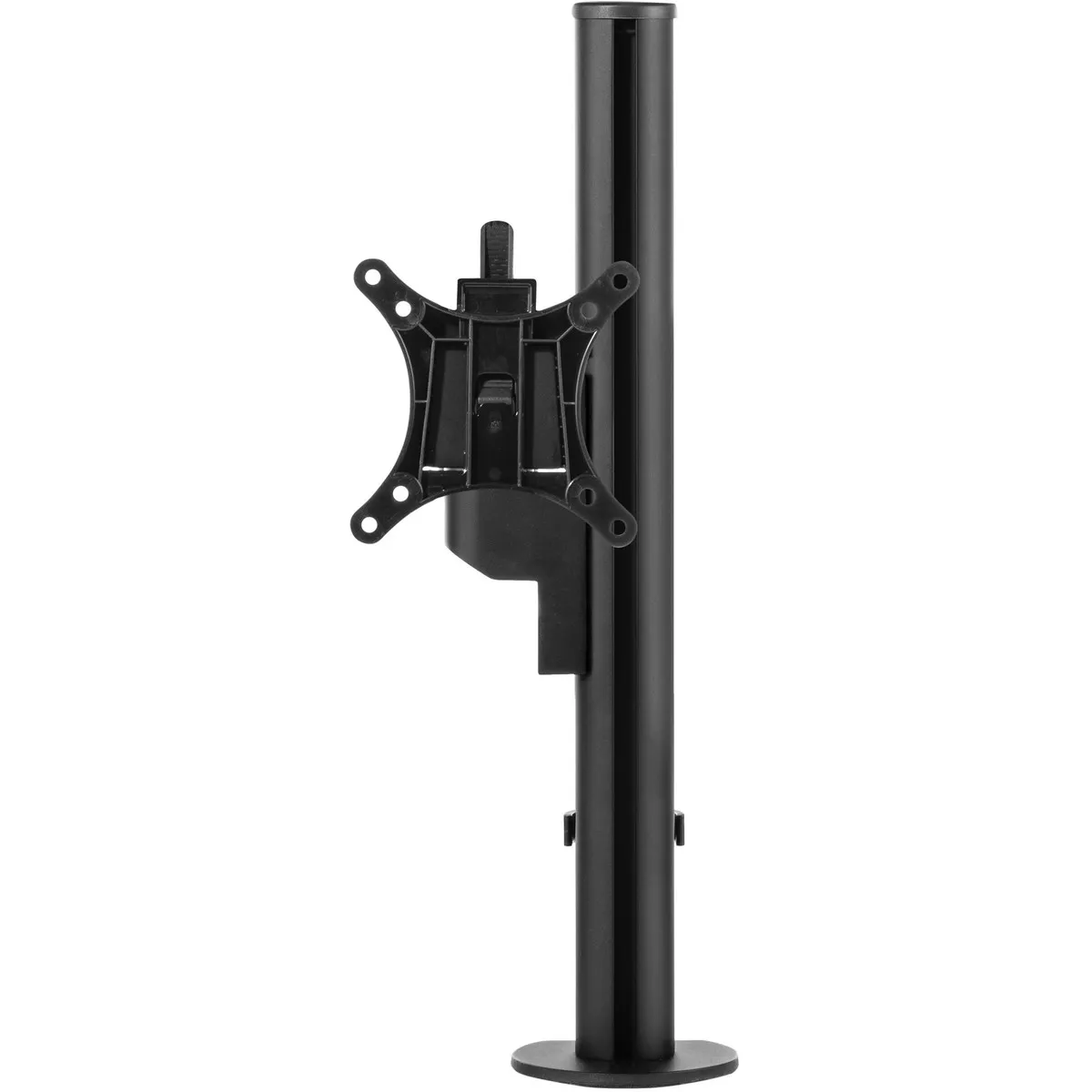
Galaxy Basic monitor arm black




Product description of Galaxy Basic monitor arm black
An ode to the Galaxy Basic monitor arm
It'll make you spontaneously sing
“Oh, just adjust it, adjust it, adjust it.
I know you can't resist.
Soon you'll start
Talking your colleagues into getting one.”
That's how the song goes, isn't it?
Why the Galaxy Basic monitor arm?
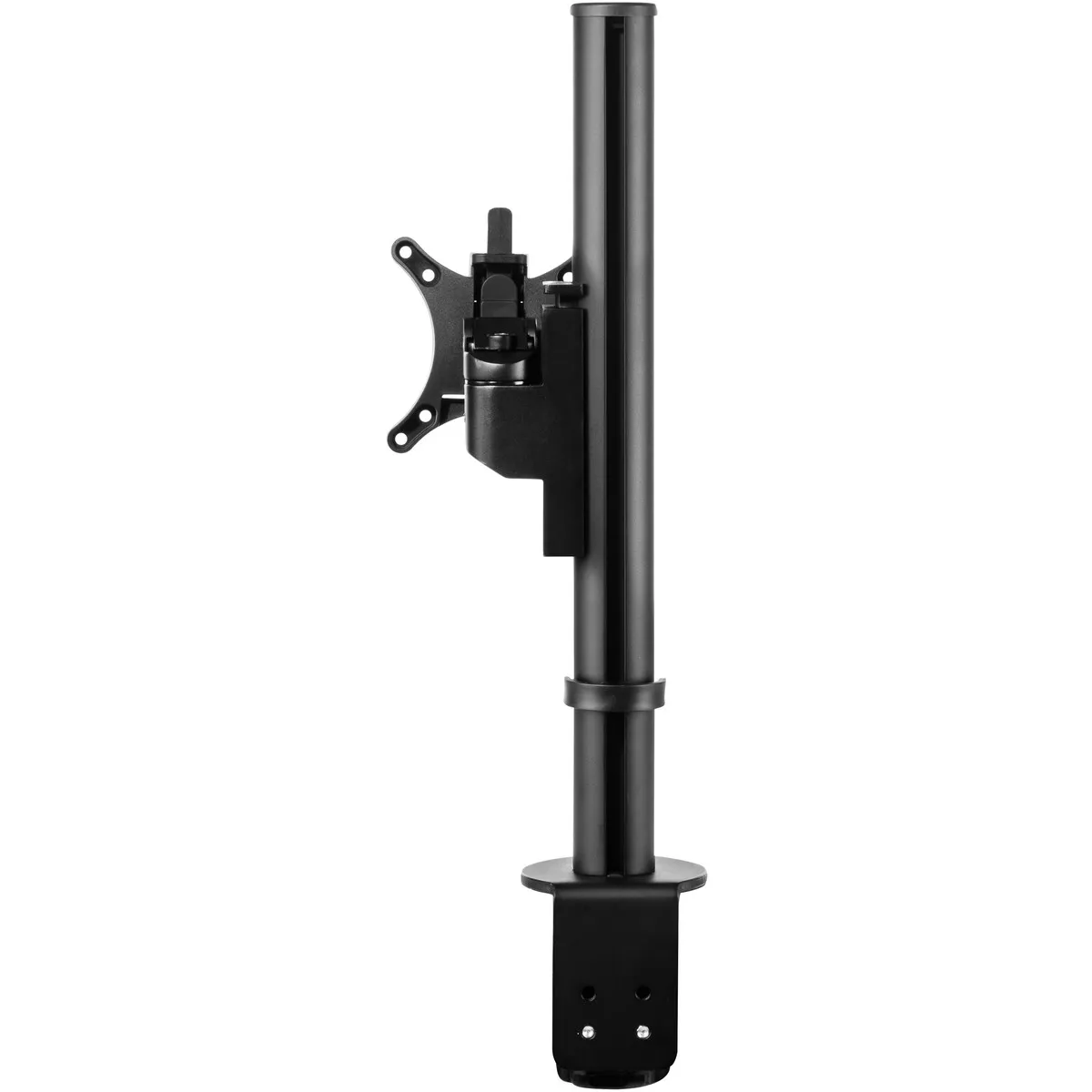
The Galaxy Basic raises your monitor, making it rotatable and height-adjustable. You can adjust the height by releasing the arm with a push button and sliding it along the frame. The arm can be attached to the frame in four positions – at the front, back, and sides. The arm is rotatable up to 180° per position. The viewing angle can be adjusted up to 90°.
A cable management clip is also included. You attach the frame to the edge of your desk (max. 80 mm) with a desk clamp. You can also attach it using the standard included grommet mount. The screen is attached to the arm using a VESA connection (75 and 100 mm). More information about VESA connections can be found here. The arm is suitable for screens up to 12 kg.
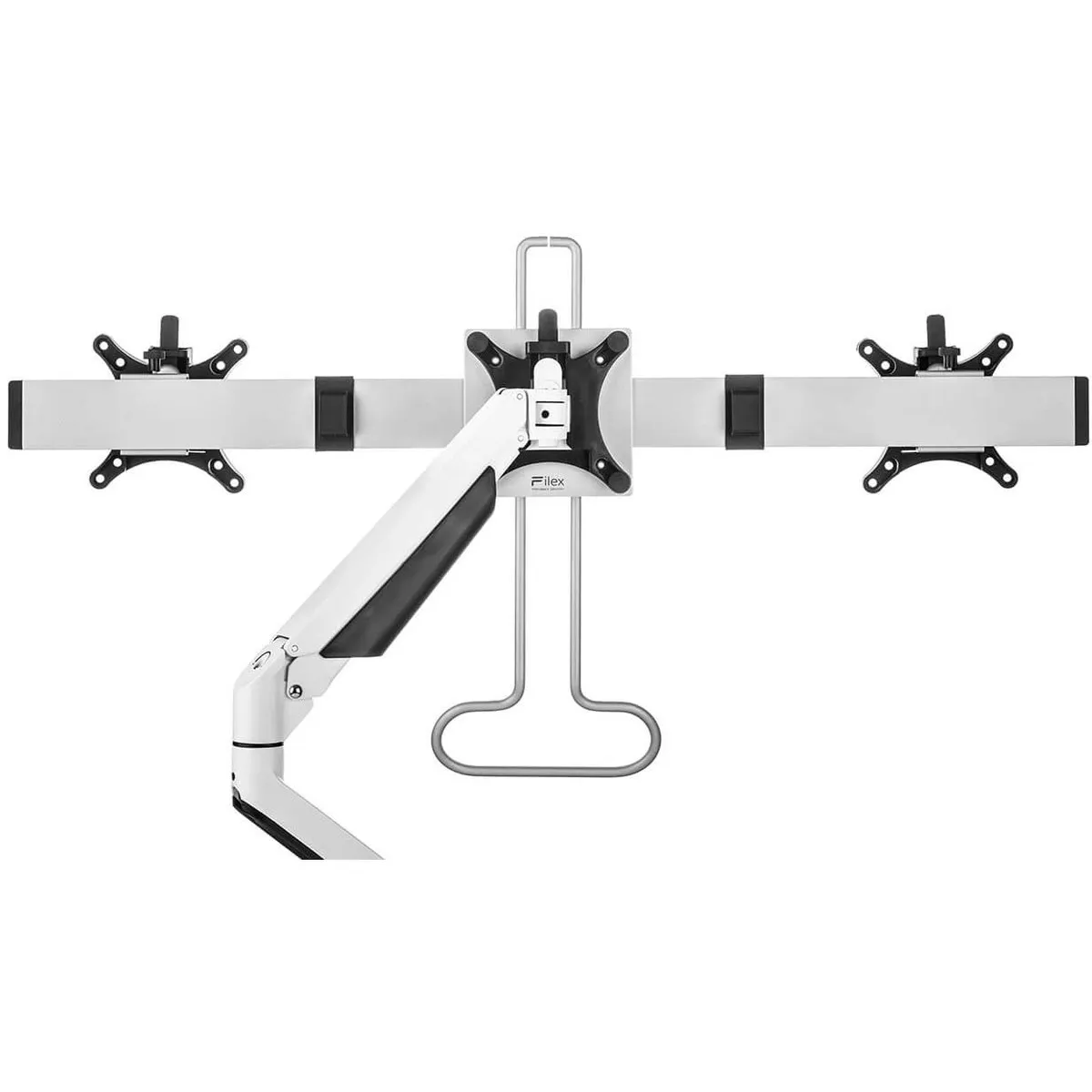
Furthermore, it is made from 100% recyclable and sustainable material. Optionally, you can add the Galaxy Crossbar to make this monitor arm suitable for two screens. The Crossbar is always supplied in the same colour as the monitor arm.
What makes a monitor arm so good?
A monitor arm makes your monitor optimally adjustable. Height, width, and viewing angle improve your working posture so that your body can find more relaxation. This allows you to work comfortably for longer and develop fewer complaints in your back, neck, or shoulders. An arm for multiple monitors can also boost productivity.
Get the most out of this product
Ensure you sit in a good, upright posture in your chair. Then place the screen perfectly straight relative to your desk and move the monitor up until the top edge of the screen is at eye level.
Finally, check that you are sitting approximately an arm's length away from your screen. Ergonomic mouse next to it, keyboard in front, and get to work. Ah, what a relief!
Don't miss this either
Galaxy crossbar and laptop holder
By adding the Galaxy crossbar, you can make a single monitor arm suitable for two screens of up to 27 inches each. With the crossbar, you can slide both screens closer together or further apart, rotate them inwards and outwards, tilt them forwards and backwards, and rotate them horizontally or vertically. The iron handle facilitates adjustment. The crossbar can be added to your order at the top right.
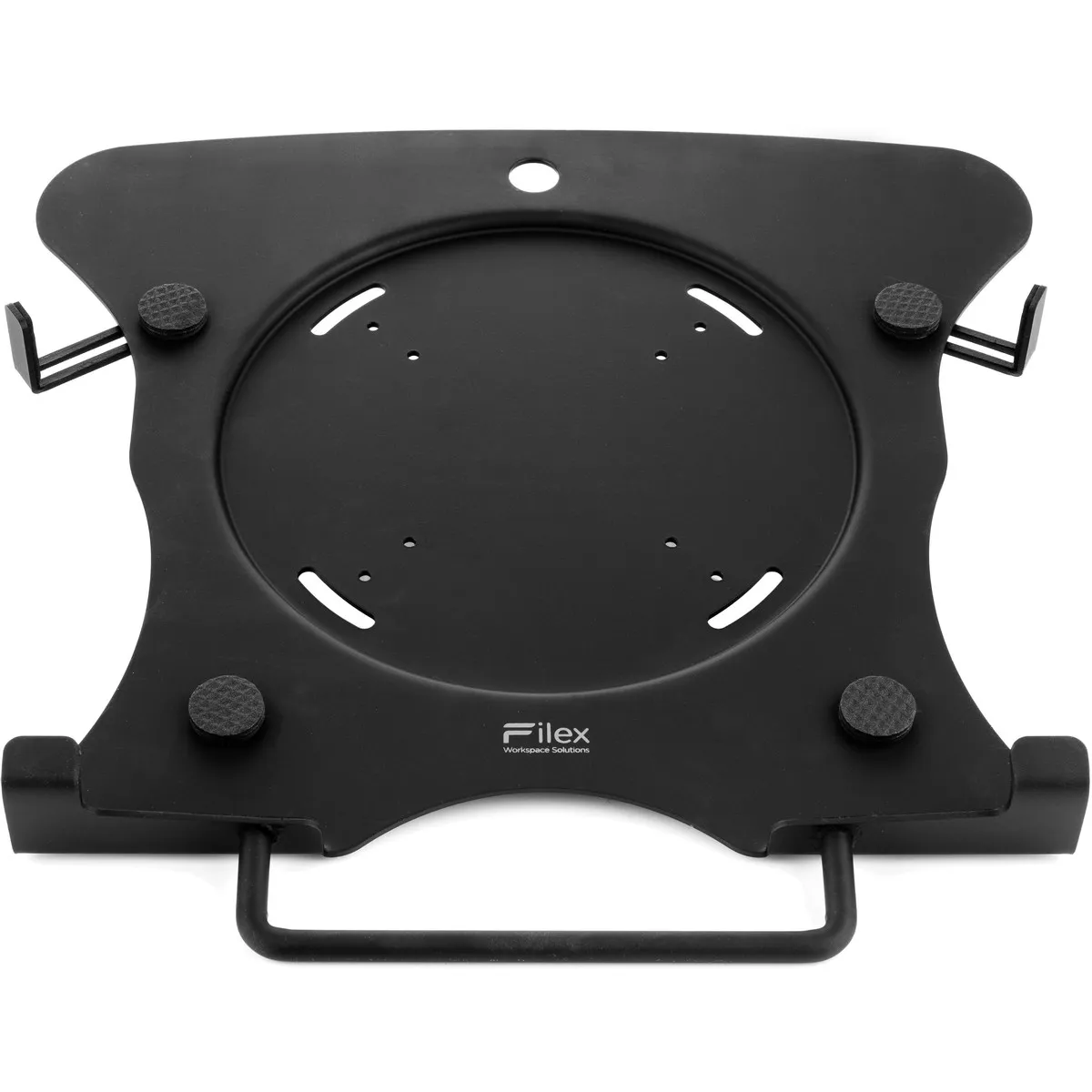
Finally, it is possible to add a laptop holder. The laptop holder provides a stable and movable platform for your laptop. This way, you can efficiently use your laptop as both a computer and a screen.
How happy will my body be with this?
- Neck
- Back
- Eyes
- Shoulder
Pros and Cons
- 5-year warranty
- Extensively adjustable
- Easy to attach
- Expandable as desired
- High load capacity
- Short arm
Brief specifications
| Warranty | 5 years |
| Ergonomic design | |
| Colour | Black |
| Adjustable | Yes; tilt, rotate, and height |
| Maximum load capacity | 12 kg |
| view all specifications |
Product features
- High load capacity
- VESA mount for monitor
- Can be attached with desk clamp or grommet mount
- Many adjustment options
- 100% recyclable
- Expandable as desired
- Max. screen size 45 inch
What's in the box?
- Galaxy Basic monitor arm
- Manual
Frequently asked questions
Specifications
| Item number | ERGO-GAL1MBK | ERGO-GAL1MBKL | ERGO-GAL1MBKC |
| Warranty | 5 years |
| Type of guarantee | The Ergowerken free return guarantee service |
| Colour | Black |
| Number of screens | Suitable for 1 monitor |
| Gas-sprung arm | |
| Maximum screen size | 45-inch |
| Maximum load capacity | 12 kg |
| Tilting | Yes, up to 90° |
| Rotate | Yes, 360° |
| Swinging | |
| Lowest setting | 113 millimetres |
| Highest position | 418 millimetres |
| Depth | 138 millimetres |
| VESA minimum | 75 x 75 millimetres |
| VESA maximum | 100 x 100 millimetres |
| Method of installation | By means of a desk clamp or feed-through |
| Suitable for desk thicknesses of | 0 to 80 millimetres |
| Assembly materials included | |
| Required tools | Allen key for tightening or loosening the rotation and tilt mechanism |
| Cable management |
Reviews Galaxy Basic monitor arm black
Customers who write a review enter a prize draw for a voucher. We pick one winner and publish all reviews, including critical ones.