






HIDE CABLES NEAR THE TV
FROM JUST £4.95
Customer reviews of our TV cable management
Cable Snake cable guide
Ergowerken favourite
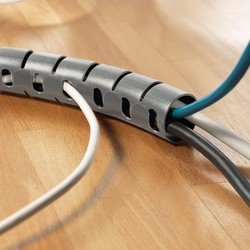
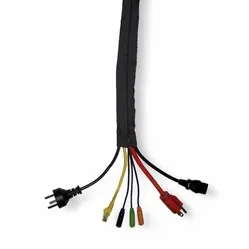
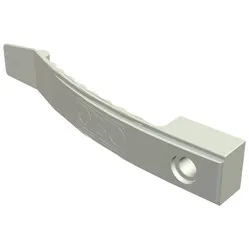
Hide cables behind your TV in no time with the Cable Snake. It’s available in various lengths, colours and diameters, and you can easily cut it to size with any pair of scissors. The included tool grips all the cables firmly while you pull the cable conduit over them. Your cables are out of sight, you choose the colour that best matches your wall or floor, and you won’t have to worry about them again.
- User-friendly
- Cut to size with any pair of scissors
- Available in multiple colours
- Bundle and hide TV cables in a flash
- Neat and tidy appearance
König wall gutter
Which cables on the wall?
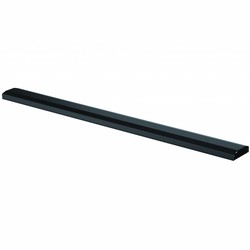
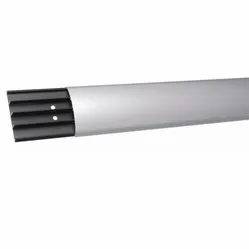
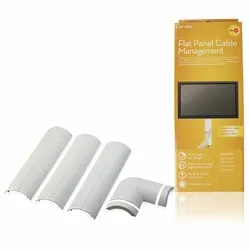
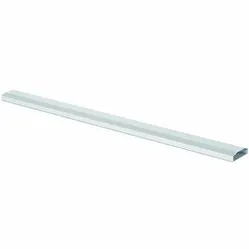
A wall duct is perhaps the most practical solution for routing your cables neatly and ‘out of sight’ along the wall. Measuring 110 cm long, 6 cm wide and 2 cm high, it has plenty of space for all your cables leading to the television. Once you have fixed the clips to the wall, simply click the duct firmly into place.
- Quick installation
- Available in black and white
- Cables can be easily added and/or removed
- All mounting materials included
- Lightweight
Textile Velcro
Essential for any job
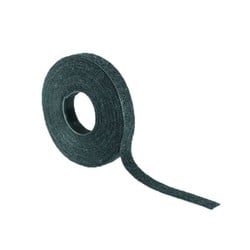
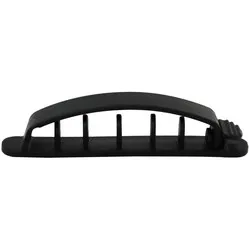
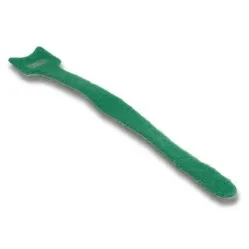
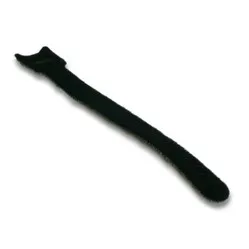
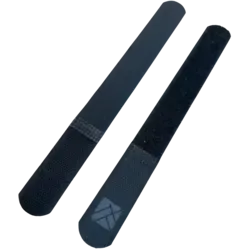
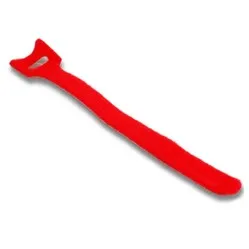
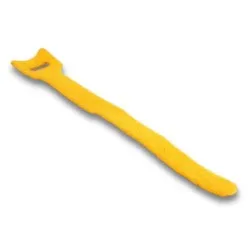
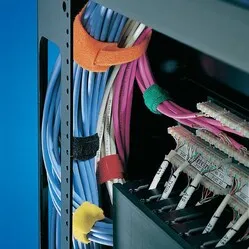
A roll of Velcro is a must-have for any standard cable management job. You can quickly bundle all sorts of cables, add cables or remove them again. Velcro is also ideal for neatly concealing cables along, for example, your TV bracket. You can cut the Velcro to size using a pair of scissors or a craft knife.
- Easy to cut to size
- Cables neatly tucked away along your TV bracket
- Reusable 400 times
- The easiest cable management product
- Tidy away TV cables in neat bundles
Ergopro Basic cable duct
A cable duct to suit your needs
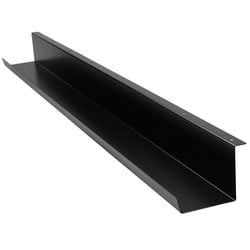
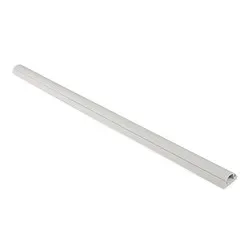
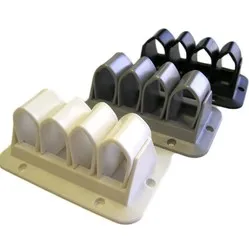
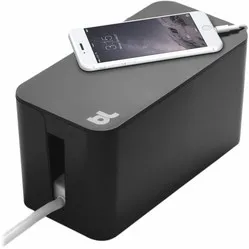
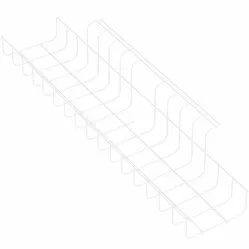
A cable duct isn’t just for under your desk. It also fits perfectly in your TV corner. For example, a cable duct is ideal for under a floating shelf or piece of furniture. You can store all your cables in it and access them easily when you need to remove or replace them.
- Available in 3 sizes and 3 colours
- Quick to install
- Hide all your TV cables in no time
- Mounting materials included
- With a TV cable duct, cables remain accessible
Round metal cable grommet
Not every TV stand is equally well designed

Sometimes you just want an extra hole in your TV stand. Perhaps you’ve thought it through a bit better than the manufacturer, or the manufacturer has designed the unit for a wireless television. In that case, it’s nice to finish and seal that hole neatly. A cable grommet is ideal for this.
- Cover with brush seal
- Cables neatly concealed
- 2 diameters available
- Attractive finish in TV cabinet
- Available in a range of colours
Tips for hiding cables near the TV
A few simple tips that might help you avoid a #$@*& and a proper ^$*&!
| 1 | Preparation is everything |
Although you can only really tidy everything away properly once all the equipment and cabling is in place, you’ll still need to do some preparatory work. For example, where are you going to route your cables? What tools will you need? Will you need to drill holes in the wall or your TV stand?
| 2 | Are your cables long enough? |
When neatly concealing cabling, you won’t be able to run it in a straight line from point A to point B. Your cables might run over the wall bracket, straight down the wall and then round a corner back towards your TV box or a power socket in the wall. You’ll be really annoyed if, whilst concealing the cabling, you discover that one power cable is just 30 cm too short
| 3 | Is everything working? |
You’ve connected everything, concealed the cables like a true professional, and you plop down on your sofa. You switch on your TV and… the picture is buzzing like mad. Thanks, old HDMI cable. Always test your setup before you conceal all the cables out of sight.
| 4 | Concealing TV cables in the correct order |
When you’re finally ready to tidy up and conceal your TV cables, start at the side of your television. You don’t want to create excess bundles there that might, for example, restrict the movement of your wall mount. Ensure any excess cable length can be bundled in a place where it won’t get in the way. For example, inside or underneath your TV stand.
Frequently asked questions about concealing cables near your television
- Which products are best for my project?
You’re probably already well on your way if you take a look at our top 5 above. If you’re unsure, facing a tricky challenge or looking for something we don’t offer, just let us know
- What if, whilst hiding the TV cables, I realise the product I’ve bought isn’t right for me?
We always offer a 90-day trial period on your product and free returns, so don’t worry. Let us know what isn’t working, and we can work together to find a solution or a suitable alternative.
- I’d really rather not use screws or a drill – are there any solutions for that?
Absolutely. You can have a look at our ‘Hide cables without screws or drilling’ category.