| Width | 419 mm |
| Depth | 232 mm |
| Height | 73 mm |
| Compatibility | PC and Mac |
| Key layout | QWERTY |
| Key type | Cherry MX Brown tactile mechanical keys |
| Connection | Wired (USB) |
Patience is a virtue
Week 1: "What a %^$&* device!". Week 2: "Oh no, I've hit backspace instead of space again." Week 3: "Never anything else! Wooohooo!". That's roughly how it will go.
Maximum comfort
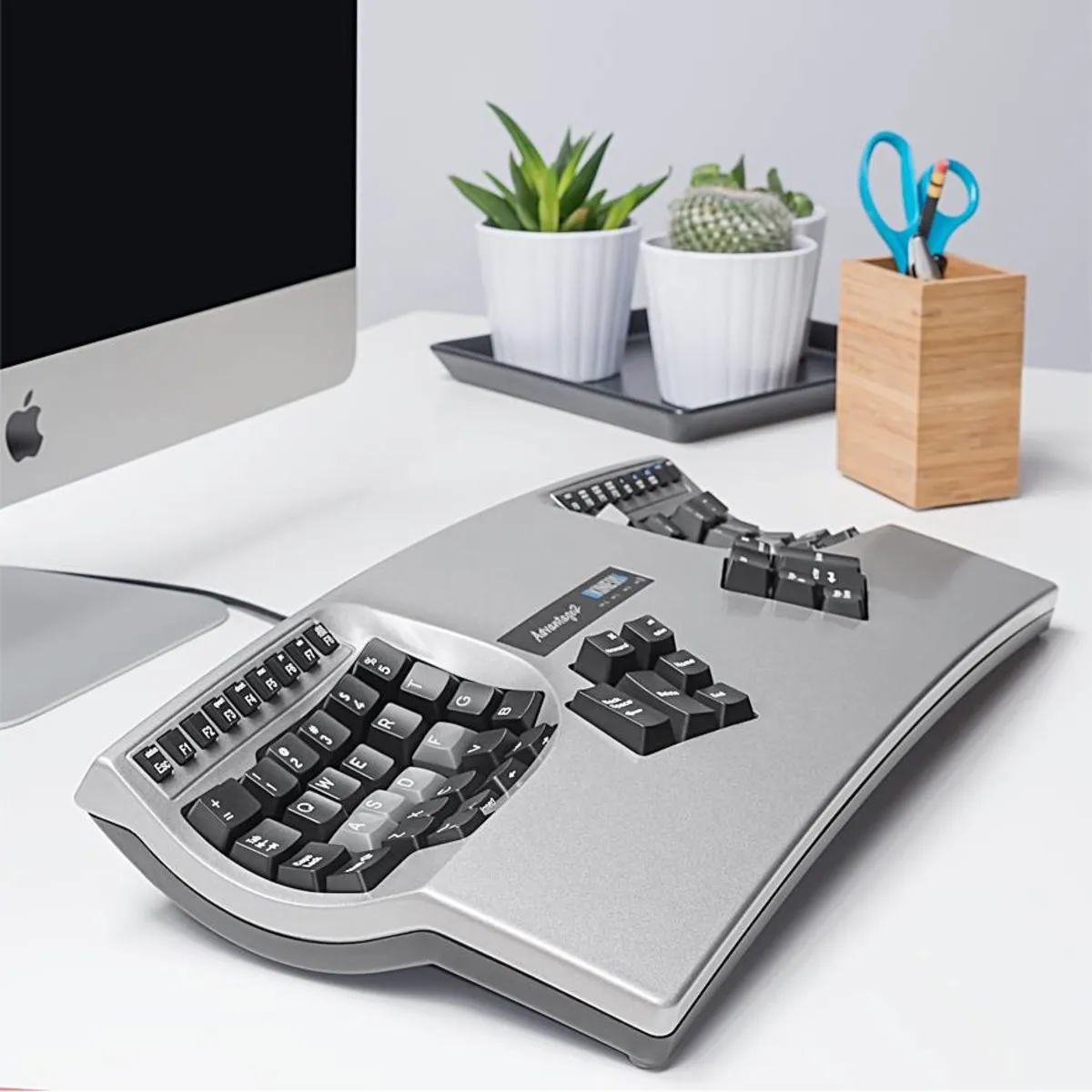
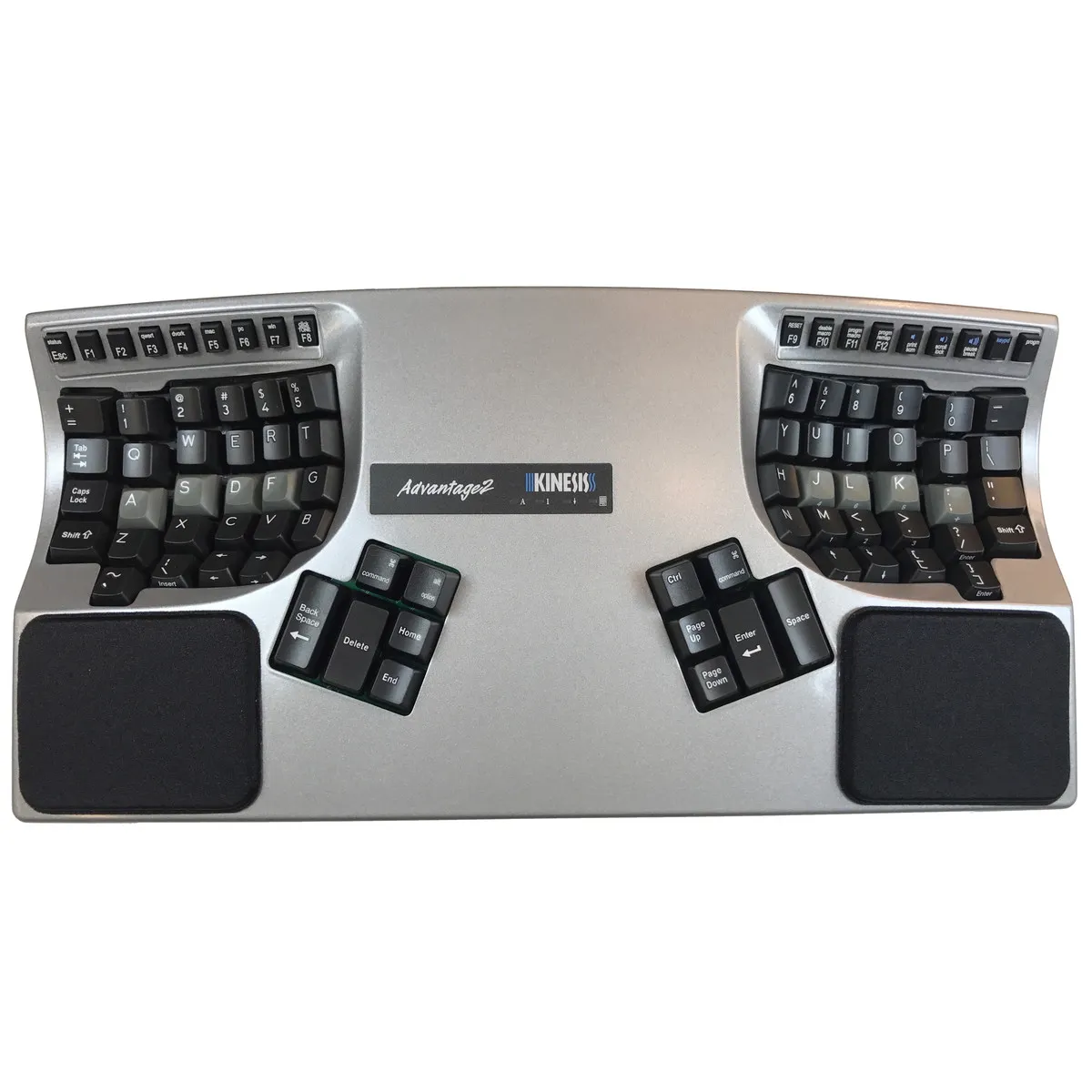
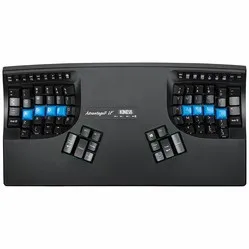
The Kinesis Advantage2 series has been designed based on 25 years of experience in building ergonomic keyboards. The design, in combination with the so-called tactile mechanical keys, aims to combat the risks associated with prolonged keyboard use by offering maximum comfort.
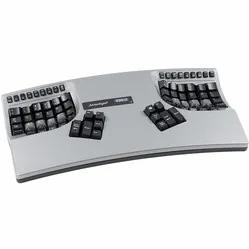
The keyboard is shaped in such a way that the arms are at shoulder width and the wrists remain in a natural posture. Furthermore, the included palm rests minimise tension on the wrists, and relatively many keys are operated with the thumbs to relieve the weaker little finger. The contoured design also provides much more relaxation for the fingers because the keys are closer together.
Features
The inside of the Advantage2 is at least as extensive as the outside. Firstly, the keyboard is equipped with Cherry MX Brown tactile mechanical keys. These have low resistance when pressed and "warn" you when you have almost pressed the key by offering a small amount of resistance. This prevents you from pressing the keys unnecessarily far down.
The keyboard also features Kinesis' new programming system, which allows you to reprogram the keys to your own preference. The great thing about it is that this programme is integrated into the keyboard and its 4MB memory card. This means you don't need to install any additional software on your computer; you do everything directly from the keyboard.
Anyone who performs a lot of computer work knows that this can be strenuous for your wrists, shoulders, back, and neck. A good keyboard can help you with this. The Kinesis, for example, has a unique design for maximum comfort. The keys are also extra easy to press. Furthermore, you can place your mouse close to the keyboard. All of this is to minimise muscle tension, thereby preventing or reducing injuries.
The Kinesis Advantage2 not only has many options but also types completely differently from other keyboards. Therefore, take your time to fully get used to the typing method. Furthermore, create macros if you type a lot of the same (sections of) text. With these, you can conjure up entire sections of text with a combination key (for example: Shift+H).
If you prefer visuals when programming the keys, you can open the SmartSet App directly from the keyboard. Here you can view keyboard layouts, add and adjust macros, and change your keyboard settings.
By the way, if you are looking for the younger and improved siblings of the Advantage2, the new Advantage360 and Advantage360 Pro await you via the following links.