Stel hier je vraag over dit product
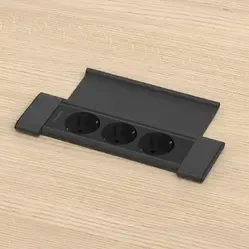
Fellowes Desk In Cover - 2x power, USB-A/C & keystone black


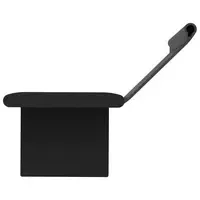
Product description of Fellowes Desk In Cover - 2x power, USB-A/C & keystone black
An ode to the Fellowes Desk In Cover
One extra chair
Every meeting has someone who wasn't on the list. The Fellowes Desk In Cover plans for that: next to two sockets and USB there's a keystone spot for that one extra connection. HDMI, USB-C or network, you decide who joins. (It won't take the minutes, though.)
Why the Fellowes Desk In Cover?
Power, charging and data in one spot in your desktop
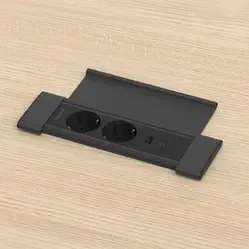
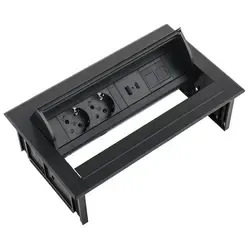
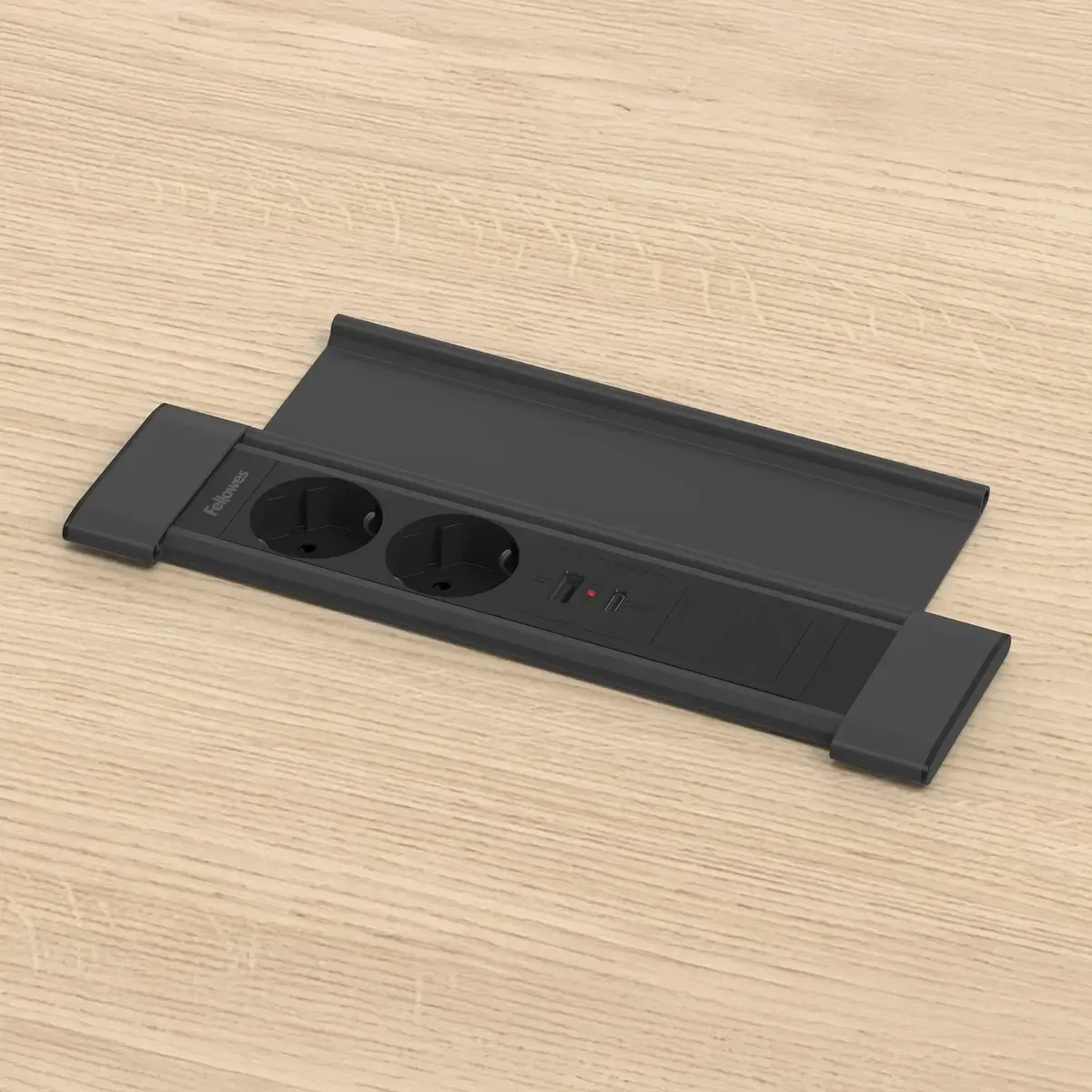
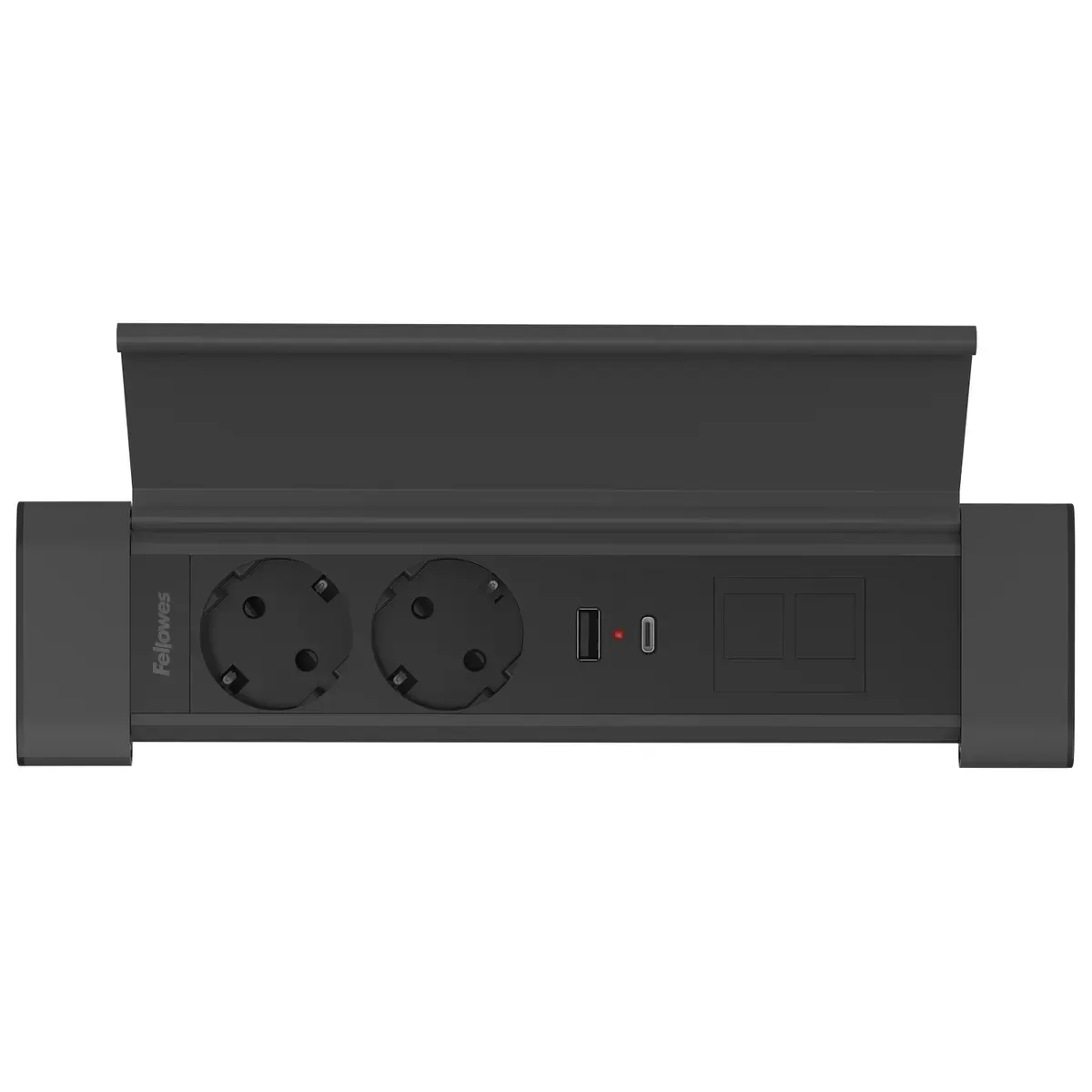
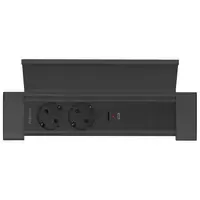
The Fellowes Desk In Cover is a built-in power socket unit with two earthed type F sockets, a USB-A and a USB-C charging port and a keystone spot. You fit it into a cut-out in your desk or table top. That puts everything right where you work.
Fast charging via USB-C
The USB-C port of the Fellowes Desk In Cover charges your phone or tablet quickly, with up to 30 W. You don't need a separate adapter in a socket for that. So the sockets stay free for your laptop and monitor.
Room for an extra connection
Into the keystone spot of the Fellowes Desk In Cover you click an extra connection for USB-C, HDMI or a network cable. On a meeting table, that lets you connect a screen or the network from the same compartment.
A lid that folds open flat
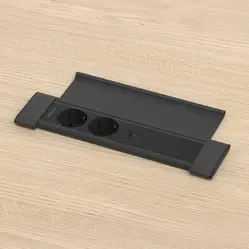
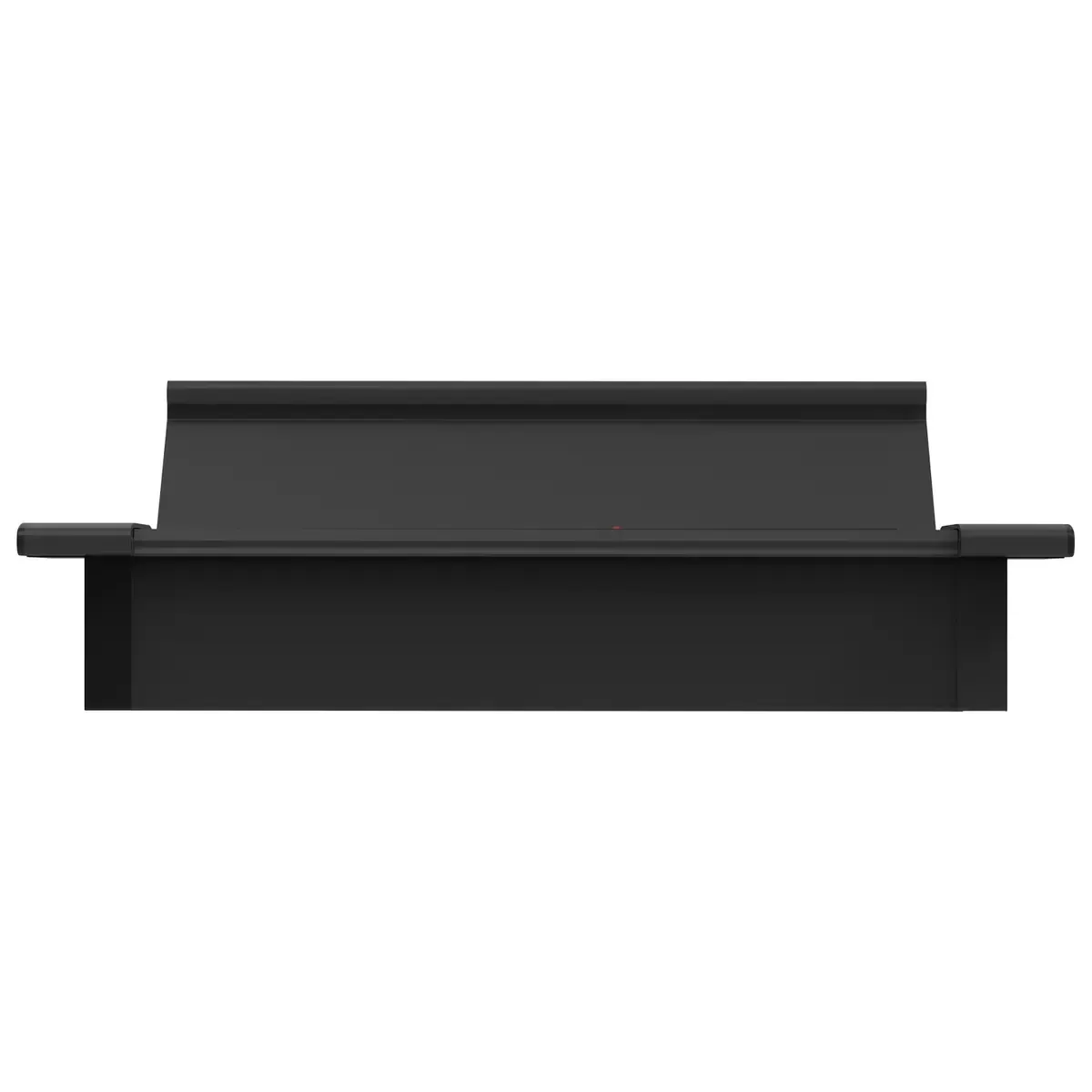
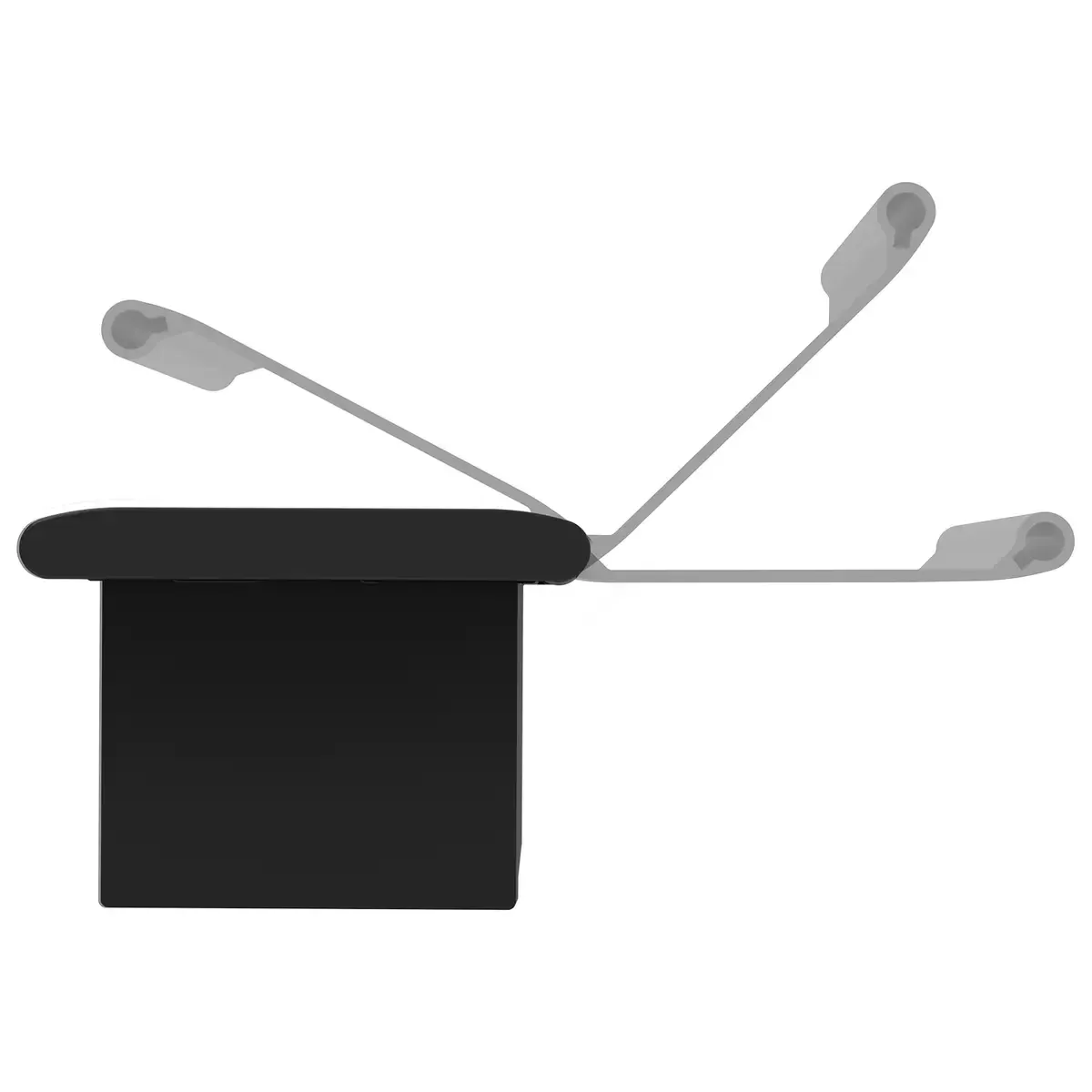
The Fellowes Desk In Cover has a hinged lid. Opened, it folds completely flat onto the desktop, so the connections are easy to reach. Closed, it lies flush with the desktop and your desk or meeting table stays calm.
Slim design
The Fellowes Desk In Cover is 66.7 mm wide. That fits a narrow table or the edge of a desktop too, where a wide built-in unit takes up too much space.
How to use it
Build your own
For the Fellowes Desk In Cover, you choose the length of the connection cable and a keystone at the top of this page. You can pick USB-C, HDMI or CAT6 for a network cable. You can also leave the keystone spot empty.
The keystones
The keystones of the Fellowes Desk In Cover are couplers. Under the desktop you connect the cable to your computer, screen or network, and at the top you plug in your device. You click the keystone you choose into the keystone spot yourself.
The connection cable
The Fellowes Desk In Cover has a 1 metre linking cable with a 3-pin connector. You plug a connection cable with a mains plug into it, which you can order at the top of this page in 1, 3 or 5 metres. Already have a suitable connection cable with a 3-pin connector? Then choose "None".
Ergonomic benefits
A built-in power socket unit won't change your posture, but the Fellowes Desk In Cover does save you bending down and searching under your desk for a free socket or a charger. You connect your phone, laptop charger or monitor from your chair. That makes a workspace you share with others a lot more pleasant to use.
Also worth knowing
Measure before you cut
The Fellowes Desk In Cover measures 261.8 x 66.7 x 47.5 mm. Before you cut, check that there's room under the desktop at that spot, with no frame, drawer or cable tray in the way. Also allow for the linking cable that runs under the desktop to the socket.
Pros and cons
- Keystone of your choice
- USB-C fast charging up to 30 W
- Lid that folds open flat
- Available in black and white
- Less ideal if you don't want to cut your desktop
- Less ideal if you need more than one extra connection
In short: the Fellowes Desk In Cover is a slim built-in power socket unit with USB chargers and a keystone for desks and meeting tables. Important: 66.7 mm wide, you choose the keystone and connection cable yourself.
Key specifications
| Sockets | 2 x type F, earthed |
| USB chargers | 1 x USB-A, 1 x USB-C (up to 30 W) |
| Keystone | 1 coupler, USB-C, HDMI, CAT6 or empty |
| Mounting | Built into the desktop |
| Lid | Hinged lid, folds open flat |
| Dimensions | 261.8 x 66.7 x 47.5 mm |
| Weight | 0.54 kg |
| Linking cable | 1 metre, 3-pin connector |
| Connection cable | None, 1, 3 or 5 metres |
| Colour | Black or white |
| Warranty | 5 years |
Key figures: 2 sockets, USB-C up to 30 W, 1 keystone, 261.8 x 66.7 x 47.5 mm, 0.54 kg, 1 metre linking cable.
Product features
- 2 x earthed type F socket
- 1 x USB-A charging port
- 1 x USB-C charging port, fast charging up to 30 W
- Keystone spot for 1 extra connection
- Choice of USB-C, HDMI and CAT6
- Hinged lid that folds open flat
- Slim design, 66.7 mm wide
- 1 metre linking cable with 3-pin connector
- Connection cable of 1, 3 or 5 metres available
- Available in black and white
Frequently asked questions
Specifications
| Item number | ERGO-FEDIC2PACK-BK |
| Manufacturer's item number | 100144392 |
| Brand | Fellowes |
| Warranty | 5 years |
| Type of guarantee | The Ergowerken free return guarantee service |
| Number of sockets | 2x 230V (Type F) |
| Implementation | 2x 230V (earthed) & USB-A + USB-C & keystone |
| Method of installation | In the desktop |
| Cable length | 100 cm linking cable |
| Earthing | Earthed |
| Surge protection | |
| Surge protection | |
| Dimensions (L x W x H) | 261.8 x 66.7 x 47.5 mm |
| Product weight | 540 grams |
Reviews Fellowes Desk In Cover - 2x power, USB-A/C & keystone black
Customers who write a review enter a prize draw for a voucher. We pick one winner and publish all reviews, including critical ones.