Stel hier je vraag over dit product
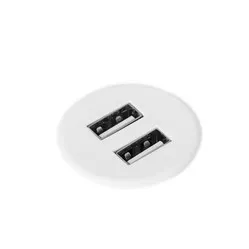
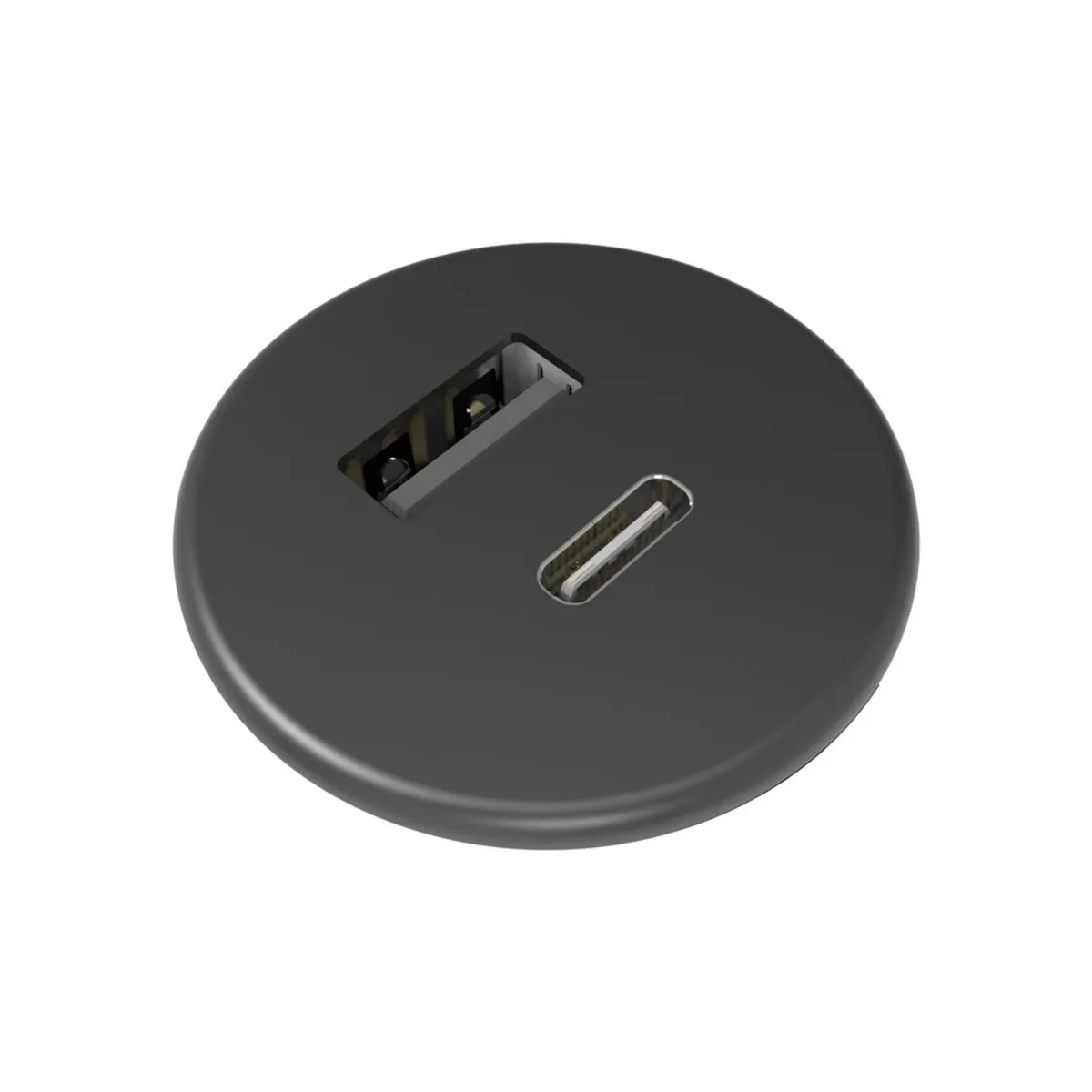
Powerdot Micro with 1x USB-A and 1x USB-C Ø30 mm black

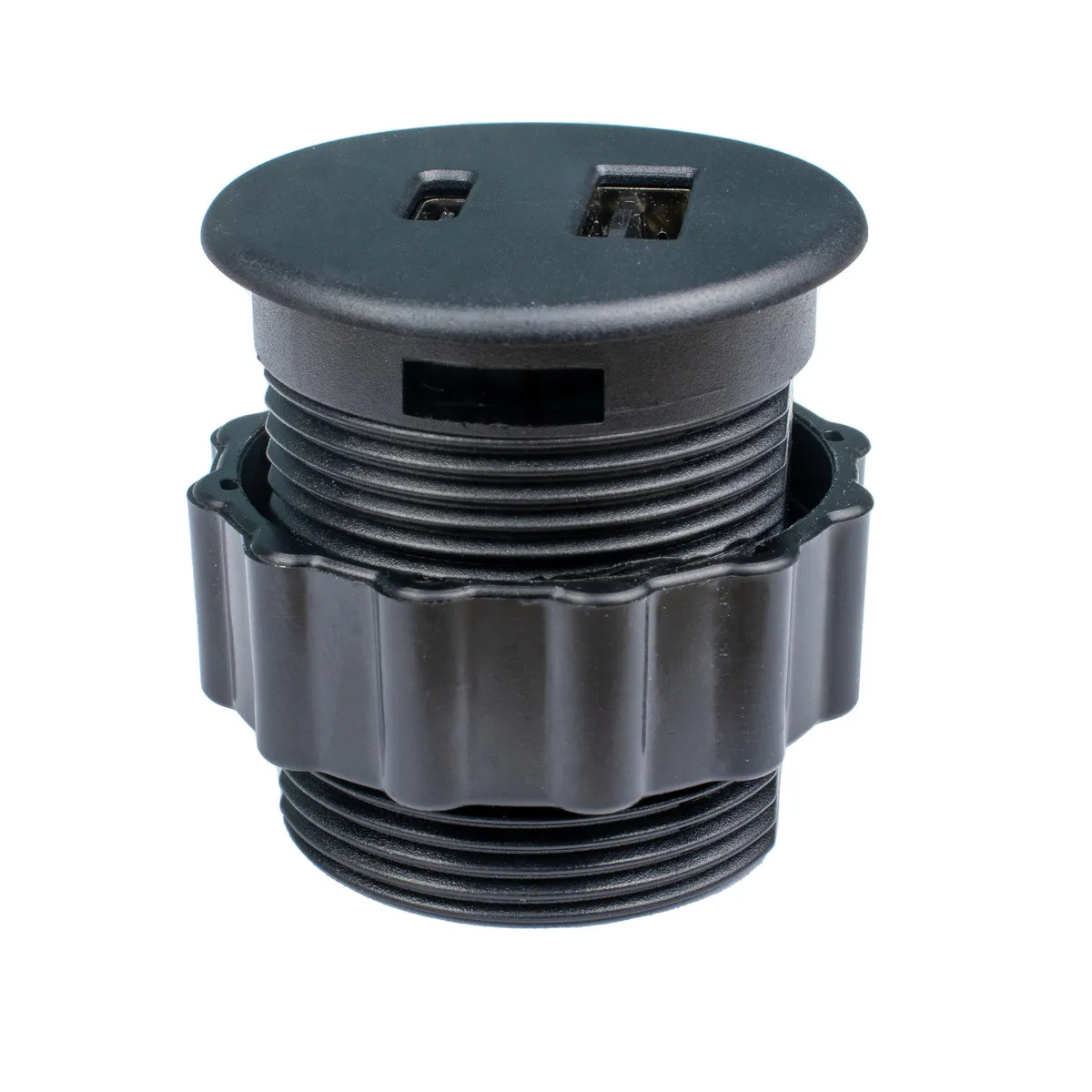


Product description of Powerdot Micro with 1x USB-A and 1x USB-C Ø30 mm black
An ode to the Powerdot
Power to you
Everyone knows the feeling; you're either frantically searching for a power socket or you're crawling under your desk for the 10th time within the hour to plug in or unplug your charging cables. With the Powerdot, that's a thing of the past. Now you only have to crawl under your desk once: To plug in your Powerdot.
Why the Powerdot?
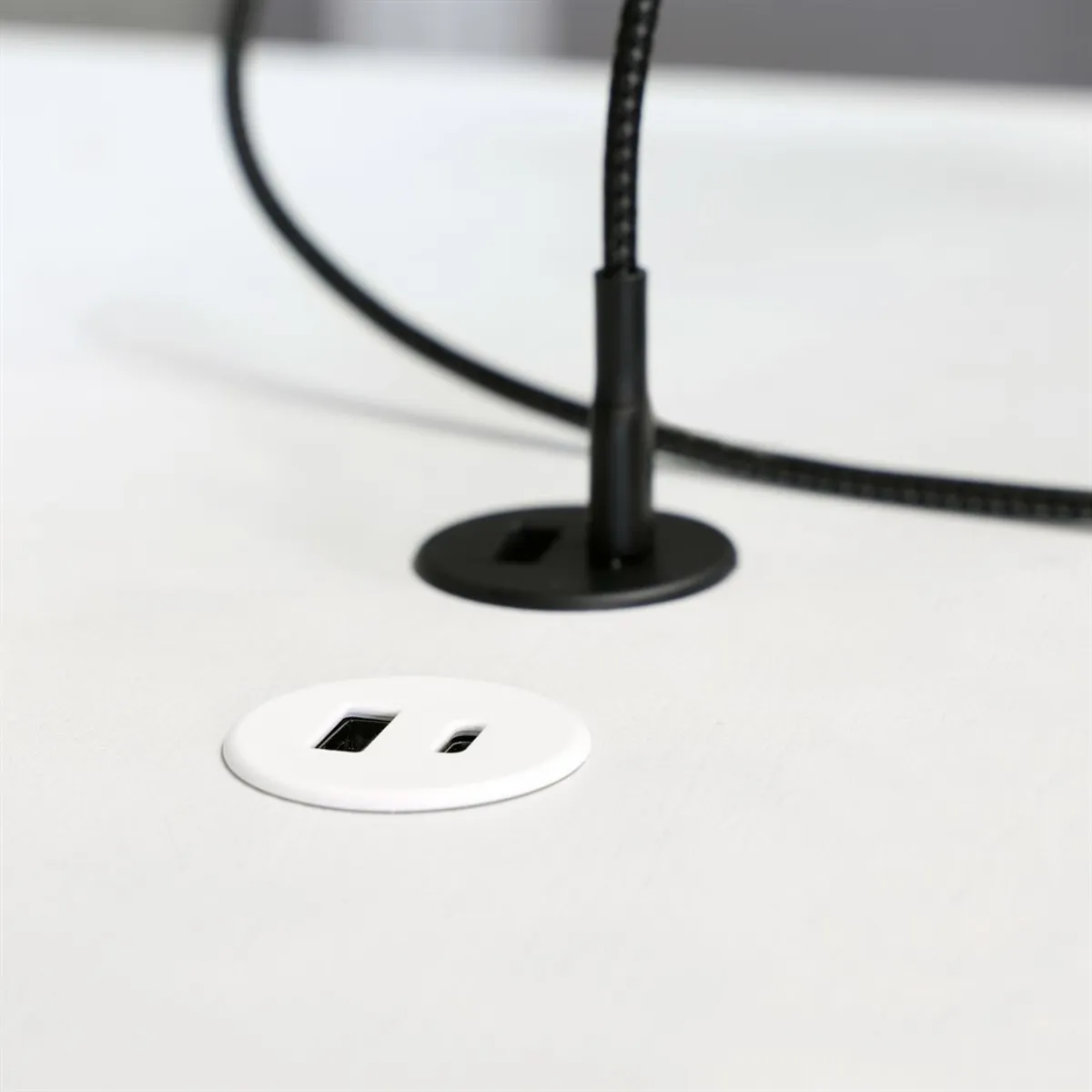
This Powerdot features one USB-A and one USB-C charging port. For installation, drilling a hole in the desktop (max 26mm thick) is necessary. You then only need to lower the Powerdot into the hole and tighten the retaining ring on the underside of the desktop. A 145cm long connection cable and an adapter are included.
What makes Powerdot so good?
With the right Powerdot for you, you provide yourself with the power and connection you need within reach. The Powerdot takes up little space and can be mounted in the most ideal position for you. This way, you won't be bothered by excessive loose cables under, along, and over your workspace, and you'll always have your devices with you.
Get the most out of your Powerdot
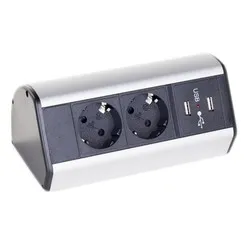
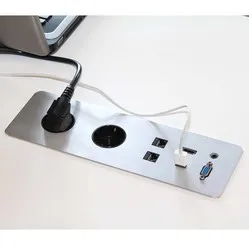
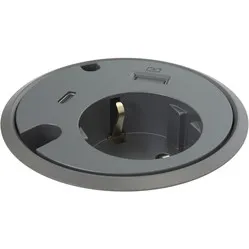
There are many different Powerdots, and some are very similar. So, take your time to look and read carefully to ensure you choose the right one: how it is earthed, whether it has the correct types of extra ports, and the size of the Powerdot.
Pros and Cons
- Very Compact
- Sleek design
- Suitable for phone charging
- Convenient charging points at hand
- Installation requires tools
Brief specifications
| Warranty | 2 years |
| Number of connections | 1x USB-A & 1x USB-C |
| Installation | In the desktop |
| Connection cable length | 145cm |
Product features
- Available in black or white
- Mounting hole Ø30 mm
- Includes Type A adapter (5V, 2.1A)
- 145cm connection cable
What's in the box?
- 1 x Powerdot
- 1 x Retaining ring
- 1 x Connection cable
- 1 x Adapter
- 1 x Manual
Frequently Asked Questions
Specifications
| Item number | ERGO-PM32 |
| Manufacturer's item number | 935-PM32 |
| Brand | Powerdot |
| Warranty | 2 years |
| Type of guarantee | The Ergowerken free return guarantee service |
| Implementation | Black - 2x USB charger |
| Method of installation | On the desktop. Mounting hole: Ø 30 mm |
| Cable length | 1.45 m connection cable |
| Dimensions (L x W x H) | 35.8 x 37.2 x 35.8 mm (see downloads) |
| Product weight | 160 grams |
Reviews Powerdot Micro with 1x USB-A and 1x USB-C Ø30 mm black
Customers who write a review enter a prize draw for a voucher. We pick one winner and publish all reviews, including critical ones.