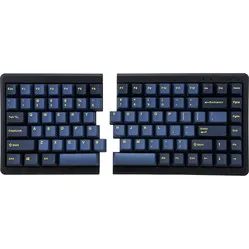
| Width | 320 mm |
| Depth | 140 mm |
| Height | 27 (front) - 34.5 (back) mm |
| Version | Windows and Mac |
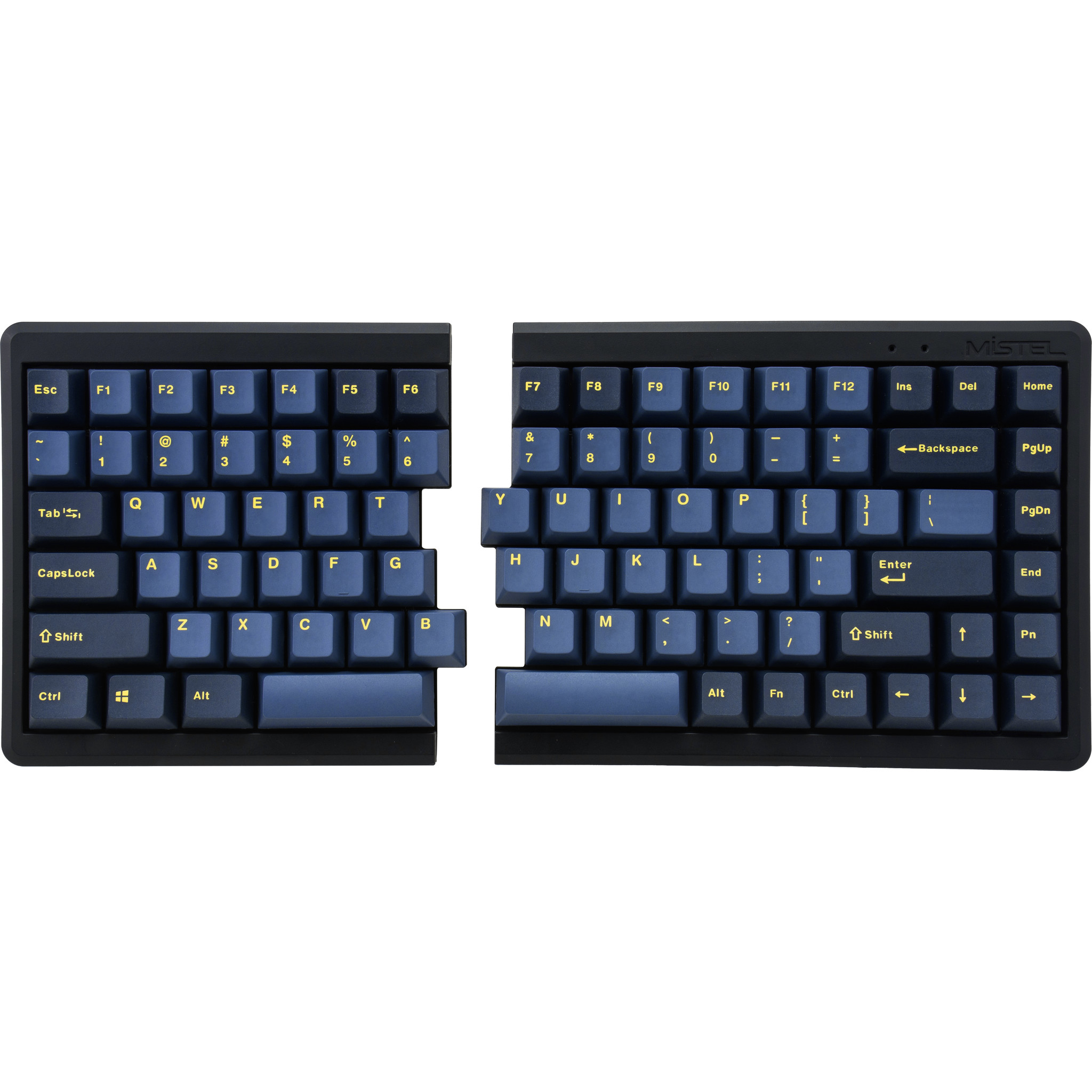
| Key layout | QWERTY (ANSI US int.) |
| Connection | Bluetooth |
| Switches | Cherry MX See which options |
Too much choice
With so many different keyboards around, it is easy to lose sight of the wood for the trees. One is compact, another is split. Some are wired and others are wireless. There are keyboards with a QWERTY layout, but also with Dvorak or Colemak. Keys are backlit or deliberately not. At Mistel they thought: “You know what? We will take all these options and put them into one keyboard!”. Fair play.
Split design
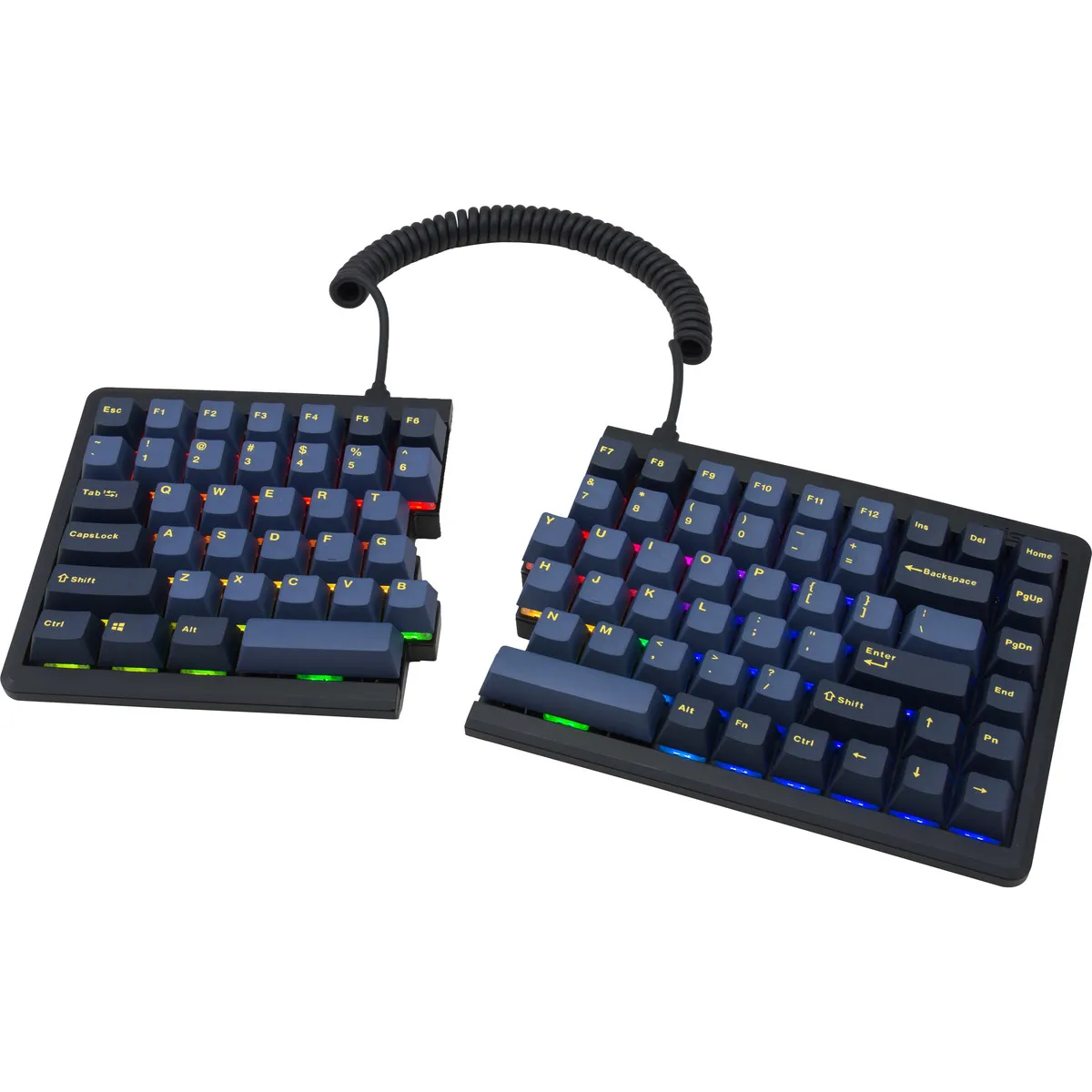
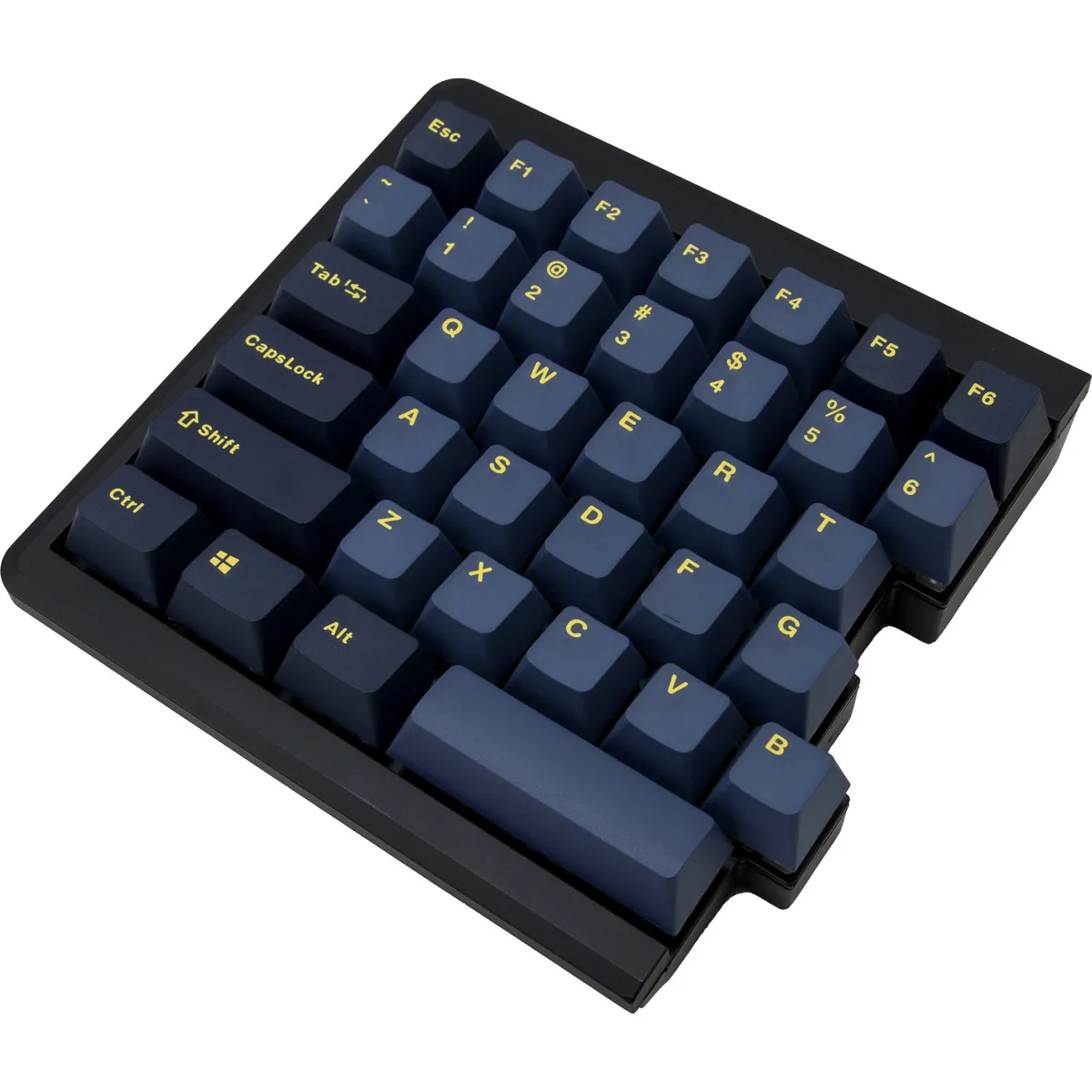
The MD770 has a 75% layout. This means the keyboard is narrower than a standard keyboard, which benefits your posture. The keyboard is also split. This lets you place the two parts, one for your left hand and one for your right hand, in the ideal position. The coiled cable that connects the two parts can be stretched up to 60 cm.
Connectivity and programmable
The keyboard can connect to three devices at the same time via Bluetooth. Using key combinations you switch quickly and easily between the different devices. Connecting with a USB-A cable is also possible. The keys are programmable too. You can add macros, so that key combinations carry out particular actions. You can also switch between QWERTY, Colemak and Dvorak layouts.
Important: the right-hand part of the Mistel has a switch underneath that turns the built-in battery on and off. So your Bluetooth connection may drop if you have connected it to your device via Bluetooth while wired (for charging) and then pull out the cable. By flipping the switch underneath, you turn the battery on and can carry on working wirelessly via Bluetooth.
Anyone who spends a lot of time working on the computer knows this can be demanding on your wrists, shoulders, back and neck. A good keyboard can help with this. The Mistel MD770, for example, has a compact and split design. The keys are also especially easy to press. In addition, you can place your mouse close to the keyboard. All of this is meant to minimise strain on the muscles, which can help to reduce or prevent injuries.
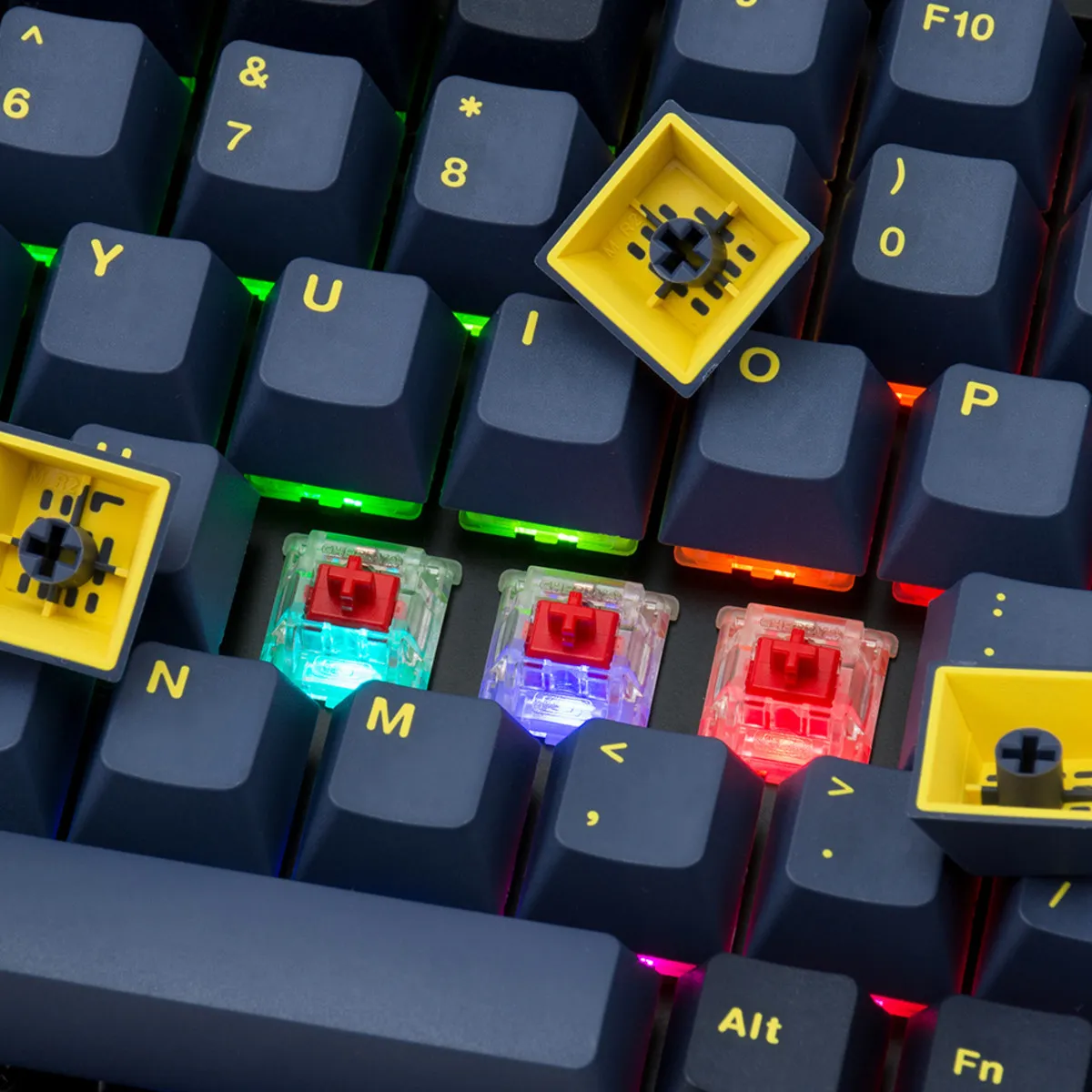
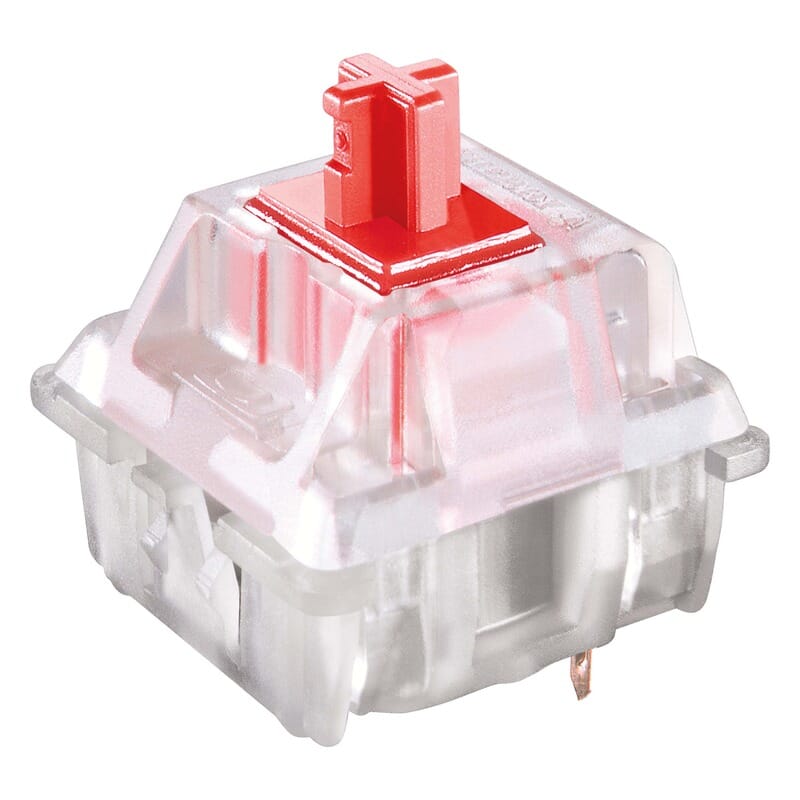
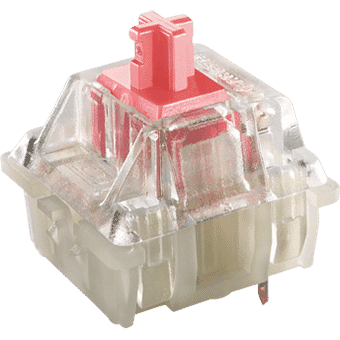
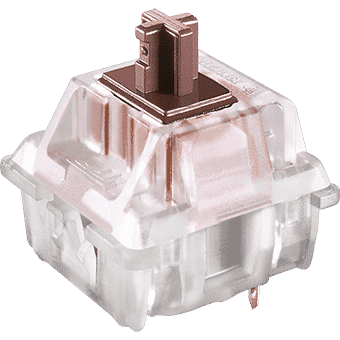
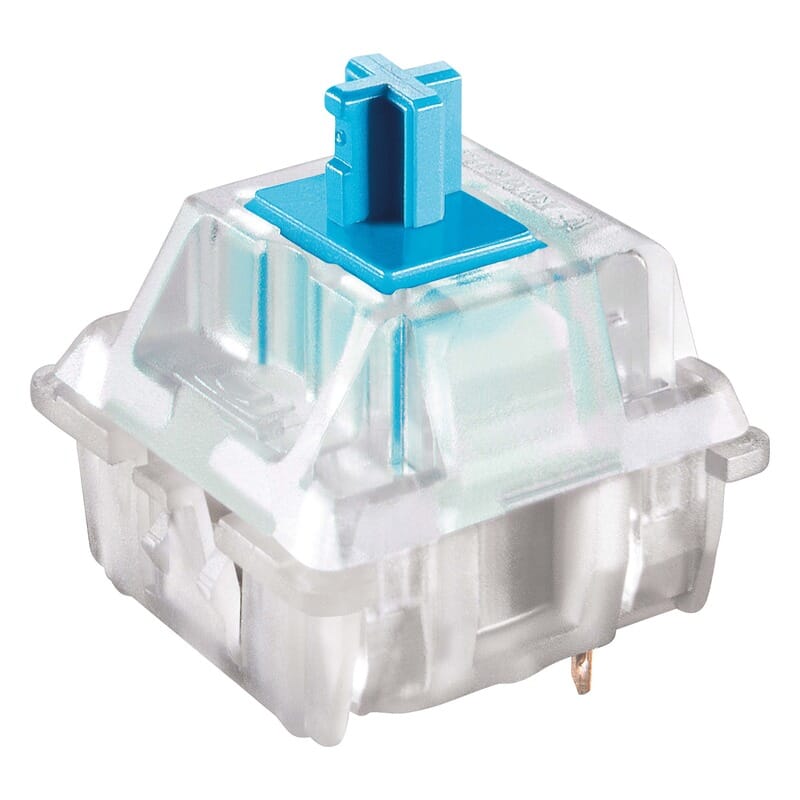
Here you choose not only the keyboard but also the type of keys it is fitted with. You can pick from six different Cherry MX mechanical switches. Here you will find an overview of the different switches so you can choose the right one for you.
The keyboard comes with RGB backlighting. You can choose from 10 pre-programmed lighting modes. PLEASE NOTE: when using the backlighting and the Bluetooth function at the same time, the battery lasts about half an hour. When you switch off the backlighting, it lasts up to 60 hours on a single charge.
"Can I exchange the keyboard if I am not happy with it?"
Absolutely. At Ergowerken you can always return your purchase free of charge within 90 days. We can then look at an alternative together, or we refund the purchase amount. You will never be caught out with us.
"I have wrist trouble. Is this keyboard good for me?"
Yes, thanks to the split design you can adjust the angle of the keyboard. This helps you achieve a more comfortable wrist position.
"Is this keyboard suitable for Mac?"
The keyboard comes in the Windows layout. However, you can activate the MAC layout using one of the 4 dip switches underneath the keyboard.