Is this keyboard right for me?
| Width | 334.5 mm |
| Depth | 140 mm |
| Height | 27 (front) - 34.5 (rear) mm |
| Compatibility | Windows & Mac |
| Key layout | QWERTY (ANSI US int.) |
| Connection | Wired (USB) 180 cm |
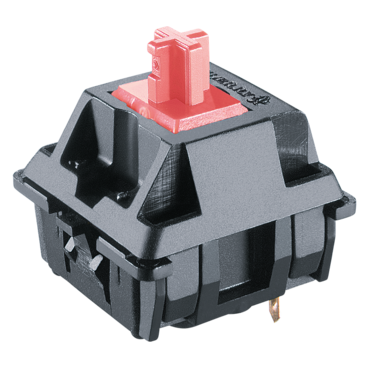
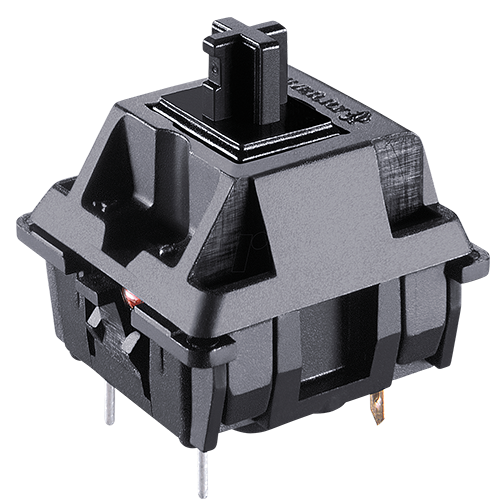
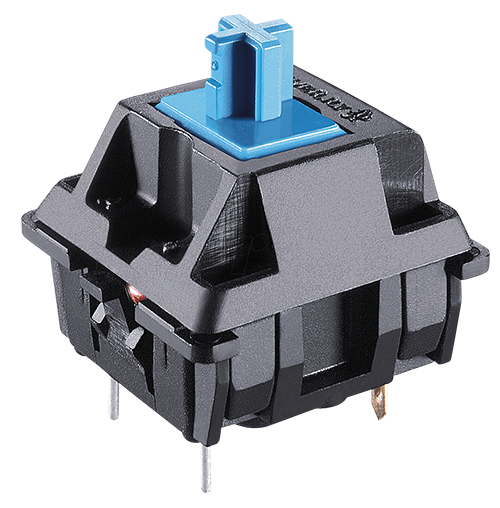
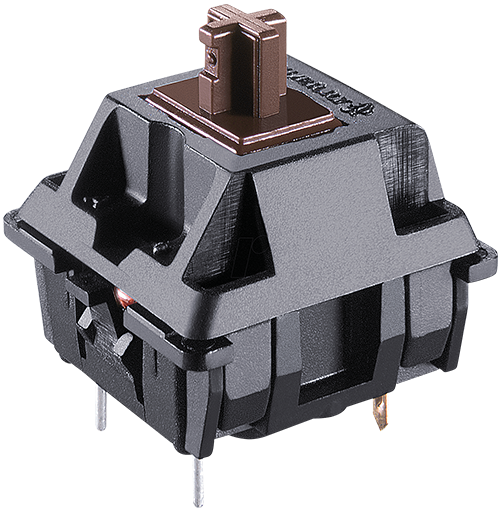
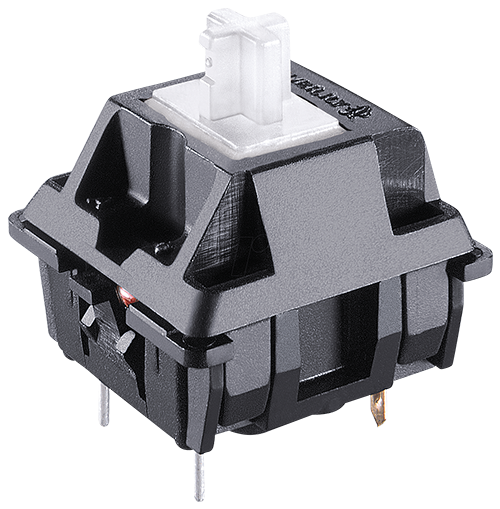
| Switches | Cherry MX See which variants |
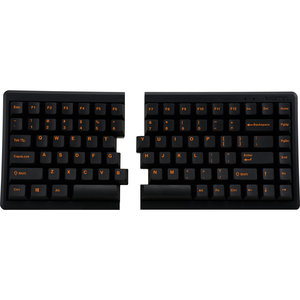
An ode to the Mistel Barocco MD770
So happy with arrow keys
Arrow keys, those wonderfully fine arrow keys. We already wrote about them with the MD600, we already talked about them with Mistel, and we simply got them. On the MD770, bottom right, where you want them. What a delight.
Why the Mistel Barocco MD700 split mechanical keyboard?
Mechanical typing feels better
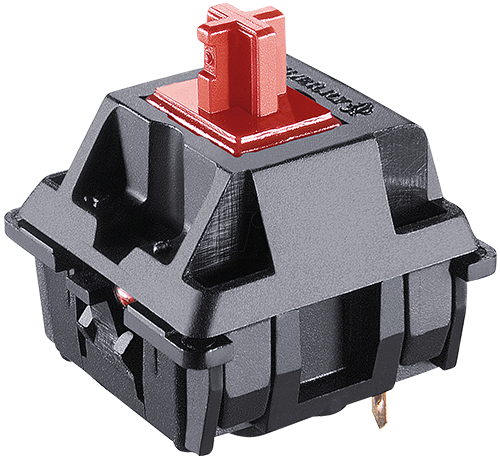
The MD770 is a mechanical keyboard with Cherry MX switches. You can choose from Brown, Blue, Red, Red Silent and Clear. A mechanical keyboard is characterised primarily by registering a keystroke without the key in question being fully pressed. You can type with more relaxation in your hand, which makes it ideal for intensive typing work.
75% layout
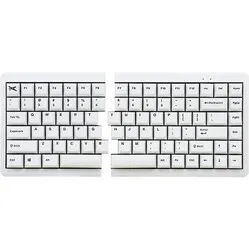
Mistel's 75% keyboard is one that has been long awaited. It had already hinted at its arrival a little. The popular Mistel MD600 board with a 60% layout was extremely popular, but especially within office environments the demand for arrow keys was a frequent one. This latest from Mistel, with a length of 334.5 mm, is still compact, but much more suited to office work.
Split keyboard
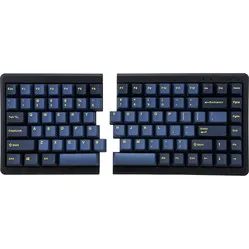
The mechanical MD770 is a split keyboard. The keyboard is broken up into 2 separate parts that can be positioned freely. The 38-centimetre coiled cable between the boards can easily be stretched to over 60 cm. So you have all the room you need to place the split parts where and how you want them.
Double Shot keycaps
The MD770 is fitted with double shot keycaps. Here, 2 layers of plastic are pressed into each other. This technique makes it possible to avoid printing the lettering on the board. It is simply a plastic cap that slides into another plastic cap.
For the demanding user
The Mistel MD770 keyboard, thanks to its extensive functionality, is suitable for various kinds of work.
- Programming
- Graphic design
- Regular typing work
- Gaming
Get the most out of your MD770
Small and large adjustments
There is an enormous amount you can adjust on this keyboard. The easiest adjustments are made with the so-called dip switches (switches) on the underside of the board. With these 4 switches you can do the following:
- Windows to MAC layout
- Caps Lock and left CTRL swap positions
- Left Windows and left ALT swap positions
- Caps Lock and FN swap positions
Don't miss this either!
Suitable for MAC
Mistel has made the MD770 suitable for MAC. Flipping the first dip switch changes the layout from Windows to Mac. The only thing unfortunately missing is included keycaps.