


Offerte aanvragen
Jouw offerte op maat, binnen 24 uur in je mailbox. Voor als je interesse hebt in aantallen. Of goedkeuring nodig hebt voor je bestelling.

Je vraagt een offerte aan voor:
Stel hier je vraag over dit product
Mistel MD770 RGB black mechanical keyboard






Beschrijving Mistel MD770 RGB black mechanical keyboard
Is this keyboard right for me?
| Width | 334.5 mm |
| Depth | 140 mm |
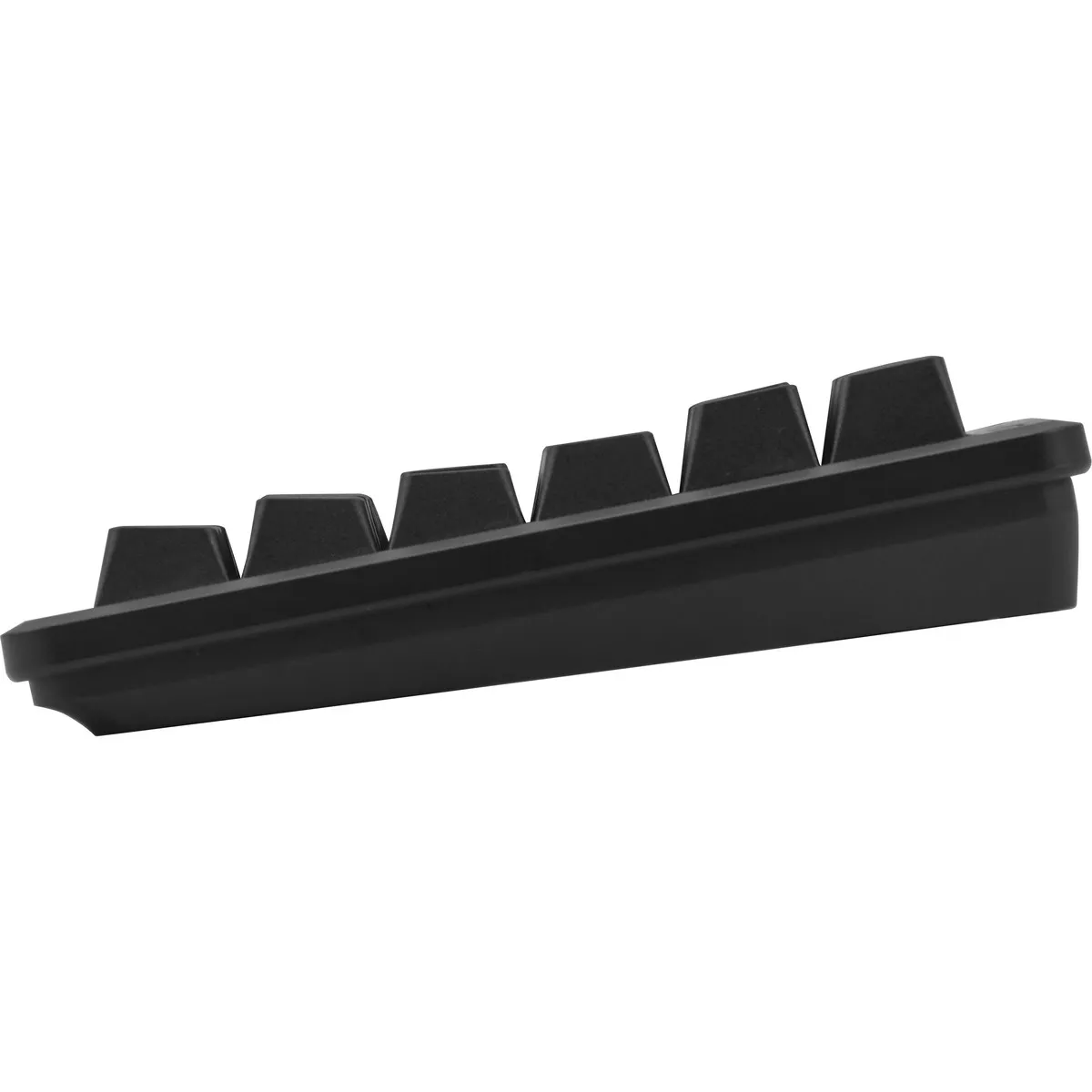
| Height | 27 (front) - 34.5 (rear) mm |
| Version | Windows & Mac |
| Key layout | QWERTY (ANSI US int.) |
| Connection | Wired (USB) 180 cm |
| Switches | Cherry MX View variants |
An ode to the Mistel Barocco MD770 RGB
So happy with arrow keys
Arrow keys, those wonderfully fine arrow keys. We already wrote about them with the MD600, we already talked about them with Mistel, and we simply got them. On the MD770, bottom right, where you want them. What a delight.
Why the Mistel Barocco MD770 split mechanical keyboard?
Mechanical typing is more comfortable
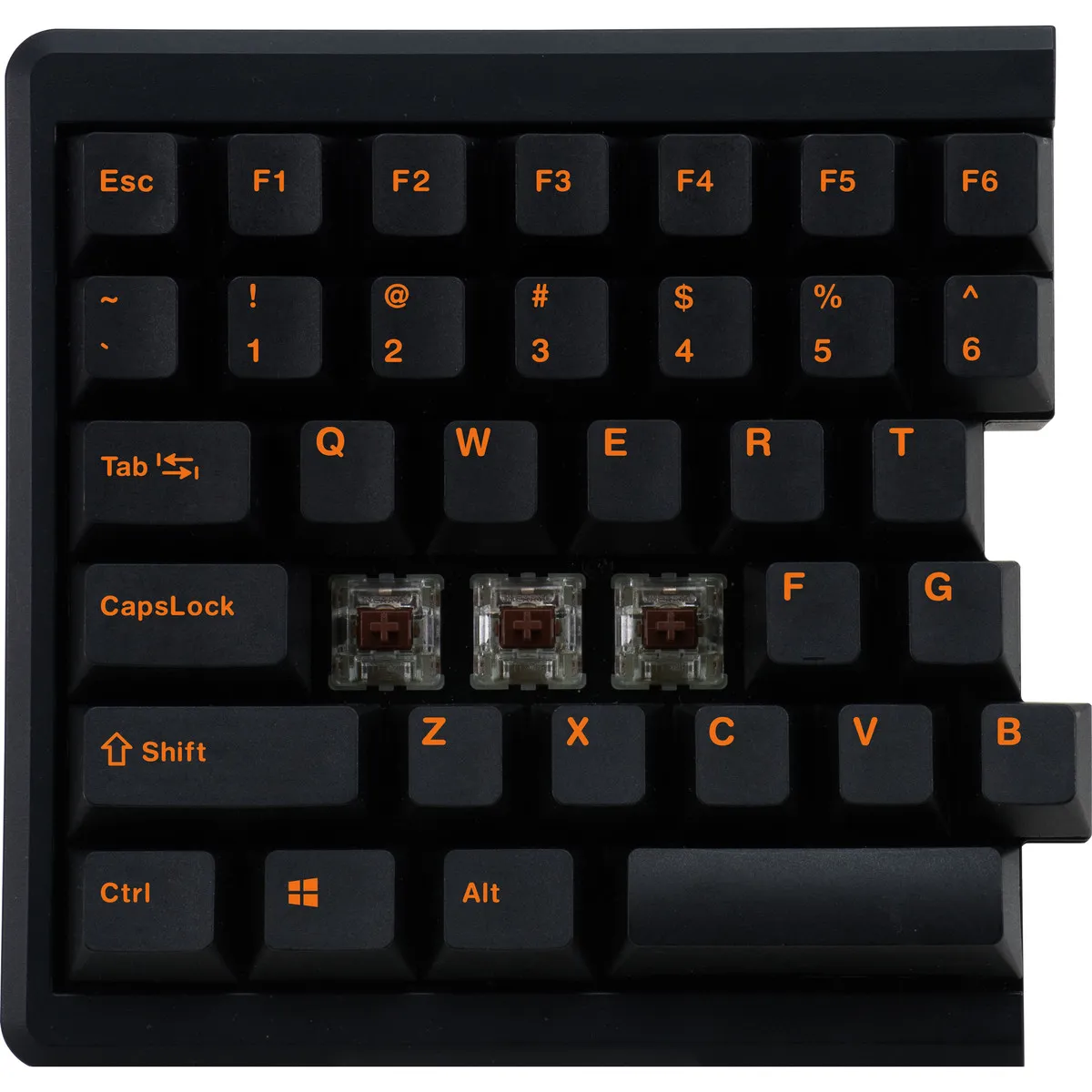
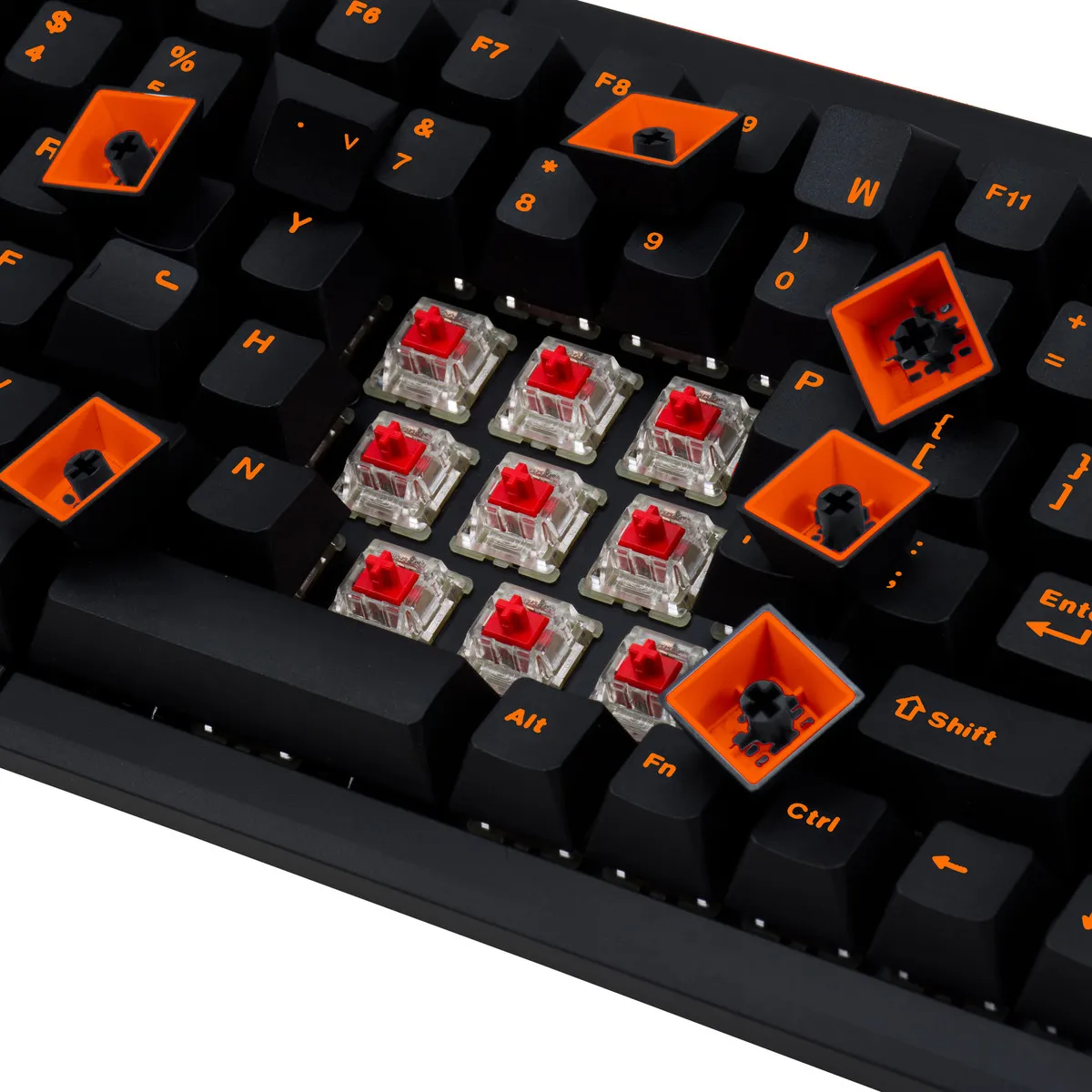
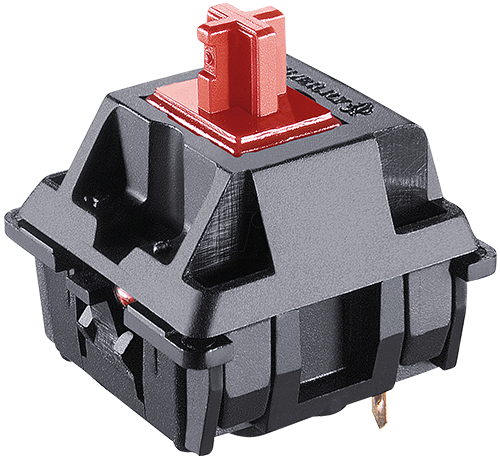
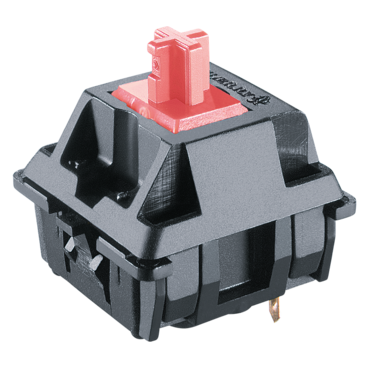
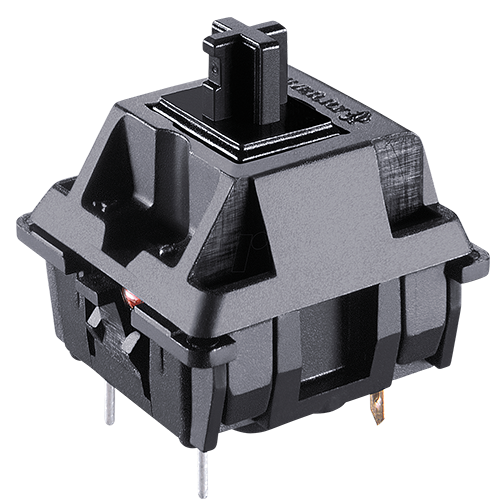
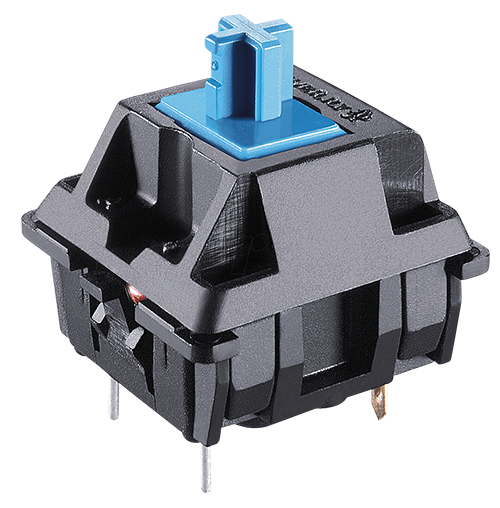
The MD770 is a mechanical keyboard with Cherry MX switches. You can choose from Brown, Blue, Red, Red Silent, and Black. A mechanical keyboard is characterised by registering a keystroke without the key being fully pressed. You can type with more relaxation in your hand, making it ideal for intensive typing work.
75% layout
Mistel's 75% keyboard is one that has been long awaited. It had already hinted at its arrival. The popular Mistel MD600 board with a 60% layout was extremely popular, but especially in office environments, the demand for arrow keys was a frequently asked question. This latest from Mistel, with a length of 334.5 mm, is still compact, but much more suitable for office work.
Split keyboard
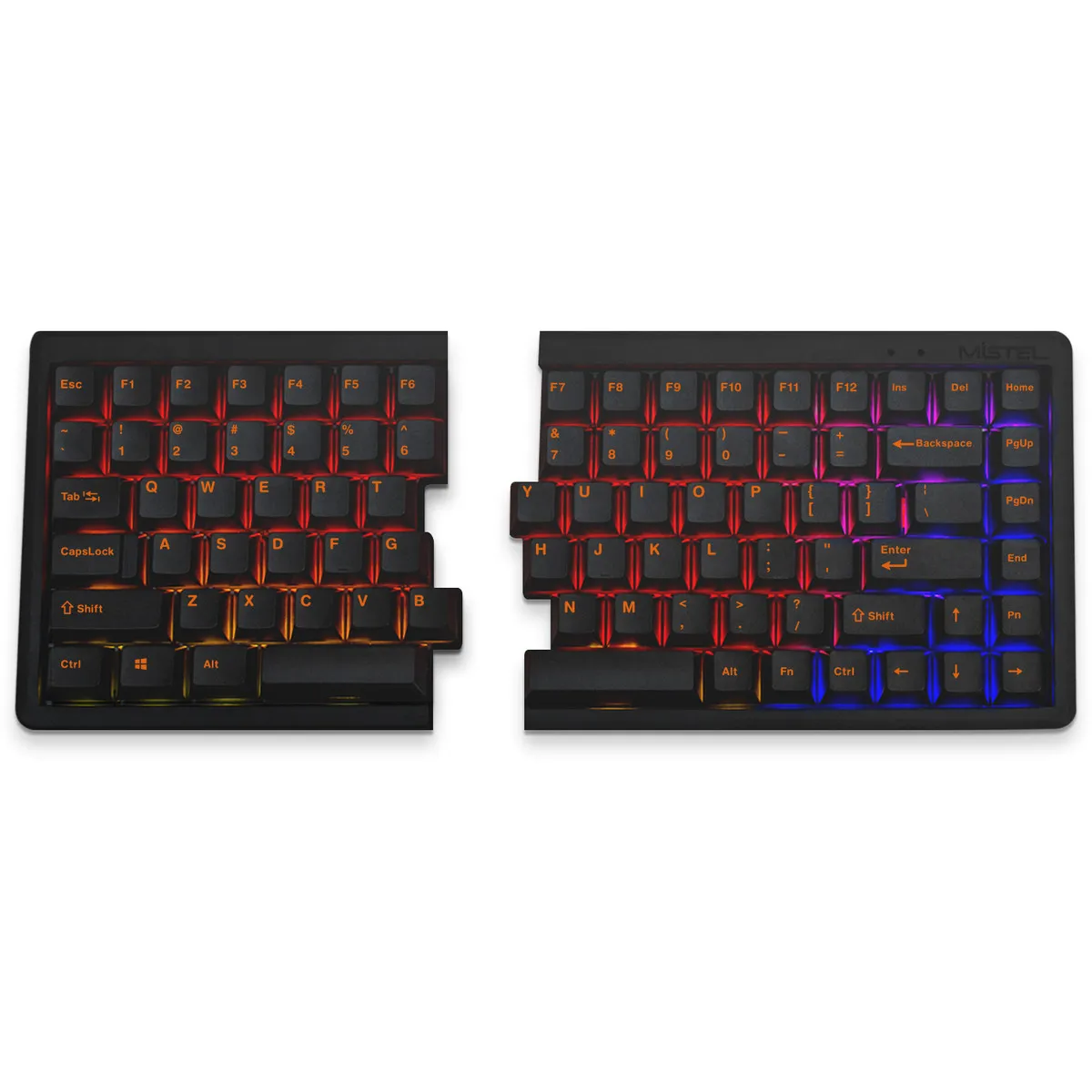
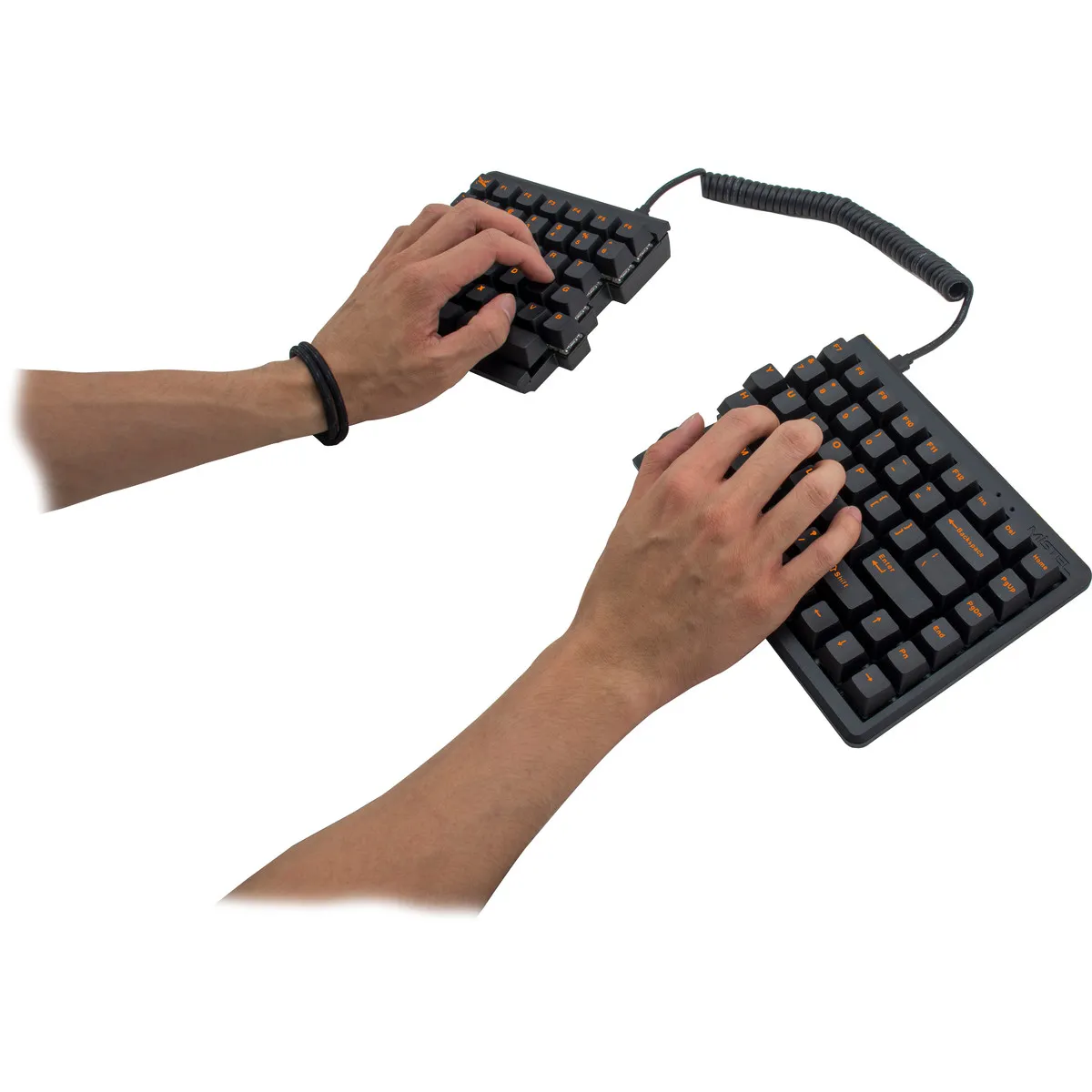
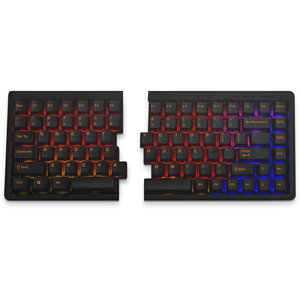
The mechanical MD770 is a split keyboard. The keyboard is broken into 2 separate parts that can be freely positioned. The 38-centimetre coiled cable between the boards can easily be stretched to over 60 cm. So you have plenty of space to place the split parts where and how you want them.
This gives you many possibilities. What we often advise is to place the split parts slightly apart and open. This aligns the hands better with the forearms, which promotes relaxation. You can even place a numeric keypad or some notes between the parts.
RGB illuminated
This RGB version of the MD770 has LED backlight. You can choose from 10 pre-programmed light modes. There are some nice options among them, for example, 'reactive' mode. In this mode, the board illuminates from the last letter you pressed. You can also make the LEDs brighter, dimmer, faster, and slower. Of course, there is also the option to turn off the lighting completely.
Double Shot keycaps
The MD770 is equipped with double shot keycaps. Here, 2 layers of plastic are pressed into each other. This technique makes it possible not to have to print lettering on the board. It is simply a plastic cap that slides into another plastic cap.
For the demanding user
The Mistel MD770 keyboard, with its extensive functionalities, is suitable for various tasks.
- Programming
- Graphic design
- Regular typing work
- Gaming
Get the most out of your MD770
Small and large adjustments
You can customise an enormous amount on this keyboard. The easiest adjustments are made with the so-called dip switches at the bottom of the board. With these 4 switches, you can do the following:
- Windows to MAC layout
- Swap Capslock and left CTRL positions
- Swap left Windows and left ALT positions
- Swap Capslock and FN positions
There is much more to customise. For example, the QWERTY, Colemak, and Dvorak layouts are available by default with a small key combination. Do you want to go all out? Then you can assign functions to different places or even register MACROS in the 3 available extra layers of the keyboard. For example, think of an 'Office' layer where you place functions like cut (CTRL + X) and paste (CTRL + V) under the number row.
You don't need any software for this, by the way. The keyboard has memory, and with the help of the manual, you'll get the hang of it pretty quickly.
Don't miss this either!
Suitable for MAC
Mistel has made the MD770 suitable for MAC. Flipping the first dip switch changes the layout from Windows to Mac. The only thing that is unfortunately missing are included keycaps.
How happy will my body be with this?
- Shoulders
- Hand
- Wrist
- Arm
Pros and cons
- Split design
- Mechanical switch
- Good for wrist, hand, and shoulders
- Mechanical keys are noisy
Brief specifications
| Warranty | 2 years |
| Ergonomic design | |
| Weight | 790 grams |
| Plug & Play | |
| Key type | Mechanical MX switches |
| view all specifications |
Product features
- Effective against RSI complaints
- QWERTY (US Layout)
- Cherry MX Brown/Blue/Red/Black/Red Silent switches
- Mechanical RGB keyboard
- Double shot keycaps
- Front height: 27 mm
- Rear height without feet: 34.5 mm
- Keyboard width: 334.5 mm
- 75% layout
- 4 USB C ports
- Coiled cable between split parts
- NKRO
- Suitable for both MAC and Windows
- QWERTY, Colemak, and Dvorak pre-programmed
What's in the box?
- Left side RGB keyboard
- Right side RGB keyboard
- Connection cable (USB A -> USB C)
- Connecting cable (USB C -> USB C)
- Keycap puller
- Key caps and rubber feet
- Manual
Downloads
Cherry MX Switches
 |  |  |  |  | ProductbundelsSpecificaties
Reviews Mistel MD770 RGB black mechanical keyboard  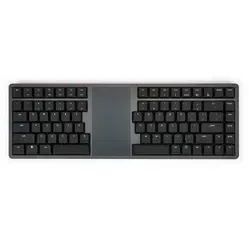  0 reviews 139,00 Incl. tax 114,88 Excl. tax  0 reviews 259,00 Incl. tax 214,05 Excl. tax  |