






POWER STRIP WITH USB
FROM ONLY 69,-





Reviews from our customers about their USB power strip
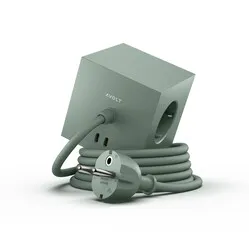
Avolt Square 1 Oak Green
Beautiful design, simple to use
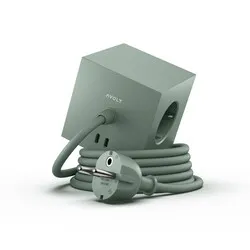
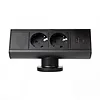
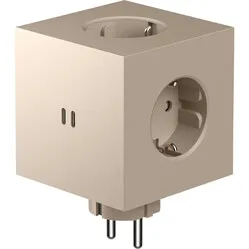
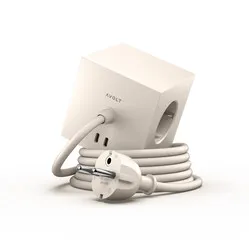
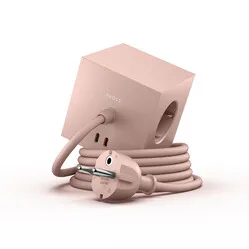
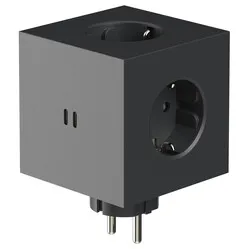
The Square 1 comes in as many as 8 different colours. It features 2 USB-A ports and 3 x 230V sockets. You attach the Square 1 using the built-in magnet. Is the surface not magnetic? Simply use the included magnetic adhesive strip.
- Child-safe with socket shutters
- 2 USB-A ports included
- Attractive design
- Choice of 8 different colours
- Mounting via magnet
Ergopro Volt_Up
Practical meets stylish
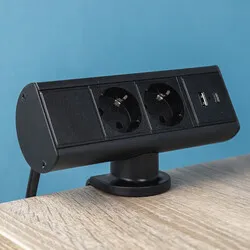
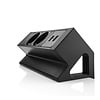
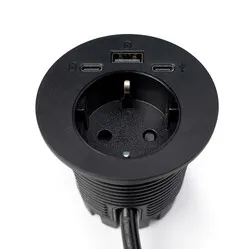
The Volt_Up is everything you need in terms of power supply. 2x 230V, a USB-A charging port and a USB-C charging port.
- 2 USB charging ports included
- Easy clamp mounting
- Functional design
- Practical socket placement
- Power within easy reach
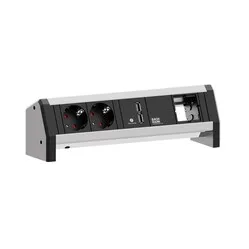
Desk Up 2.0
Firmly clamped to your desk
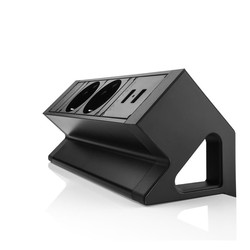
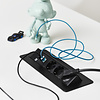
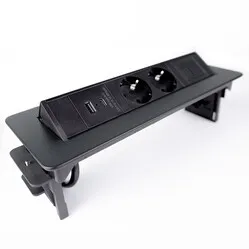
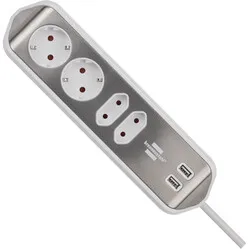
Every desk deserves a sturdy aluminium Desk Up 2.0. With 2x sockets and 2 USB chargers, this power strip has all the connections you need. The clamps fit a desktop with a thickness between 15 and 45 mm.
- Power within easy reach
- Charge your phone without an adapter
- 2 USB-A ports included
- Sturdy aluminium housing
- Easy to mount using clamp
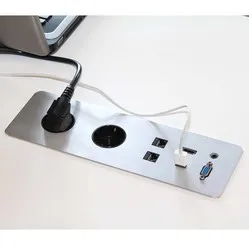
Axessline Quickbox built-in
No lost workspace, connections always within reach
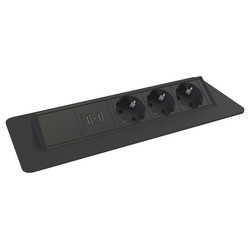
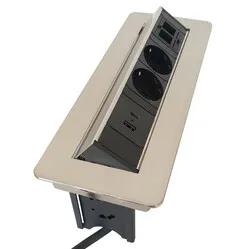
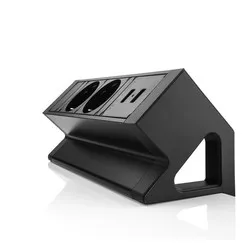
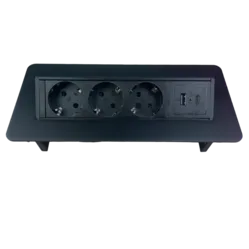
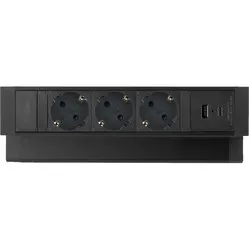
An elegant built-in power strip with 3x power and 2x USB charger — that's what you get with the Quickbox. Don't need the connections for a while? Simply rotate the module away and it sits flush with the desktop. This built-in unit is available in 3 different colours.
- Power and USB within easy reach
- Neatly recessed in the desktop
- Suitable for kitchen use as well
- Brushed aluminium
- Can be folded away
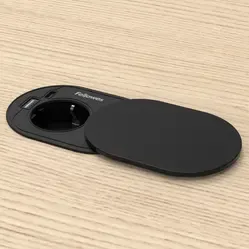
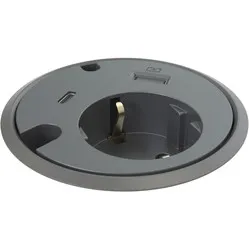
Powerdot Power with USB-A charger & USB-C data
Small, but complete
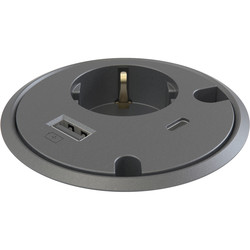
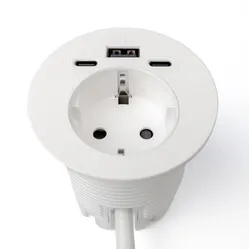
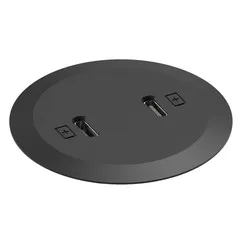
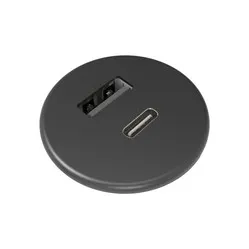
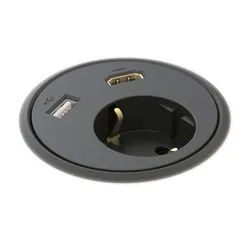
1x power, 1x USB charger and 1x USB-C — what more could you want? This built-in power strip with USB lets you connect a device with a plug, charge all your devices via the USB charger, and use the USB-C port to connect, for example, a laptop under the desk to an external monitor above it.
- Handy charging points close at hand
- Suitable for charging phones, tablets and laptops
- Clean design
- Can be mounted recessed
- Versatile USB-C port
Variety of USB power strips
You're looking for a power strip with USB connections, but which solution is the best fit for you? There are a number of features to consider when making your choice. We've listed the most important ones below. Think about the mounting method and whether you only want to supply power to devices or also exchange data. And the question you should always start with: how many devices do I actually want to connect, and how?
Clamp, built-in or adhesive strip mounting
Built-in
Clean finish
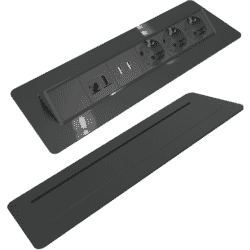
Although it requires a bit more work, going for a built-in option looks great. If you don't mind a little drilling and sawing, a built-in power strip with USB is absolutely worth it. While you have less flexibility with this choice, you can position the connections closer within reach than with a clamp-mounted option.
Clamp mounting
Easy and fast
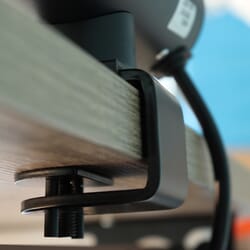
Clamp mounting is the most popular choice for attaching a USB power strip. The included clamp is easy, quick and sometimes even tool-free to attach to the desktop. This gives you the freedom not only to place the power strip wherever you want, but also to move it if needed.
Adhesive strip
Simple mounting
An adhesive strip gives you maximum freedom when it comes to positioning your USB power strip. You can place it wherever you like. Just make sure you degrease the surface first, and keep in mind that you may need a new adhesive strip if you ever want to move it. These strips are available at your local DIY store.
USB data or USB charger
Data
Exchange data
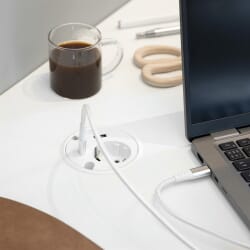
Do you work with a docking station, or do you want to transfer data from your phone to your computer via a cable? Then choose a USB power strip that can pass on data. In this case the USB port is purely a connector. You plug a cable into the front, but also into the back. That cable at the back can then be plugged into your computer or docking station.
Charger
Charge all your devices fast
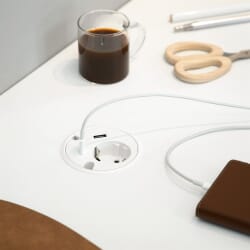
The great thing about a USB charger is that it needs no extra power supply. It draws power from the cable used to connect the power strip. The most common reason to choose a power strip with USB is to charge a device such as your phone or tablet, or to connect a lamp. Power strips are available with USB-A and USB-C chargers.
Are you a heavy user or keeping it minimal?
I devour power
Plenty of everything
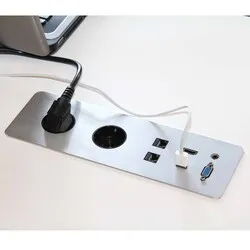
Is your desk packed with devices? A small speaker set, desk lamp, headset, laptop, printer, an LED photo frame? Then you're a heavy user. It's also possible that you need one solution for multiple users simultaneously. In that case too, a well-equipped USB power strip is the right choice for you.
I'm a light user
Minimalist for me
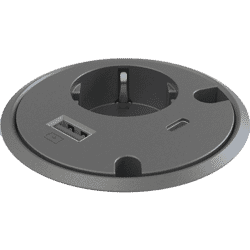
Most workstations are perfectly balanced with 2 sockets and 2 USB ports when it comes to power needs. This configuration is also the most commonly chosen solution. Just take stock of which devices you want to be able to power flexibly. You can always feed the permanent electronics with the power strip that almost always hangs under your desktop.
Our brands
 | |
| Website | www.allocacoc.com |
| Price range | € € € € € |
| View all Allocacoc products | |
 | |
| Website | www.brennenstuhl.nl |
| Price range | € € € € € |
| View all Brennenstuhl products | |
 | |
| Website | www.gotessons.com |
| Price range | € € € € € |
| View all Götessons products | |
 | |
| Website | www.silproducts.com |
| Price range | € € € € € |
| View all Sil Products products | |
 | |
| Website | www.avolt.com |
| Price range | € € € € € |
| View all Avolt products | |
 | |
| Website | www.orico.cc/us |
| Price range | € € € € € |
| View all Orico products | |