Offerte aanvragen
Jouw offerte op maat, binnen 24 uur in je mailbox. Voor als je interesse hebt in aantallen. Of goedkeuring nodig hebt voor je bestelling.

Je vraagt een offerte aan voor:
Stel hier je vraag over dit product
NM-D335BLACK monitor arm 10-30''




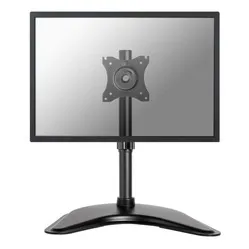
Beschrijving NM-D335BLACK monitor arm 10-30''
The main specifications of the Newstar NM-D335BLACK monitor arm
 1
1 10 - 30 inch
 75/100
 0 - 460 mm
 360 degrees
 90 degrees
 180 degrees
 80 mm
80 mm 10 kg
10 kg 10 - 88 mm
Newstar Neomount NM-D335BLACK monitor arm 10-30"
Description
"Let the customer choose"
This was the answer to the question "which mounting method are we going to offer for this monitor arm?" And why not, actually. You don't want to choose now. You haven't even held the product yet. Because how much space will it take up? And what if I choose a base, but later find out I prefer a clamp? We say, choose comfortably at home.
Why the Newstar Neomount monitor arm?
The D335 Neomount monitor arm is a nice sturdy arm. It can support up to 10 kg of screen weight. So, no problem hanging your brand new 30-inch monitor on it. Smaller screens also fit perfectly, by the way. With your screen on this monitor arm, you not only have a professional-looking workspace, but your posture also significantly improves, and you have better visibility. Finally, you can adopt the sitting posture you find comfortable, without missing anything on your screen.
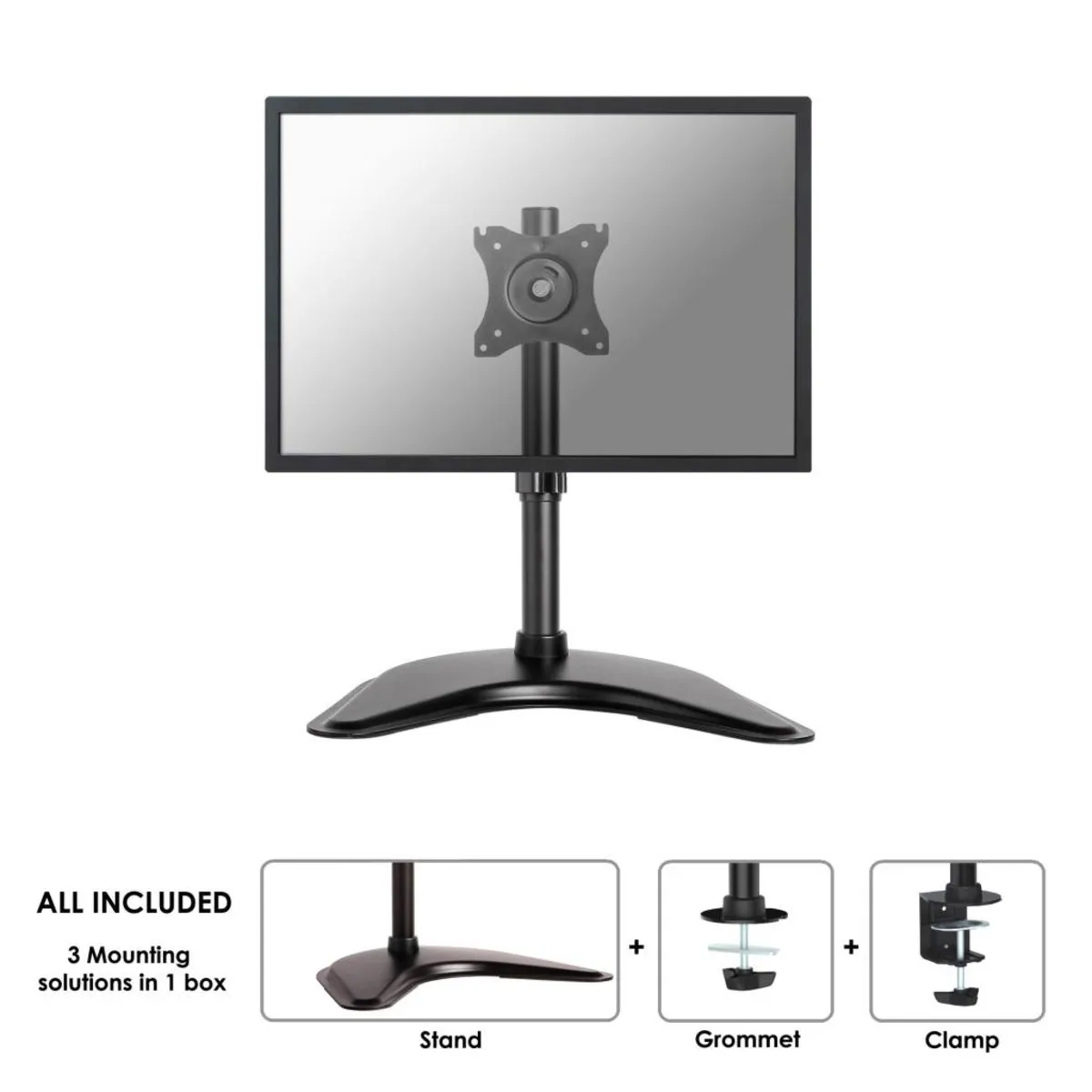
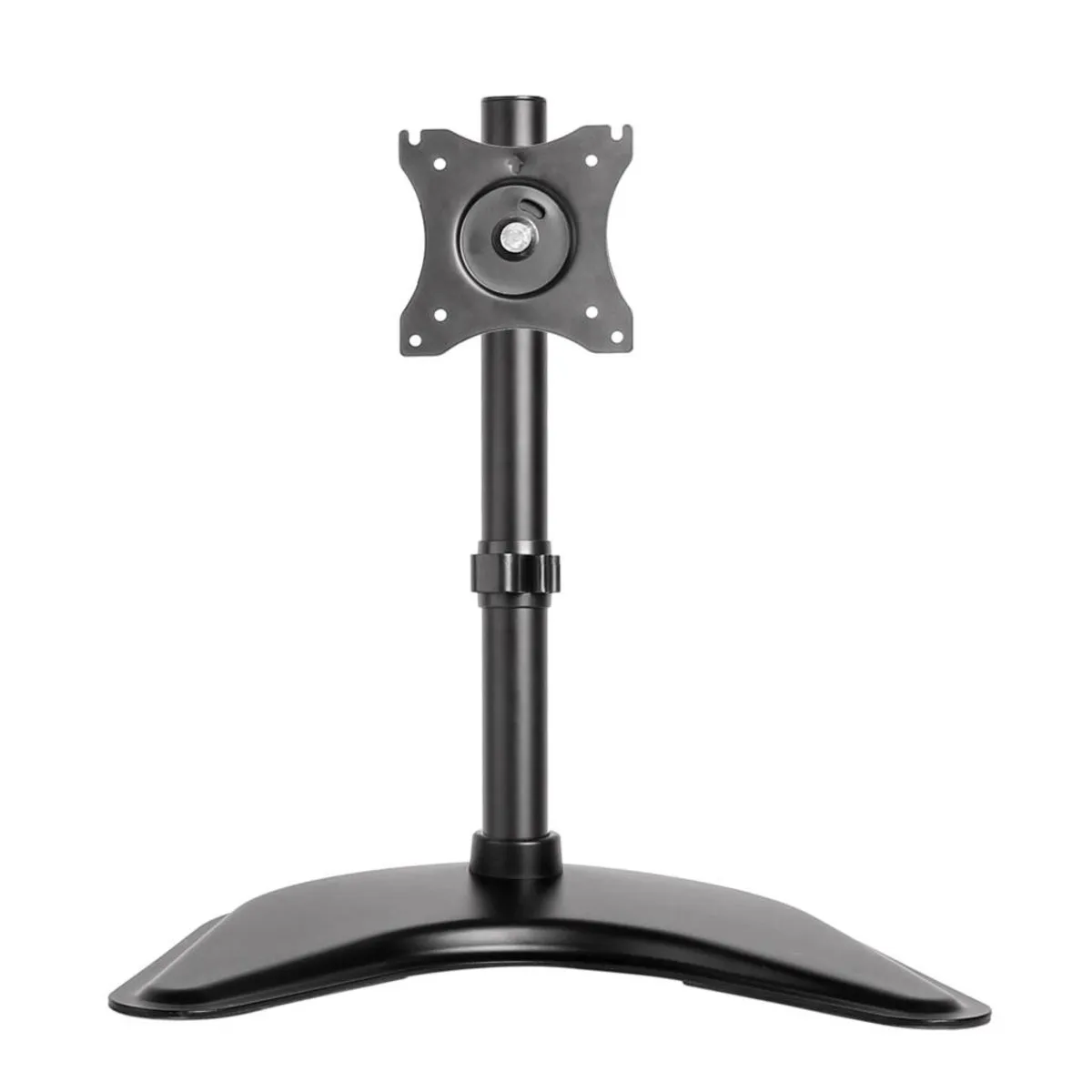
You can position the monitor on this D335 Black up to a height of 46 centimetres. This refers to the centre of your screen. You can widely rotate the monitor (360 degrees), swivel it (180 degrees), and tilt it (90 degrees). The arm is 8 cm long. You can attach the arm with a clamp, desk base, and grommet.
For compact workspaces or, for example, reception desks, the Neomount D335 is a good, if not the best, choice. Thanks to its short arm, you don't waste space. The stand fits almost anywhere and can be placed anywhere thanks to the 3 included mounting methods.
The difference between a monitor on a standard included base or on the Neomount arm? It's significant. Physically, you'll notice it on the very first day. Now that you can finally set the monitor to the correct height, you'll also sit better. You no longer have to sit hunched over and bent forward. Your back, shoulders, and neck can find more relaxation. And the arm is of added value for everyone, whether for full working days or just a few hours a week. Physically, using a monitor arm is highly recommended.
And then you haven't even considered the 'clean desk' aspect. Thanks to this D335Black, the desk or reception counter is much tidier. The appearance improves, and you have much more space to keep other useful and important items close at hand.
This is what makes a monitor arm so good
A monitor arm allows you to work more comfortably, especially with an arm that is widely adjustable. You bring the monitor to the correct height and tilt it for good visibility. Then you can work in the most relaxed posture for you. You sit better, which primarily affects your back, shoulders, and neck. The professionalism of your desk also undergoes a transformation.
Installation of the NM-D335BLACK
Newstar is very clear about the ease of installation: everyone should be able to do it. They make it as simple as possible for you. For example, when assembling, you only need to provide a Phillips screwdriver yourself. All other materials are included in the box, along with the manual, of course. In a few minutes, the arm, complete with monitor, will be ready to use. And if you can't quite figure it out? Then contact us.
Get the most out of it
Do you work in a compact space or at a small desk? For example, in a call centre or at a customer service desk? Then this monitor arm is ideal for you. It makes all the difference, especially in small spaces. It doesn't take up unnecessary room but is still widely adjustable.
This product is good for
back - shoulder - neck
A well-adjusted monitor arm naturally guides you into a better sitting posture. You can lean back a little more, which is immediately noticeable in your back. Your shoulders hang relaxed, and your neck is straight.
Pros and Cons
- Ideal for call centres and reception desks
- Rotatable, tiltable, and swivelling
- Mounting with desk clamp, base, and grommet possible
- No gas spring for height adjustment
Brief specifications
| Warranty | 5 years |
| Tilt | Max. 90 degrees |
| Rotate | Max. 360 degrees |
| Swivel | Max. 180 degrees |
| Mounting | Clamp, base, or grommet |
| view all specifications |
Product features
- Suitable for compact workspaces
- Widely adjustable
- Black aluminium arm
- Mounting possible with a clamp, base, and grommet
- Only a screwdriver needed for assembly
What's in the box?
- Black aluminium monitor arm
- Mounting materials
- Clamp, base, and grommet
Downloads
Frequently Asked Questions
Specificaties
| Item number | ERGO-NSNMD335B |
| Manufacturer's item number | NM-D335BLACK |
| Brand | NewStar |
| Warranty | 5 years |
| Type of guarantee | Ergowerken free warranty return service |
| Colour | Black |
| Number of screens | 1 |
| Gas-sprung arm | No |
| Minimum screen size | 10 inches (25.6 cm) |
| Maximum screen size | 30 inches (76.8 cm) |
| Maximum load capacity | 10 kilograms |
| Tilting | Yes, up to 90° |
| Rotate | Yes, up to 360° |
| Swinging | Yes, up to 180° |
| Lowest setting | 0 millimetres |
| Highest position | 460 millimetres |
| Depth | 80 millimetres |
| VESA minimum | 75 x 75 millimetres |
| VESA maximum | 100 x 100 millimetres |
| Method of installation | Using a desk clamp/feed-through or free-standing with the supplied base |
| Suitable for desk thicknesses of | 10 - 88 millimetres |
| Assembly materials included | Yes |
| Required tools | A Phillips screwdriver and, if you wish to use the feed-through mounting, a drill is required. |
| Cable management | Yes |
Reviews NM-D335BLACK monitor arm 10-30''