


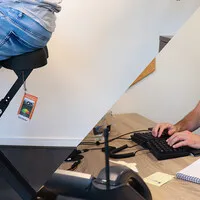



Comfortable sitting and standing when working at a computer screen
The correct posture for sitting and standing in a few simple steps
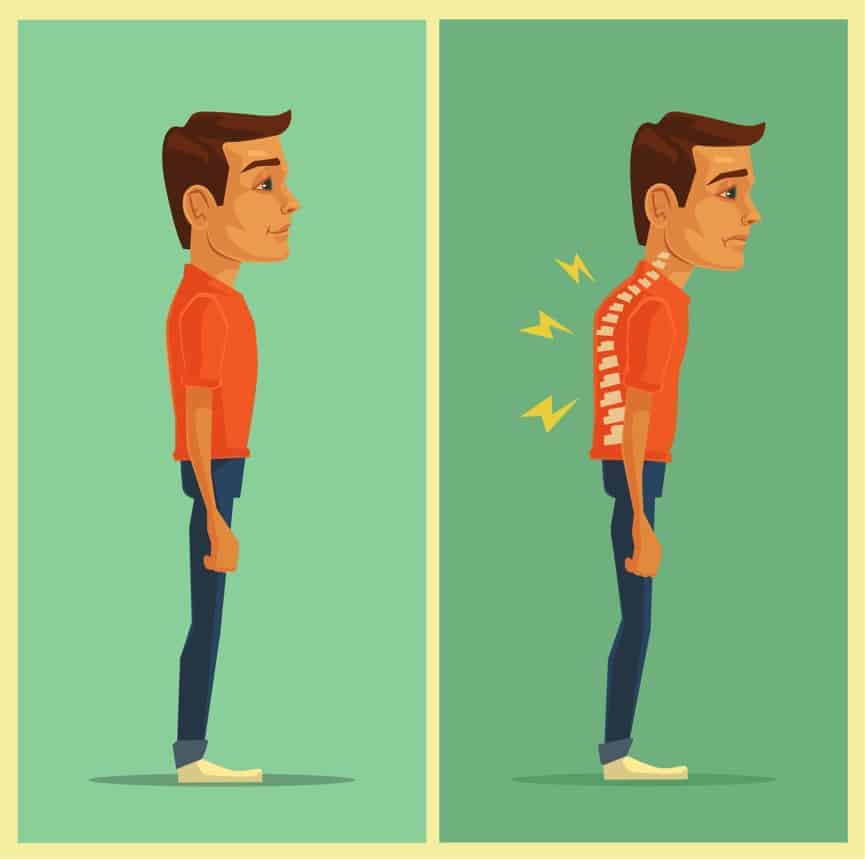
Why the correct standing and sitting posture is important for you
These are pretty good arguments
You hear it almost daily as a child and are often confronted with it again later in life. "Watch your posture". As a child, you shout "yeah, yeah!" and aren't really bothered by it. Only now that we are a bit older do we begin to realise how important the correct posture is for us. The necessary studies in recent years have really driven home the facts:
- Muscles and tendons are less strained
- Your joints suffer less
- Fatigue sets in less quickly
- (Chronic) aches and pains are prevented or delayed
- You have more self-confidence
- Your mood is positively influenced
What happens if I don't sit or stand properly?
Dum dum duuuuum
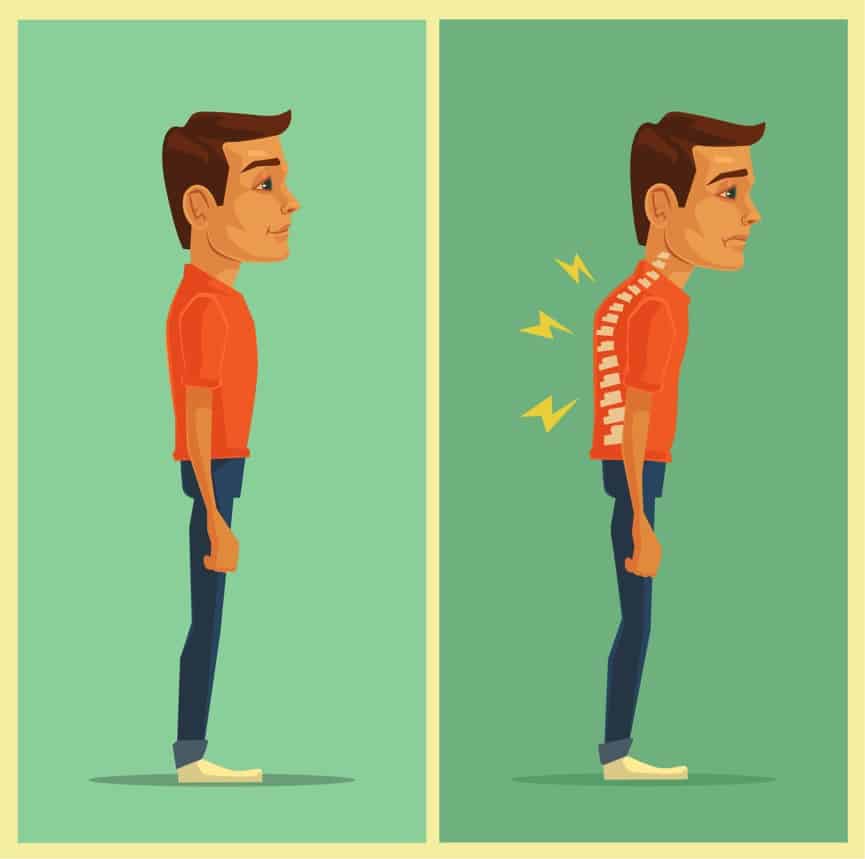
The results from research often sound like a doomsday scenario. In practice, you won't simply suffer from all the symptoms described as a result of poor posture. However, the results mentioned below do emphasise that it is worthwhile to get started with it. Poor posture can do the following to you:
- Shoulder and back complaints
- Reduced lung function
- Painful muscles
- Less energetic or even depressed
- Less self-confidence
- Increased risk of stress
- Makes your breathing less efficient
The point 'less self-confidence' in particular works both ways. Poor posture can not only convince you that you are not feeling well; your surroundings will also notice it sooner or later.
The correct sitting posture in 8 steps
Sitting properly in steps sounds rather contradictory
Because you mainly sit while working, it is important to have a good sitting posture. To achieve this, it is best to follow the steps below:
- Make sure you can place your feet flat on the floor
- Sit well back in the chair
- Then adjust the height of your office chair so that your lower leg and upper leg form an angle of 90˚ or slightly larger. The hip may be slightly higher than the knees. This way your legs are well supported. Do not set the chair too high, otherwise you will pinch the edge of your legs, which will lead to a numb/tingling sensation after a while.
- Approximately a fist (width-wise) should fit between the back of your knee and the edge of the seat.
- Position the backrest so that the angle between your upper and lower body is slightly greater than 90˚
- Ensure that the curve of your lower back receives sufficient support. If your backrest does not provide this, a separate back support is a possible solution.
- For adjusting the armrests, it is best to ask a colleague for help. Let your elbows hang relaxed along your body with your shoulders in a neutral position, i.e., not pulled up or overly slumped. Then bend your arms so that they form an angle of approximately 90˚. Make sure the armrests are positioned under your arms and adjust the height so that they just slightly support your arms.
- Then adjust the desk so that the desktop is just below the armrests. This prevents your arms from being pinched on the edge of the desk.
The correct standing posture in 7 steps
Are you already standing?
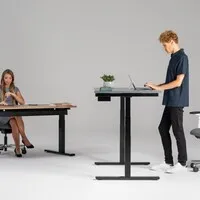
Because sitting and working all day long is not very good for you and can lead to all sorts of complaints (despite a good office chair), it is advisable to stand for 30 to 60 minutes every 1-2 hours.
Your posture is also important when working standing up. Pay attention to the following points:
- Adjust the desk to the correct height. You do this by letting your arms hang relaxed along your body, just like when adjusting the armrests of your office chair. Then make an angle of approximately 90˚ and adjust the desktop so that it just supports your arms.
- If you like your arms to have some support, you can slide the keyboard and mouse a bit further away from you. This way you can rest your arms partly on the desk.
- Stand relaxed on both legs with your feet approximately shoulder-width apart.
- It's fine to stand on one leg occasionally and then switch again.
- Do not lean on the desktop.
- While standing, you can make some simple movements such as rotating your hips to loosen up your body.
- Static standing (continuously in the same posture) is not much better than static sitting. While standing, it's just a bit easier to walk over to your colleague instead of sending a message. So, make sure you keep moving enough. An anti-fatigue mat can further promote your active posture.
Do you need professional help with adjusting your posture?
In addition to the aids you can use to improve your posture, we can also help you with advice. Ergowerken collaborates with independent ergonomists who are happy to provide you with personal advice. Conveniently at your own workplace or visiting the ergonomist, it's all possible. If you want more information, please take a look at our ergonomic services.
What responsibilities do employers have?
These are quite specific matters. They are listed in the Working Conditions Decree, part of the Working Conditions Act. A small, but interesting selection:
- there is sufficient space for the user's hands and arms for the keyboard
- the work table or work surface allows for a comfortable posture for the user and has a low-reflection surface, is sufficiently large and allows for a flexible arrangement of screen, keyboard, documents and accessories
- the work chair is stable, has a height-adjustable seat and a backrest, the height and tilt angle of which are adjustable and provides the user with freedom of movement and a comfortable working posture
- if the user wishes, a footrest shall be provided
That last provision about the footrest, in particular, can be very relevant. If your desk cannot be adjusted in height (sufficiently), you are entitled to a footrest to be able to sit comfortably anyway.