





Notify me when is back in stock.
Enter your e-mail address here and we will send you an update as soon as this product is back in stock.
After submitting your e-mail address, you will receive an e-mail confirming your subscription.
This notification is no guarantee that you can claim items from the new stock. Want to be more certain of receiving the product? Then order and pay for it right away. Your order will be reserved and shipped as soon as the new stock arrives.
Privacy
Your e-mail address is stored in a closed database that we cannot access. After the stock update, your e-mail address is automatically deleted.

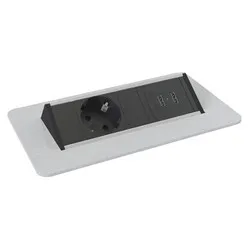
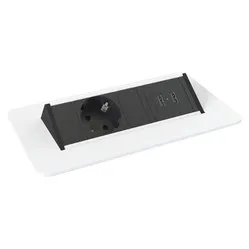
Axessline QuickBox Plus built-in power strip with 2x power, 2x USB charger and 2x Data silver-grey
0 reviews
Stel hier je vraag over dit product
Axessline QuickBox Plus built-in power strip with 2x power, 2x USB charger and 2x Data silver-grey


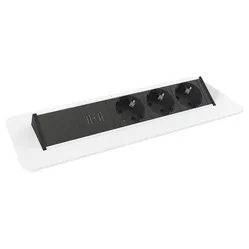
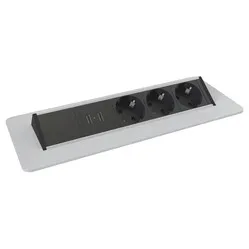
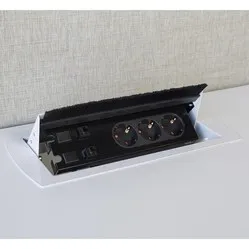
Product description of Axessline QuickBox Plus built-in power strip with 2x power, 2x USB charger and 2x Data silver-grey
Axessline QuickBox Plus built-in desk power socket
This product is good for
Back
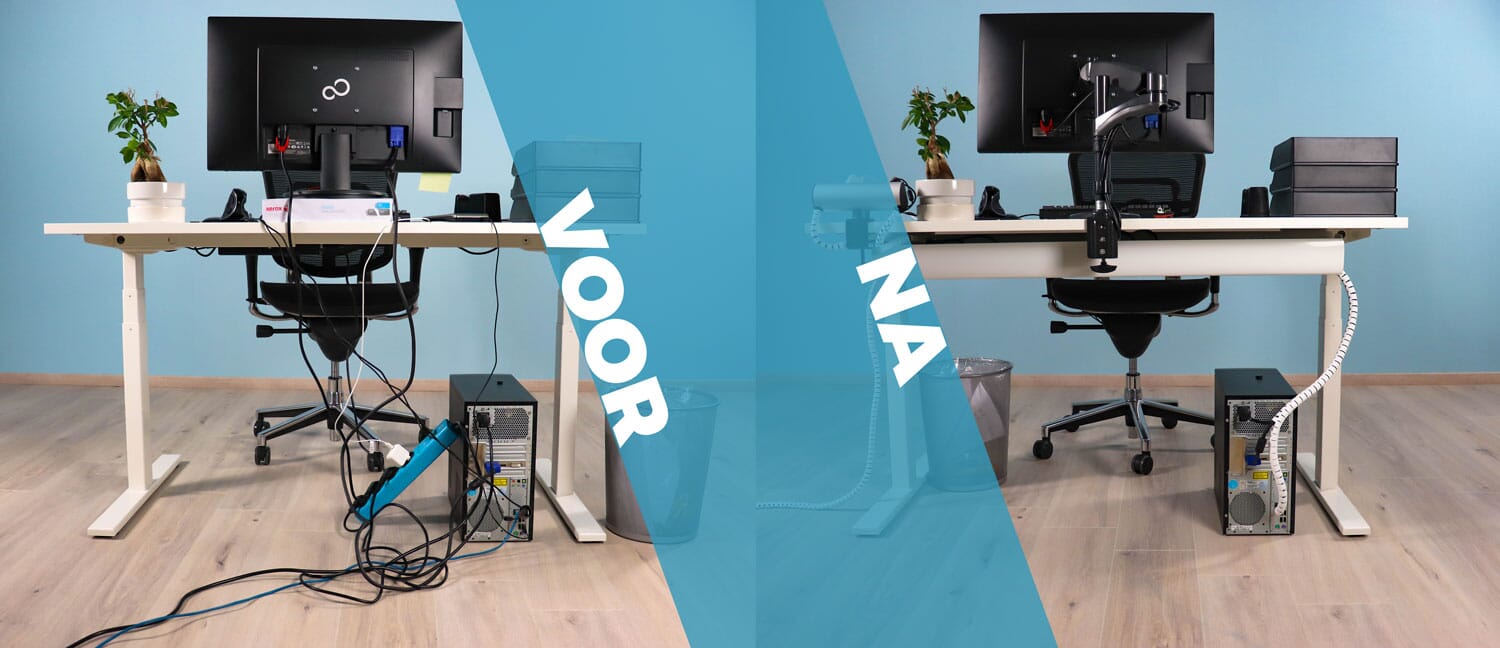
You no longer have to contort yourself into all sorts of positions for a power point. With the QuickBox, these are simply integrated into the desktop.
Pros and Cons
- Power, USB and Data at hand
- No more on your knees under the desk
- No loose cables
- Requires some assembly work
Brief specifications
| Warranty | 2 years |
| Colour | Brushed aluminium |
| Installation | In the desktop |
| Connection cable length | Power: 1.5 metres, Data: 2x 0.4m |
| Dimensions (LxWxH) | 290 x 114 x 92 mm |
| view all specifications |
Product features
- 2x 230V connection
- 2x USB charger, 5V 2.1A max
- 2x Data connection (RJ45, CAT6)
- Brushed aluminium
- Installation in the desktop
- Mounting hole size: 270 x 92 mm
- For desktop thicknesses from 8 to 62 mm
What's in the box?
- Axessline QuickBox power socket
- Manual
Frequently asked questions
"How do I connect the Axessline QuickBox?"
3 cables emerge from the bottom of the Axessline QuickBox. 1x a 230V connection cable and 2x Data connections with RJ45 connectors. Once you have connected these cables to the existing power/data points, the QuickBox connections will function. Please note that the USB connections only function as a charger for, for example, your tablet or phone.
"Do I need tools to install the QuickBox? "
Yes, the QuickBox must be installed in a cut-out in the desktop. If this is not yet present, you will need to create it using a saw. The mounting hole should be 270 x 92 mm. You then clamp it in with the supplied clamps.
"Can I hide the connections when I'm not using them?"
Yes, you can rotate the QuickBox. This allows you to hide the connections under the table when they are not in use. You will then only see a neatly finished aluminium plate.
Specifications
| Item number | ERGO-AXQB200 |
| Brand | Axessline |
| Warranty | 2 years |
| Type of guarantee | The Ergowerken free return guarantee service |
| Number of sockets | 2x 230 V connection |
| Implementation | 2x 230 V connection - 2x USB charger - 2x Data (RJ45, Cat6) |
| Method of installation | In the desktop. Mounting hole: L: 268 x W: 90.8 mm |
| Cable length | 1.5 m Schuko connection cable - 2x 0.4 m Data (RJ45, Cat6) |
| Earthing | Earthing |
| Surge protection | |
| Surge protection | |
| Product weight | 950 grams |