








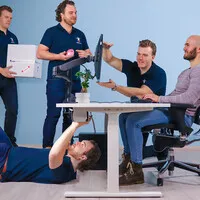







What is ergonomics?
Table of Contents
1. What exactly is ergonomics?
The word ergonomics is derived from the Greek words ergon (work) and nomos (law or rule). Literally, therefore, it refers to the science of work. In practice, it means: how do you best adapt the environment, tools and tasks to the human body and mind?
Ergonomics is an applied science. It is not just about theory, but about concrete applications in everyday practice. From the height of your office chair to the layout of a cockpit, ergonomic design is behind everything.
As a discipline, ergonomics is relatively young. The first systematic application of ergonomic principles took place during the Second World War. Aircraft designers discovered that cockpits needed to be better tailored to pilots’ reaction times and stamina. Since then, the field has expanded enormously.
Ergonomics is about people, not the product
A common misconception is that ergonomics is about expensive or specialised products. That is not entirely true. It starts with the question: how does a person work most efficiently and with the least strain? The product or environment is then adapted to that answer, not the other way round.
Ergonomics in the workplace: why it matters
The average office worker spends around seven to eight hours a day sitting at a desk. That places a significant strain on the body, especially if the workplace is not properly designed. Back problems, neck pain and RSI are common complaints among people who spend a lot of time sitting down.
A well-designed workplace can help reduce physical strain and increase comfort during the working day. This makes ergonomics relevant not only for people with existing complaints, but for everyone who works at a desk every day.
Ergonomics is about more than just your office chair
Many people immediately think of a good office chair when they hear the word ‘ergonomics’. That is an important part, but it is only one piece of the whole picture. Ergonomics encompasses the entire interaction between people and their environment: from the position of your monitor to the way tasks are distributed throughout the working day.
2. What are the three types of ergonomics?
Ergonomics is a broad field that focuses on various aspects of human functioning. The International Ergonomics Association (IEA) distinguishes three types: physical ergonomics, cognitive ergonomics and organisational ergonomics. In practice, they often overlap, but each type has its own focus.
Physical ergonomics: your body and the working environment
Physical ergonomics focuses on the physical interaction between people and their environment. Think of sitting posture, lifting, repetitive movements and the layout of a workplace. This is the form of ergonomics most people are familiar with and which is most visible in the office.
A good example is the car: seats that move with the driver, the steering wheel at the correct height and controls within easy reach are all examples of physical ergonomics. In the workplace, this concerns matters such as the height of your desk, the position of your monitor and the support provided by your office chair.
Physical ergonomics also plays a major role outside office environments, for example in construction, healthcare and logistics, where physical strength and repetitive movements make up a large part of the work.
Cognitive ergonomics: your brain and the use of systems
Cognitive ergonomics concerns the cognitive load placed on your brain whilst working. Think of memory, attention, decision-making and how quickly you can react. The core of this approach is: how do you design systems and processes so that they align with how the human brain works?
Apple is a good example of a company that responds well to this. Its products are designed to be operated instinctively: functions are arranged logically, icons are recognisable and actions require as little effort as possible. This makes them accessible to a wide audience.
In the workplace, cognitive ergonomics is reflected in the layout of software and the way information is presented. Too much information at once or unclear menus increase mental strain and can lead to errors or fatigue.
Organisational ergonomics: collaboration and working hours
Organisational ergonomics focuses on how an organisation is structured. How are tasks allocated? How do you communicate efficiently? How are working hours organised so that staff can work feeling rested and motivated?
A restaurant kitchen is a good example: chefs, waiters and dishwashers must work well together to serve guests effectively. This requires a clear division of tasks, good communication and a logical workflow. The same principles apply to a control room, a distribution centre or an office with multiple teams.
The rise of hybrid working has also made organisational ergonomics more relevant. How do you ensure that home workers and office staff work well together? When are meetings useful and when are they not? These are ergonomic issues at an organisational level.
3. What are the consequences of ignoring ergonomics?
Ergonomics may sound abstract, but the consequences of a poorly designed workplace are concrete and noticeable. A body that works in an unfavourable posture every day will, sooner or later, send out warning signs.
Physical complaints caused by poor posture
The most common consequences of a non-ergonomic workplace are complaints in the back, neck, shoulders, wrists and eyes. Back pain is the most frequently cited issue. A large proportion of the working population has at some point suffered from back problems linked to sedentary work.
A monitor positioned too low causes the neck to bend. A chair without proper lumbar support puts strain on the lower back. A mouse positioned too far away pulls the shoulder out of its natural position. This kind of strain accumulates over the working day and can eventually contribute to persistent complaints.
RSI: the result of repetitive strain
RSI stands for Repetitive Strain Injury and is a collective term for complaints affecting muscles, tendons and nerves. These complaints arise from repetitive movements or working in the same position for long periods. Typing, using a mouse and poor posture are well-known causes.
RSI symptoms often start gradually: a tingling sensation in the wrist, a nagging pain in the forearm or reduced strength in the fingers. Early intervention by improving posture and using ergonomic aids can help reduce these symptoms.
Reduced concentration and productivity
It is not just the body that suffers from poor ergonomics. Your performance is also affected. Those who sit uncomfortably are more easily distracted. Those who process too much information at once make more mistakes. Too much mental strain increases the risk of errors and reduces the quality of work.
Employees who work in a well-designed workplace perform better and take fewer sick days. Investing in ergonomics therefore pays off not only in fewer complaints, but also in better work performance.
Long-term consequences for employers
For employers, the consequences of poor ergonomics are not only human but also financial. Absenteeism due to work-related complaints is costly. Furthermore, employers in the Netherlands are legally obliged to ensure a safe and healthy workplace. The Working Conditions Act stipulates that employers must manage risks, including ergonomic risks.
4. How do you apply ergonomics to your own workplace?
Ergonomics doesn’t have to be complicated. A large part of the improvement lies in small adjustments that you can implement straight away. Always start with the basics: your sitting posture and the position of your screen.
Start with your office chair and sitting posture
A good office chair is the foundation of an ergonomic workplace. Adjust the chair so that your feet are flat on the floor, your knees are at an angle of approximately 90 degrees and the lumbar support fits the natural curve of your lower back. Sit right at the back of the chair, not on the edge.
Do you sit for long periods or work shifts? Then a 24-hour chair or a sturdy ergonomic office chair is a good choice. These are built for intensive and prolonged use and offer more adjustment options than a standard office chair.
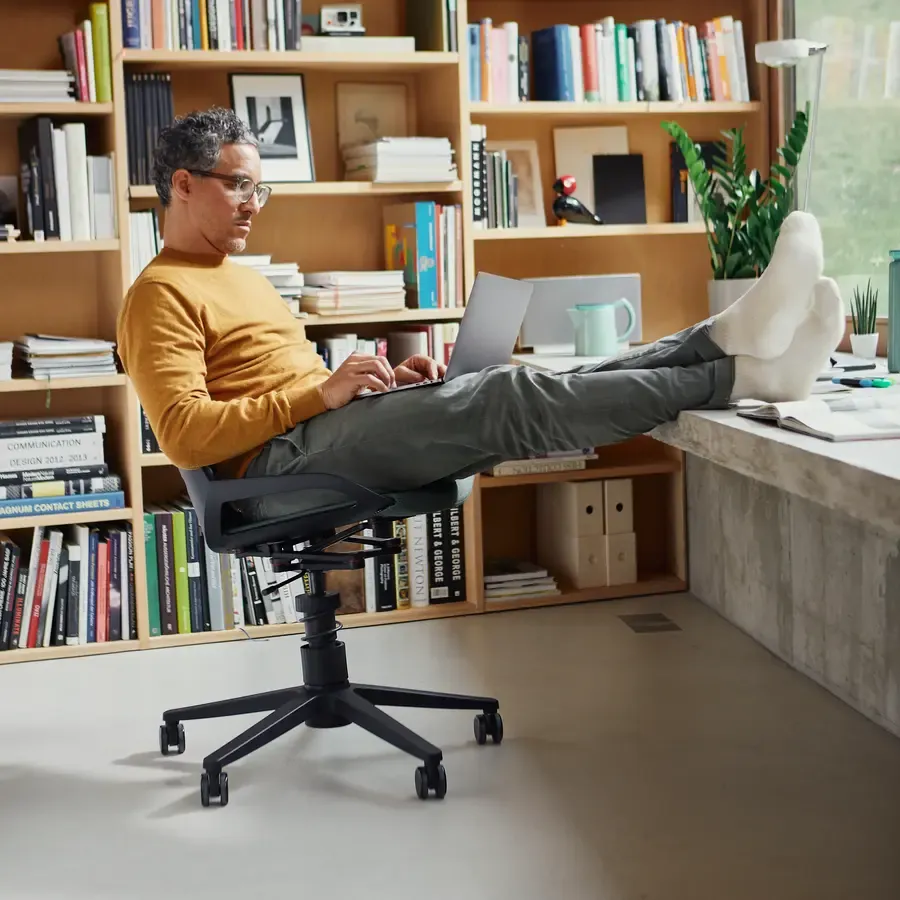
Ergonomic office chairs
A fully adjustable office chair is the foundation of any ergonomic workspace. Browse our range for chairs that suit your body and working style.
View ergonomic office chairsPosition your monitor at the correct height and distance
Ideally, the top of your monitor should be at eye level when you are sitting upright. This way, you look slightly downwards at the centre of the screen and your neck remains in a relaxed position. For most people, the viewing distance is about an arm’s length.
If your screen is too low, which is the case with most standard setups, you will unconsciously bend your neck forwards. A monitor arm or monitor stand helps you easily adjust the screen to the correct height.
Choose ergonomic input devices
An ergonomic mouse and a good keyboard can help reduce strain on your wrist, forearm and shoulder. A vertical mouse keeps your wrist in a more natural position than a standard mouse. A split or slightly curved keyboard reduces the twisting of your wrists whilst typing.
Move regularly: ergonomics is also dynamic
Even the best-designed workstation becomes less effective if you sit motionless at it for hours on end. Stand up regularly, change your posture and move around for a moment in between. A sit-stand desk makes it easy to build that variety into your working day.
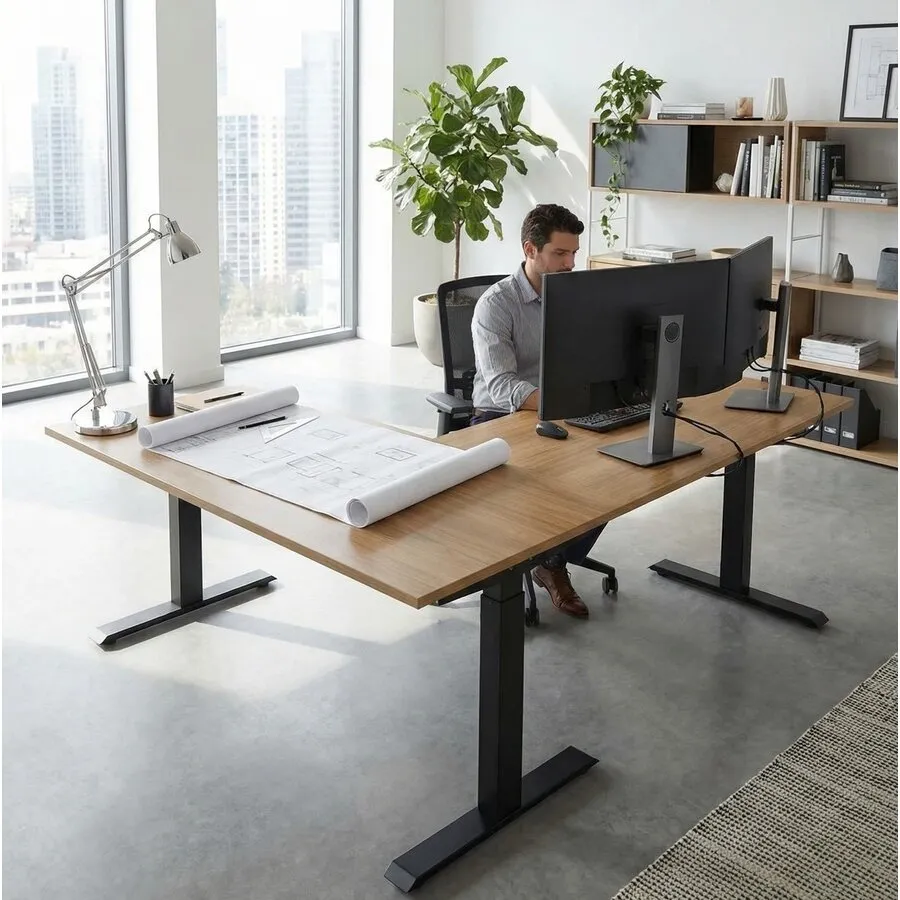
Sit-stand desks
With a sit-stand desk, you can easily switch between sitting and standing. This makes dynamic working a regular part of your working day.
View sit-stand desks5. Frequently asked questions about ergonomics
- What is ergonomics?
Ergonomics is the science concerned with adapting the environment, tools and tasks to the human body and mind. The aim is to enable people to work more efficiently, comfortably and with less strain. The word is derived from the Greek words for work (ergon) and law (nomos).
- What are the three forms of ergonomics?
Ergonomics has three forms: physical ergonomics (physical strain and working posture), cognitive ergonomics (mental strain and the use of systems) and organisational ergonomics (collaboration, communication and working hours). In practice, these three areas regularly overlap.
- Why is ergonomics important in the workplace?
A well-designed workplace can help reduce physical strain, lower the risk of complaints such as back pain and RSI, and improve concentration. Furthermore, employers in the Netherlands are legally obliged to manage ergonomic risks under the Working Conditions Act.
- How can I make my workplace more ergonomic?
Start with the basics: adjust your office chair correctly, ensure your monitor is at eye level and maintain a viewing distance of about an arm’s length. Change your posture regularly and also consider ergonomic input devices such as an ergonomic mouse. Small adjustments often make a big difference.
- What is the difference between ergonomics and comfort?
Comfort is personal: what you find comfortable isn’t necessarily good for your body. Ergonomics is based on research into physical strain and movement patterns. A chair may feel comfortable but still be bad for your posture, or vice versa.
6. In conclusion
Ergonomics is the science behind achieving a better balance between people and their working environment. It goes beyond a good office chair: it encompasses your entire workplace, the systems you use and the way your working day is organised. Those who understand what ergonomics entails make more conscious choices about how they work.
Those choices make a tangible difference: less physical strain, greater concentration and a working day that takes less energy.
Do you want to make your workplace more ergonomic? Then it’s a good idea to start with an ergonomic office chair, and then look into a monitor arm or an ergonomic mouse.